


Noctis Guides: Leveling Guide & Quest Routes
- By

noctis-guides.png
noctis-navigation-wings.png
noctis-guides.png
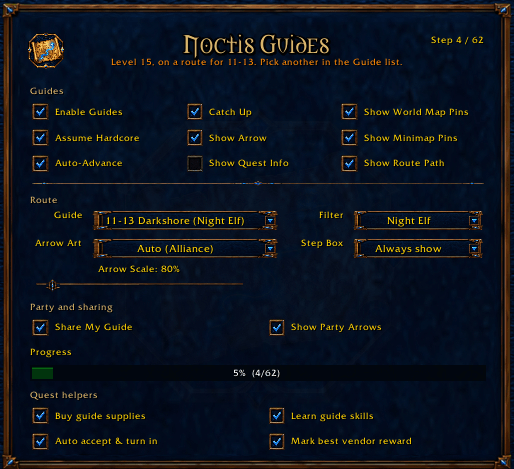
Live: Noctis shows the selected route, progress, arrow scale, map and party controls, and quest-helper options. The route-level warning remains visible. This view does not advance quests or demonstrate purchases, training or turn-ins.

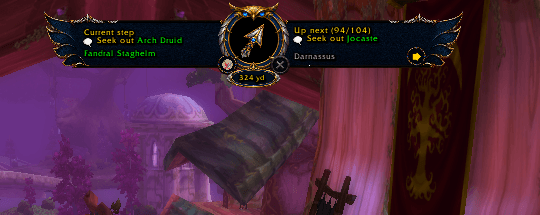
Live: Auto-hidden wings leave the compass, distance badge and two lower controls visible. This native-size detail shows the current 60-yard reading at the player's 80% arrow scale; the guide target and progress were not changed.
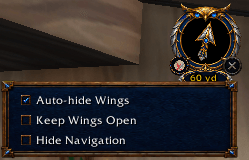
Live: The lower navigation control opens Auto-hide Wings, Keep Wings Open and Hide Navigation choices. Opening the menu does not close the compass or change quest progress.
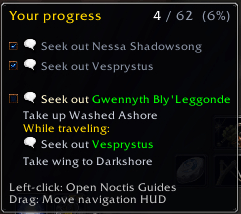
Live detail: The compass hover summarizes saved progress, checked earlier tasks, the current instruction and while-traveling work. This screenshot shows existing route state; no quest objective was completed or advanced during capture.
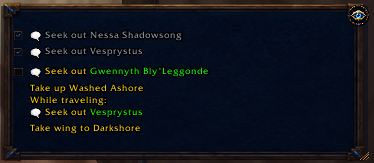
Live: The pinned quest-information box displays completed tasks, the current instruction and while-traveling work in a compact frame. Its visibility control and resize corner remain available. The original hidden preference was restored afterward.
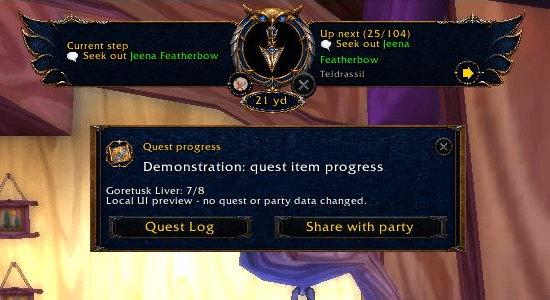
A labeled local preview shows a Goretusk Liver progress notification and its action buttons. The 7/8 count is demonstration data; no party message was sent.
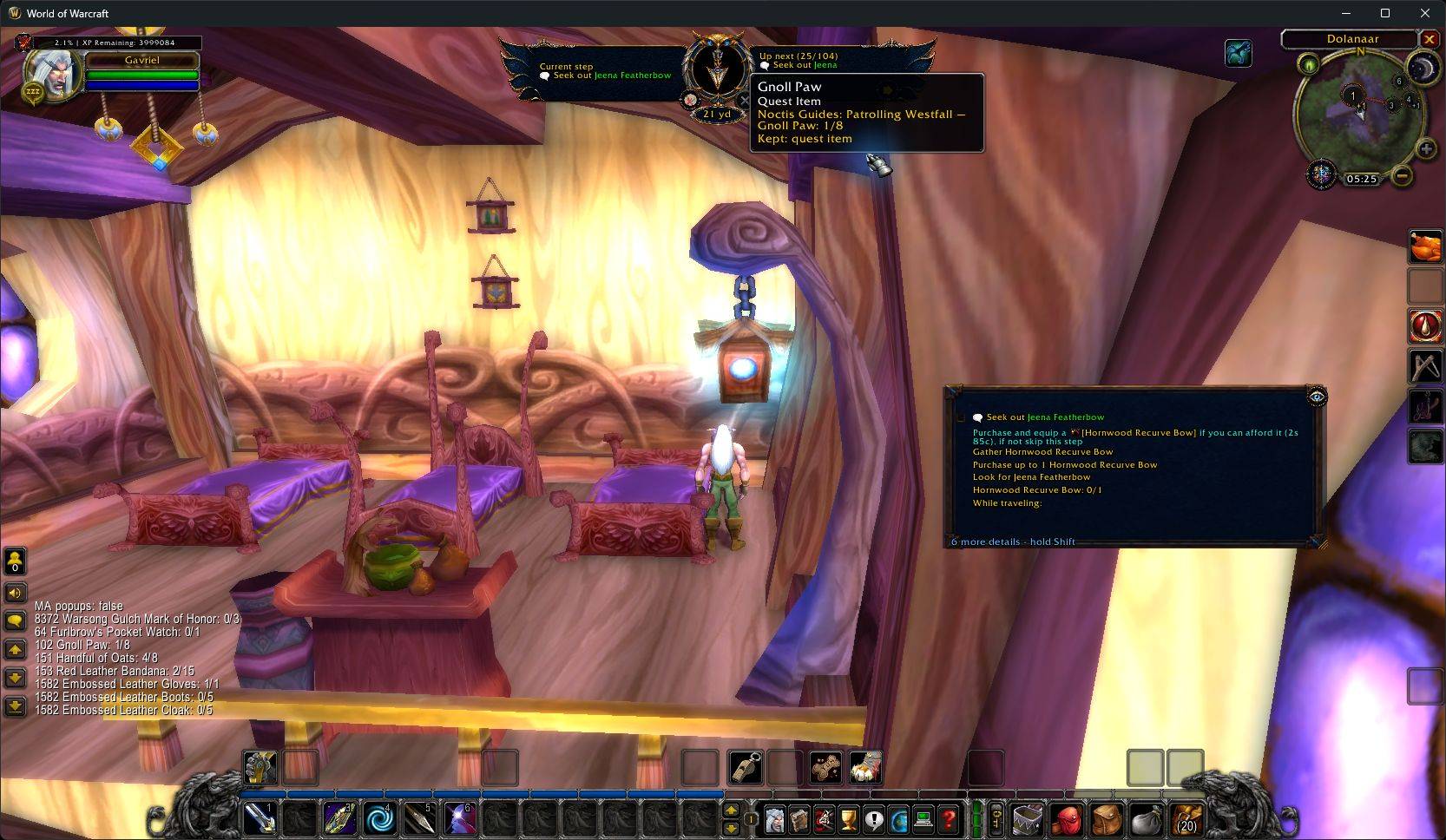
Gnoll Paw shows 1/8 for Patrolling Westfall while a different route is selected. This screenshot shows actual client quest progress.
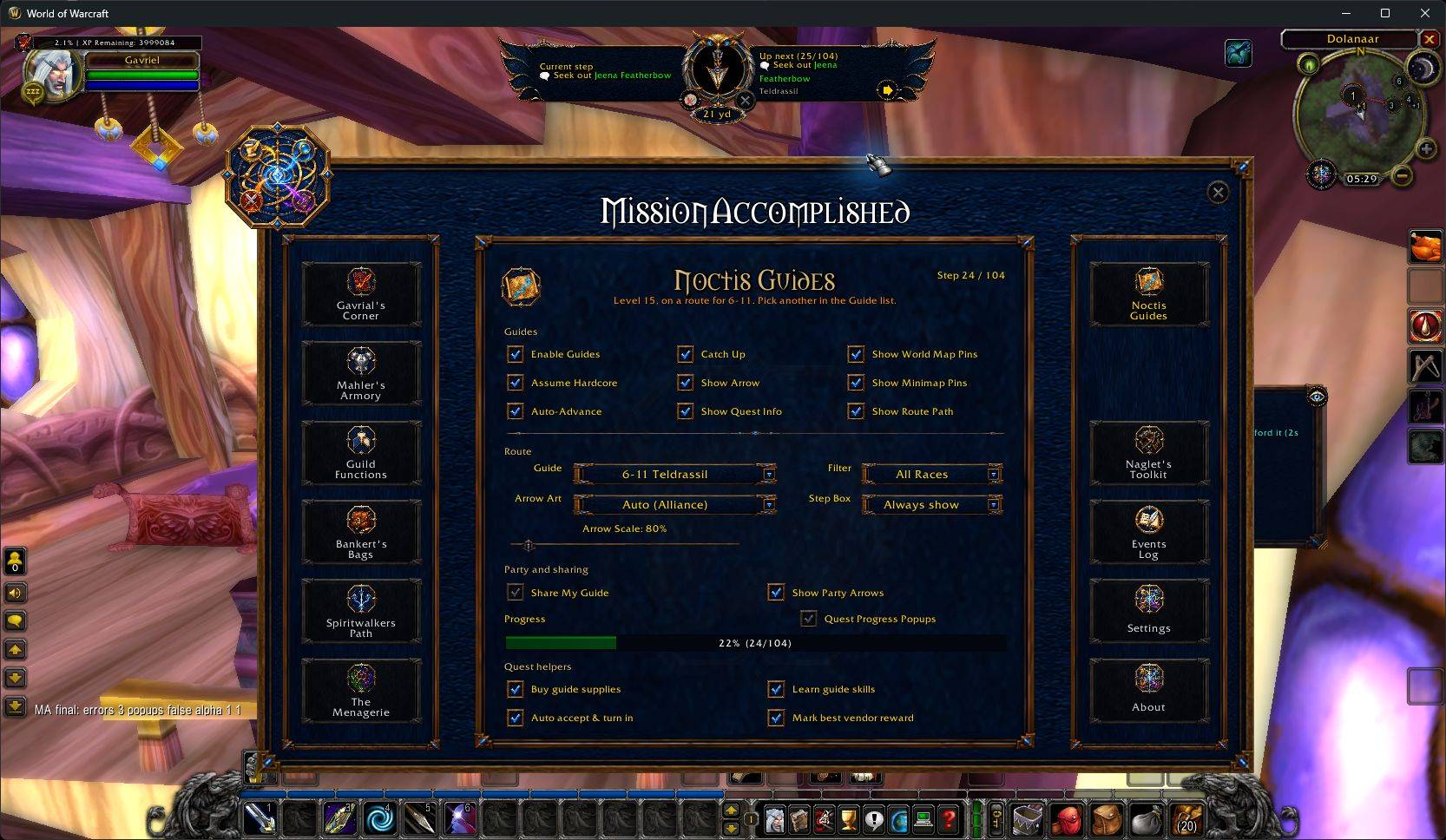
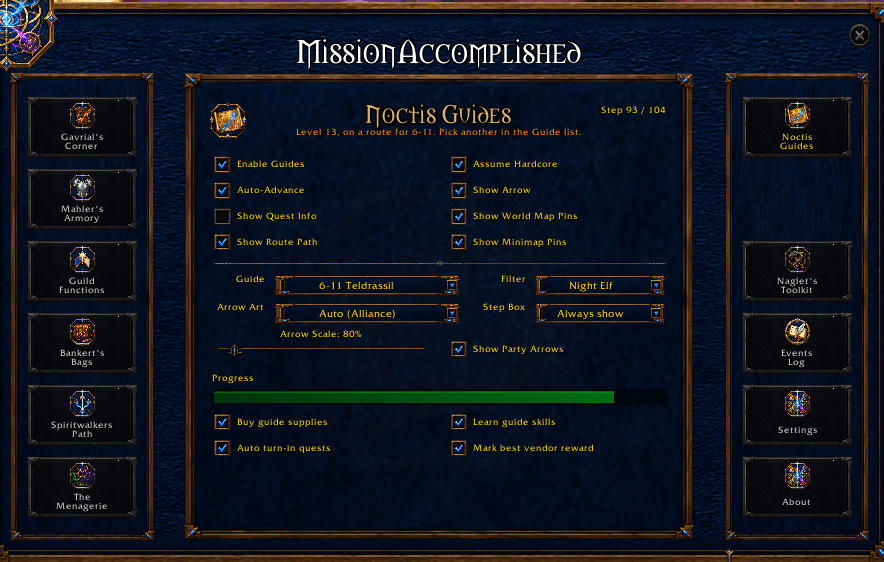
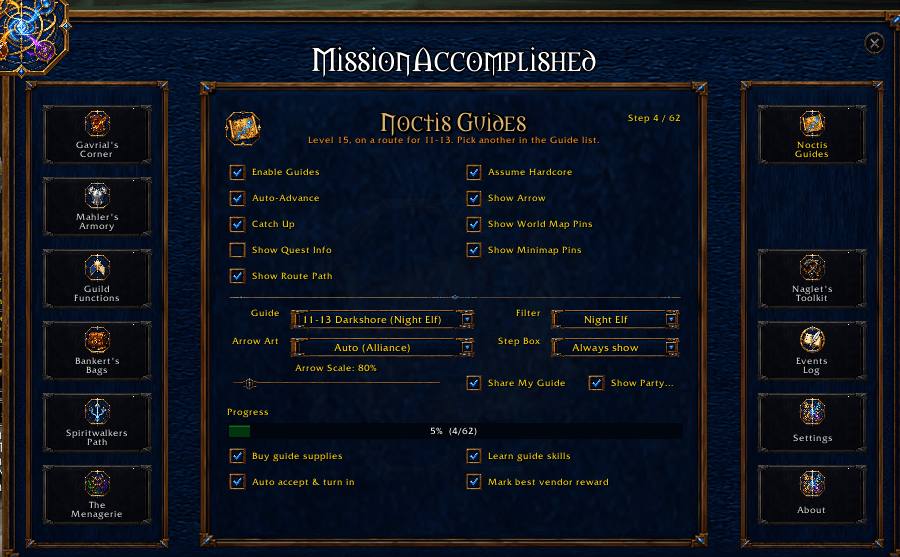
Configure navigation, party arrows, progress notices, and quest-helper options from the Noctis Guides panel.