Mythic Social Tracker
- By
Track, rate, and analyze Mythic+ players you meat with detailed history, tooltips, and UI integration.
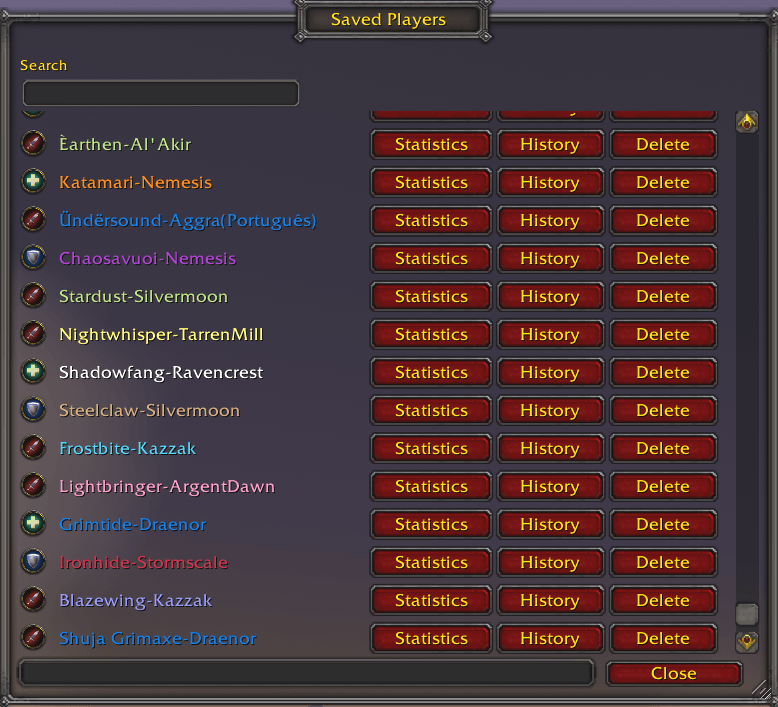
mst-players-3.png

mst-history-4.png

mst-stats-3.png

mst-tooltip-3.png
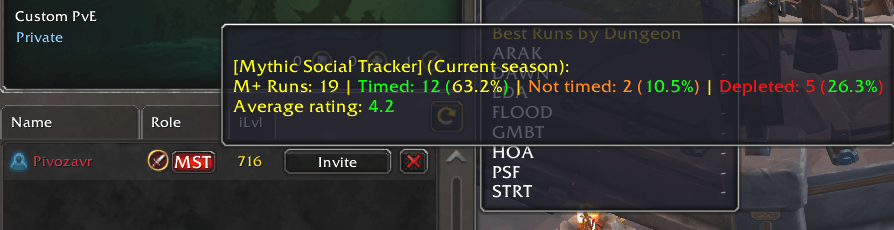
mst-lfg-3.png
Description
Mythic Social Tracker
Mythic Social Tracker is a lightweight addon that helps you track Mythic+ runs, store player history, and enhance group-finding with ratings and tooltips. Whether you’re forming a group in LFG or checking players you’ve run with before, MST gives you the data you need to make better decisions.
Features
Player Tracking
- Stores detailed history for every player you run Mythic+ dungeons with:
- Dungeon
- Role (Tank / Healer / DPS)
- Class
- Specialization
- Key level
- Date & time
- Result (Timed / Not timed / Depleted)
- Optional personal rating (1–5 stars)
- Optional notes
- History grows automatically as you play
- Keeps unlimited records (configurable by editing DB)
Rating System
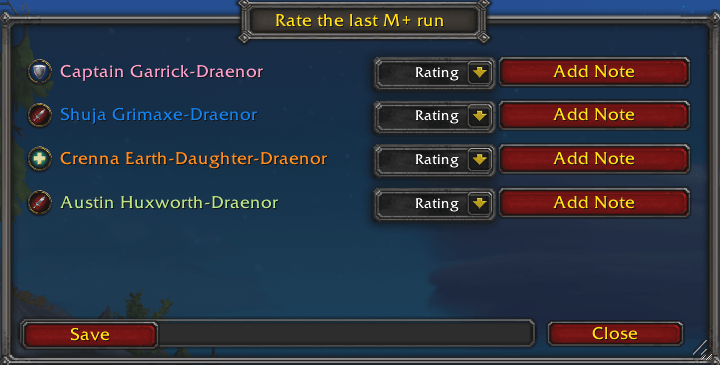
- Rate any player after a dungeon run.
- Ratings are saved per player and shown in tooltips and UI windows.
- Add personal notes to remember impressions.
- Rating is optional, you can just ignore it, data will be saved without it anyway.
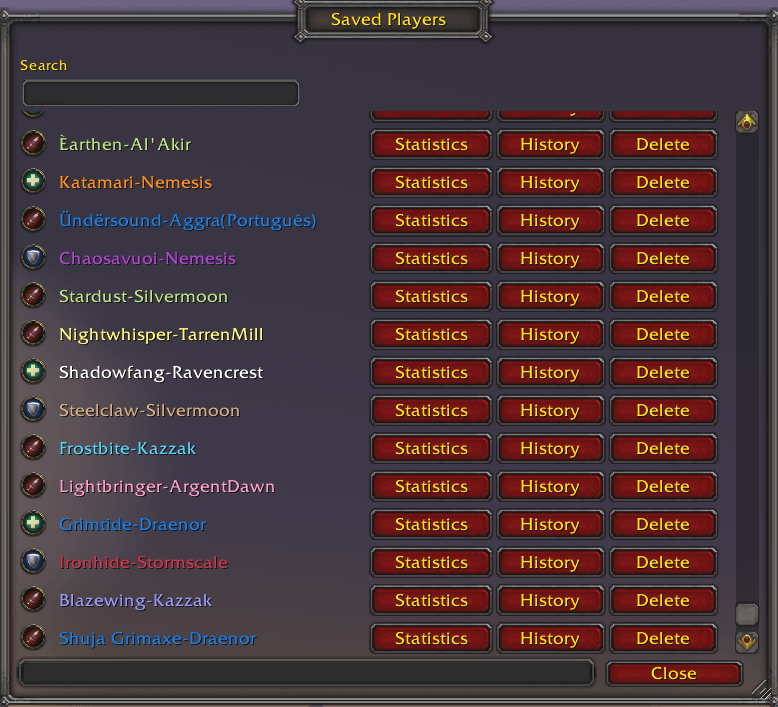
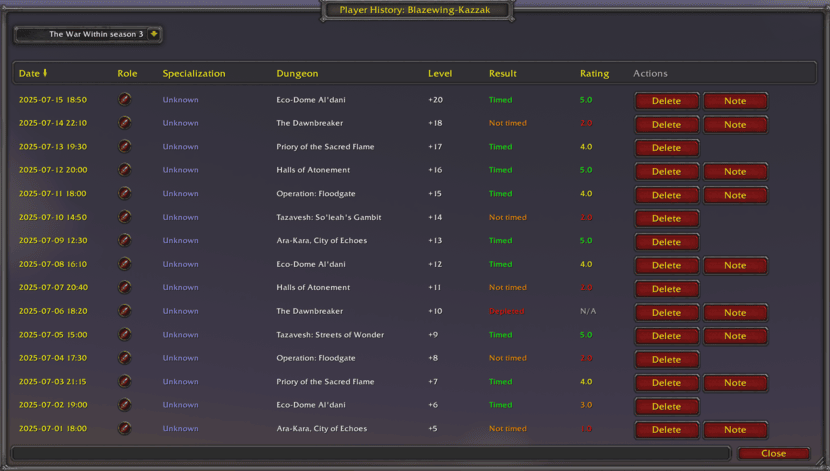
Player History Window
- Open the MST window to browse stored players.
- View their full run history with sorting by last run date.
- Clean, scrollable UI with role icons.
- Option to remove players or runs from history.
- Ability to search players by name.
- Ability to filter history by season.
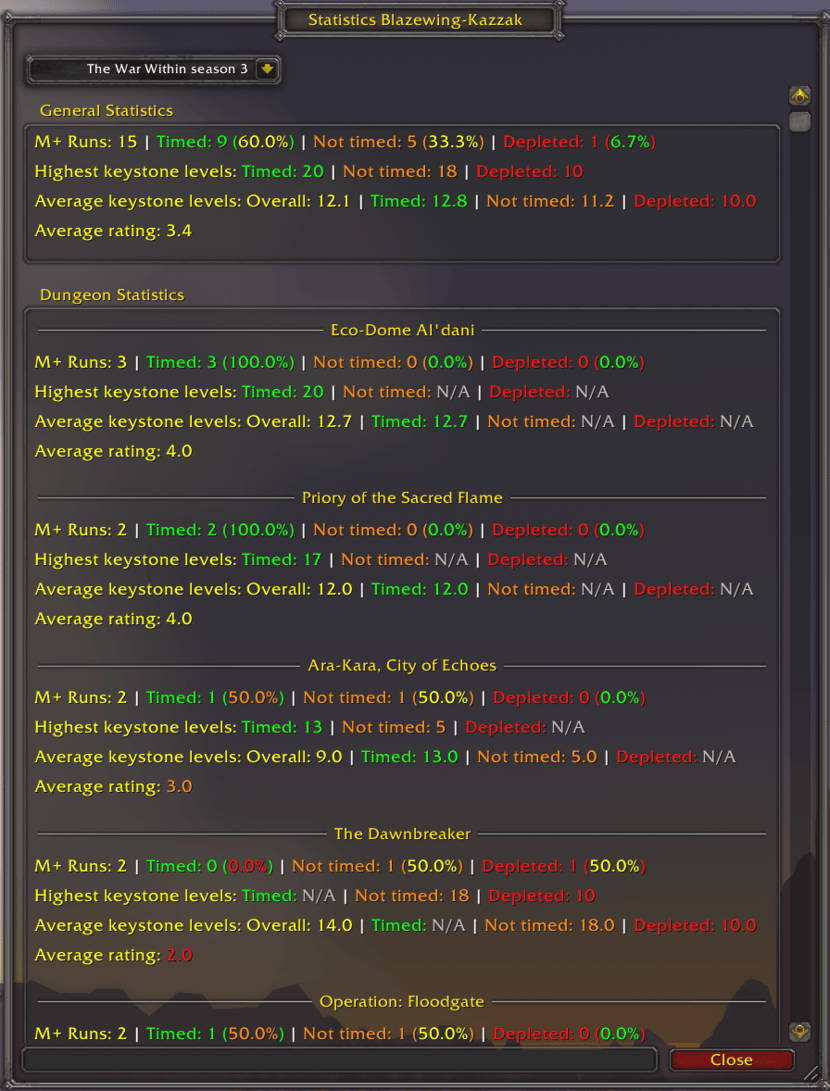
Player Detailed Statistics Window
- Open the statistics window to view various data you may need.
- Ability to filter statistics by season.
- Clean, scrollable UI with informative colored description.
Tooltips Integration
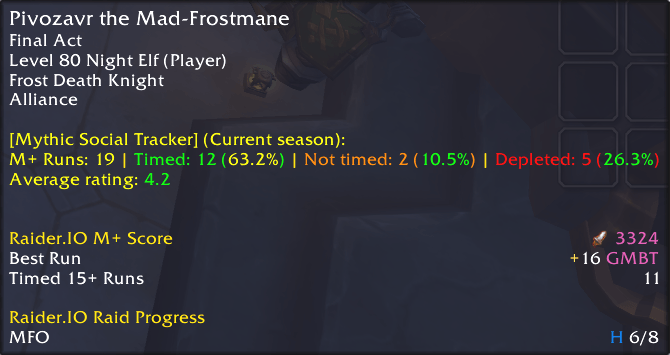
MST enhances default WoW tooltips with your stored data:
- Player tooltips (when hovering in the world, dungeons, etc.)
- LFG applicant tooltips (see a player’s history before inviting them)
- LFG leader tooltips (see group leaders’ history)
Each tooltip shows:
- Quick summary of number of runs together
- Average rating
LFG Enhancements
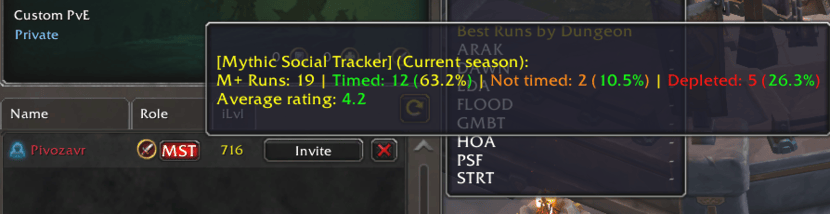
- Adds MST button next to applicants in LFG list (if data exists).
- Click to instantly open their history.
- Hover to see quick summary and rating.
Minimap Button
- Quick access to:
- Main menu window
- Options
Can be enabled/disabled in options.
Settings & Options
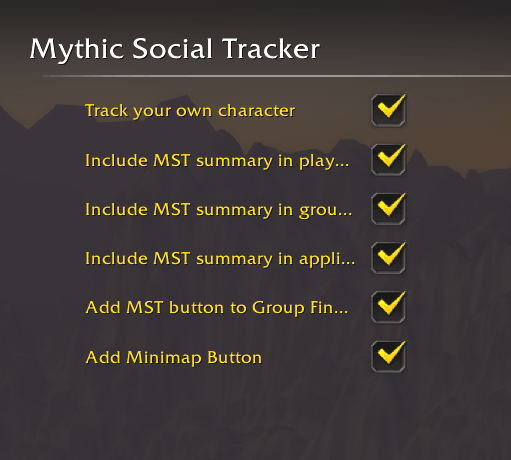
Available in the WoW Settings → AddOns → Mythic Social Tracker panel:
- Enable/disable self tracking (whether to store your own character data).
- Toggle player tooltips.
- Toggle LFG leader tooltips.
- Toggle LFG applicant tooltips.
- Enable/disable MST button in LFG.
- Enable/disable minimap button.
Why Use Mythic Social Tracker?
Forming groups is easier when you know who you’re inviting.
MST remembers your past runs, so you don’t have to. Avoid toxic players, keep track of great teammates, and build your Mythic+ social network!
Mythic Social Tracker Team