Musca Auras
- By
WeakAuras fork for WoW Forever that keeps working in combat. One-click HUD for all 9 classes.
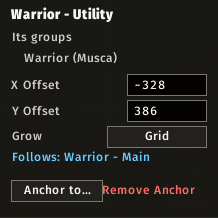
Capture d'écran 2026-11-12 234226.png
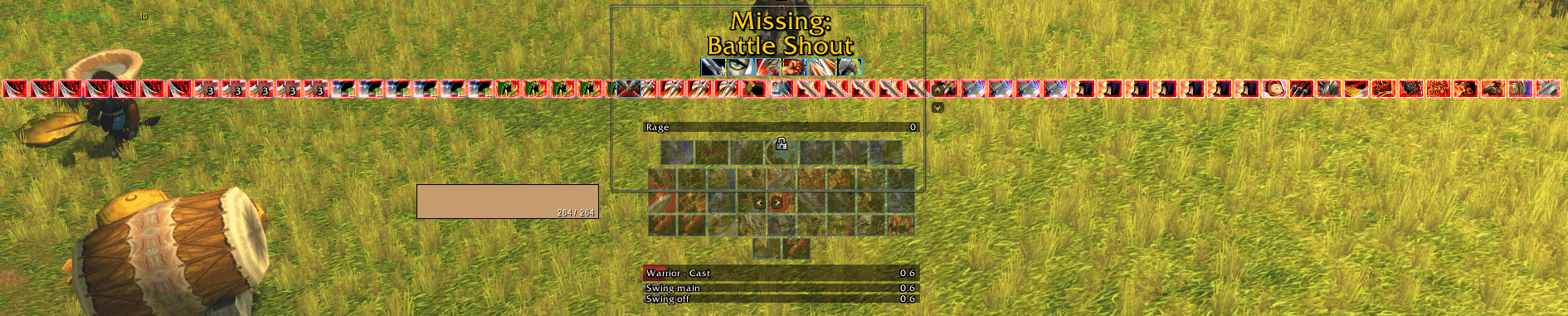
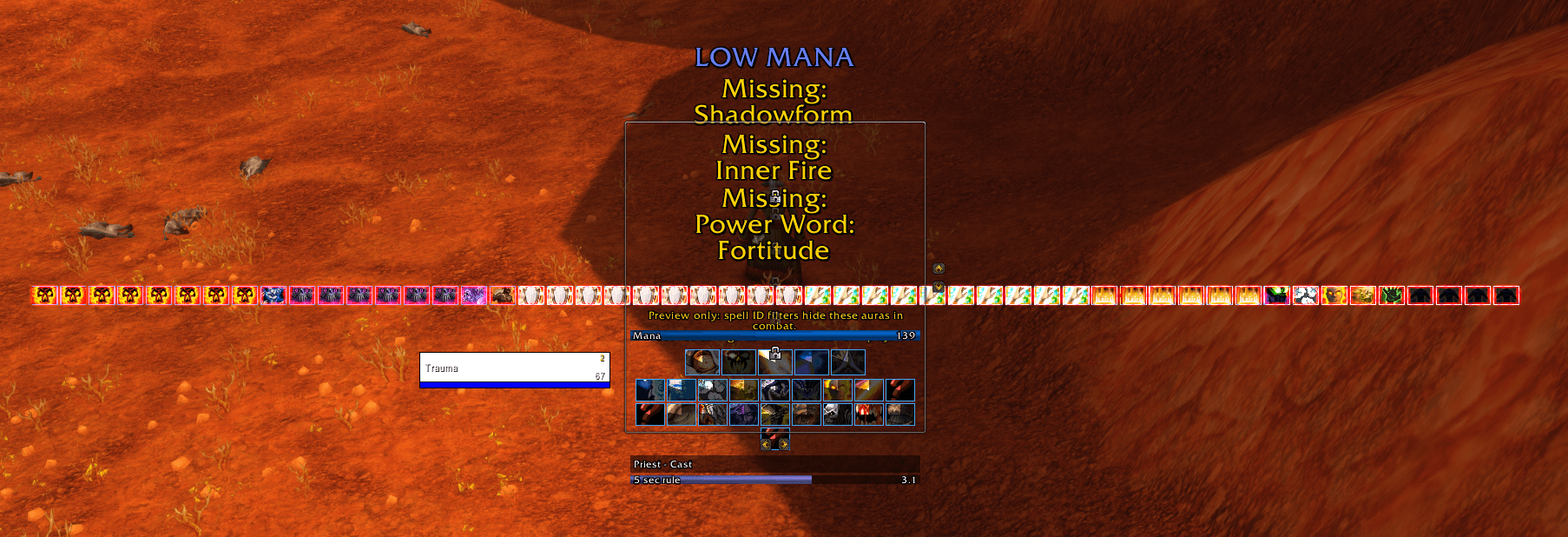
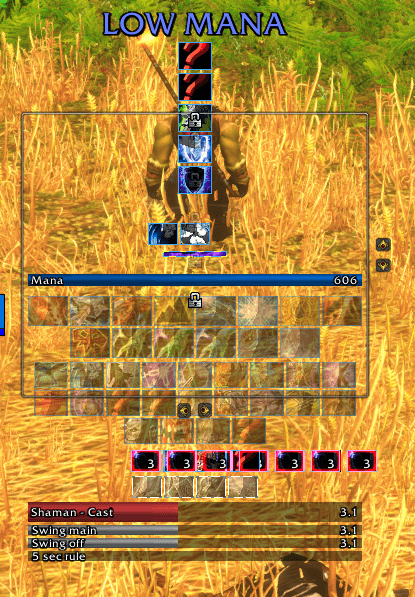

Description
Musca Auras
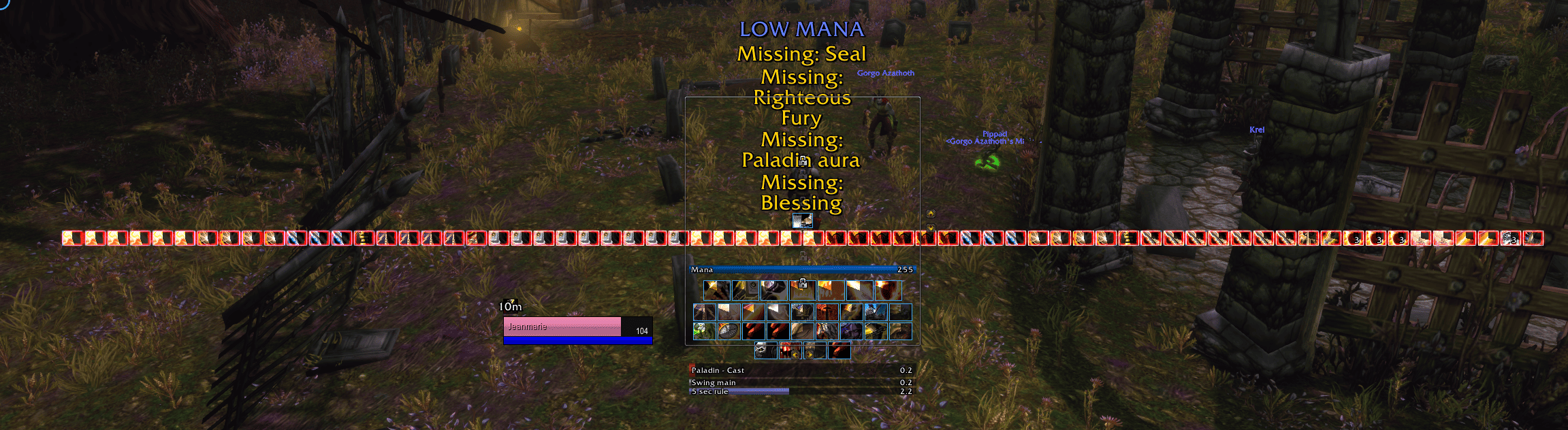
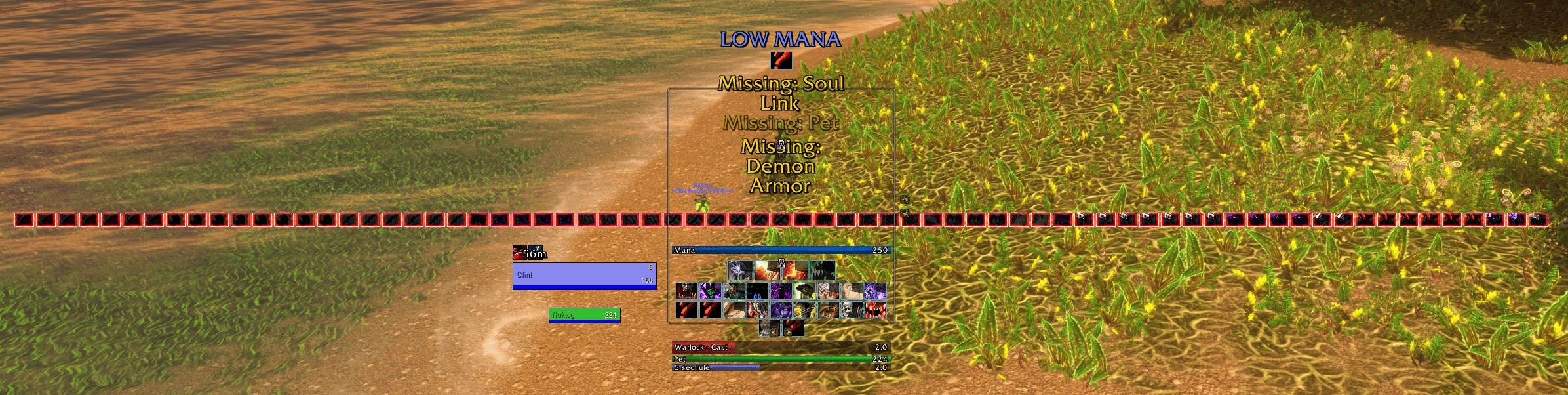
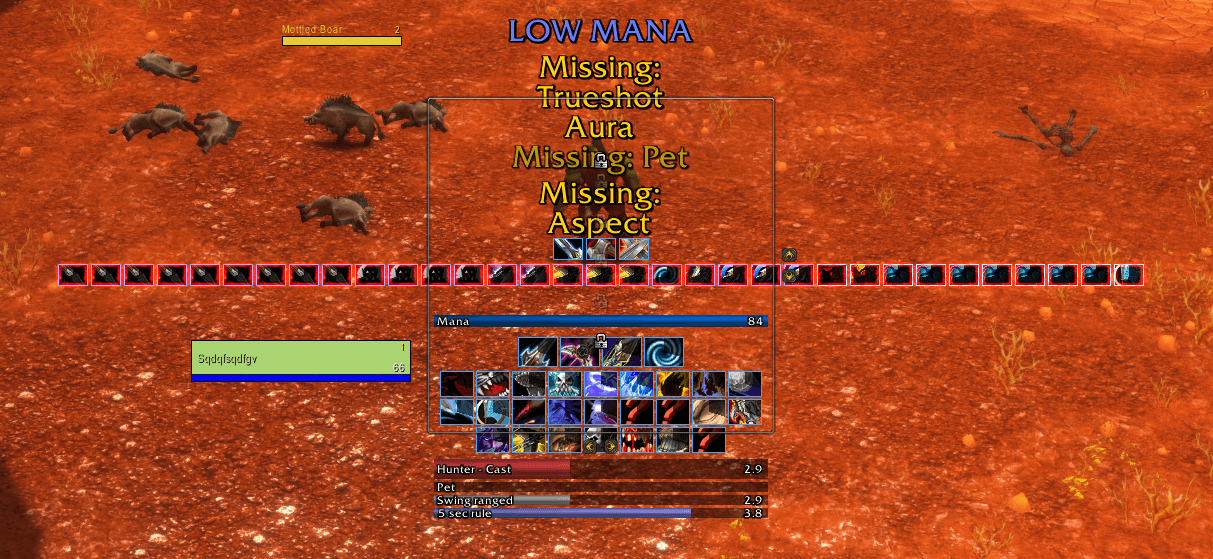
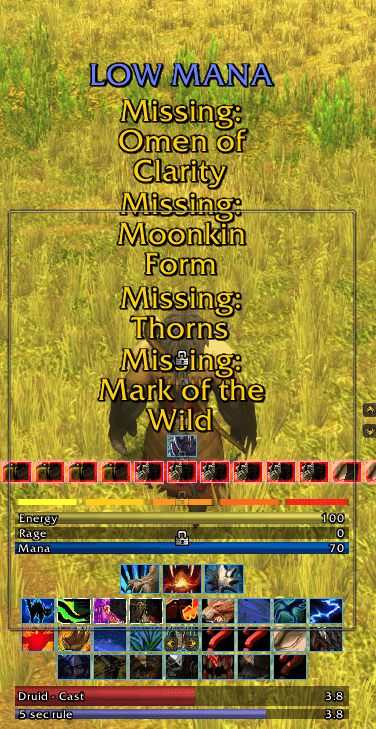
Icons, bars and texts for your buffs, debuffs and cooldowns on WoW Forever, with a ready-made HUD for your class in one click. Based on WeakAuras.
🌐 Website · 💬 Discord · 📖 Guide · 🐞 Report a bug
🎮 Your class HUD, ready to play
One click imports a complete set of auras for your class: buffs to keep up, procs, cooldowns, a resource bar and timer bars, already placed on your screen.
Druid · Hunter · Mage · Paladin · Priest · Rogue · Shaman · Warlock · Warrior
🚀 Quick start
- Install Musca Auras and start the game.
- On the welcome window, click Install the full HUD, or Choose blocks to take only a part of it. Missed it? Type /wa welcome.
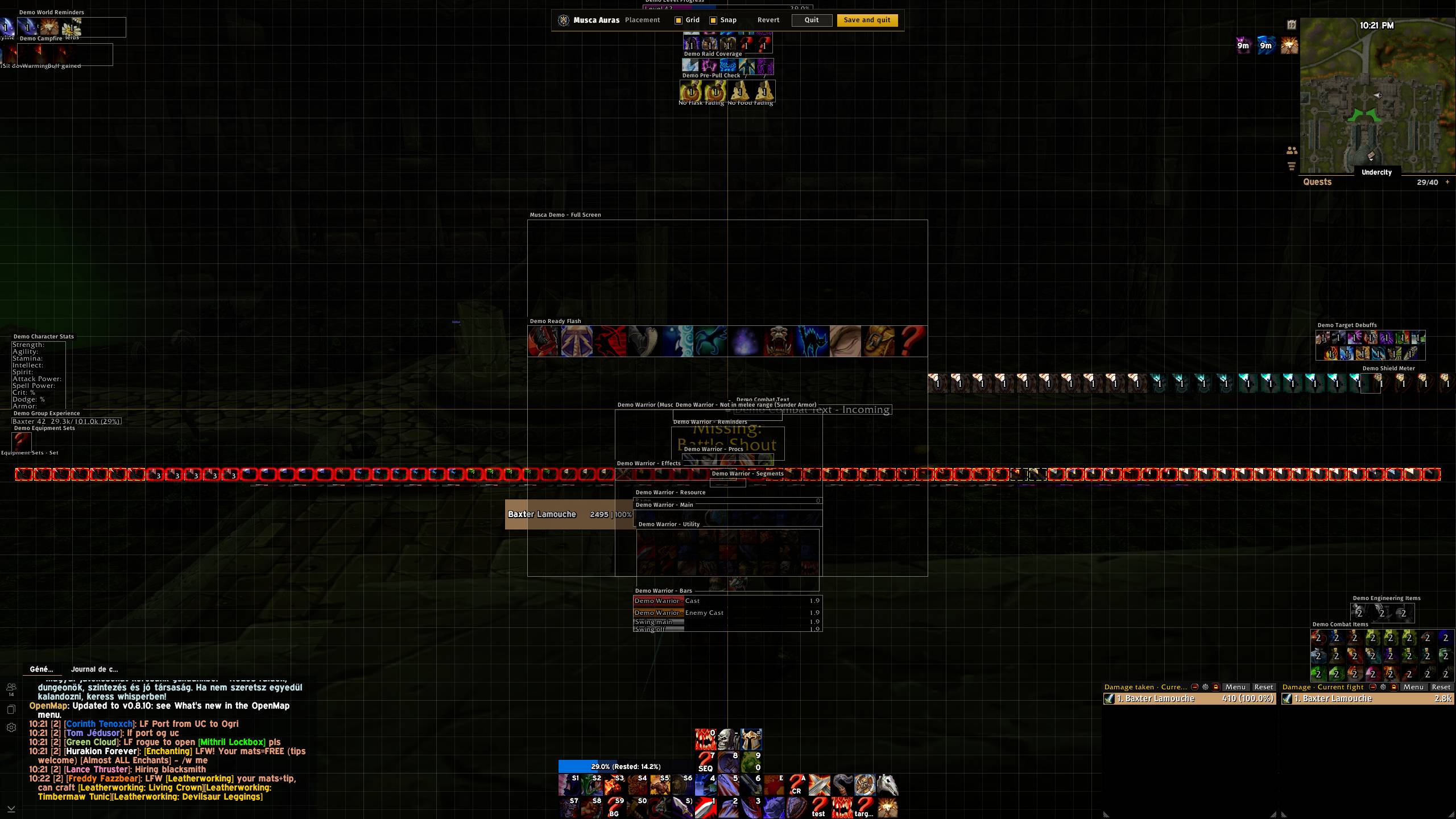
- Place your auras: type /wa unlock, drag the boxes, then click Save and quit.
- Make it yours: type /wa to change any aura. New to auras? Click Guide at the top of the
/wawindow.
Do not install it next to another WeakAuras build. The folder name and the saved settings are the same, on purpose, so your existing auras keep working.
🆕 New in 1.21
- Safe mode:
/wa safemodereloads your UI with every aura paused and no custom code run, to find the aura that breaks your UI. Type it again, or/reload, to leave. - Diagnostic report:
/wa reportshows a report to copy into a bug report. It holds no character, realm or guild name. - Pack check:
/wa packchecklists the spells of your class pack auras that your character does not know. - AddOn Loaded: a new load option. The aura loads only when the addons you name are loaded.
- Missing media at import: an aura that uses a font, border, background or bar texture you do not have lists it, and shows the default one instead.
- Gnome racials in the class packs: Eureka! for every class, Confounding Flash and Contingency Plan for the priest. They show only when your character knows the spell.
- Fixed:
/wa unlockno longer shows the auras of your other characters.
After the update: click Update <your class> HUD in the message shown at login to get the new racials.
Also since 1.19: a welcome window, /wa toggle to pause every aura, /wa mute to turn their sounds off, the number of auras of each pack on the Packs page, and the Click Action element to make an aura cast a spell, use an item or run a macro on click.
Full list in the Files tab.
⌨ Commands
- /wa: open the options. /wa unlock: place your auras. /wa welcome: show the welcome window again.
- /wa toggle: pause or resume every aura. /wa mute: turn the sounds of every aura off or on.
- /wa safemode, /wa report, /wa packcheck: find a broken aura, report a bug, check your class pack spells.
- /wa help: every command.
🧩 24 utility packs, for every class
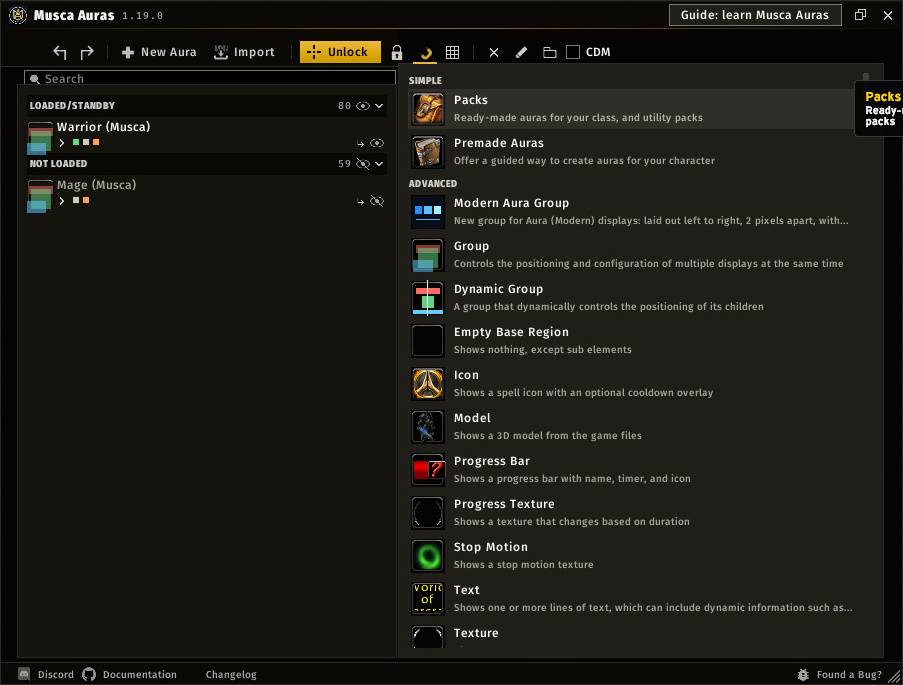
On the Packs page (/wa, New Aura, then Packs), each pack installs in one click.
- Combat: Ready Flash, Combat Text, Combat Items, Engineering Items, Shield Meter, Center Mark.
- Group and Buffs: Buff Check, Raid Coverage, Pre-Pull Check, Conjured Supplies, Announcements (battle rez, soulstone and summon told to your group).
- Target and Enemies: Target Debuffs, Nameplate Aggro, Crowd Control, Armor Shred, Enemy Targets.
- Character: Level Progress, Character Stats, Group Experience, Equipment Sets (click an icon to equip the set).
- World: World Reminders, Campfire (click to sit), Guild Campfires, Object Highlight.
Group Experience and Guild Campfires only show the players who also run the pack.
⚡ Made for WoW Forever
WoW Forever looks like Classic, but it runs on the modern game engine, which hides most combat data from addons. Musca Auras is WeakAuras 5.22.0 ported to WoW Forever (client 1.60.1):
- Buffs, debuffs, cooldowns, health and power keep updating in combat.
- Alerts for low health and low resource in combat, for example an icon at 80 energy or more.
- Colors that react in combat: interruptible casts, spells out of range, not enough mana or rage, a timer about to run out.
- Damage over time timers from your own casts, with no code to write.
- Spells typed by name, in your game language: every rank of the spell is tracked.
- An import check that warns about auras that cannot work on WoW Forever.
🎯 Limits
⚠ Works, with limits
- Buffs and debuffs move in combat only with the Aura (Modern) trigger, used by default for new auras. The classic Aura trigger freezes in combat.
- In combat, conditions only change transparency, color, grey-out, text and the visibility of sub elements.
✖ Does not work
- Combat log triggers never fire: the game forbids the combat log to addons.
- Other players' casts, enemy names and IDs in instances are hidden.
🌐 Auras made elsewhere
- Auras from Wago or WeakAuras import the usual way. Those that rely on the combat log need to be updated.
- ForeverAuras auras: the Aura (Modern) and Cooldown Manager auras import as they are.
- Custom code: some removed functions (
GetSpellInfo,UnitBuff…) are replaced, butUnitAura,UnitBuffandUnitDebuffstop in combat on a hidden aura. Auras that call other removed functions need to be updated: the import report tells you which ones.
🔄 Updating from an older version
Install the latest version, then click Update <your class> HUD in the message shown at login, or Whole HUD on the Packs page. Your positions and options are kept.
- Your own auras are kept. 1.12 converts stance and form auras: an older version no longer reads them correctly.
- Skipped a version? Read the changelog of each version you skipped, its After the update steps first.
- Lua errors, or an aura no longer behaves as before? Type /wa safemode to find the aura that breaks, then report it on Discord, GitHub or CurseForge with the text of the error and the /wa report text. You can also install the previous version again from the Files tab (before 1.12, your stance and form auras then need to be set again).
⚖ License and credits
- Musca Auras is a modified version of WeakAuras2, © The WeakAuras Team, released under the GNU General Public License v2. Changes © 2026 dldvlpr, same license.
- Imports ForeverAuras auras: saved field names stay compatible. Versions up to 1.12 held code from ForeverAuras (Neroxrw), GPL v2, and versions before 1.10 code from M33kAuras (m33shoq).
- Specialization and spell rank data come from talentsforever.com, under CC-BY 4.0.
- Bundled libraries keep their own licenses, included in their folders under
WeakAuras/Libs/. - Source code and change list: every modified file is listed in CHANGES.md, as required by the GPL v2 section 2a. Full source: github.com/dldvlpr-addons-wow/Musca-Auras.
- No warranty. This addon is provided as is, without warranty of any kind, as stated in the GPL v2.
- Not affiliated with or endorsed by The WeakAuras Team, m33shoq, Neroxrw or Blizzard Entertainment. World of Warcraft and WoW Forever are trademarks of Blizzard Entertainment, Inc.
Musca Auras Team

Owner