
MultiTargets
- By

A World of Warcraft addon that allows players to define a list of targets to rotate instead of having to type /tar.
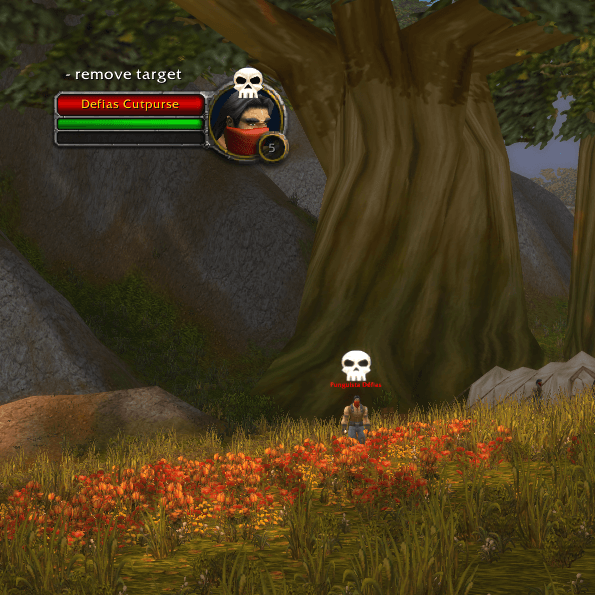
This button will be placed at the top of the target frame to easily add or remove that target to the target list.
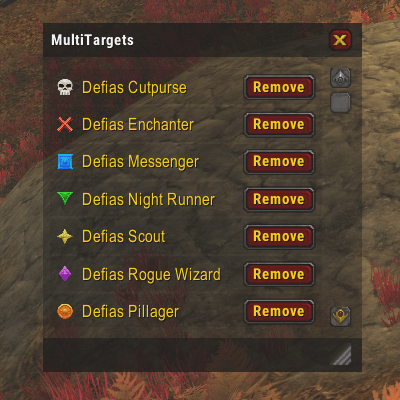
The Target Window was introduced in the version 1.1.0 and offers a visual representation of the current target list state plus a few tools to manage it
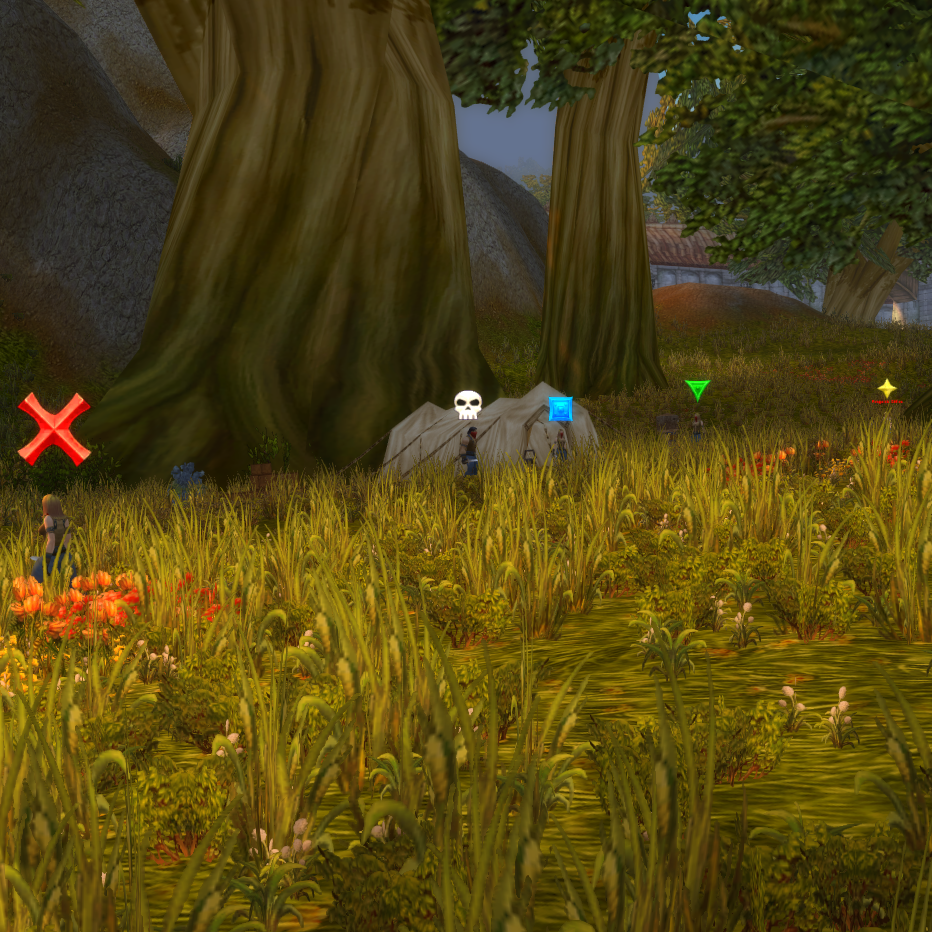
When multiple targets are in a list, pressing the macro key multiple times will result in up to 8 enemies marked.