Move Extra Action Button
- By
Move the ExtraActionButton1 anywhere on your screen with a simple /eab toggle.
English · Español más abajo




Move Extra Action Button is a World of Warcraft addon for MoP Classic and TBC Classic. Move the Extra Action Button and the alternate power bar anywhere on screen.

What it does
Move Extra Action Button adds a small mover frame for ExtraActionButton1, the big button some encounters and quests give you. Show the mover, drag it where you want and the button snaps to it. On Mists of Pandaria Classic it can also move the Alternate Power Bar.
Screenshots
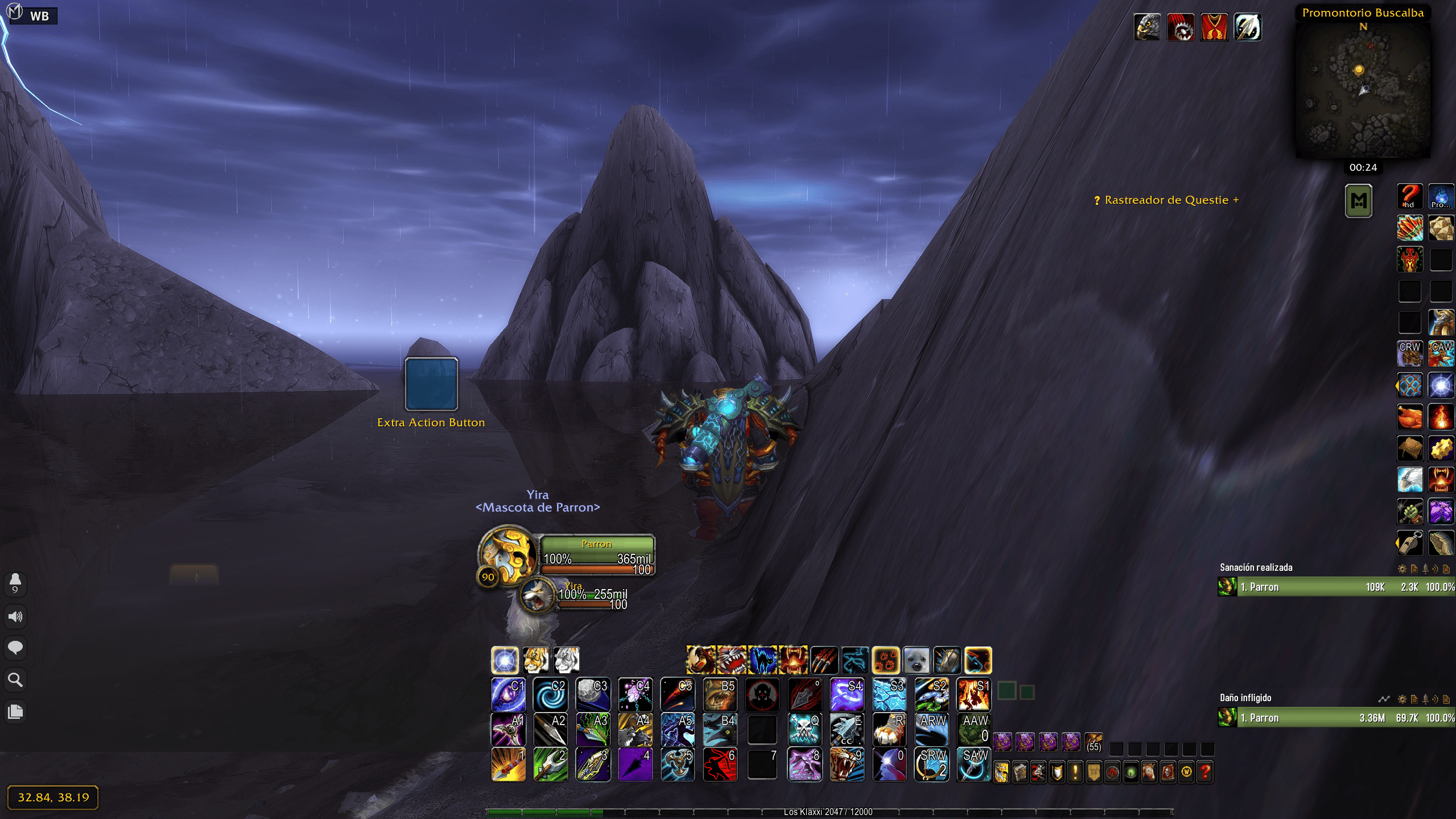 Default position |
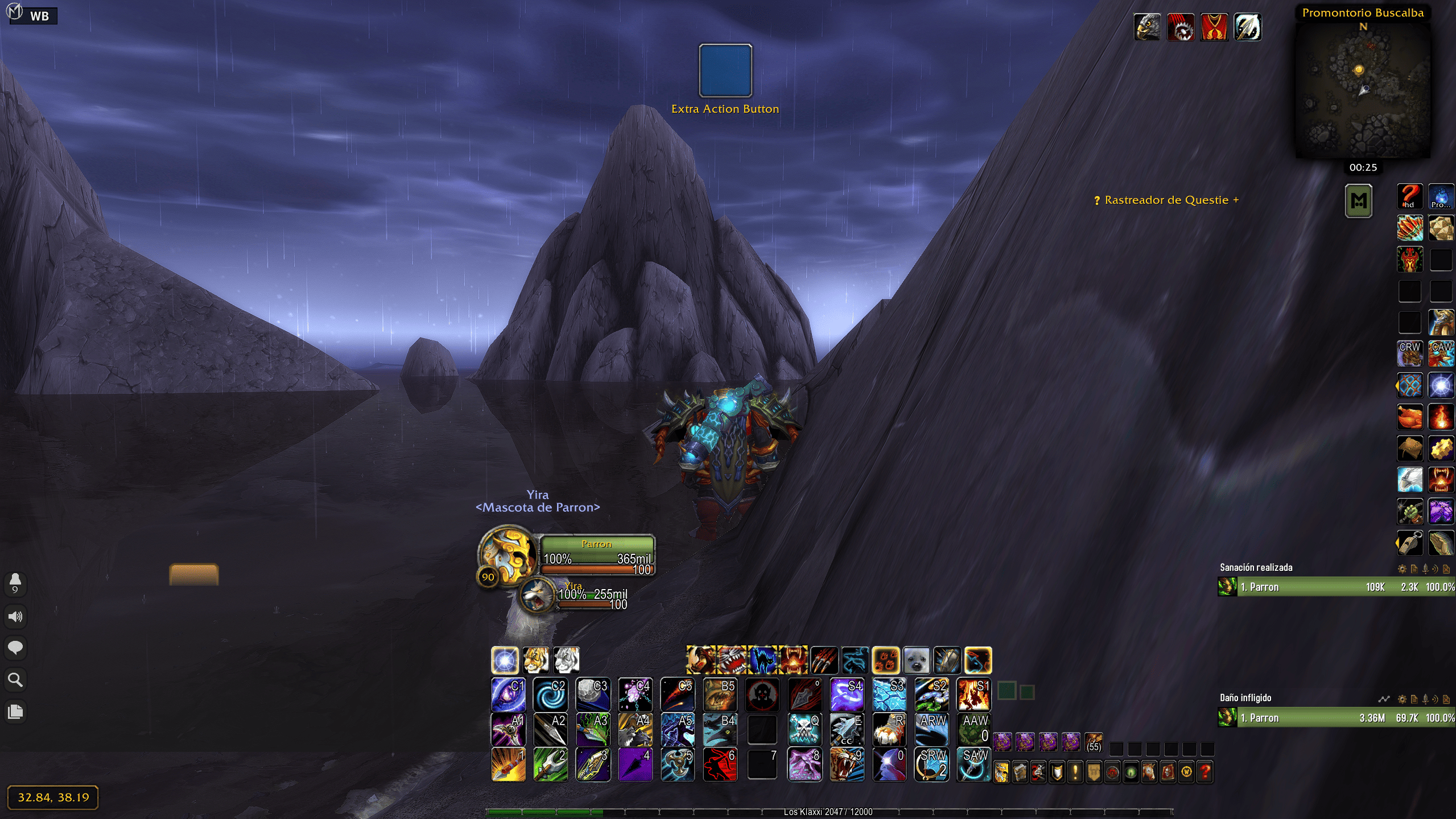 Moved to a new position |
Features
- Blue mover frame for the Extra Action Button (
/eab). - Mists Classic only: orange mover frame for the Alternate Power Bar (
PlayerPowerBarAlt) (/eap). - The button is re-anchored to the mover on login, after combat and whenever the extra action bar, vehicle or alternate power bar updates.
- Never touches protected frames during combat (in Mists Classic the movers can't be dragged or toggled in combat either).
- Labels and help translated into 20 languages.
How to use
/eab— show or hide the Extra Action Button mover. Drag it with the left mouse button./eap— show or hide the Alternate Power Bar mover (Mists Classic)./eab helpor/eap help— list the commands (Mists Classic).
Installation
- Install it with the CurseForge app (recommended: it keeps the addon updated and puts it in the right client), or download the ZIP from the Files tab.
- If you install by hand, extract the
MoveExtraActionButtonfolder intoWorld of Warcraft/<version>/Interface/AddOns/. - Restart the game and make sure Move Extra Action Button is enabled in the AddOns list.
Compatibility
Works on: MoP Classic · TBC Classic · MIT License
Good to know
- There are no options and no saved variables: the mover is a regular movable frame, so its position is kept by the game's own frame layout.
Support the project
Move Extra Action Button is made in my free time. If it makes your adventures better, you can support it, or simply leave a comment, a rating or share it with your guild.
Found a bug or have an idea? Tell me on Discord.



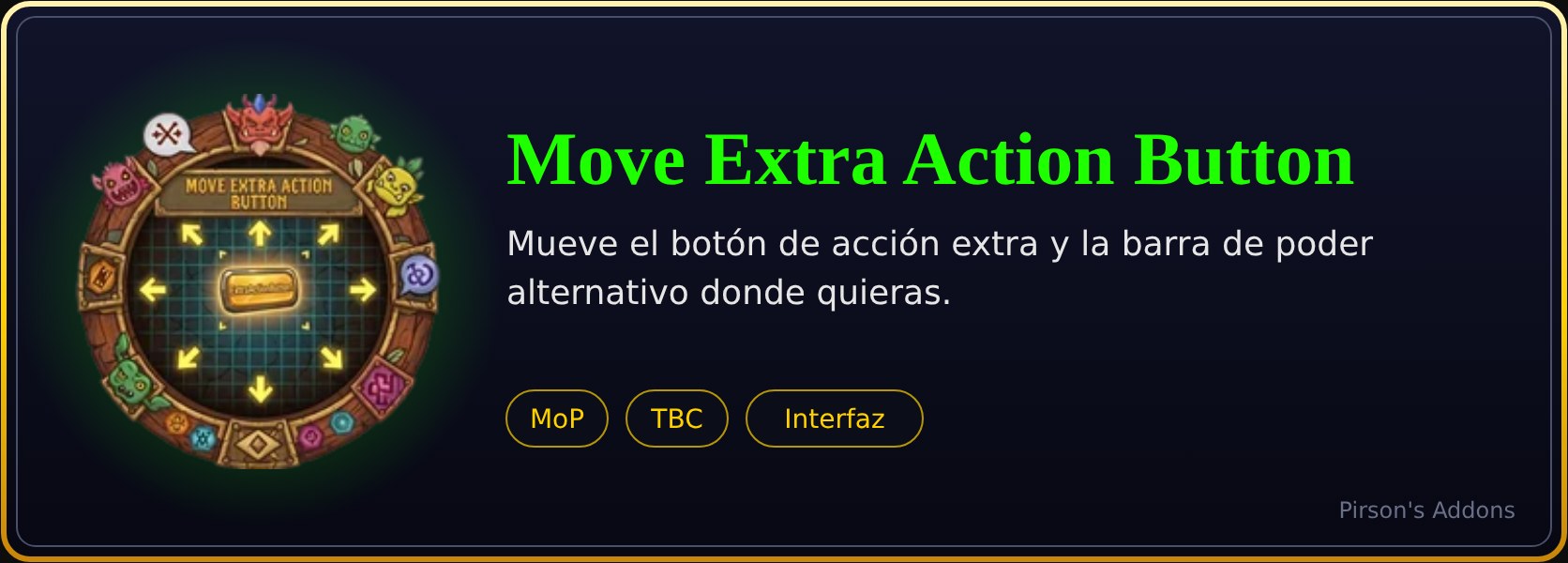



Move Extra Action Button es un addon de World of Warcraft para MoP Classic y TBC Classic. Mueve el botón de acción extra y la barra de poder alternativo donde quieras.
Qué hace
Move Extra Action Button añade un pequeño marco para mover ExtraActionButton1, el botón grande que te dan algunos encuentros y misiones. Muestra el marco, arrástralo donde quieras y el botón se coloca encima. En Mists of Pandaria Classic también permite mover la barra de poder alternativo.
Capturas
Posición por defecto |
En su nueva posición |
Funciones
- Marco azul para mover el botón de acción extra (
/eab). - Solo en Mists Classic: marco naranja para mover la barra de poder alternativo (
PlayerPowerBarAlt) (/eap). - El botón se vuelve a anclar al marco al entrar al juego, al salir de combate y cada vez que se actualizan la barra de acción extra, el vehículo o la barra de poder alternativo.
- Nunca toca marcos protegidos en combate (en Mists Classic tampoco se pueden arrastrar ni mostrar/ocultar los marcos en combate).
- Textos y ayuda traducidos a 20 idiomas.
Cómo se usa
/eab— muestra u oculta el marco del botón de acción extra. Arrástralo con el botón izquierdo del ratón./eap— muestra u oculta el marco de la barra de poder alternativo (Mists Classic)./eab helpo/eap help— lista los comandos (Mists Classic).
Instalación
- Instálalo con la app de CurseForge (recomendado: se actualiza solo y lo coloca en el cliente correcto) o descarga el ZIP de la pestaña Files.
- Si lo instalas a mano, descomprime la carpeta
MoveExtraActionButtonenWorld of Warcraft/<versión>/Interface/AddOns/. - Reinicia el juego y comprueba que Move Extra Action Button está activado en la lista de addons.
Compatibilidad
Funciona en: MoP Classic · TBC Classic · Licencia MIT
A tener en cuenta
- No tiene opciones ni variables guardadas: el marco es un marco movible normal, así que su posición la guarda el propio juego en su disposición de marcos.
Autor: Pirson · GitHub · CurseForge · Licencia MIT
Apoya el proyecto
Move Extra Action Button se hace en mi tiempo libre. Si mejora tus aventuras, puedes apoyarlo, o simplemente dejar un comentario, una valoración o compartirlo con tu hermandad.
¿Un bug o una idea? Cuéntamelo en Discord.


Move Extra Action Button: World of Warcraft addon · Interface · Move the Extra Action Button anywhere · addon de World of Warcraft · Interfaz · Mueve el botón de acción extra. Compatible with MoP Classic, TBC Classic.
Move Extra Action Button Team

Owner