


MMT_Team.jpg
MMT_Roles.jpg
MMT_XPwindow.jpg
MMT_LootDistro.jpg
MMT_TradeVendor.jpg
MMT_QuestAutomations.jpg
MMT_QuestTracker.jpg
MMT_Automations.jpg
Description
This is manually updated. For the most recent version check GitHub:
https://github.com/bnetworking/MMT
MMT (Manage My Team) is a lean and open multiboxing assistant for WoW: Forever.
It's focusing on providing management, tracking and QoL features when using multiple accounts.
Core features
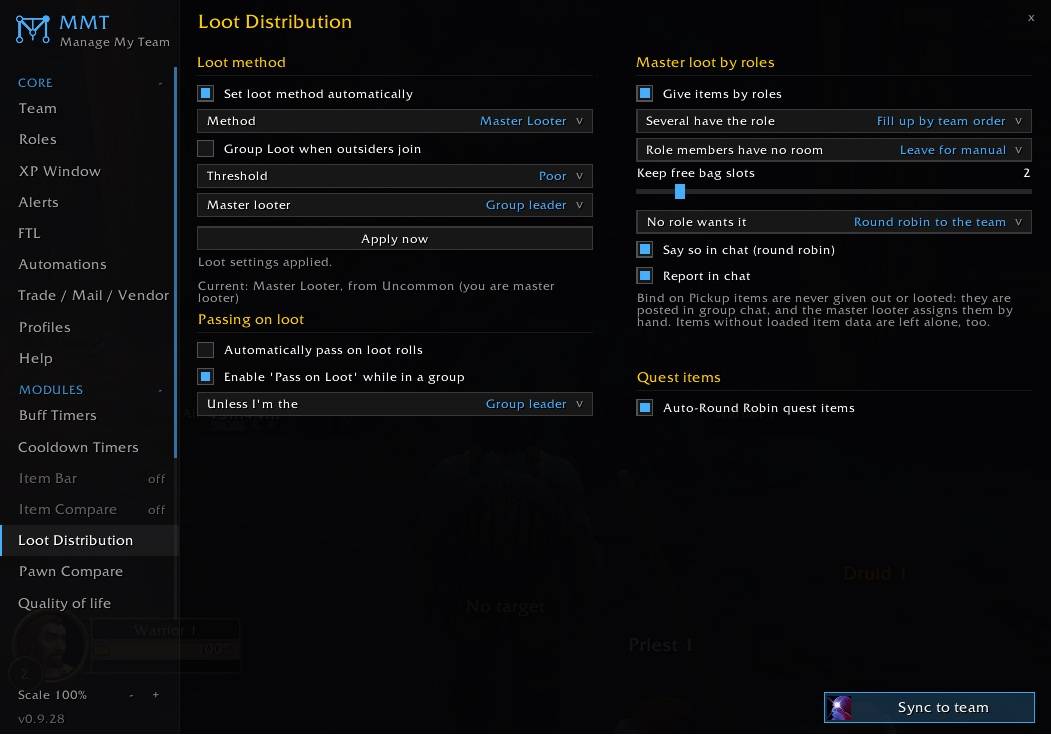
- automated loot distribution based on criterias (Roles), quests and rules
- privacy: hide names from team members everywhere (incl. Blizz' frames, chat and other addons)
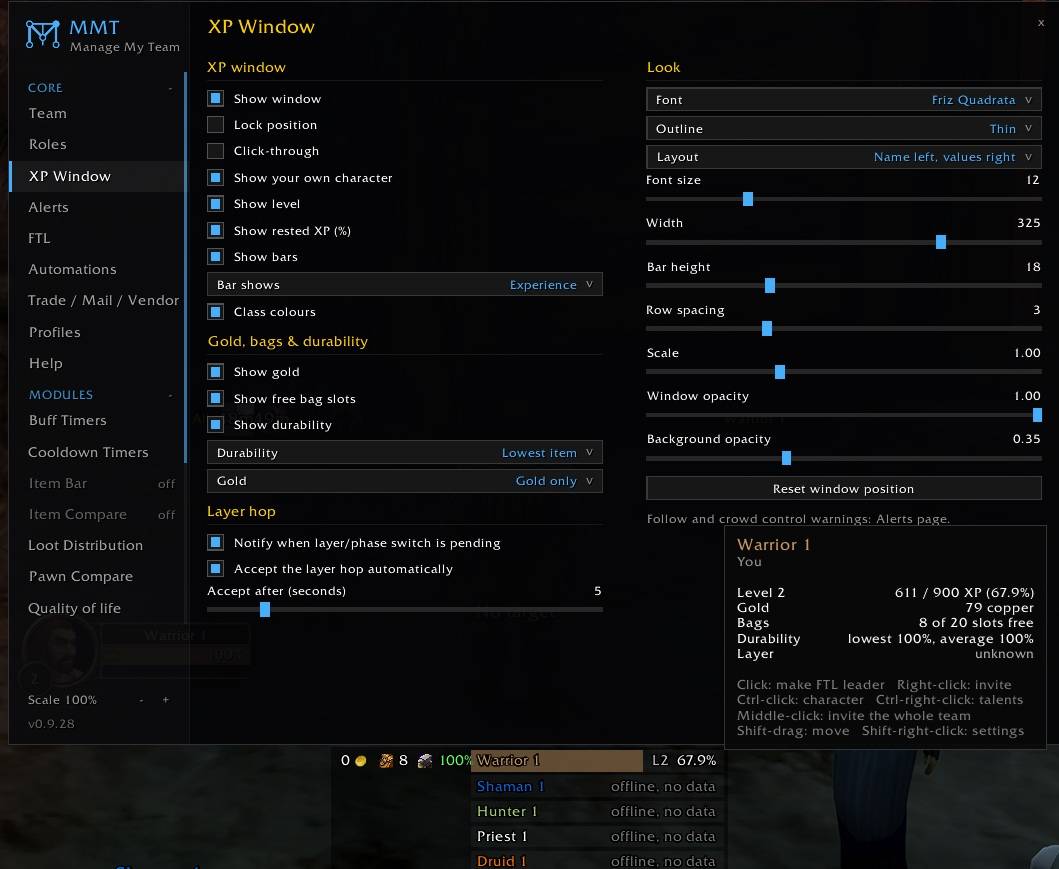
- Info Window: universe of information at a glance: XP, Quest XP, Gold, Durability, BagSpace, current status (CC'd, not following, on flight path, ...) pet status, layer status and more!
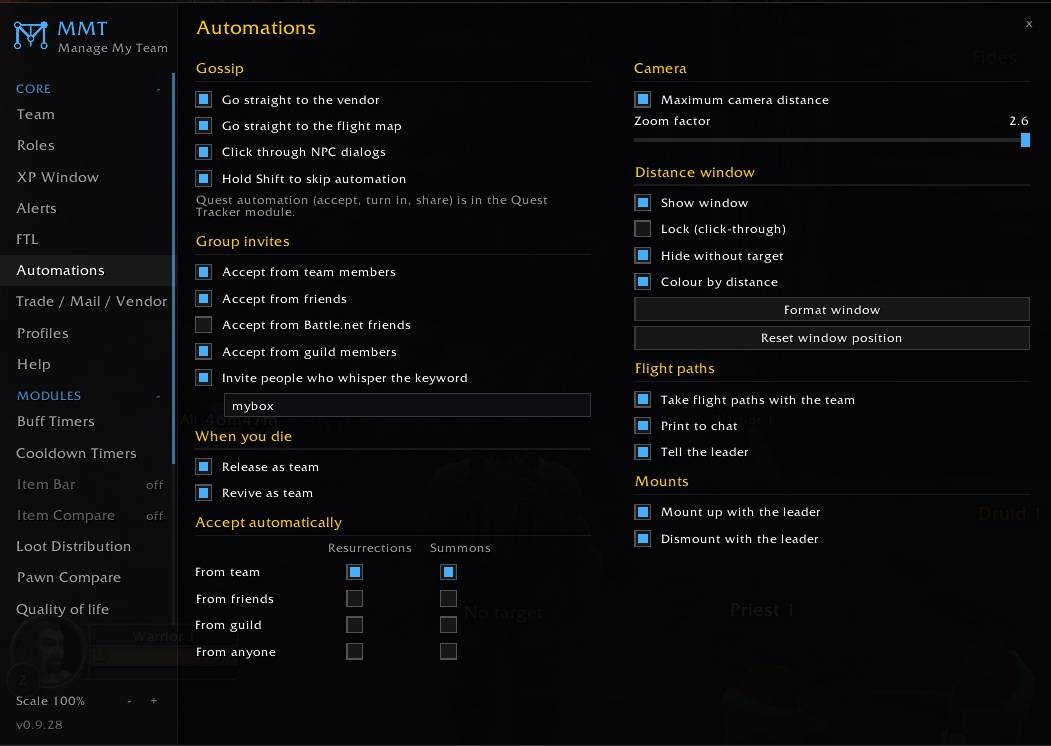
- Automations
- loot distrubtion based on quests, Roles and rules
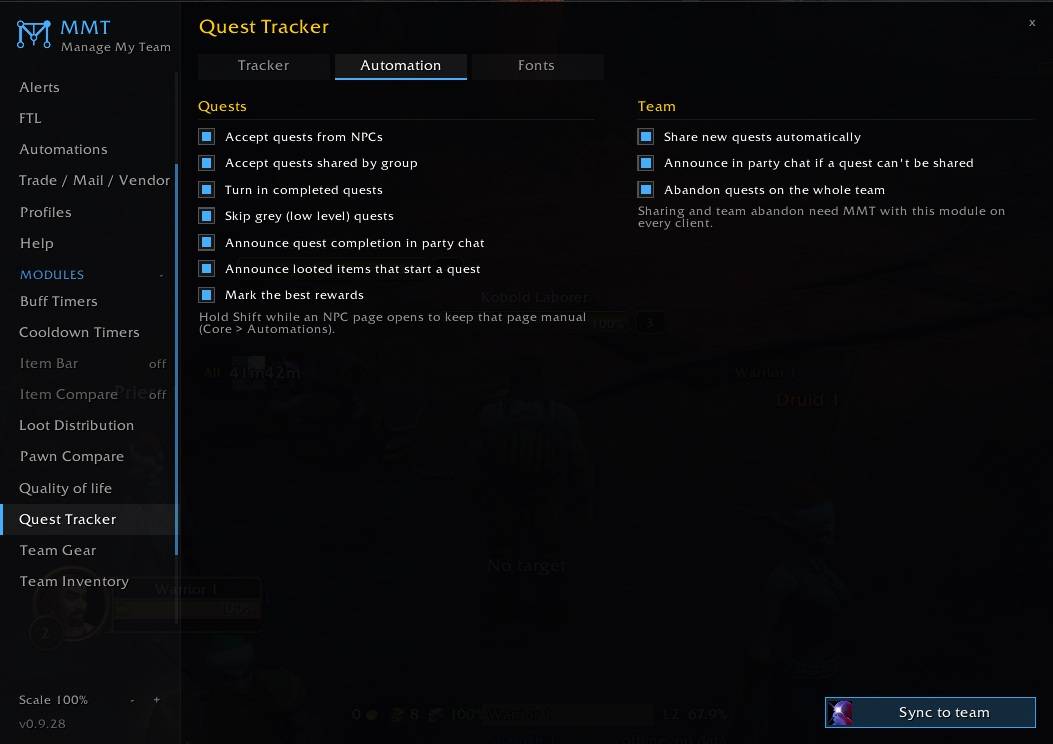
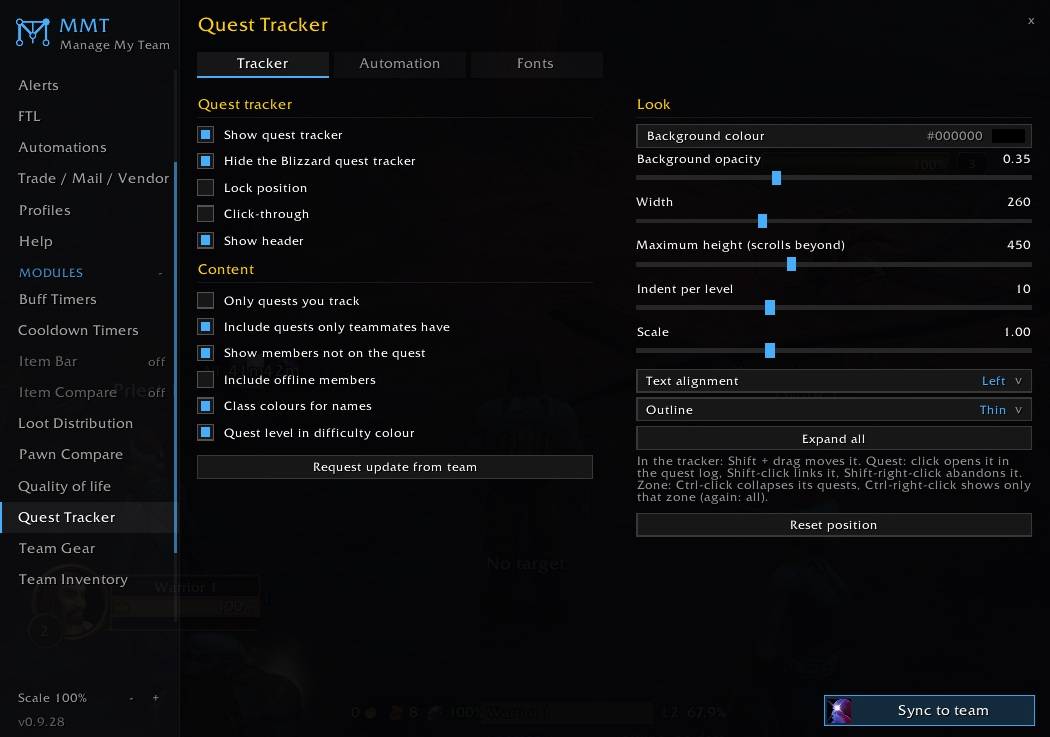
- quest tracking, accepting/handing in, gossip skips, take flight paths together
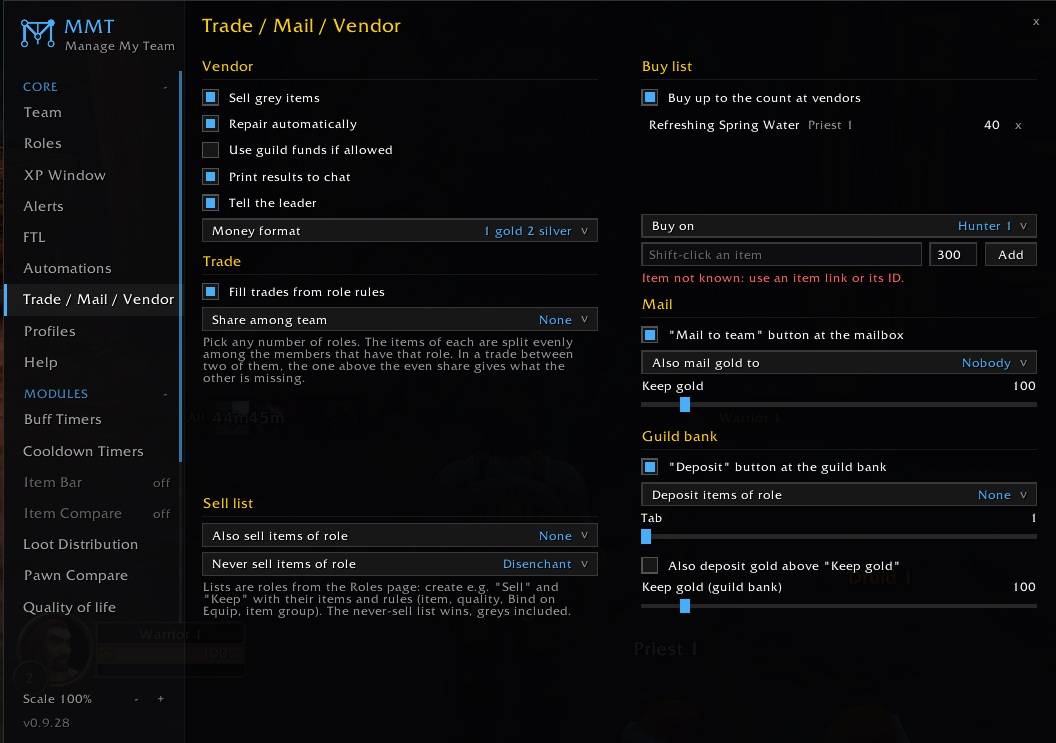
- sell/repair; auto-buy (restock) specific items (like water)
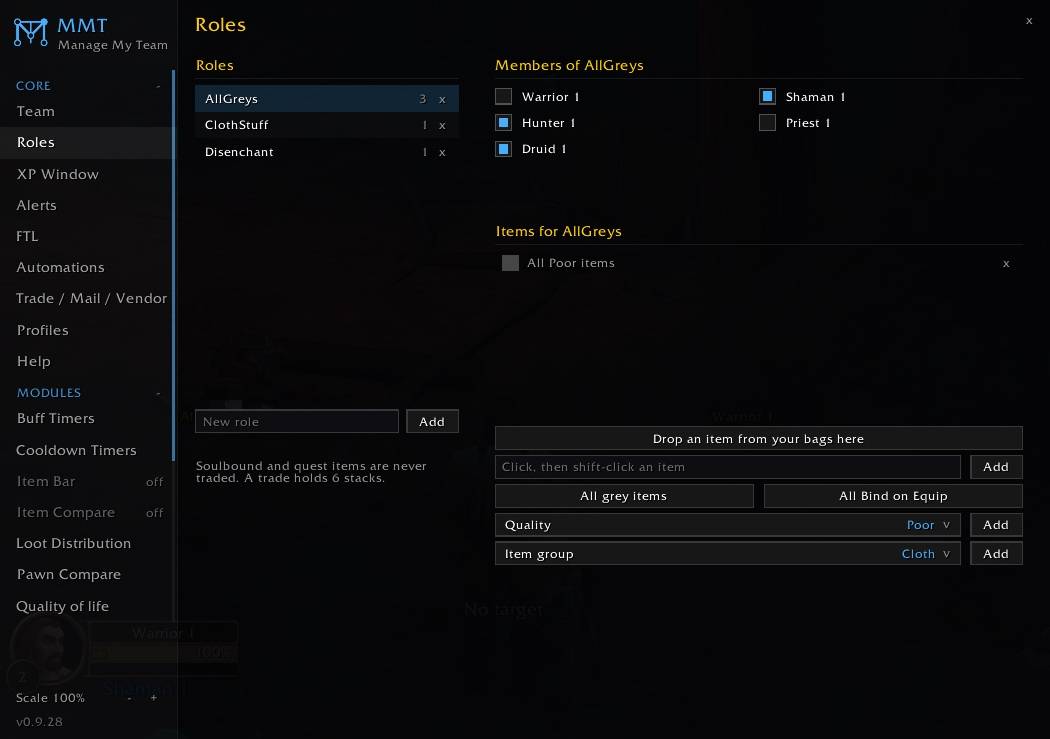
- auto-fill trade windows based on "Roles" assigned to characters
- auto-send mails with items based on "Roles" assigned to characters
- compare items of entire team on button press, to instantly see who would benefit most
- detailed statistics: historic and current mob kills, instances, leveling, quests, professions and gold even cross-accounts
- FTL-macro system
... and many more.
While various features work if only 1 client has this addon installed, most will require all clients to have the addon installed to properly function.
Missing a feature? / Create your own module
MMT is open in its approach.
You can hook into the team management and communication of MMT, adding additional features by creating a module, without too much effort.
Find the documentation of the functions, including examples, on GitHub:
https://github.com/bnetworking/MMT/blob/main/CreateModules.md
Additional Modules
- by Quiding: on Curseforge | on Github
Setting up your first team
1) Install the addon for all clients
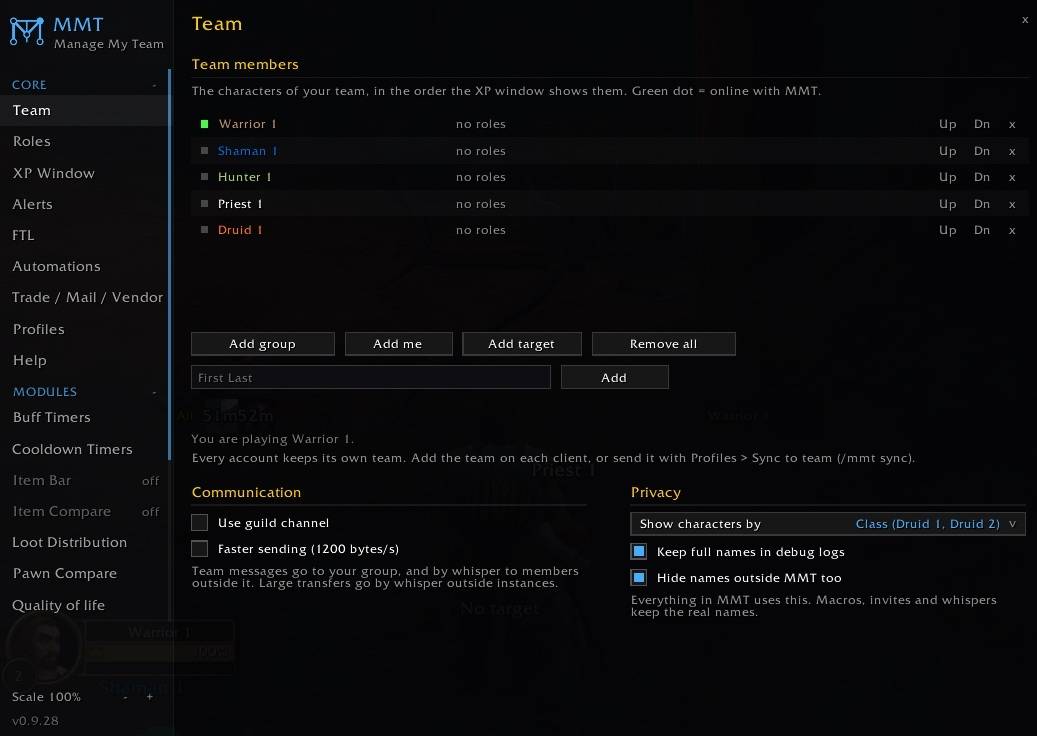
2) Invite the characters you wanna add into a group
3) Open MMT via /mmt
4) Go to 'Team' and click 'Add Group'
5) Repeat Step 3 and 4 per client
Moving on, you can configure MMT on 1 client and then click "Sync to Team" on the Profile page or enter /mmt sync to share all the settings.
Modules have their own sync-button.
Addon Manual Installation
1) Download ZIP
2) Extract folders and files of ZIP into \World of Warcraft\_forever_\Interface\AddOns
MMT (Multiboxing) Team
