Mixolas Bars
- By
Mixolas Bars is a controller-first addon for WoW Classic Era and Hardcore, featuring customizable action bars, modifier diamonds, keybinding management, profiles, backups, and a built-in Steam Controller 2 configuration.
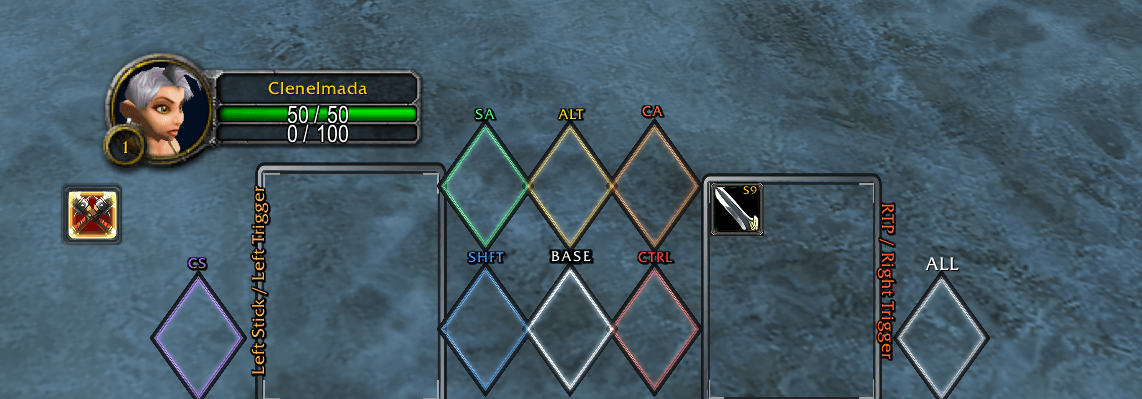
Blank.png
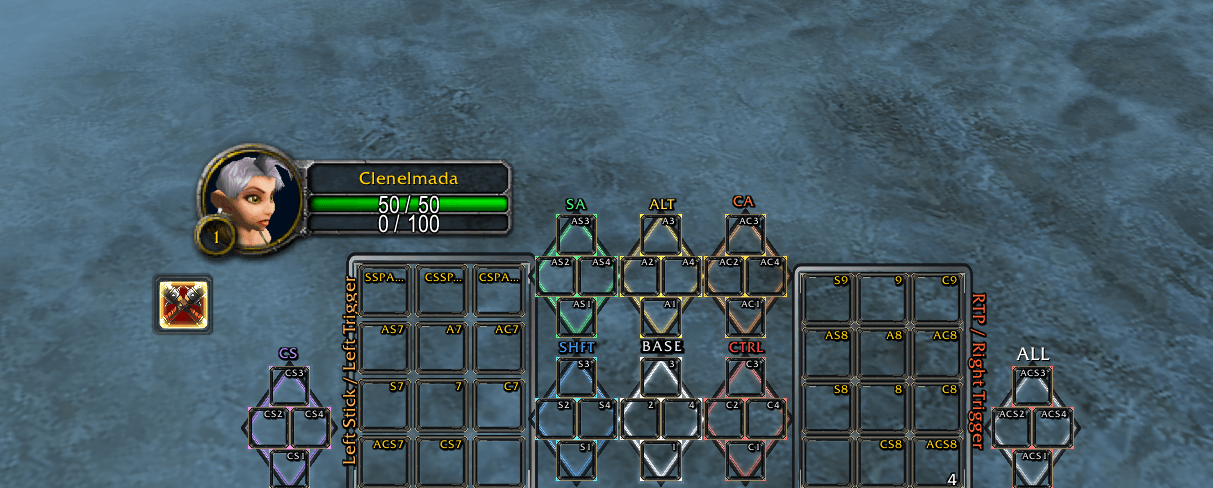
Blank w_keybinds.png
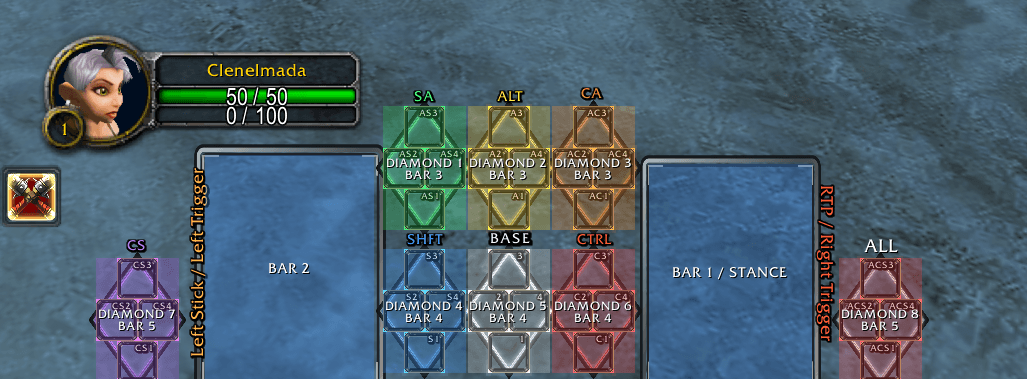
Bars Unlocked.png
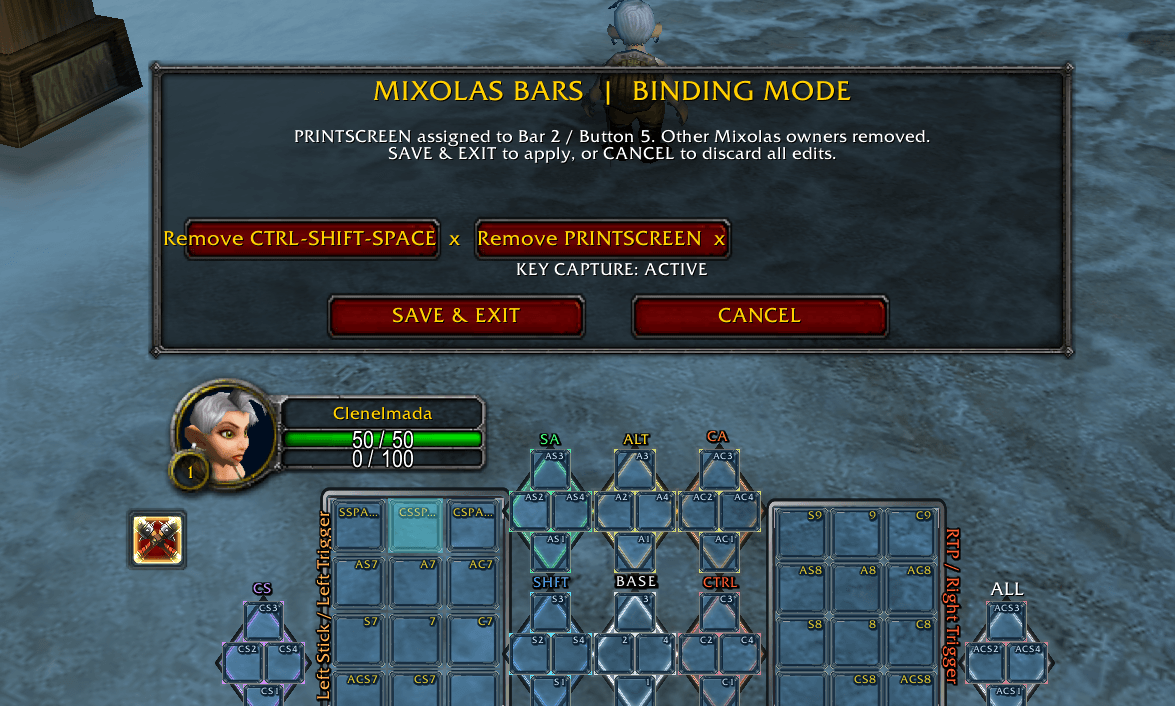
Binding Mode.png
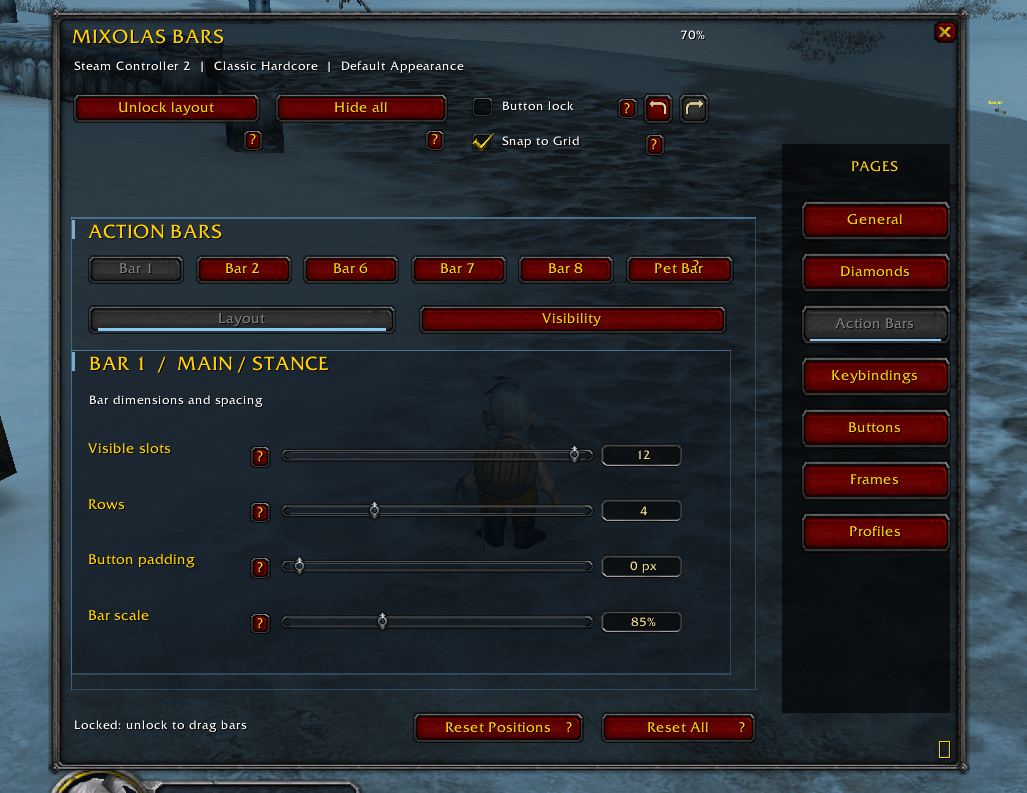
Action Bars.png
Description
Mixolas Bars
Controller-first action bars and keybinding management for World of Warcraft Classic Era and Hardcore.
Mixolas Bars is a free World of Warcraft addon developed by Mixolas HasKill for the Steam Controller 2. It is designed to make traditional WoW gameplay accessible through a controller without sacrificing the game's keyboard and mouse capabilities.
Features
-
Customizable action bars, modifier diamonds, and Pet Bar
-
Adjustable positioning, scaling, spacing, and appearance
-
Decorative frames and customizable labels
-
Integrated Mixolas keybinding management
-
Native WoW keybinding setup
-
Protected MIXOLAS Hardcore default profile
-
Editable personal profiles with renaming and deletion
-
Backup & Restore
-
Portable configuration import and export
Getting Started — Watch This First
Steam Controller 2 Quick Start & Layout Download Tutorial
Why this video is important:
Mixolas Bars handles the World of Warcraft side of the configuration, but the Steam Controller 2 also requires the correct Steam Input layouts.
This tutorial demonstrates how to find, download, and apply the controller configuration through Steam.
It also explains the importance of the Always-On command, which maintains right-click mouse-look during normal gameplay. Understanding this feature is essential to using the controller as intended.
Watch this video before configuring your in-game keybindings. It covers the Steam Input setup, not the complete WoW keybinding tutorial.
Steam Controller 2 — Steam Input Downloads
Two separate Steam Input configurations are provided. Each serves a different purpose.
1. World of Warcraft Gameplay Layout
https://steaminputdb.com/config/3830487043
Apply to: Battle.net, added as a non-Steam game in your Steam Library.
This is the primary World of Warcraft controller layout. It handles:
-
Movement and camera control
-
Combat inputs
-
SHIFT, CTRL, and ALT modifiers
-
Targeting and interaction
-
Controller navigation
2. Steam Button / Guide Button Chord Layout
https://steaminputdb.com/config/3830487378
Apply to: Steam → Settings → Controller → Guide Button Chord Layout.
This controls Steam-button combinations separately from the main World of Warcraft gameplay layout.
Do not apply both configurations to the same Steam Input location.
MIXOLAS Built-In Profile
Mixolas Bars includes a permanent MIXOLAS configuration designed around the Steam Controller 2.
The preset contains:
-
Recommended action bar positioning
-
Modifier and action bar keybindings
-
Native World of Warcraft keybindings
-
Decorative frame positioning and appearance
-
Controller-oriented interface settings
MIXOLAS is protected from deletion or modification. Customizing it creates an independent editable profile that can be renamed or deleted.
Applying native WoW keybindings requires explicit confirmation.
Compatibility
Currently supported and tested:
World of Warcraft Classic Era / Hardcore, version 1.15.9.
Additional game client compatibility is being evaluated and will be announced after testing.
Important Notes
Mixolas Bars does not automatically install Steam Input configurations. Download and apply them separately using the links above.
Blizzard spell placements and macro contents are not included in the portable configuration. Players must assign their own abilities to the action bars.
Created by Mixolas HasKill. Free community project.
Mixolas Bars Team