Minbaris - GearSearch
- By
Scan and filter Retail Auction House gear by item level, slot, expansion, and stats.
Screenshot 2026-10-16 174747.png
Screenshot 2026-10-16 174844.png
Screenshot 2026-10-16 174954.png
Screenshot 2026-10-16 175027.png
Description
Minbaris GearSearch
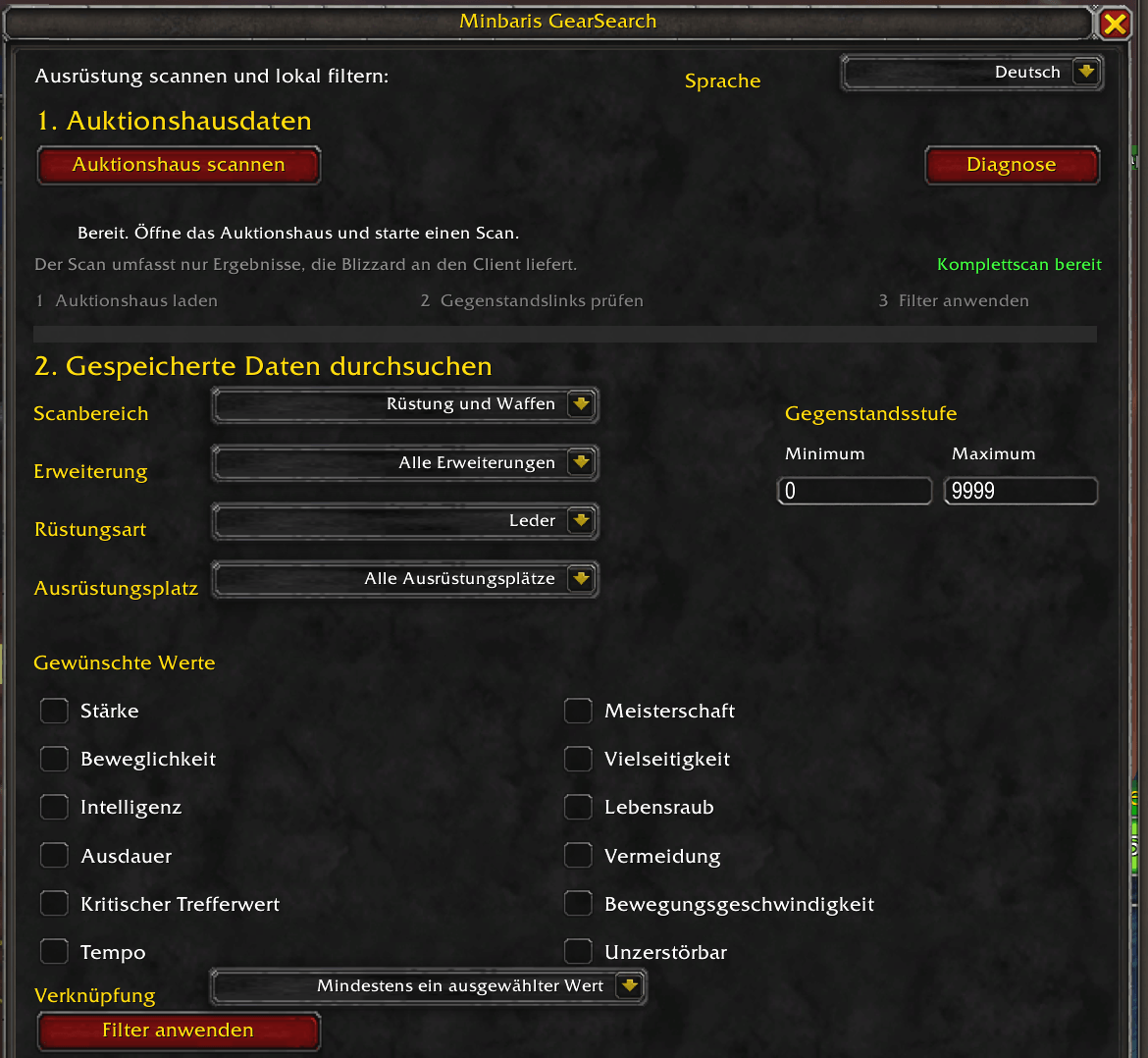
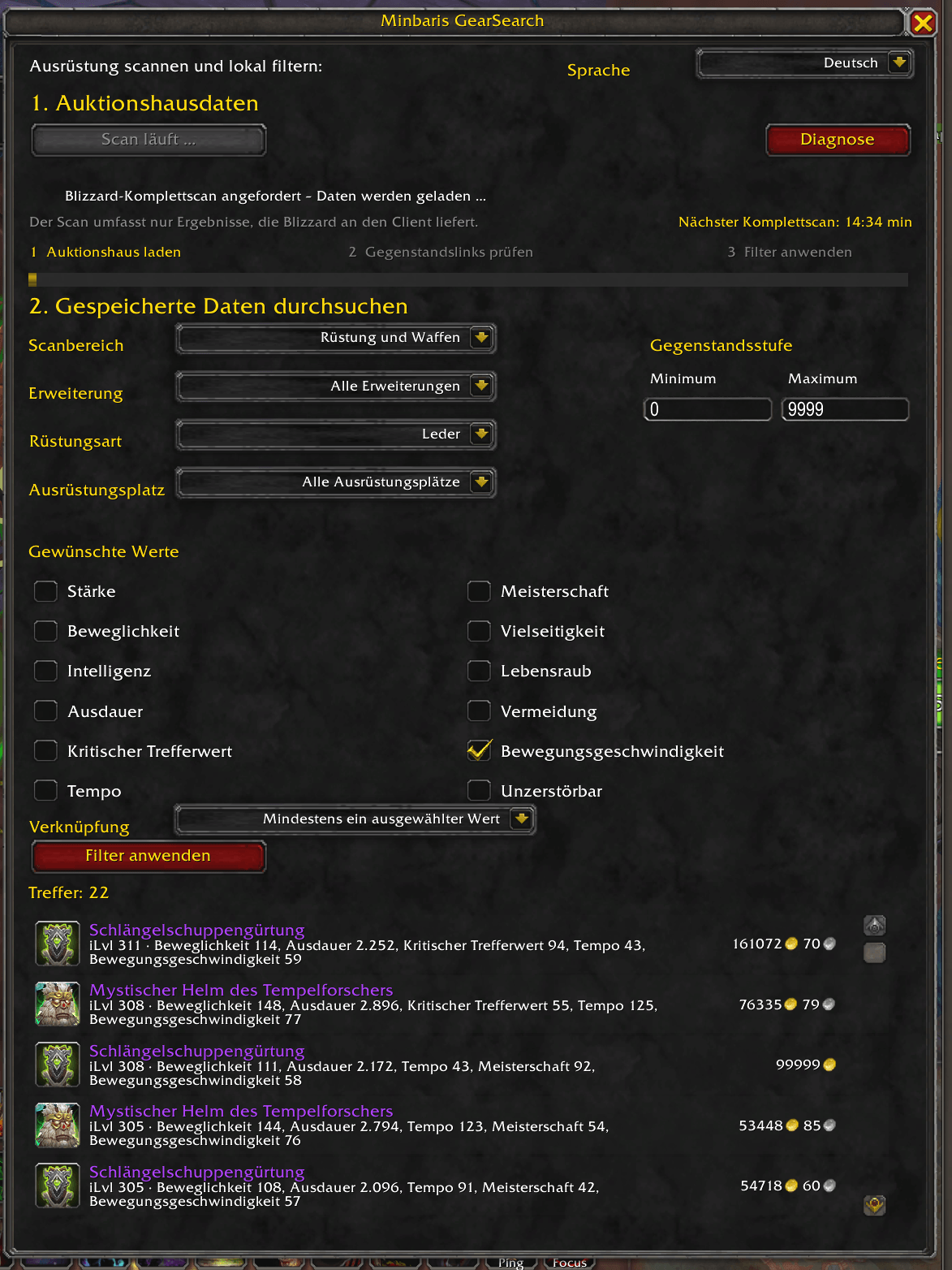
Minbaris GearSearch adds a dedicated equipment search and filtering window to the World of Warcraft Retail Auction House. It scans the auction data provided by Blizzard, stores equipment variants locally, and lets you filter the saved results without starting another scan.
Main Features
- Search armor, weapons, or both.
- Filter by item level, expansion, armor type, and equipment slot.
- Filter by primary, secondary, and tertiary stats.
- Supports Leech, Avoidance, Speed, and Indestructible.
- Choose whether all selected stats or at least one selected stat must match.
- Reapply local filters instantly without rescanning the Auction House.
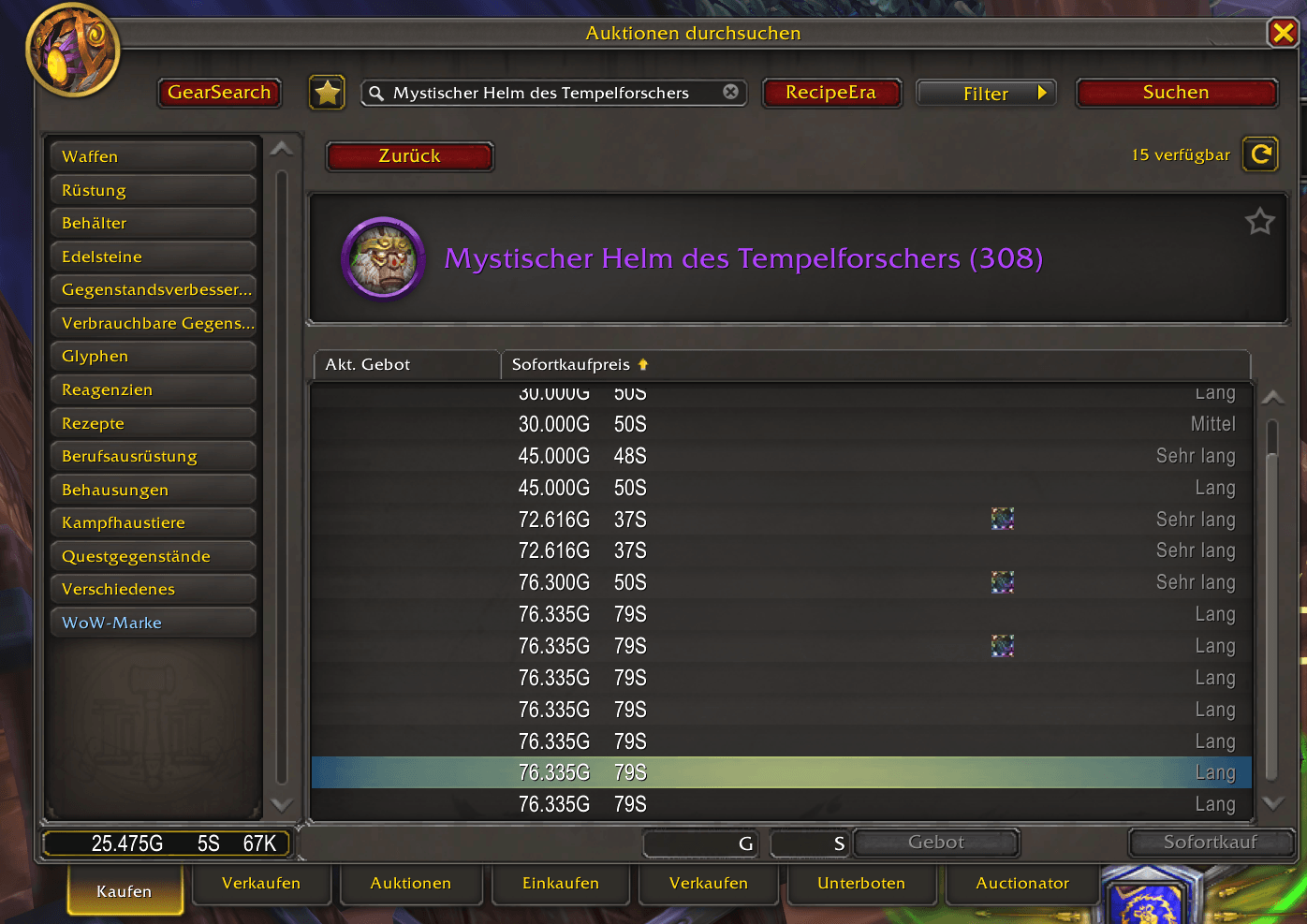
- Double-click a GearSearch result to open its matching Auction House variant.
- Automatically select and scroll to the matching individual auction when it is still available.
- Clear scan timeline with a progress percentage that never moves backwards.
- Copyable diagnostics window for troubleshooting.
- German and English user interface.
How to Use
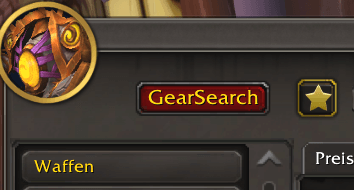
- Open the Auction House and click the GearSearch button.
- Click Scan Auction House and wait for the full scan to finish.
- Choose the desired equipment scope and filters.
- Click Apply Filters.
- Double-click a result to open the corresponding item in Blizzard's Auction House interface.
The actual purchase or bid always remains a deliberate manual action in the standard Blizzard Auction House interface.
Slash Commands
/gearsearchor/mgs— Show or hide the GearSearch window./gearsearch scan— Start a scan while the Auction House is open./gearsearch diagnose— Open the diagnostics window./gearsearch clear— Clear the diagnostic log.
Important Scan Limitation
Minbaris GearSearch can only process auction data that Blizzard exposes to the game client through the official addon API. Blizzard limits full Auction House replication scans to roughly one scan every 15 minutes per account. During the cooldown, the addon continues to use the latest stored snapshot.
Compatibility
- World of Warcraft Retail 12.1.5
- Interface 120105
- No external libraries required
Privacy
The addon does not store player names, chat messages, or purchases. Saved data contains settings, scan results, and local diagnostic information.
Disclaimer
World of Warcraft and Blizzard Entertainment are trademarks or registered trademarks of Blizzard Entertainment, Inc. Minbaris GearSearch is an independent fan-made addon and is not affiliated with or endorsed by Blizzard Entertainment.
Minbaris - GearSearch Team