ElvUI_mhTags




Custom tags for ElvUI unit frames on WoW Retail 12.0.5+ (Midnight).
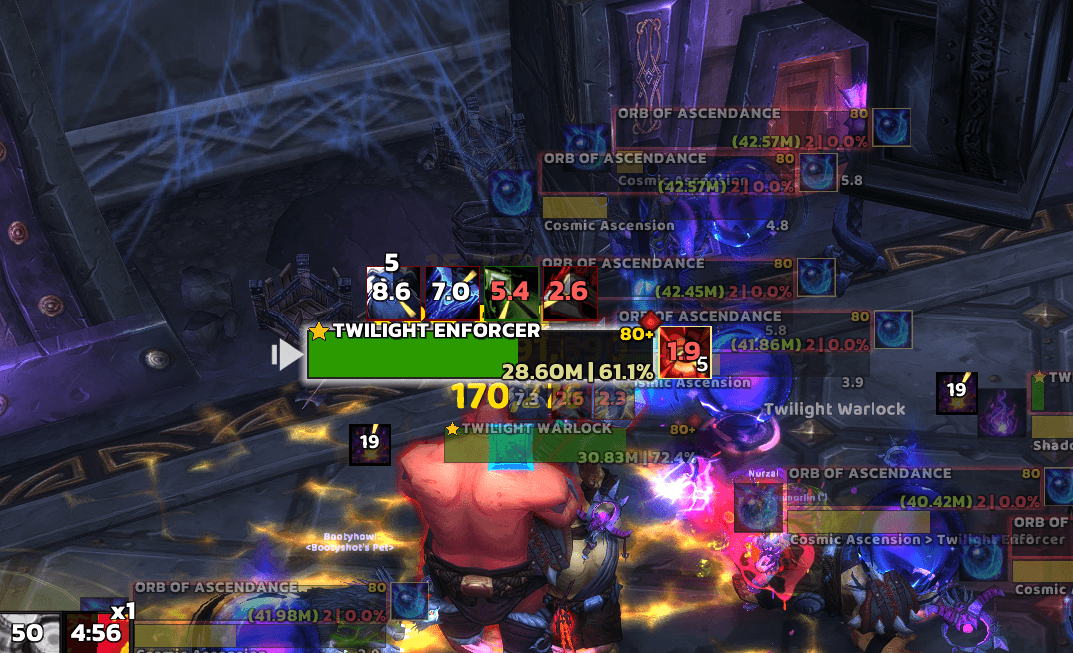
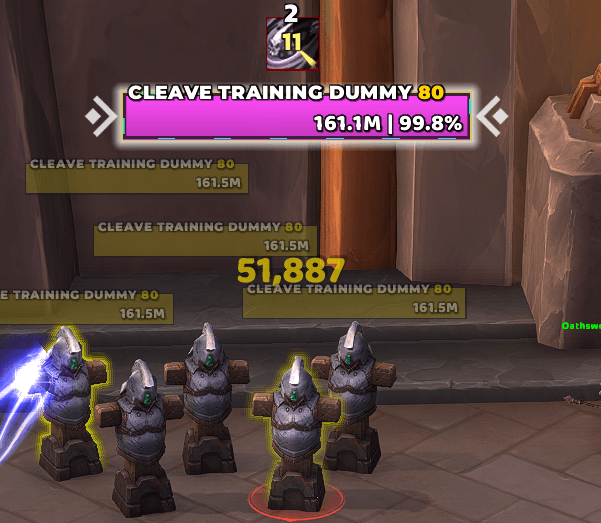
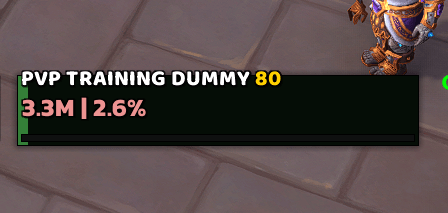
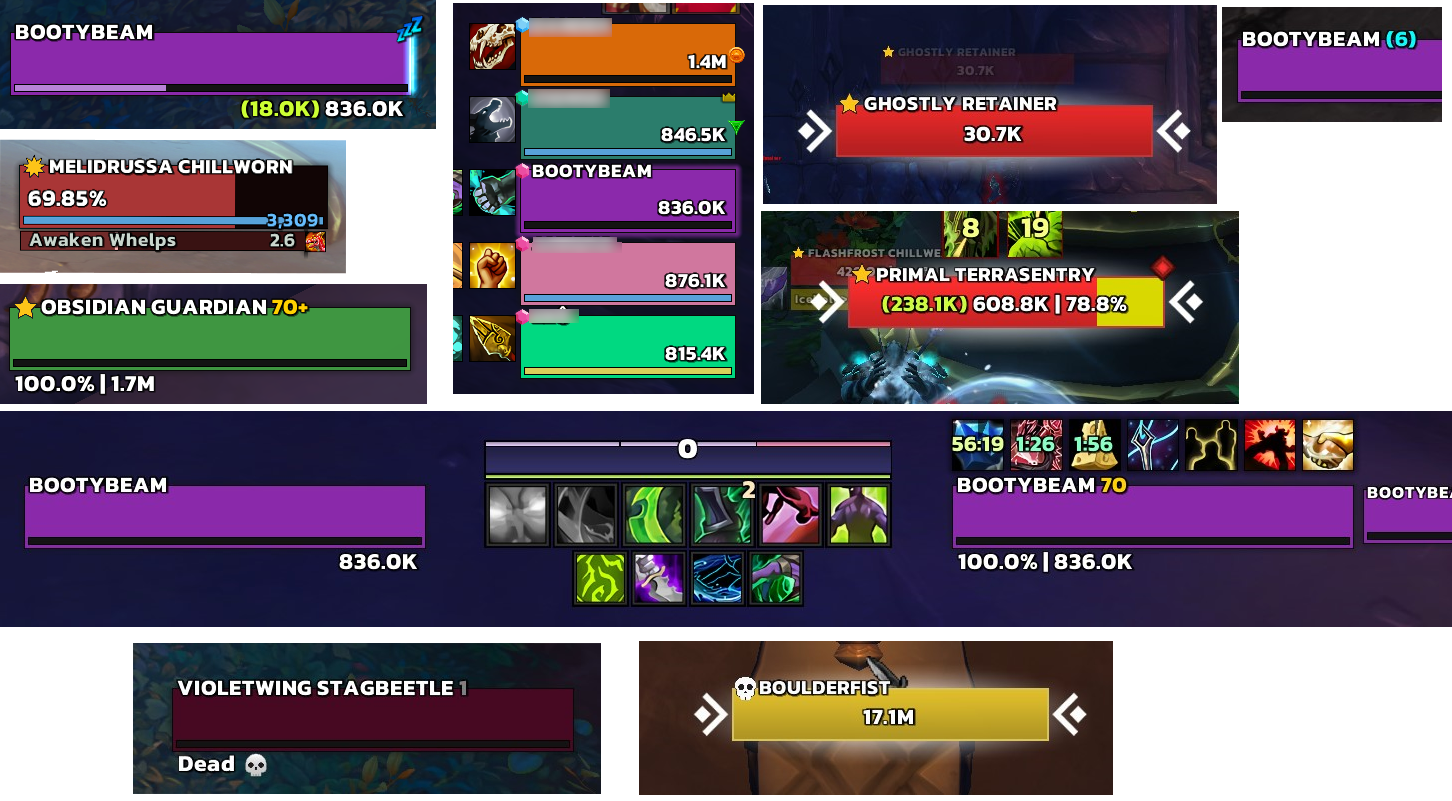
ElvUI_mhTags adds health, power, name, classification, level, status, combined, and color-prefix tags for ElvUI Custom Texts. It is lightweight, Retail-only, and updated for Midnight's secret-value restrictions.
Midnight Notes
WoW 12 introduced secret values for some combat-sensitive data. This can affect health, power, absorb, and nameplate-related information in protected content.
Because secret values cannot be compared, used for arithmetic, or used as table keys, this addon does not include health-gradient or hide-at-full health tags.
Known behavior:
- Absorb tags may show
(0) when a zero absorb value is secret.
- Deficit percent is hidden when WoW blocks the arithmetic needed to calculate it.
- Secret names display as-is and are not uppercased, shortened, or abbreviated.
Requirements
- World of Warcraft Retail 12.0.5+ (Midnight)
- ElvUI 15.0+
Installation
- Download from CurseForge or GitHub Releases.
- Extract
ElvUI_mhTags into World of Warcraft/_retail_/Interface/AddOns/.
- Restart WoW or run
/reload.
Usage
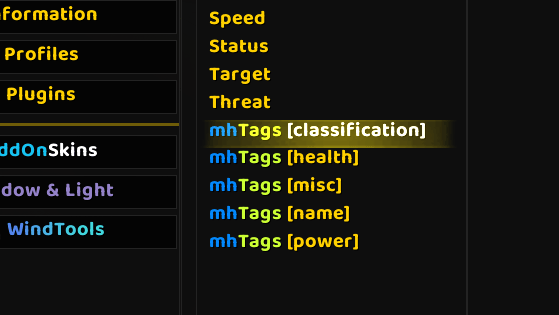
Open ElvUI with /ec, choose a unit frame, open Custom Texts, and browse the mhTags categories.
Popular examples:
[mh-health-current-percent]: 100k | 85%[mh-health-percent{0}]: 85%[mh-health-deficit]: -15k, or a status such as DEAD[mh-name-caps{20}]: uppercase name capped to 20 characters[mh-classification-name-level{14}]: classification icon, name, and colored level[mh-status]: AFK, DND, Dead, Ghost, or Offline status with icon[mh-color-custom{FF5733}][mh-health-current]|r: custom color prefix around another tag
Tags
Health
[mh-health-current]: current health[mh-health-current-absorb]: absorb amount plus current health[mh-health-percent{N}]: health percent, default 1 decimal[mh-health-percent-nosign{N}]: health percent without %, default 1 decimal[mh-health-current-percent]: current health then percent[mh-health-percent-current]: percent then current health[mh-health-current-percent-absorb]: absorb amount, current health, and percent[mh-health-deficit]: missing health, with status check[mh-health-deficit-nostatus]: missing health only[mh-health-deficit-percent{N}]: missing health percent, default 1 decimal
Power
[mh-power-percent{N}]: current power percent, default 0 decimals
Names
[mh-name-caps{N}]: uppercase unit name, default 28 characters[mh-name-caps-or-status{N}]: status when present, otherwise uppercase name[mh-name-caps-with-raid-group{N}]: uppercase name plus raid group number[mh-name-abbrev]: abbreviated uppercase name[mh-name-abbrev-reverse]: reverse abbreviated uppercase name[mh-name-abbrev-if-long{N}]: abbreviates only when longer than the threshold, default 25[mh-name-abbrev-if-long-reverse{N}]: reverse abbreviation only when longer than the threshold
Classification
[mh-classification-icon{N}]: classification icon with optional size[mh-classification-icon-fixed]: classification icon at default size[mh-classification-text]: colored bracketed classification text[mh-classification-symbols]: compact classification symbol[mh-classification-plain]: plain classification text
Combined
[mh-classification-name-level{N}]: classification icon, uppercase name, and colored level[mh-classification-name-level-smart{N}]: same as above, but hides level when player and unit are both max level[mh-classification-name{N}]: classification icon and uppercase name[mh-classification-name-level-raid-group{N}]: classification icon, uppercase name, raid group, and colored level
Misc
[mh-smartlevel]: level, hidden when player and unit are both max level[mh-absorb]: absorb amount in parentheses[mh-diff-level]: level colored by difficulty[mh-diff-level-hide]: difficulty-colored level, hidden at max level[mh-status]: status with icon[mh-status-noicon]: status text only
Color Prefixes
Color tags return an opening color code. Use them before another tag and close with |r.
[mh-color-pastel-green][mh-health-current-percent]|r
[mh-color-custom{FF5733}][mh-name-caps{20}]|r
Available color groups:
- Basic:
red, green, blue, cyan, magenta, black, gray, grey, purple, lime, brown
- Class:
deathknight, demonhunter, druid, evoker, hunter, mage, monk, paladin, priest, rogue, shaman, warlock, warrior
- Emerald:
emerald-green, emerald-red, emerald-blue, emerald-yellow, emerald-cyan, emerald-orange
- Pastel:
pastel-green, pastel-red, pastel-blue, pastel-yellow, pastel-cyan, pastel-orange
- Custom:
[mh-color-custom{RRGGBB}]
Arguments
Use {N} to customize decimals, lengths, or icon sizes depending on the tag.
[mh-health-percent{0}]  -> 85%
[mh-health-percent{1}]  -> 85.3%
[mh-health-percent{2}]  -> 85.34%
[mh-name-caps{15}]      -> max 15 characters
Decimal arguments are clamped to 0-3.
Commands
/mhtags: show addon memory usage/mhtags debug: show addon, ElvUI, and target WoW version info/mhtags help: list commands
Support
Bug reports should include your WoW version, ElvUI version, tag string, error message, and reproduction steps.




![Using [mh-healthcolor] to colorize health across all tags (optimized and efficient with CPU usage)](https://media.forgecdn.net/attachments/1015/908/screenshot-2024-11-15-204606.png)