

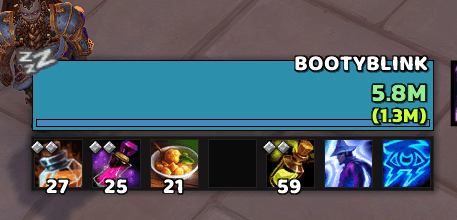
Three separate custom texts with three separate tags
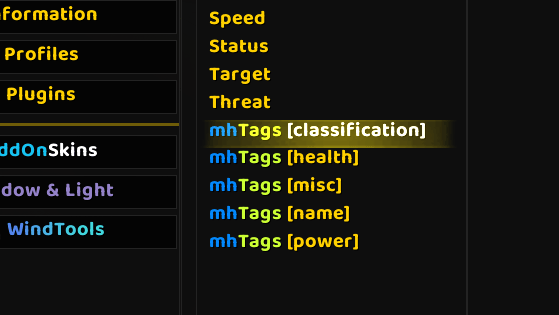
Easier categories to read more info on the new custom tags
![Thumbnail Using [mh-healthcolor] to colorize health across all tags (optimized and efficient with CPU usage)](https://media.forgecdn.net/attachments/1015/908/screenshot-2024-11-15-204606.png)
Using [mh-healthcolor] to colorize health across all tags (optimized and efficient with CPU usage)
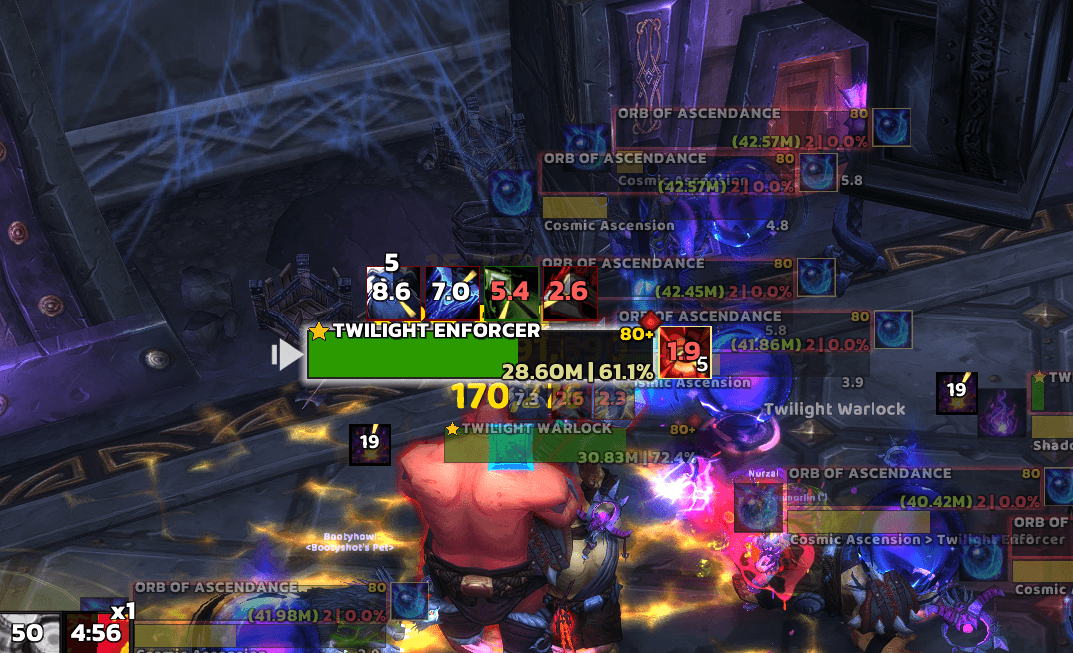
M+ Nameplates (using multiple tags at once - each tag is optimized for CPU efficiency)
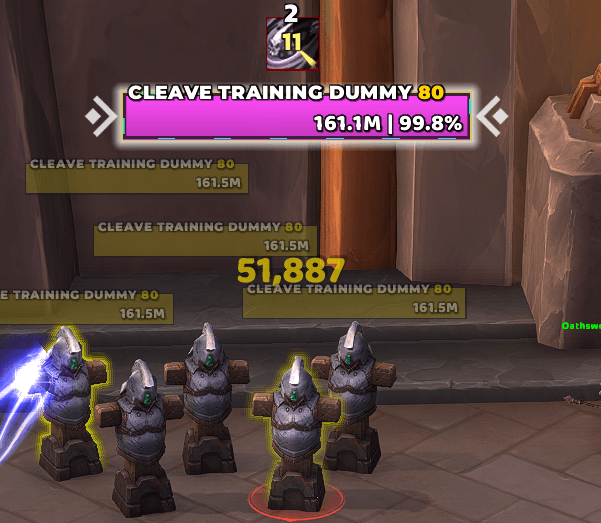
TWW: my nameplate edit with custom tags
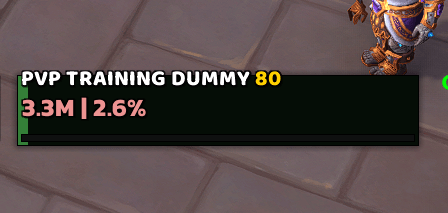
Efficient ane easy to apply custom tag for health coloring base don health (gradient from 0 to 100%)
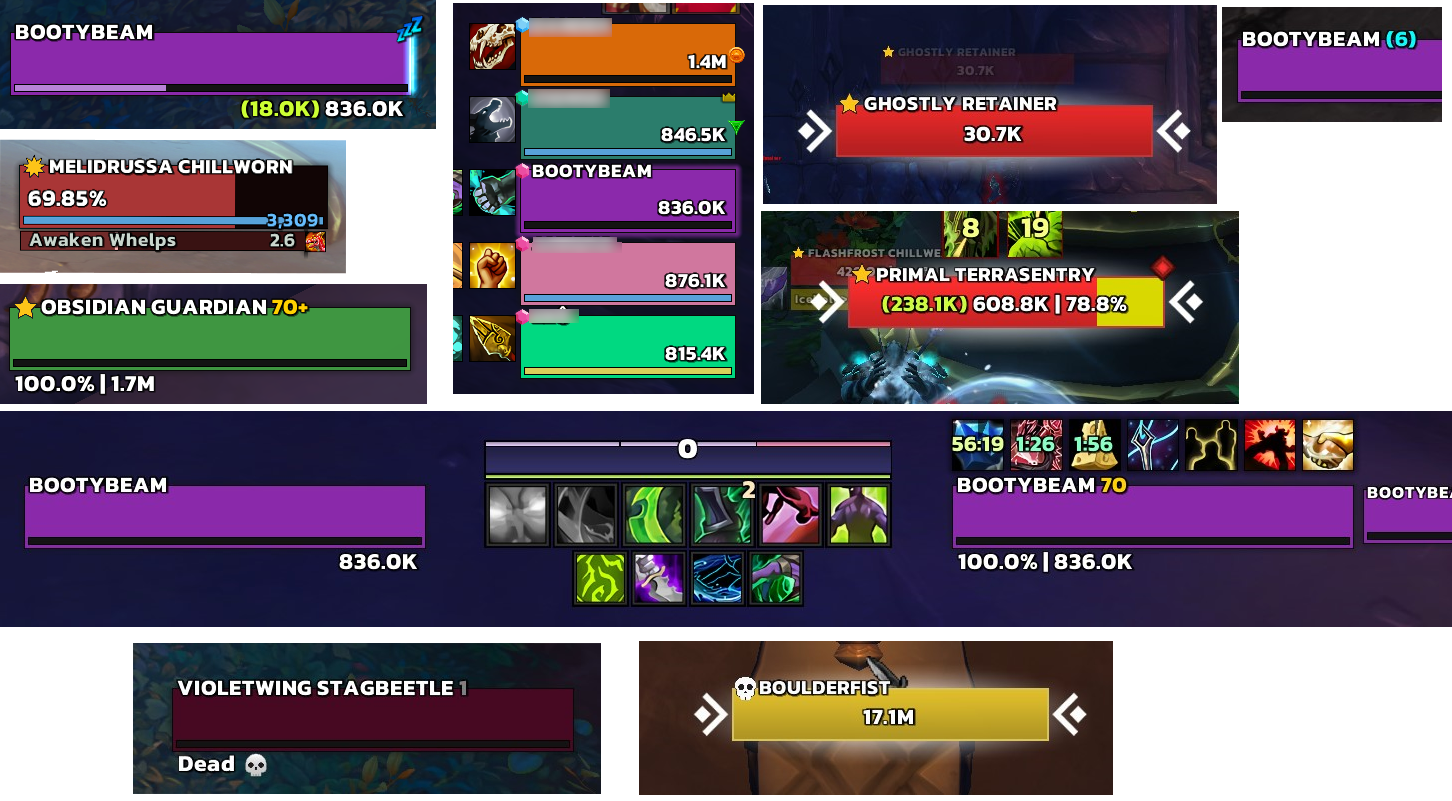
Collage
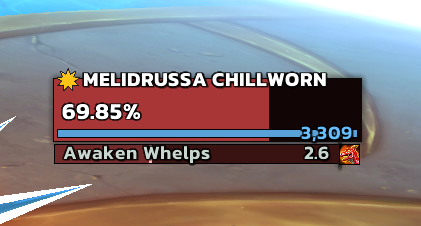
Showing simple boss health percentage using a custom tag where you can dynamically change the number of decimals within the tag. Also, the show's "elite-plus" classification icon.

Shows classification icon tag (think of the gold/silver dragon emblems). But now shows different icons for different mob types (boss, elite-plus, elites, rares, and rare elites). Icon is sized dynamically via tag (see tag info for details).

You can use the tags across all elements that can use tags within ElvUI
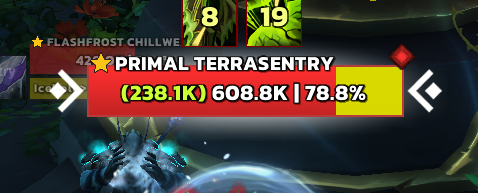
Another instance of using absorb tag on nameplate to show the absorb amount of the mob you are killing (for purges, etc)
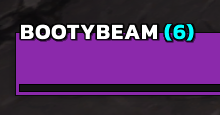
As a raider, I always had to open up my raid tab to see what group I was in for mechanics/assignments. Now you can simply see using a tag next to your name. I use the tag on my player frame (it will only show in raid)
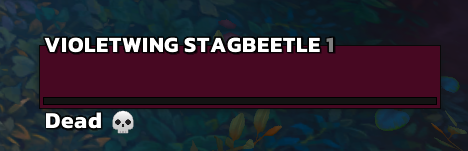
Will show afk, dnd, offline, ghost, and dead tags with custom icons for each