Memories
- By
Records the journey of each of your characters in WoW Forever: sessions, travel, deaths, progress, kills, loot and more.
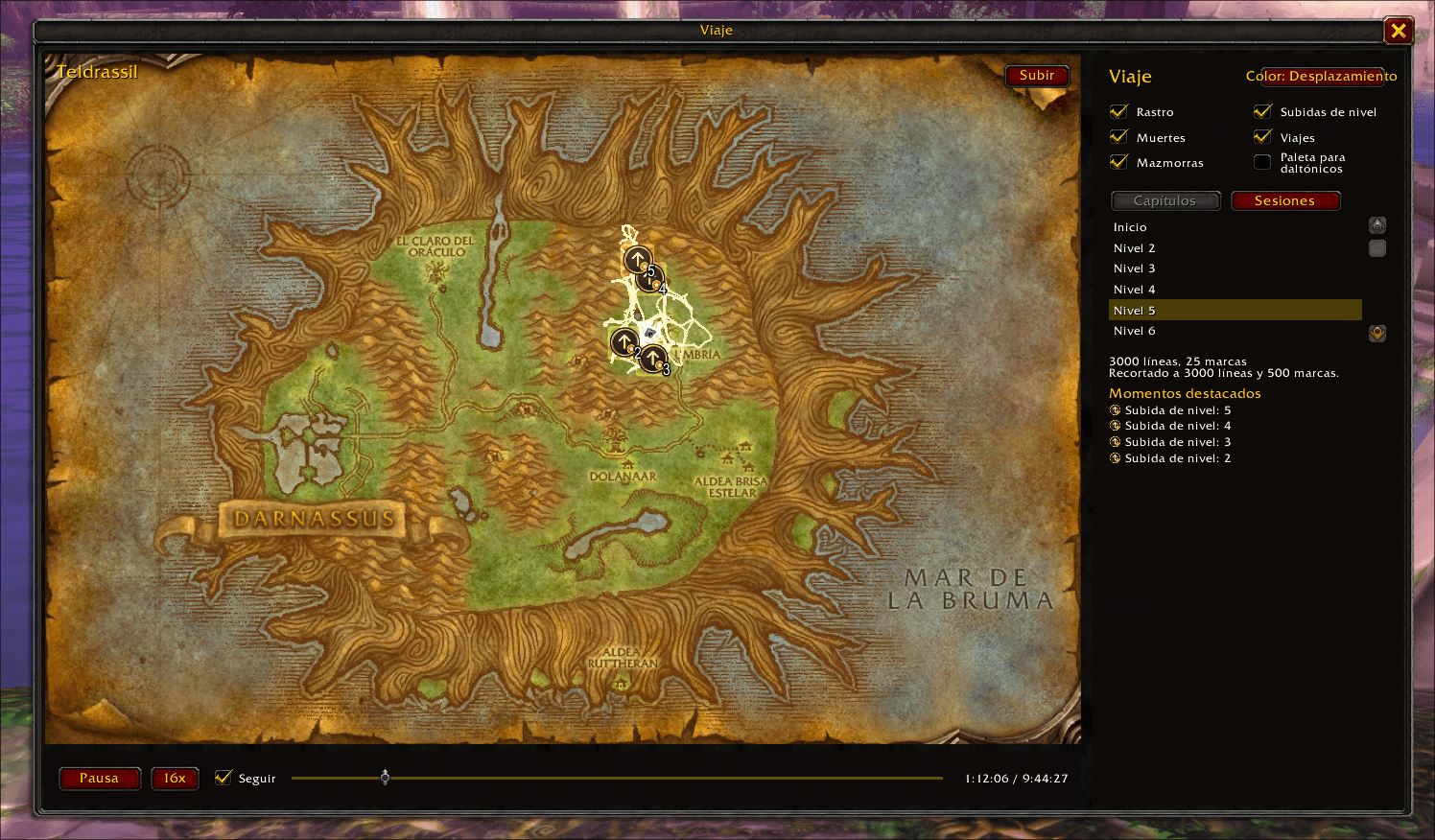
View your entire journey in-game
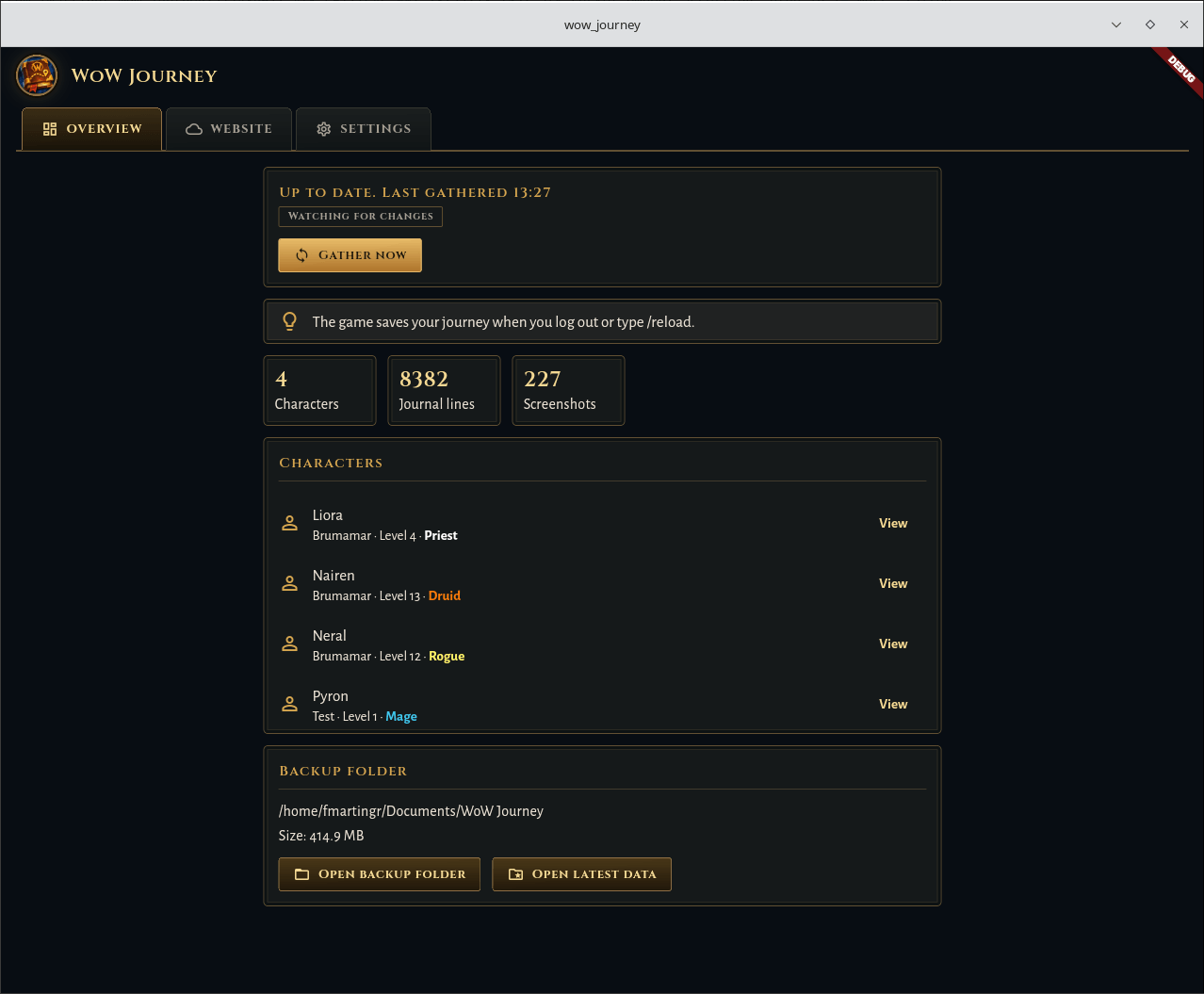
Backup your journey data with the companion app
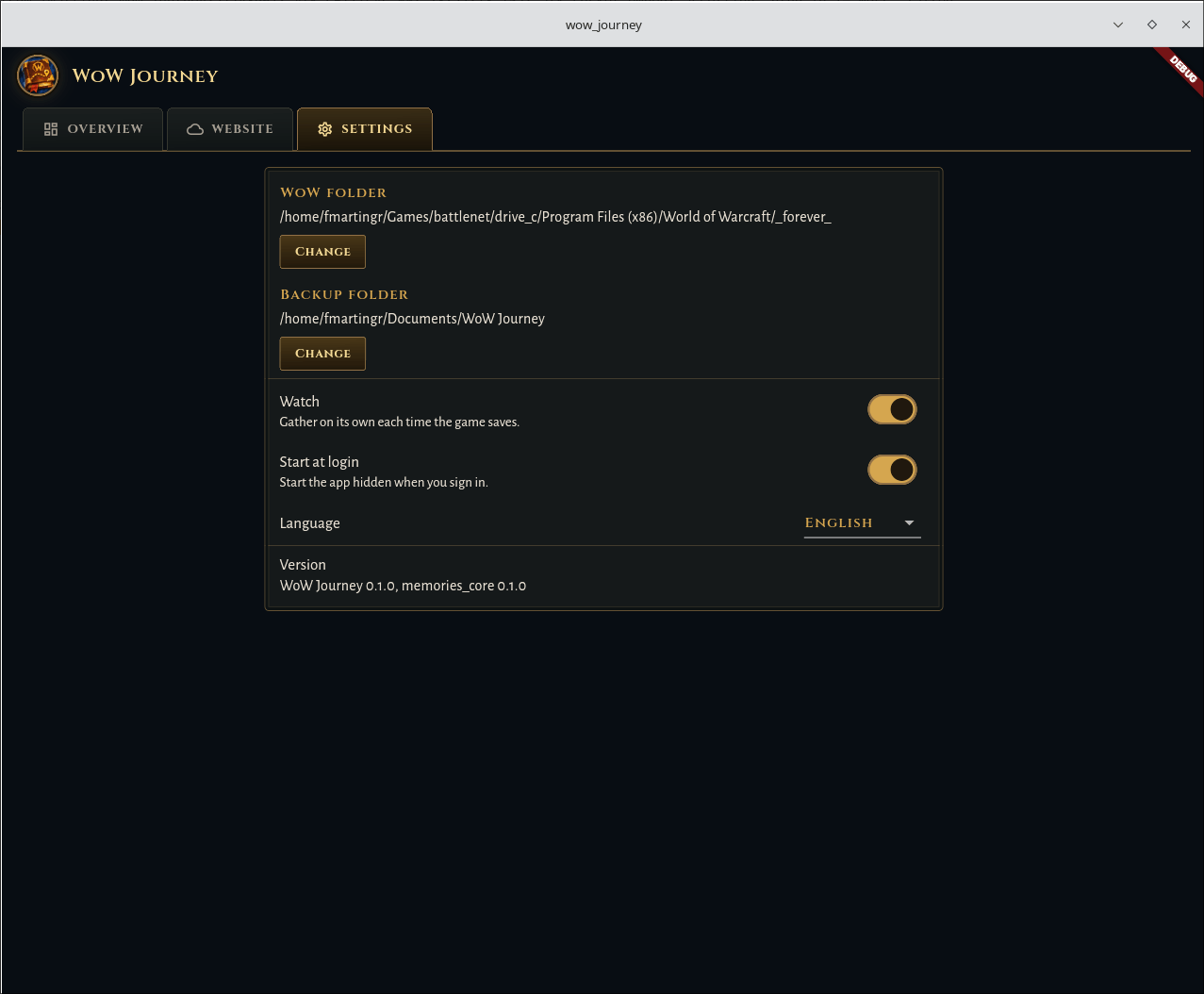
Backup your journey data with the companion app
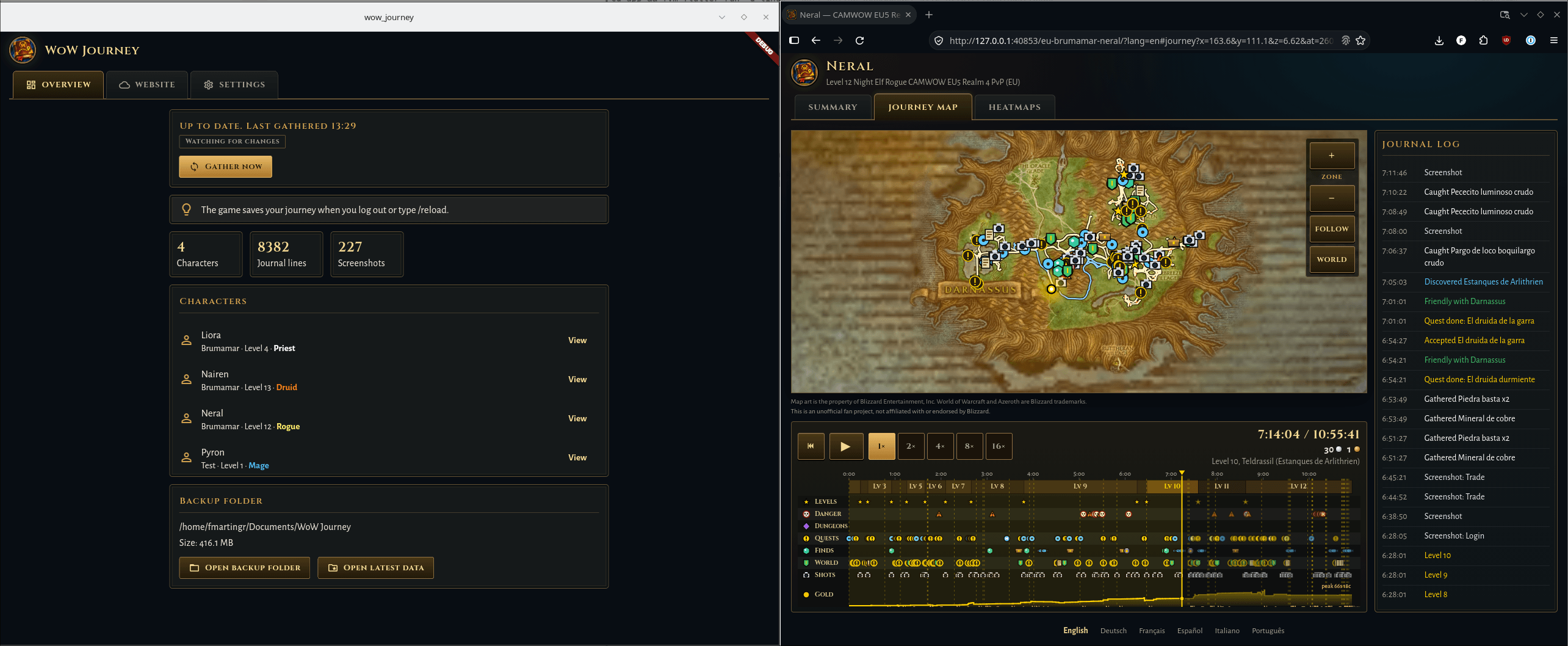
View your journey directly from the app in a nice website
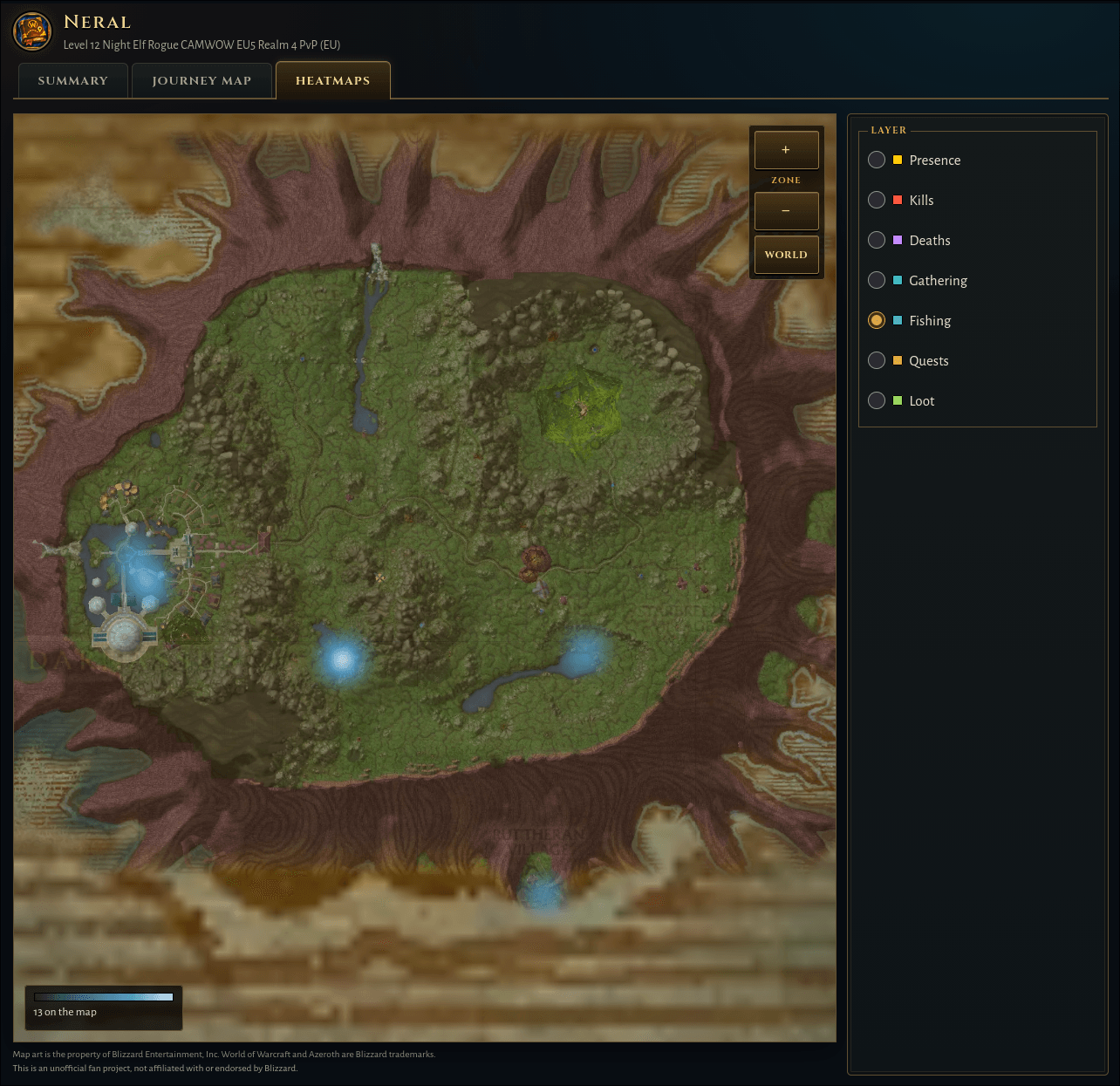
Or check in the map the zones you have spent the more time fishing, gathering... or dyeing.
Description
Memories
Memories records the journey of each of your World of Warcraft characters. For WoW Forever (interface 16001).
Features
- Journey record: the core addon writes down sessions, the position trail, levels, quests, discoveries, deaths, close calls, travel, dungeons and bosses, and screenshots.
- Sub-addons: Memories - Combat, Memories - Gathering, Memories - Character, Memories - Economy and Memories - Social record kills, gathering, skills, loot, money, groups, PvP and more. Turn one off in the AddOn list to stop its recording.
- Journey window: a button under the side tabs of the world map opens a replay of the journey on a map of its own.
- Notes:
/memories noteor a left click on the minimap button writes a note in the journey, with item and quest links. - Save reminder: after 1 hour without a reload, a chat line and a pulse of the minimap button remind you to save.
- Data guard: each journal has a rolling backup. When a journal loads empty and its backup has lines, a popup asks you to restore the backup or start fresh.
- WoW Journey app: a desktop app turns the record into a web page that you can share, for example Neral Brumamar (EU PvP).
Use
/memories and /mem are the same command.
/memoriesor/memories helplists all commands./memories note [text]opens the Note window./memories optionsor/memories settingsopens the settings page./memories statusshows the state of each Memories addon./memories errorsshows the saved errors in a box, ready to copy./memories minimapshows or hides the minimap button.- Minimap button and addon compartment: a left click writes a note, shift + left click saves (reloads the UI), and a right click opens the settings page. A drag moves the button.
Settings
The settings page has the trail recording rate, the save reminder, the low-health flash and the minimap button, and a checkbox for each kind of line.
Works with
- Paparazzi (optional): Memories takes no screenshots of its own. Paparazzi takes them, and Memories records each shot with the reason that Paparazzi gives.
Known limits
- SavedVariables: the game writes them on logout or
/reloadonly. A client crash loses the changes since then. The save reminder and shift + left click on the minimap button help with this. - Journey window: it only reads the saved data. It records nothing, and it changes no game map function.
Languages
enUS (also enGB), deDE, esES (also esMX), frFR, itIT, ptBR. Other locales use enUS. The translations are machine translated. No native speaker reviewed them. Corrections are welcome.
Source and issues
- Source and documentation: https://github.com/fmartingr/wow-addon-memories
- Issues: https://github.com/fmartingr/wow-addon-memories/issues
Memories Team