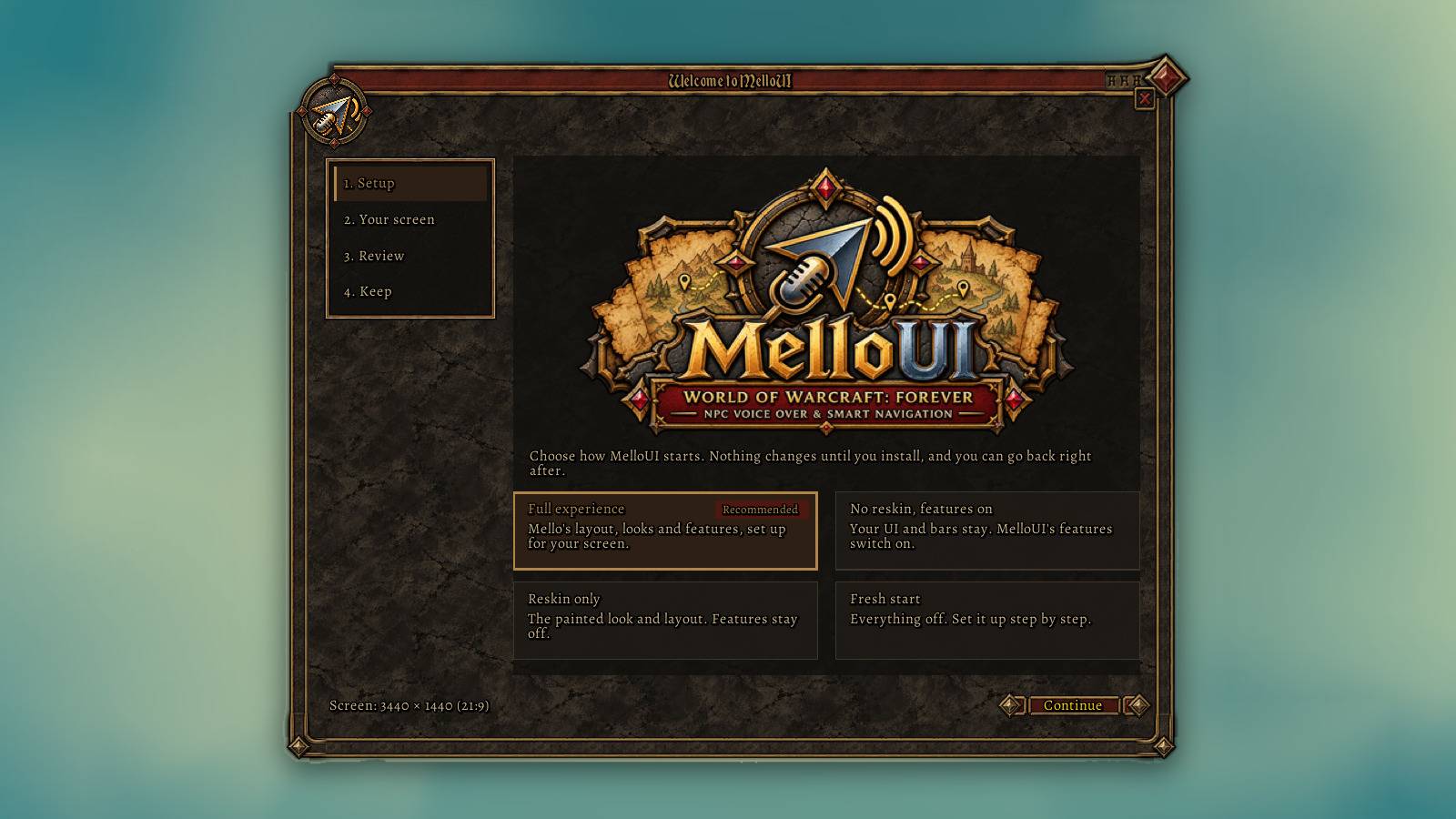
02-installer.jpg
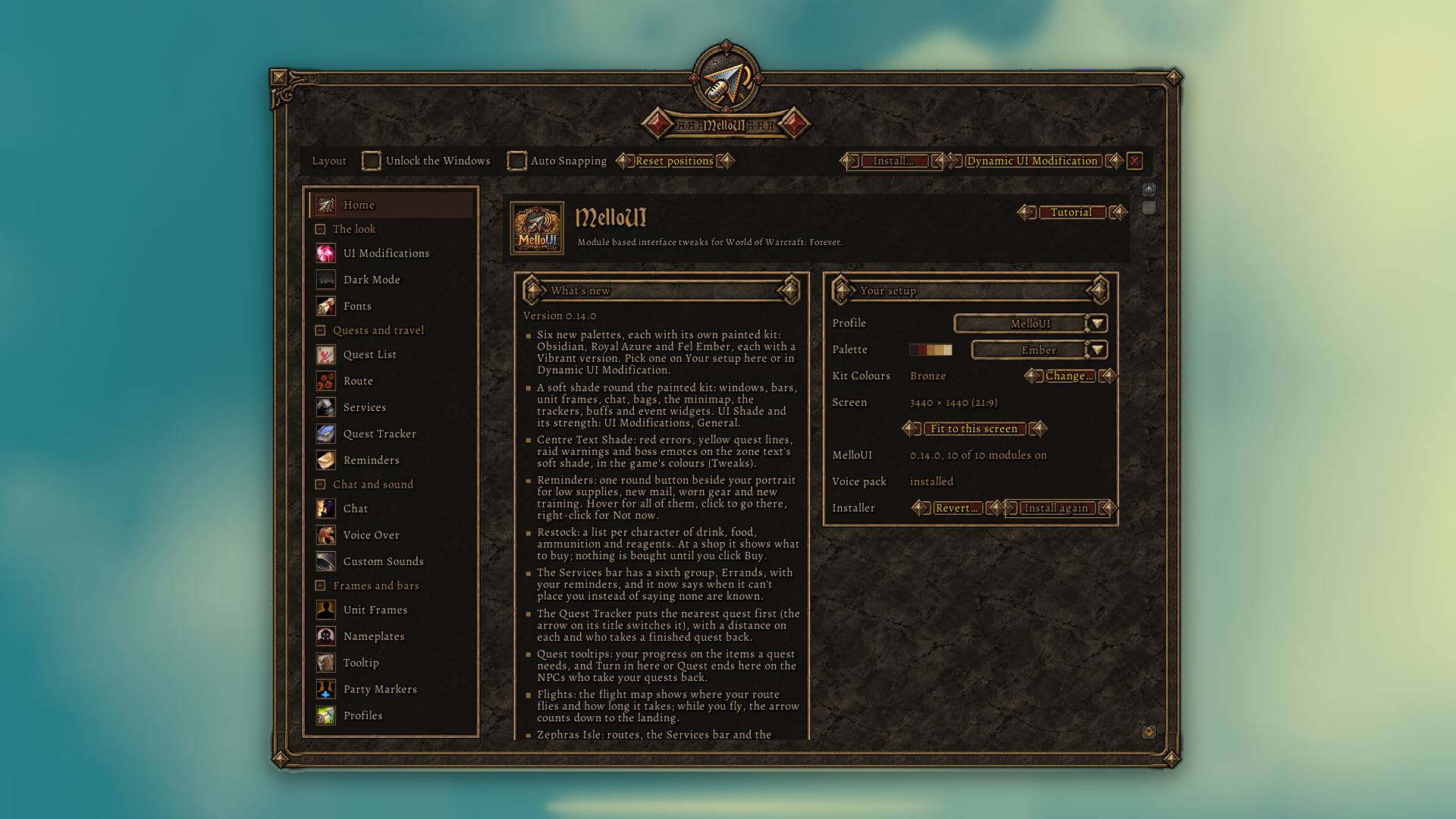
03-configurator.jpg
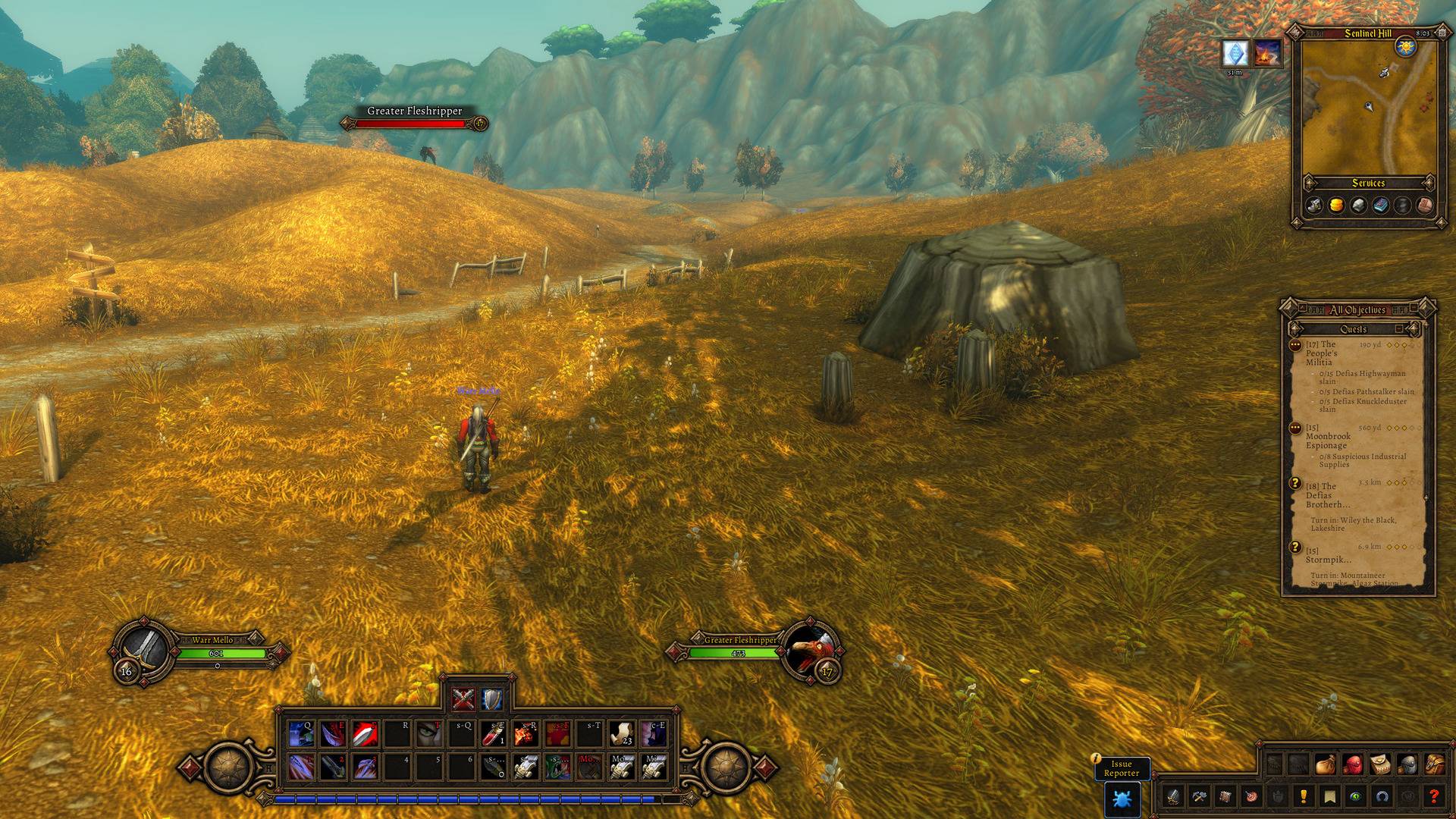
01-overview.jpg
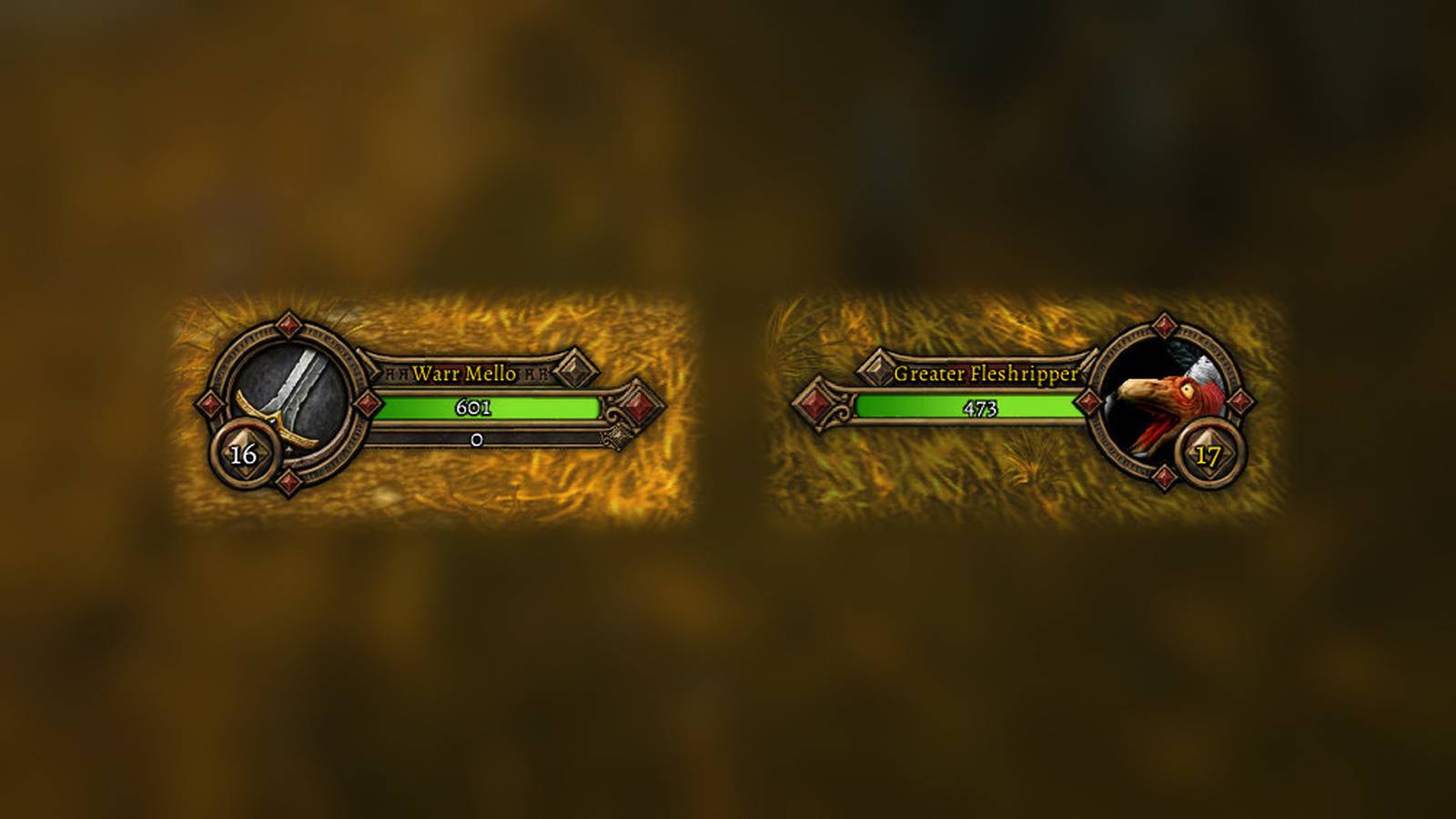
04-unit-frames.jpg
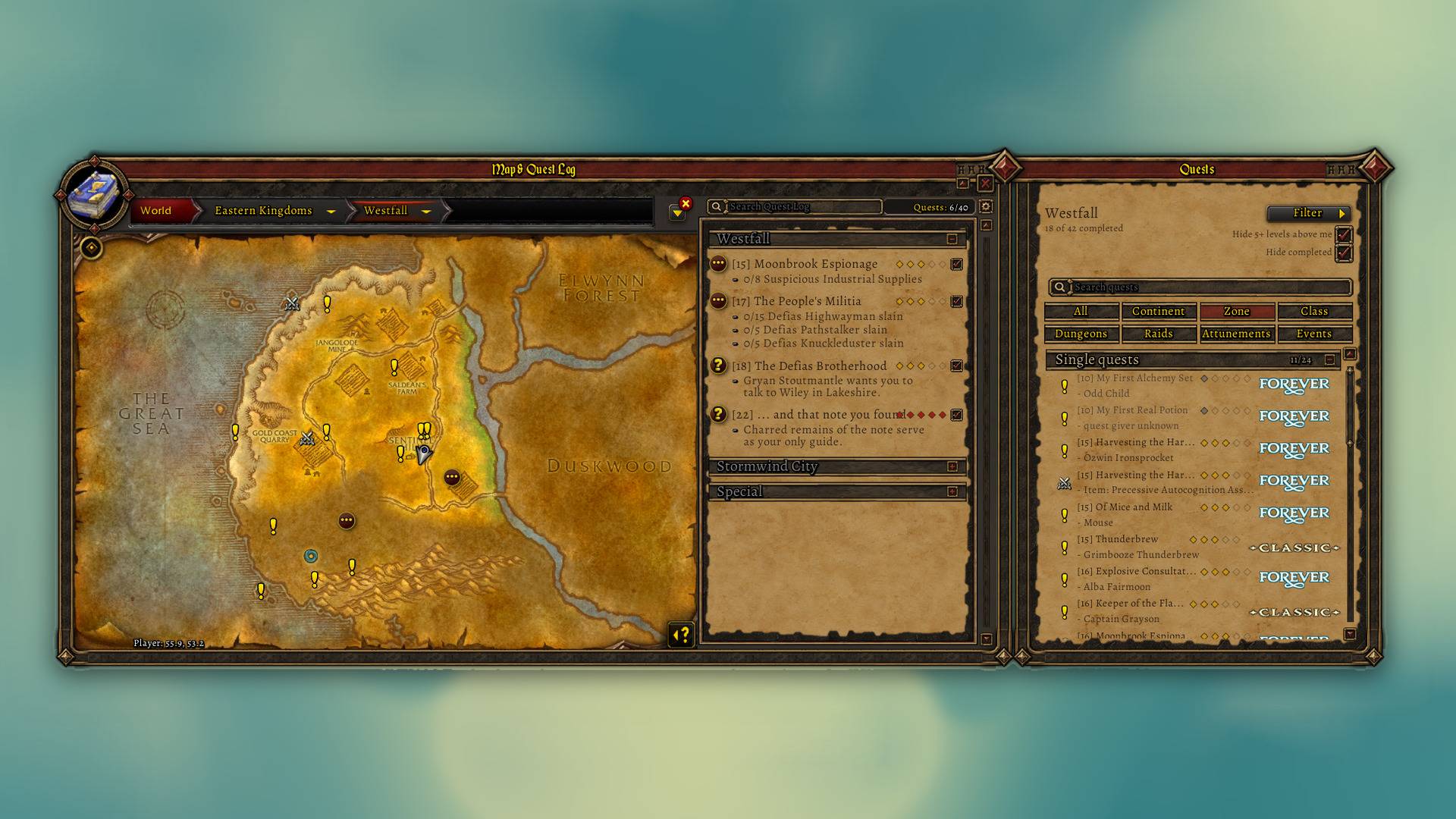
05-map-and-quest-log.jpg
Description
MelloUI – Voiced NPCs, a Full UI Reskin & a Map That Actually Helps
ATTENTION: A New Voicepack is Live (remade for 0.18.3)! Delete your old MelloUI_VoicePack folder, then grab both parts: Part 1 + Part 2
Hey! MelloUI is my all-in-one UI for World of Warcraft: Forever. Everything is a switch: a fresh install has nothing on, so you only get what you pick. Type /mello to start.
What's in it
- UI Reskin: every window and bar in an Old-School RPG Look.
- Move anything: drag and resize any window.
- Voiced quest givers: quests read out loud, with subtitles.
- A map that helps: quest list, pins and a route arrow.
- New UI sounds: optional, with a preview for each.
- And more: party markers, names, bar textures, fonts, chat tweaks, auto-vendor, cooldown numbers, dark mode.
Install
Copy the MelloUI folder into World of Warcraft\_classic_beta_\Interface\AddOns\.
Voice pack (optional, 2.5 GB, 2 Parts): download part 1 and part 2. Had an earlier one? Delete its MelloUI_VoicePack folder first. Unzip both parts into the same AddOns folder (they make one MelloUI_VoicePack folder next to MelloUI), and tick it in the addon list. No pack? The game's text-to-speech reads instead.
Good to know
- Your settings are backed up in hidden account macros (
MelloUI1,MelloUI2…). Keep those. - After an update, restart the game once.
/reloadisn't enough for new files.
Links
MelloUI Team