ME: My Epoch
- By
My Epoch turns your adventures into a personal scrapbook with milestones, activity recaps, quest history, and illustrated memories.
Screenshot 2026-11-07 172103.jpg
Screenshot 2026-11-05 074331.jpg
Description
My Epoch
Every adventure leaves a story.
My Epoch turns your time in Azeroth into a personal scrapbook. Revisit your milestones, explore your quest history, read activity recaps, and add your own memories—all through an illustrated, book-style interface.
Your adventures, remembered
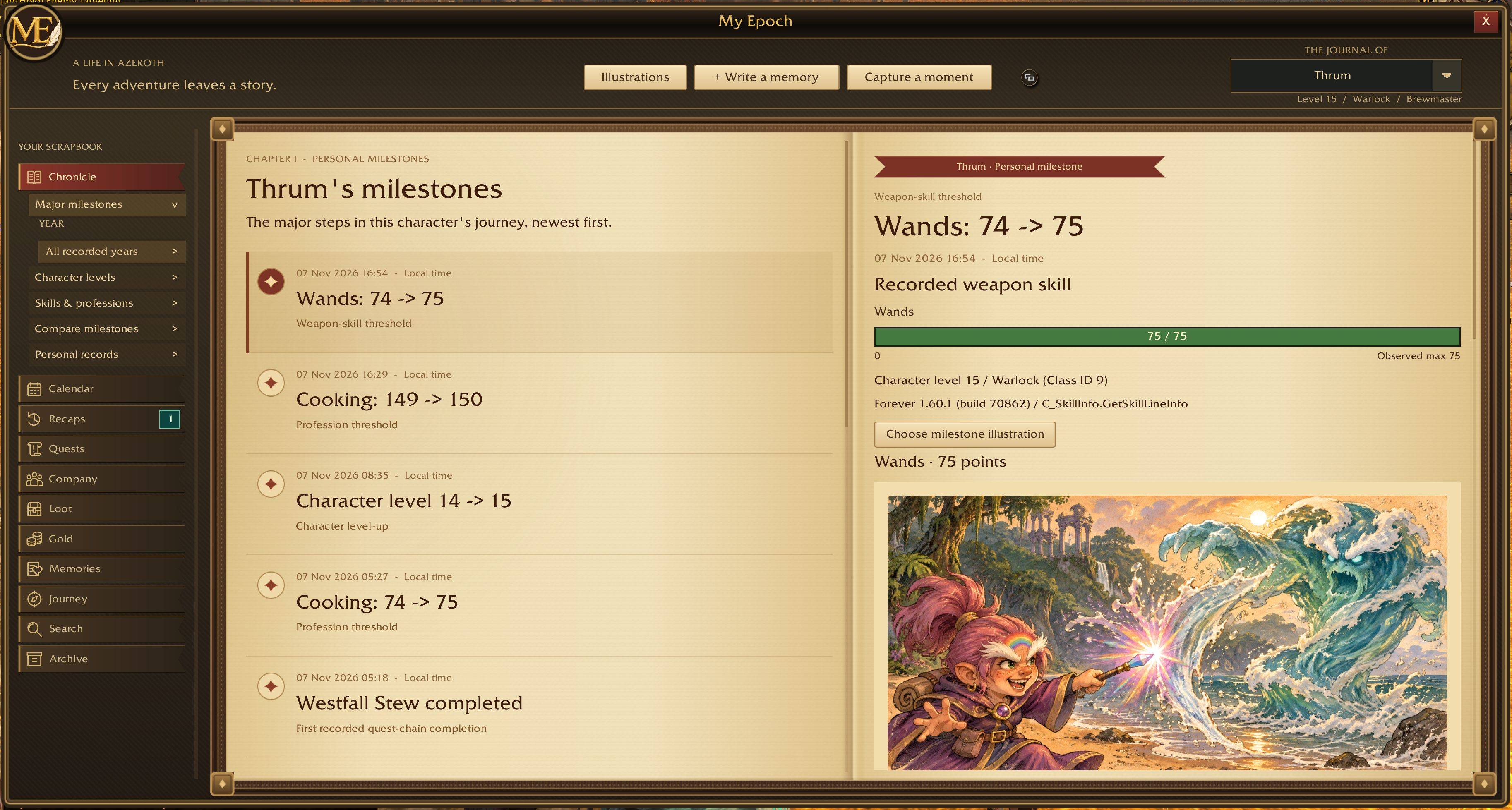
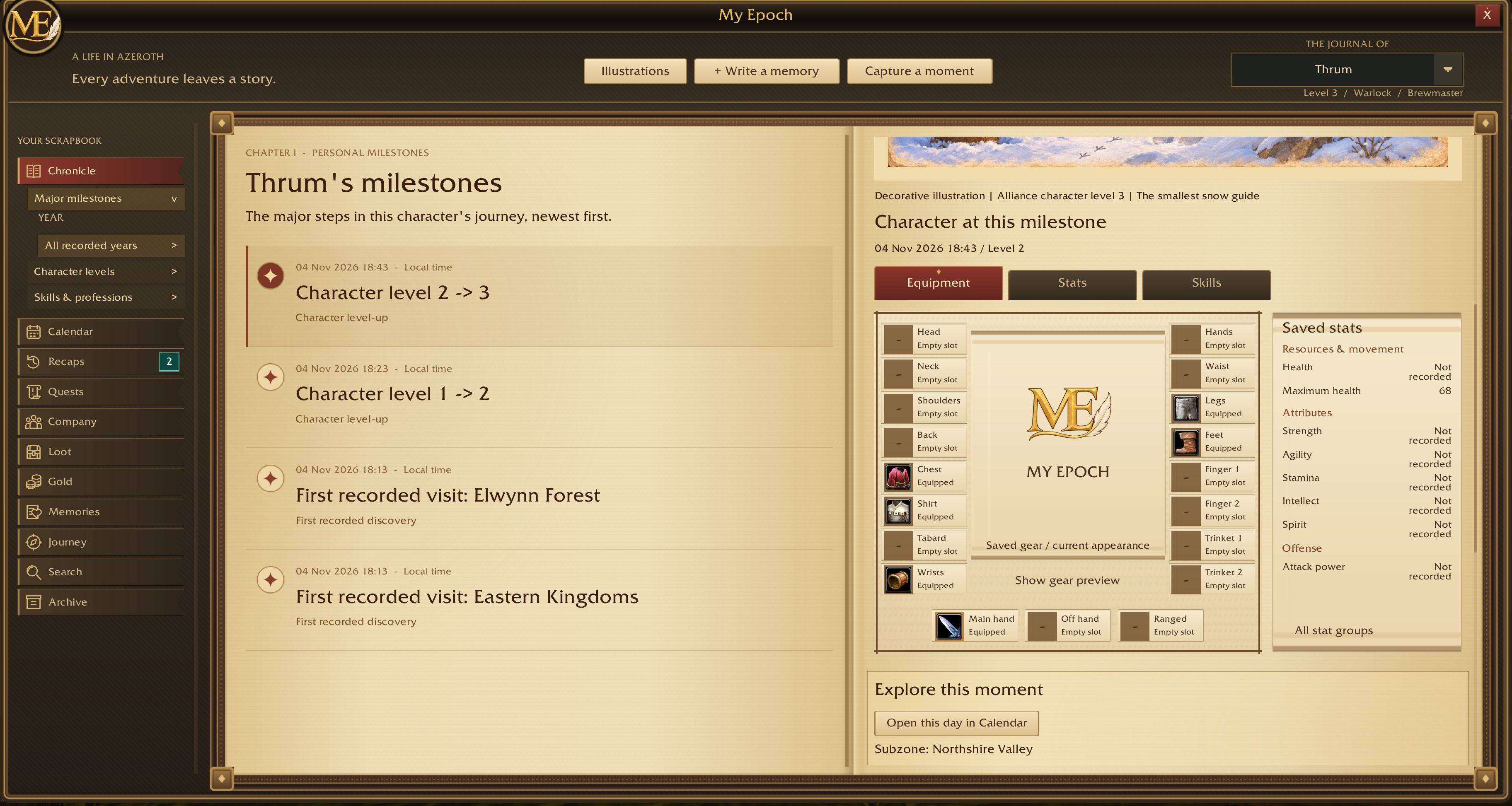
- Milestones: Look back on character levels, profession progress, weapon skill milestones, and other memorable achievements.
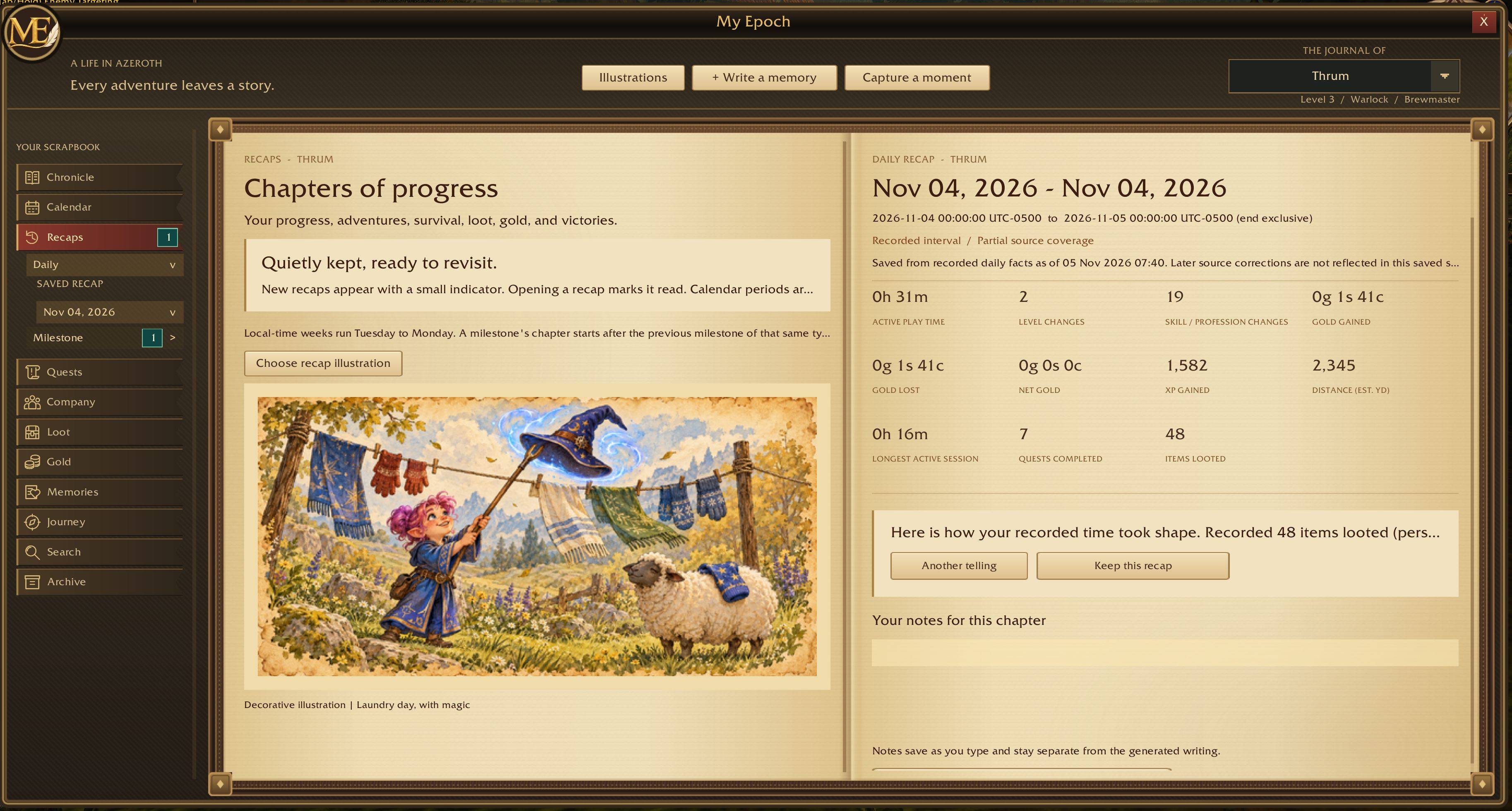
- Activity recaps: Review daily, weekly, monthly, yearly, and milestone recaps based on your recorded adventures.
- Quest history: Browse recorded quests by zone, with item icons and hoverable tooltips where item information is available.
- Personal memories: Write your own entries and add notes alongside your recorded history.
- Character journals: Browse each character’s story separately.
More than a list of events
Recaps bring together recorded activity such as:
- Active play time, experience gained, and quests completed
- Deaths, damage taken, and health gained
- Gold gained, gold spent, and net gold change
- Auction purchases and sales
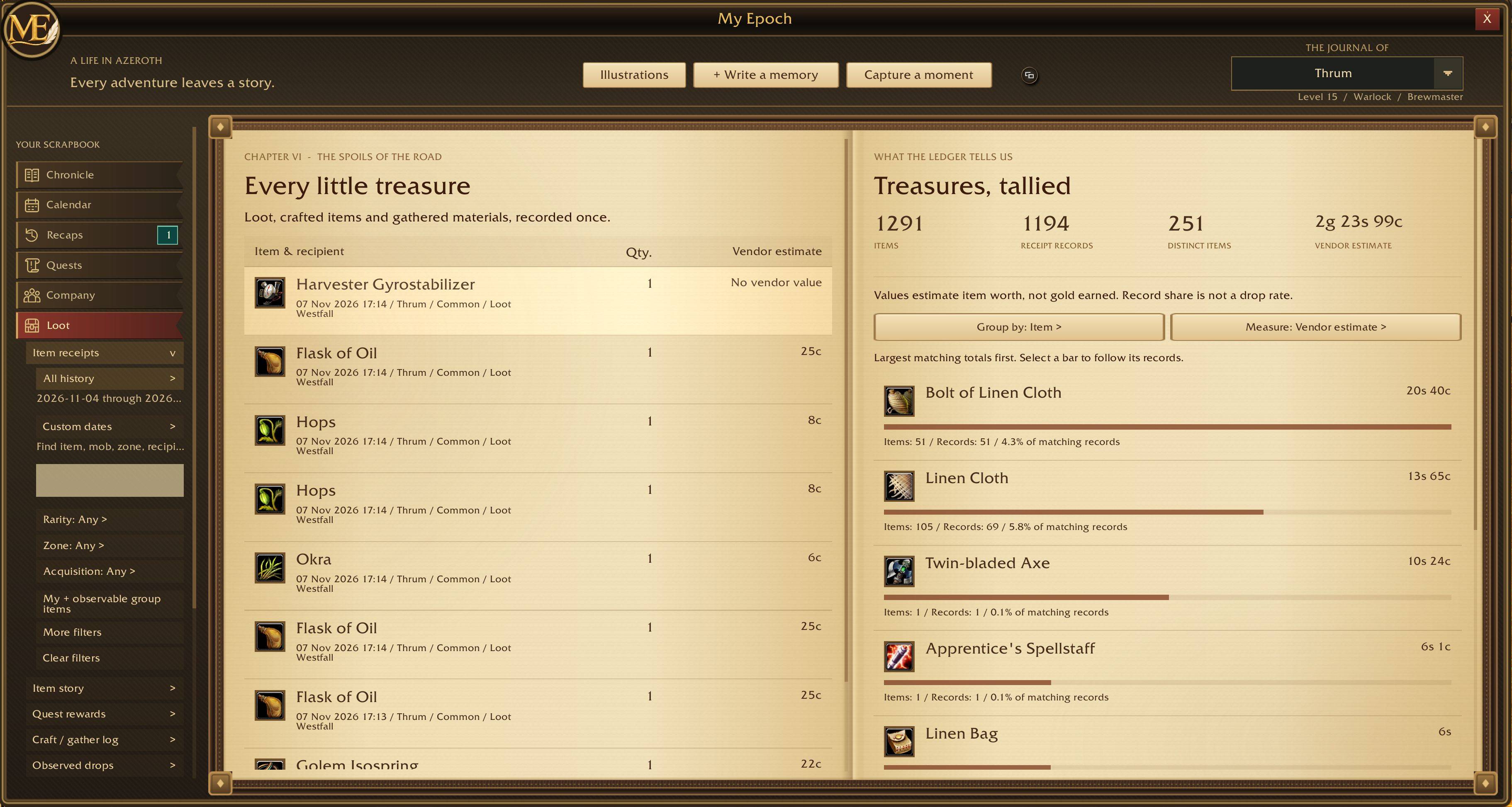
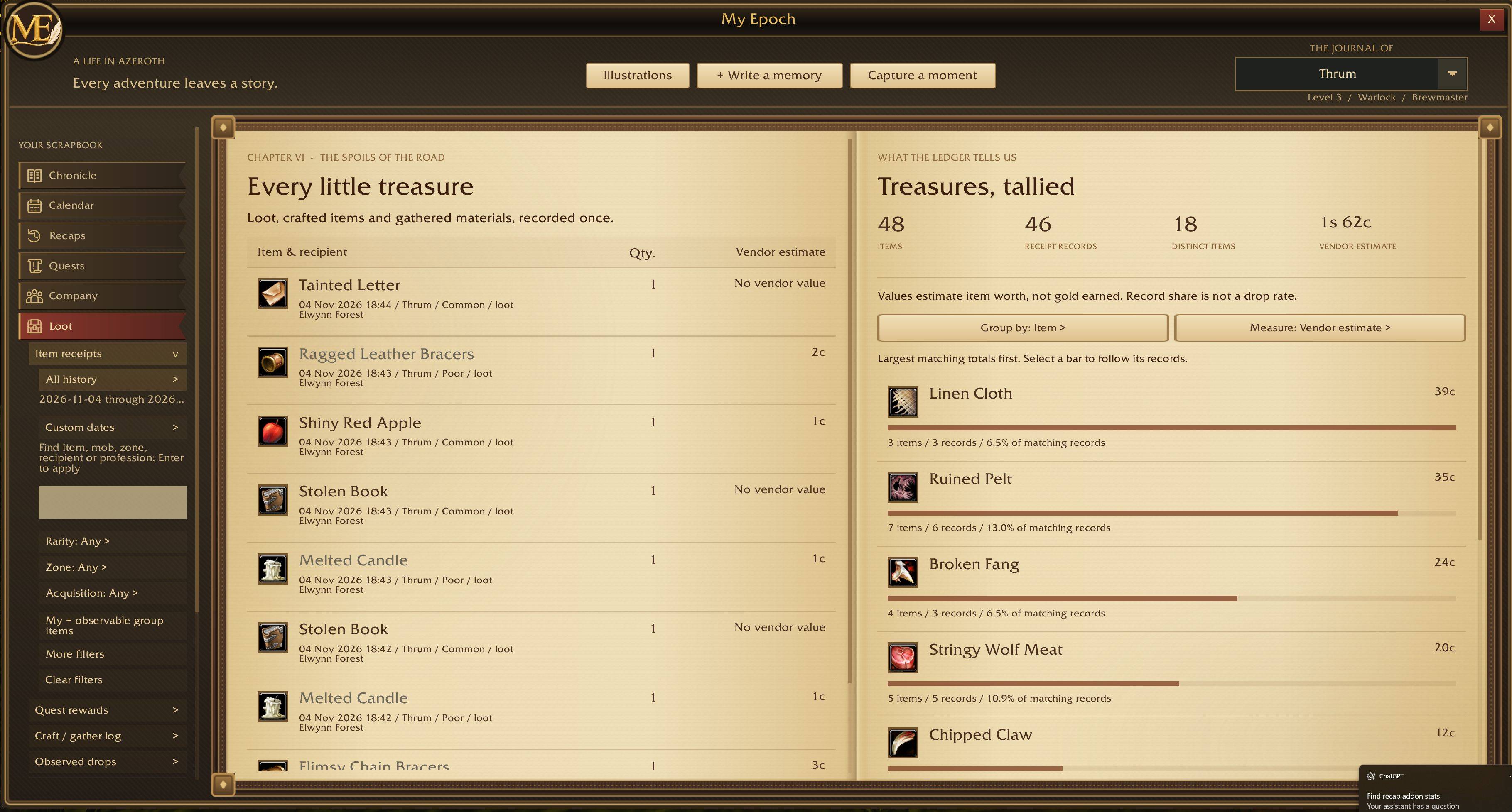
- Items looted and loot rolls won
- Duel and battleground results
Available details depend on what the addon observed while you were playing.
Make each chapter your own
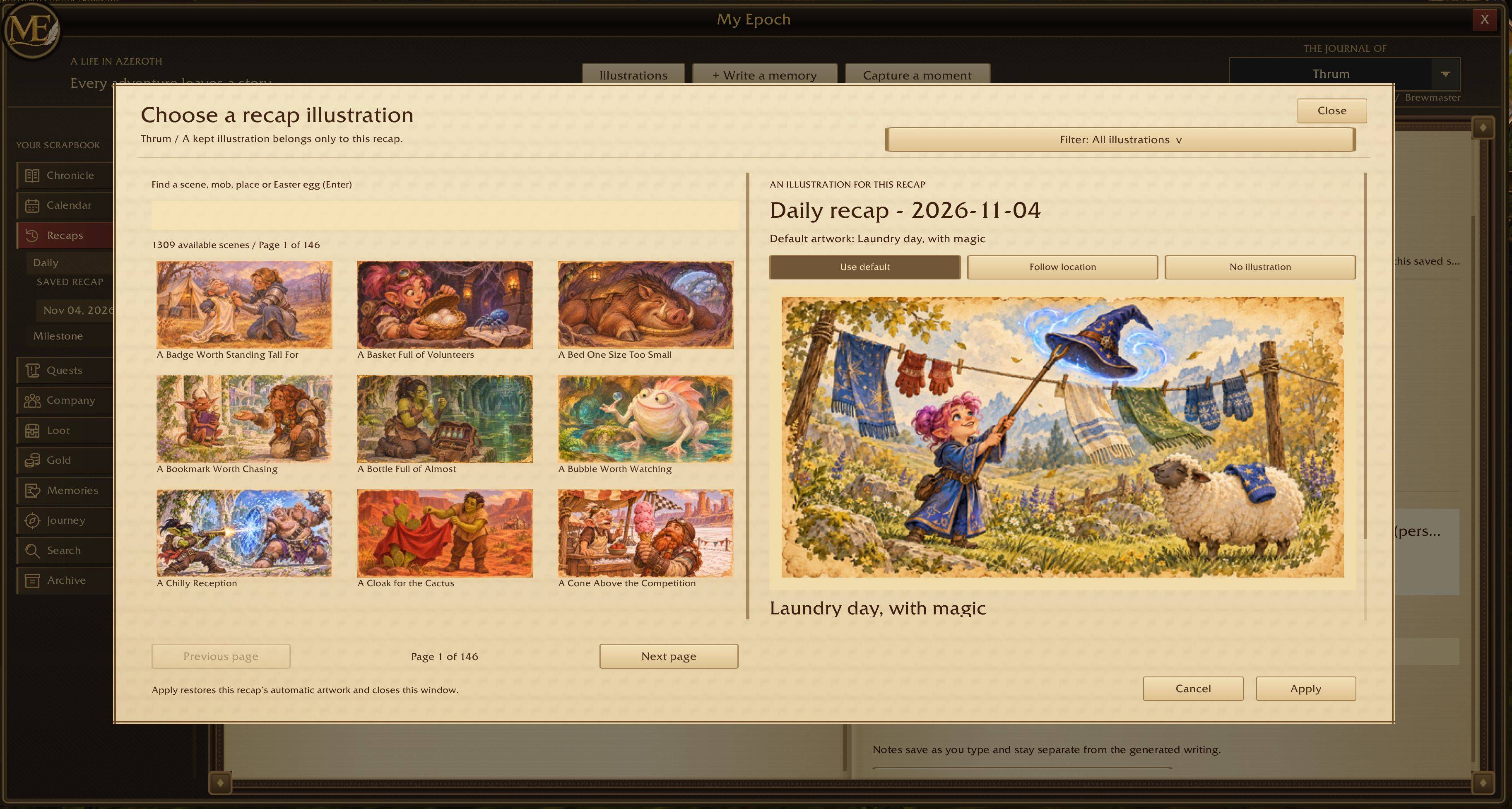
Choose an illustration for an individual recap or milestone without changing other entries. Dedicated level and weapon milestone artwork accompanies those achievements, while other entries receive an automatically selected illustration.
Your notes remain separate from generated recap text, so your own words stay yours.
Built for browsing
Use the minimap button to open your scrapbook, select a character, and explore their history. Recap selectors include year and month filters, scrolling, and notification badges to help you find unread chapters.
Getting started
- Install My Epoch for WoW Forever.
- Log in and begin your adventures.
- Click the minimap button or type
/myepochto open your scrapbook.
My Epoch builds its history as you play. It cannot reconstruct activity from before it was installed or while recording was unavailable. Calendar recaps become available after their period ends and you log in again.
Localizations supported: German, French, Italian, Spanish (also used for esMX), Brazilian Portuguese, Russian, Korean, Simplified Chinese, and Traditional Chinese with English fallback
Controller is supported!
ME: My Epoch Team