MaUI M+ Timer
- By
Modular WoW Mythic+ timer addon (timer, enemy forces, deaths, splits, checkpoints, cooldowns) with a central Ace3 GUI — for Retail/Midnight.
preview (3).png
preview (2).png
preview (1).png
Screenshot 2026-07-05 162148.png
Description
MAUI M+ Timer
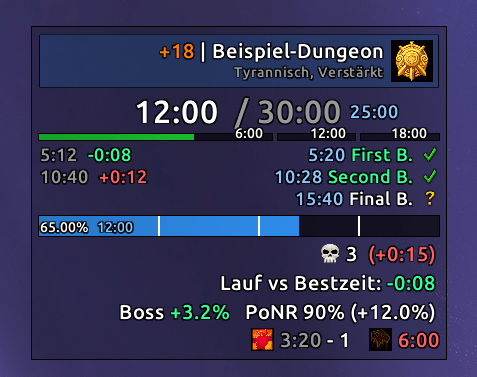
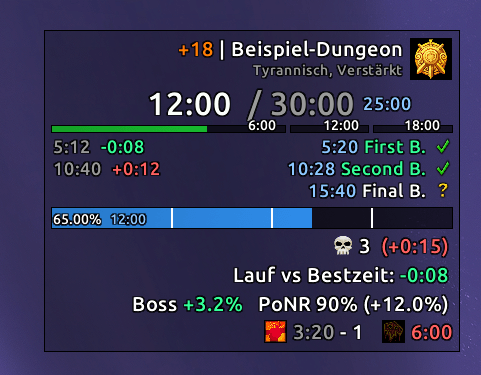
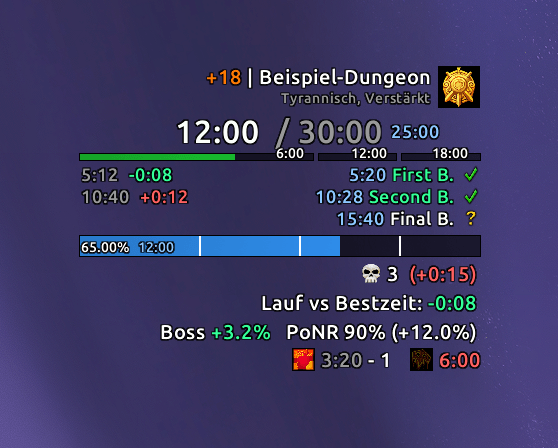
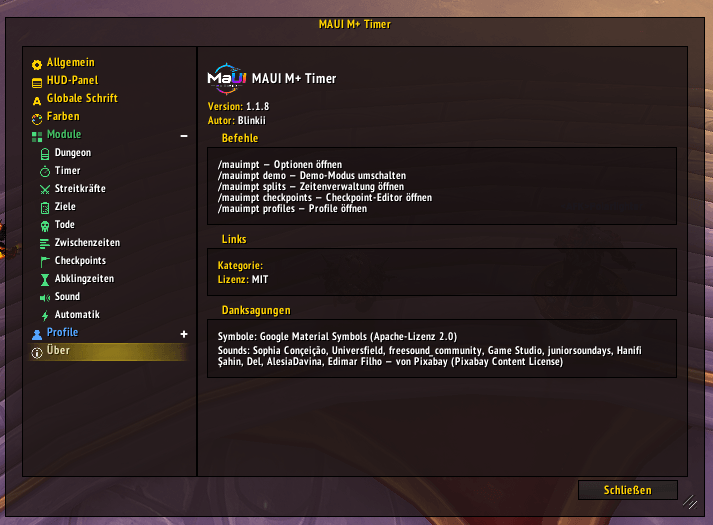
A modular Mythic+ timer for World of Warcraft Retail (Midnight, 12.0.x). Every part of the HUD — dungeon info, timer, enemy forces, objectives, deaths, splits, checkpoints, cooldowns — is its own module that can be turned on or off, and everything is configured through one clean options window. No chat commands to memorize, no config files to edit.
Features
Dungeon — Current dungeon name, key level and affixes, with an optional dungeon icon.
Timer — Key timer with +1/+2/+3 time-limit thresholds and an optional three-segment split bar, always accurate even if you turn other modules off.
Enemy Forces — Dungeon-wide forces progress with percentage and remaining count. Show checkpoint markers on the bar, or split the bar into one segment per checkpoint with a live "% still needed" countdown on each segment. On completion you see your time and the delta versus your best run.
Objectives — Boss checklist with kill times and best-run deltas, straight from the scenario criteria.
Deaths — Death counter with time penalty and a timestamped death log.
Splits — Records your best run per dungeon and key level and shows a live +/- comparison at each boss, so you always know if you're ahead or behind your own record.
Checkpoints — Set target forces-% per boss section plus Point-of-No-Return thresholds, compared live against your current progress (ahead/behind display). Comes with a built-in editor, import/export to share with your team, and one-click curated default targets.
Cooldowns — Optional battle-rez charge/recharge tracker and heroism/lust availability countdown.
Sound — Audio cues for deaths, forces milestones, reached checkpoints and run start/complete/time-out — with bundled sounds, your own files, or anything from LibSharedMedia.
Automation — Optionally hide Blizzard's objective tracker during a key and auto-slot your keystone at the Font of Power.
Changelog — In-game changelog with the full version history; opens once automatically after every update (can be turned off).
Profiles — Full profile system with import/export, so you can share your setup or switch between characters instantly.
Full styling control — Position, font, color, and texture/statusbar are configurable per HUD element, and a demo mode lets you style everything outside a key.
Requirements
World of Warcraft Retail, Midnight (12.0.x).
Usage
Type /mauimpt to open the options window, or use the minimap button. Subcommands jump straight to a page or panel: /mauimpt demo, /mauimpt splits, /mauimpt checkpoints, /mauimpt changelog, /mauimpt profiles.
Support & Source
Source code, issue tracker, and the latest builds are on GitHub. Bug reports and feature requests are welcome there.
License
Released under the MIT License.
MaUI M+ Timer Team


Owner