Malkoms Current Set Equipped
- By
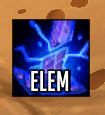
A movable, resizable button that shows the icon of your currently equipped gear set.
Icon
Menu
Description
Malkoms Current Set Equipped adds a small, movable button that always shows the icon of the equipment set you currently have equipped (Blizzard's Equipment Manager sets). No set equipped → the button hides itself automatically.
Features
- Shows the icon of your currently equipped gear set, updated live.
- Movable: drag it anywhere (when unlocked).
- Resizable: drag the bottom-right corner, or use the Width/Height sliders — with an optional Keep aspect ratio toggle.
- Lockable: once locked, it can't be moved or resized.
- Themes: Default (simple border), ElvUI (ElvUI button look), or Masque (skinned by your active Masque skin). Automatically falls back to Default if ElvUI/Masque aren't installed — and theme changes apply live, no /reload needed.
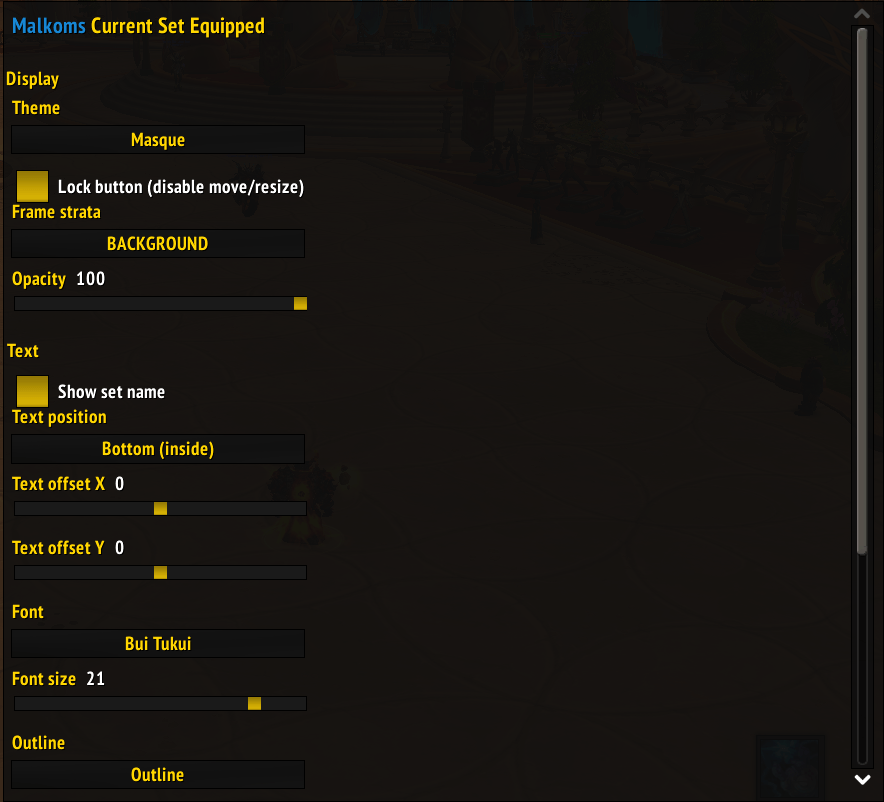
- Set name label: optionally show the set's name on the button, with adjustable position (top/bottom, inside), X/Y offset, font, size and outline.
- Opacity and frame strata options.
- Tooltip shows the set name and quick hints.
Usage
- Left-click: nothing (display only). Right-click: open options.
- Drag to move; drag the corner grip to resize (when unlocked).
- Open options via right-click,
/mcse, or Escape → Options → AddOns → Malkoms CSE.
Options
Theme, lock, keep aspect ratio, width, height, opacity, frame strata, and the set-name label (show, position, X/Y offset, font, size, outline).
Dependencies
None required. Optional integrations, used only if installed: Masque, ElvUI, LibSharedMedia-3.0 (extra fonts for the label).
Languages
English (enUS) and French (frFR).
Feedback
Found a bug or have a suggestion? Please use the Comments tab on this CurseForge page.
License & credits
Released under GPLv3. Author: Malkoms. Original code (Blizzard API only).
Malkoms Current Set Equipped Team