BetterBags - BattleForAzeroth
- By
BetterBags plugin that automatically organizes your Battle for Azeroth items into categories - consumables, professions, Heart of Azeroth, dungeons, raids, and more.
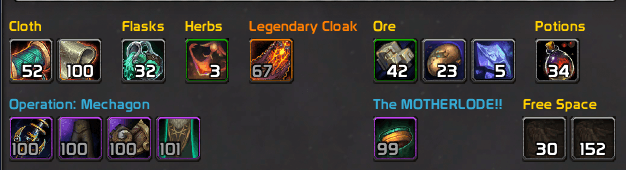
Betterbags_BFA_v2.1.0_Bag.png
Description
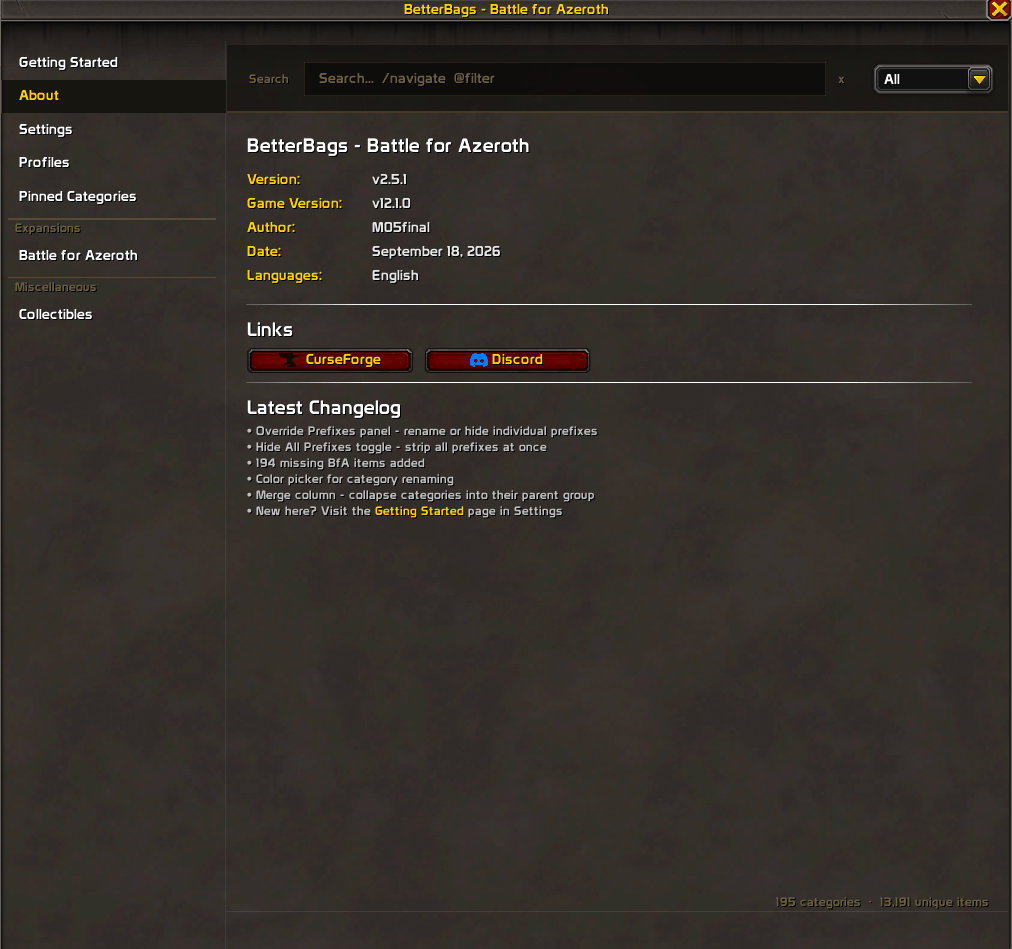
BetterBags - Battle for Azeroth
BetterBags Battle for Azeroth is a plugin for BetterBags that automatically organizes your Battle for Azeroth expansion items into categories. Consumables, profession materials, reputation items, island expeditions, warfronts, collectibles, and more.
Download BetterBags at Cidan/BetterBags or CurseForge.
Getting Started
- Install BetterBags (required)
- Install BetterBags Battle for Azeroth
- Open your bags - BfA items are categorized automatically
- Right-click your bag frame > Plugins > BfA Categories to open the options panel
- Check the Getting Started page inside the panel for a walkthrough
What Gets Categorized
Content
| Category | What's Included |
|---|---|
| Materials | Herbs, ore, cloth, leather, meat & fish, enchanting reagents, elementals |
| Consumables | Elixirs, flasks, potions, food & drinks |
| Crafted Items | Gems, bandages, and crafted gear across multiple professions |
| Professions | Reagents, recipes, and crafts for all professions including Archaeology |
| Reputation | Contracts and faction reward items |
| Heart of Azeroth | Azerite items and Heart of Azeroth |
| Island Expeditions | Island expedition rewards and items |
| Warfronts | Warfront gear and rewards |
| Horrific Visions | Vision items and rewards |
| Collectibles | Mounts, companions, toys |
| PvP | Cloaks, tabards, ensembles, quest items |
| Vendor Gear | Vendor-sold equipment |
| Pre-Patch | Pre-patch event items |
Dungeons & Raids
| Dungeons | Raids |
|---|---|
| Atal'Dazar | Battle of Dazar'alor |
| Freehold | Crucible of Storms |
| Kings' Rest | Ny'alotha, the Waking City |
| Operation: Mechagon | The Eternal Palace |
| Shrine of the Storm | Uldir |
| Siege of Boralus | |
| Temple of Sethraliss | |
| The MOTHERLODE!! | |
| The Underrot | |
| Tol Dagor | |
| Waycrest Manor |
Mythic+
Keystones and Great Vault rewards.
Zones
- Drustvar
- Mechagon
- Nazjatar
- Nazmir
- Stormsong Valley
- Tiragarde Sound
- Vol'dun
- Zuldazar
Options Panel
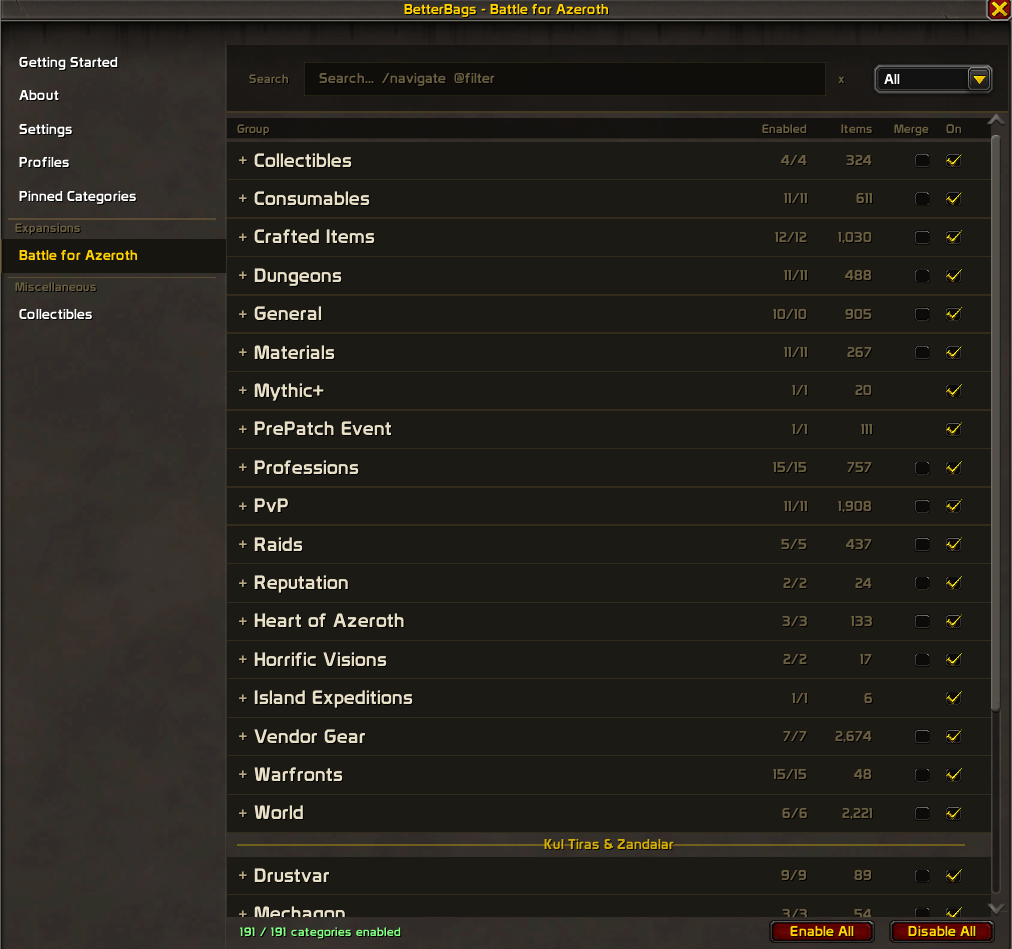
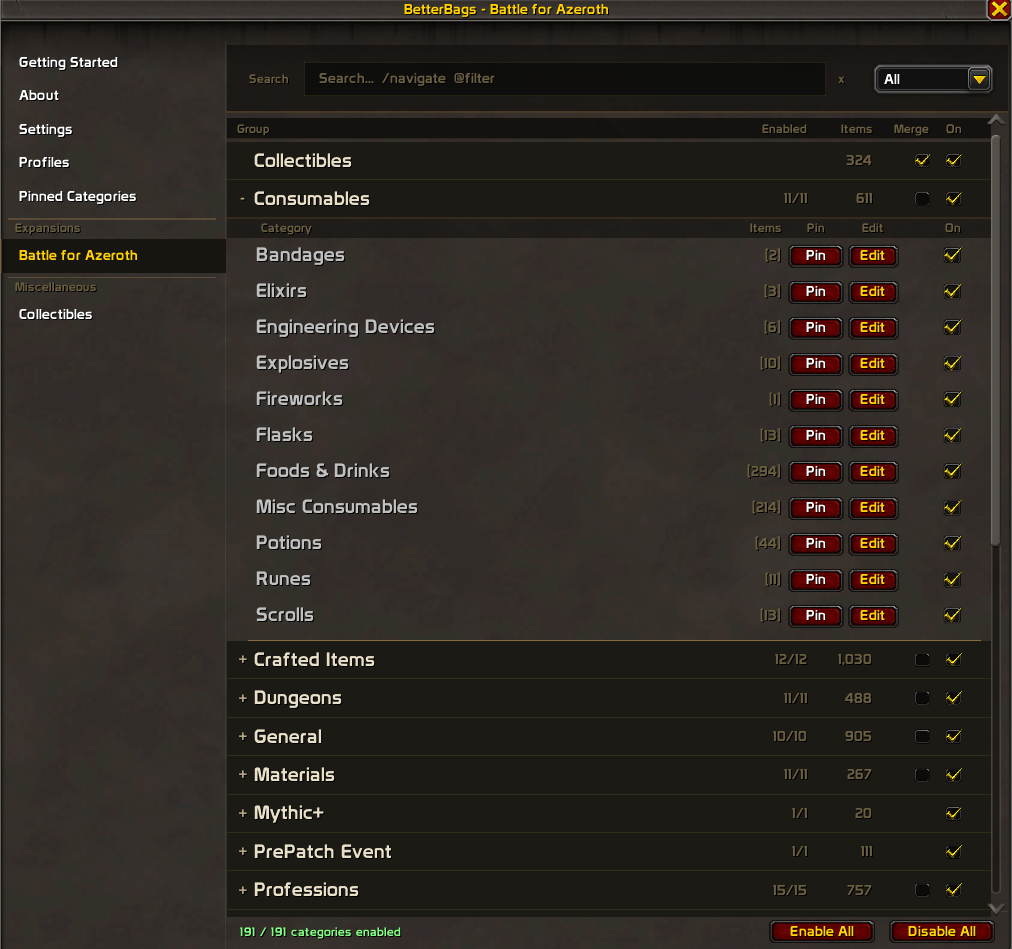
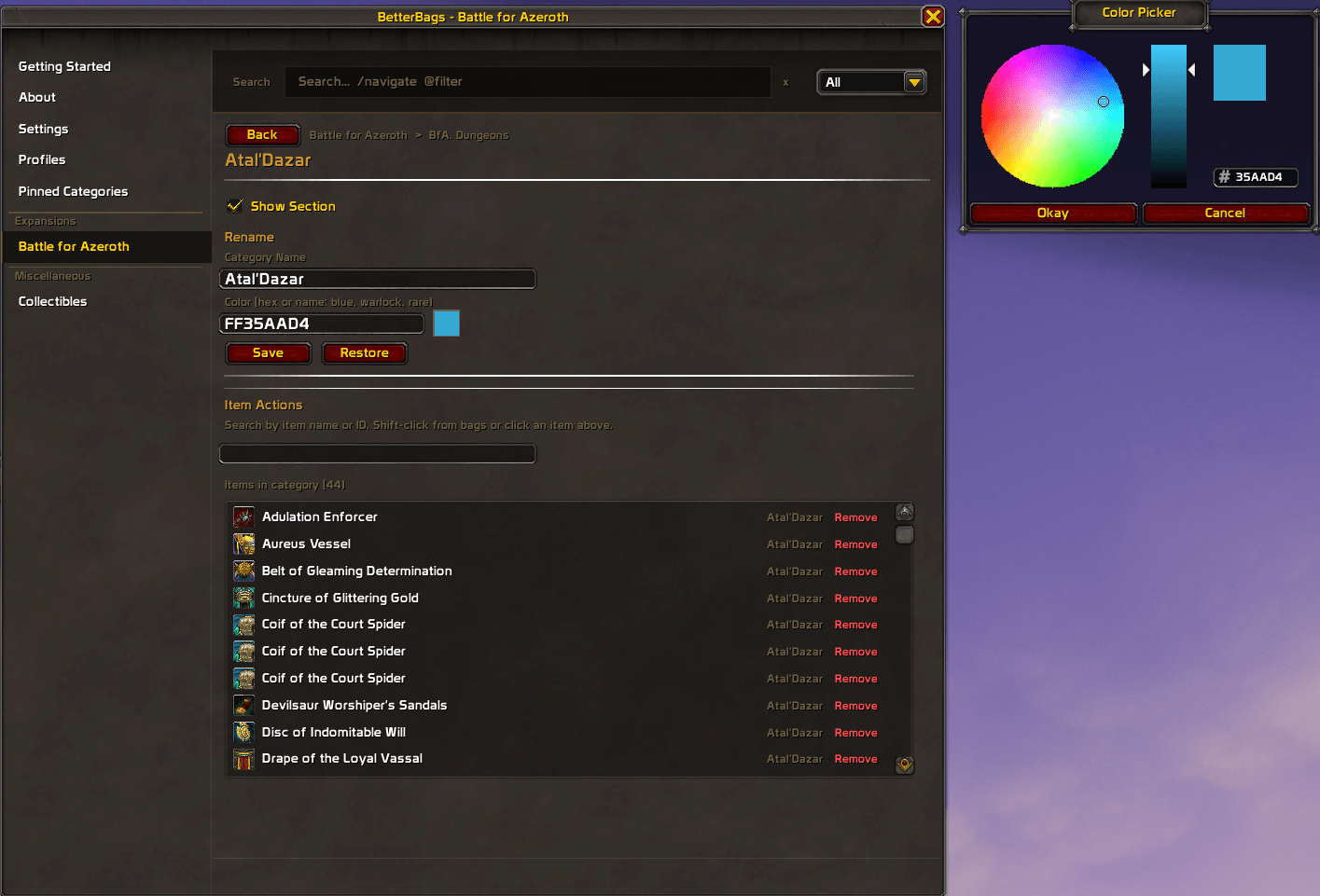
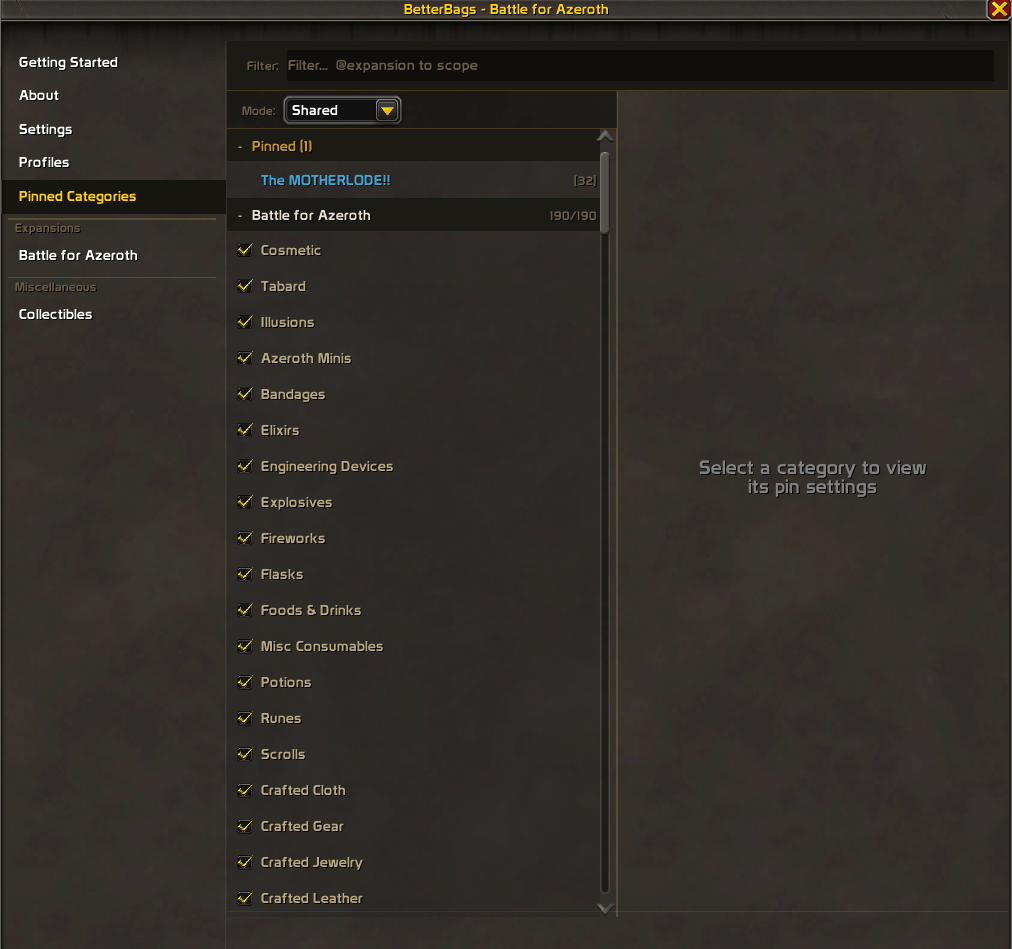
Built in options panel with search, category editing, profiles, and more.
- Sidebar navigation to browse by content type
- Global search on every page with keyword filters (@raids, @cloth, @enabled). Shift-click items from your bags into the search bar.
- Category editor to add, remove, or move items between categories. Green/red rows show what changed.
- Getting Started guide built into the panel for new users
Features
- Category presets - PvE, PvP, Collectibles, Crafting, Disable All
- Pin & Sort - pin categories to the top of your bags in a custom order. Per-category sort rules or global sort presets. BetterBags built-in categories (Armor, Junk, etc.) can be pinned alongside BfA categories. Works on bags and bank together or separately.
- Per-category sort override - three-tier dropdowns (Expansion > Group > Category > Sort Rule)
- Sort presets - Expansion Order, Alphabetical (A-Z / Z-A), Quality, Quality + Item Level
- Merge - collapse a group's subcategories into one bag section
- Per-character profiles - create, copy, rename, delete, export/import. Category settings and custom names save per profile.
- Category renaming - custom name and color per category. Hex codes, color names (blue, warlock, rare, dungeon), or the visual color picker.
- Rename from your bag - Shift+Right-click any section header. Right-click for the context menu.
- Prefix controls - hide expansion prefixes, raid/dungeon prefixes, or all prefixes at once.
- Prefix editing - rename or hide individual prefixes from the Override Prefixes panel.
- Category tooltip - hover any item to see which category it belongs to
- Section collapse - collapse and expand sections in your bags
- Hide Free Space - hides the empty slot count at the bottom of your bags
- Lite Mode - strips everything back to just category toggles
- Factory Reset - re-enables all categories, clears renames, resets settings, reloads UI
Keyboard Shortcuts
| Shortcut | Action |
|---|---|
| Shift+Click header | Pin or unpin a category |
| Shift+Right-click header | Rename a category |
| Right-click header | Context menu |
| Shift+Click bag item | Add item to search bar |
Feedback & Support
Found missing or miscategorized items, bugs, or have suggestions?
- Leave a comment on this page
- Join the Discord
Want categories for every expansion? Check out BetterBags - AIO.
Other Plugins by M05final
- BetterBags - AIO
- BetterBags - Midnight
- BetterBags - The War Within
- BetterBags - Dragonflight
- BetterBags - Shadowlands
- BetterBags - Legion
- BetterBags - Warlords of Draenor
- BetterBags - Mists of Pandaria
- BetterBags - Cataclysm
- BetterBags - Wrath of the Lich King
- BetterBags - Burning Crusade
- BetterBags - Classic
- BetterBags - Forever
- BetterBags - Quick Add
BetterBags - BattleForAzeroth Team

Owner