Lumora - Cinematic Lighting & Filters
- By
Cinematic color grading for WoW: time-of-day moods, color wheels, graduated & radial filters, haze, vignette, film grain and UI-free screenshots. No ReShade, works on Mac.
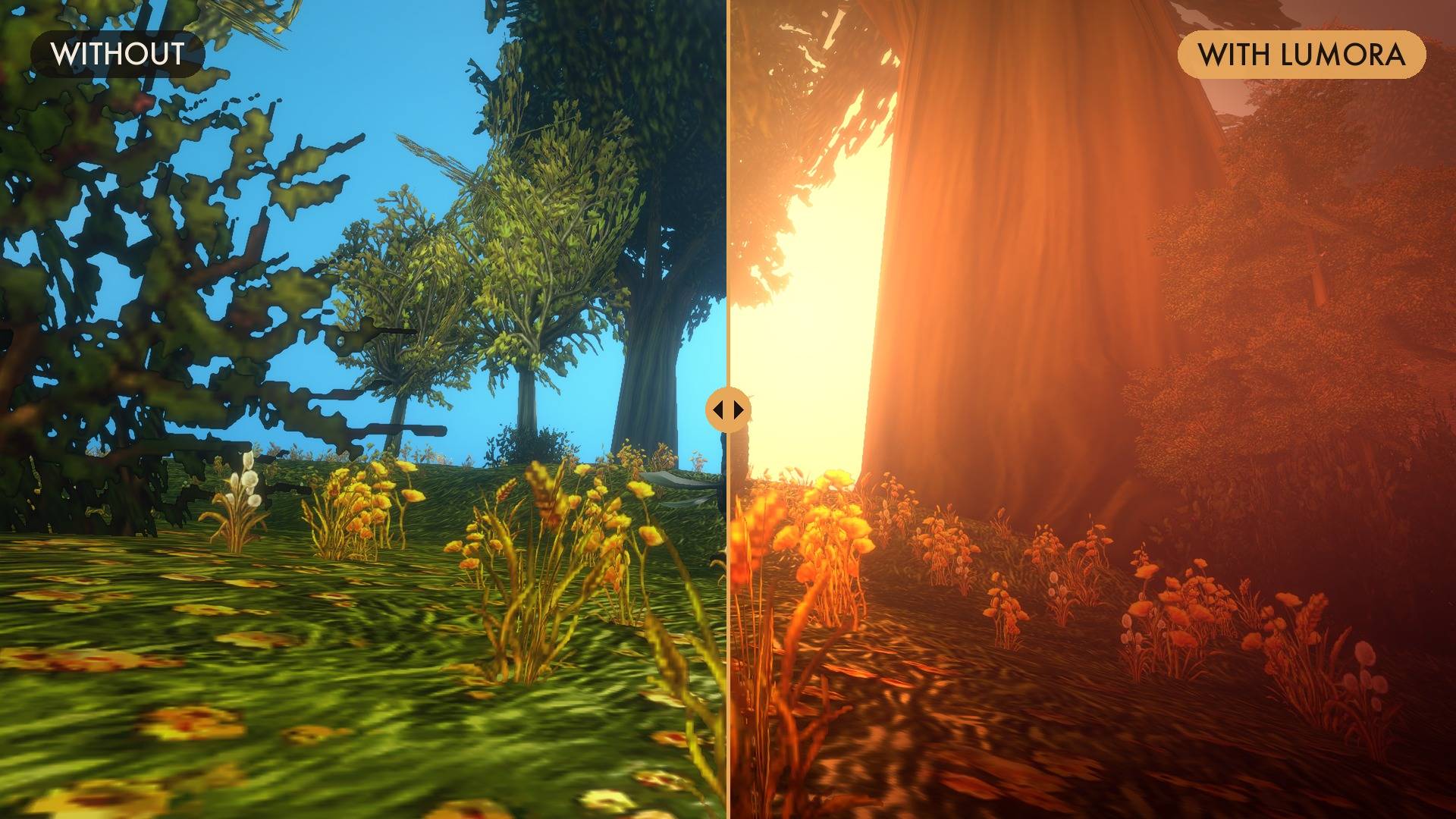
02_with_lumora.jpg
03_without.jpg
Description

Lumora
Cinematic Lighting & Filters for World of Warcraft
Golden sunsets, misty forests, cold blue nights. Lumora gives your world the light and color of a film,
right inside the game. No ReShade, no external tools, and it works on Mac and Windows.

Free forever. A small tip keeps new looks coming.
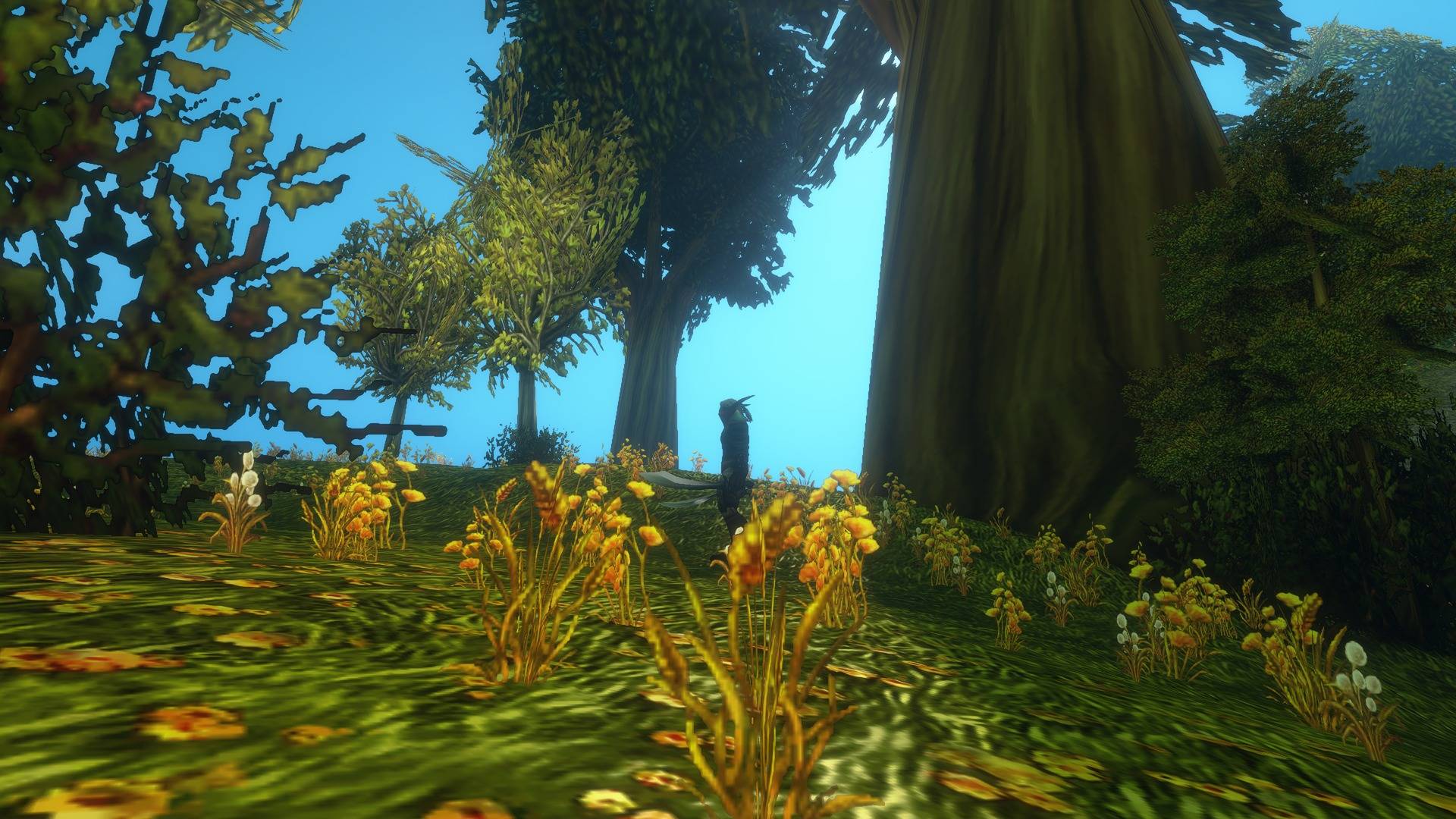
Left: the game without Lumora. Right: the same spot with Lumora.
✦ What Lumora does
🌅 Color mood by time of dayWarm golden mornings, soft daylight, glowing evenings and cool blue nights. The mood follows the in-game clock and blends smoothly. Or pick a fixed mood: Night, Golden Hour or Sunrise. |
🎨 Color wheelsTint shadows, midtones and highlights separately, the way colorists grade films. Teal shadows and warm highlights? Two clicks. |
🌫️ Haze, vignette and film grainA soft light haze from the sky (automatically lighter indoors), darkened edges and fine, moving film grain for that cinematic finish. |
🔆 Graduated and radial filtersDarken or color the sky with a graduated filter, or add a warm sun glow anywhere on screen with the radial filter, just like in a photo editor. |
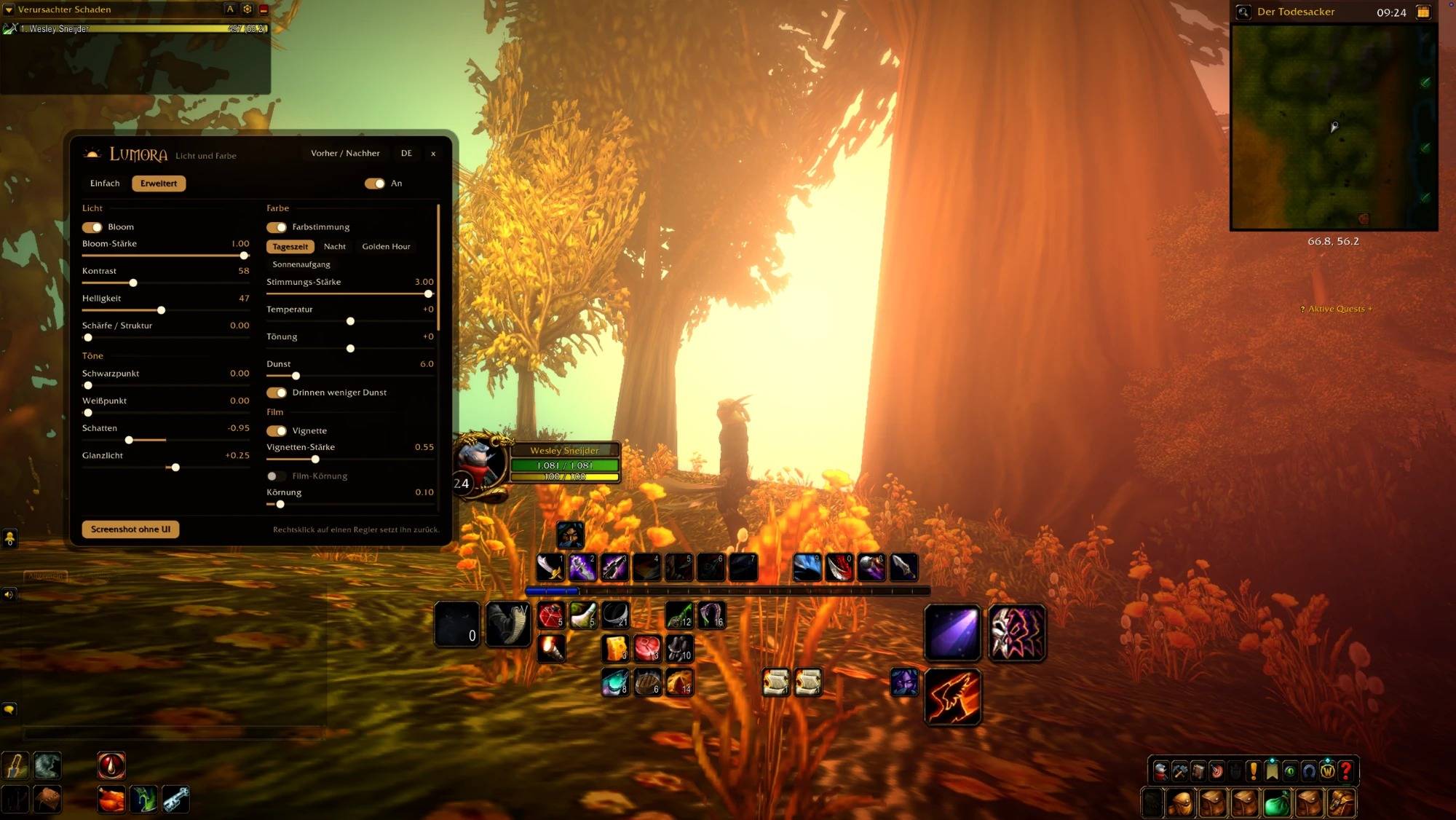
🎚️ Full tone controlBloom, contrast, brightness, sharpness, black and white point, shadows and highlights, temperature and tint, all with wide ranges for bold looks. |
📸 Clean screenshotsOne click (or your own key) hides the interface, names, nameplates and chat bubbles, takes the picture and brings everything back. Choose JPG, PNG or TGA. |
✦ Five looks to start, ten slots for your own
Best Night · Nordic · Night · Golden Hour · Sunrise. New installs start with Best Night, a moody night with a warm light glow. Click any look, then fine-tune every slider. Save your favourite looks in 10 named preset slots and switch between them any time.
Hold Before / After to compare your look with the original picture instantly.
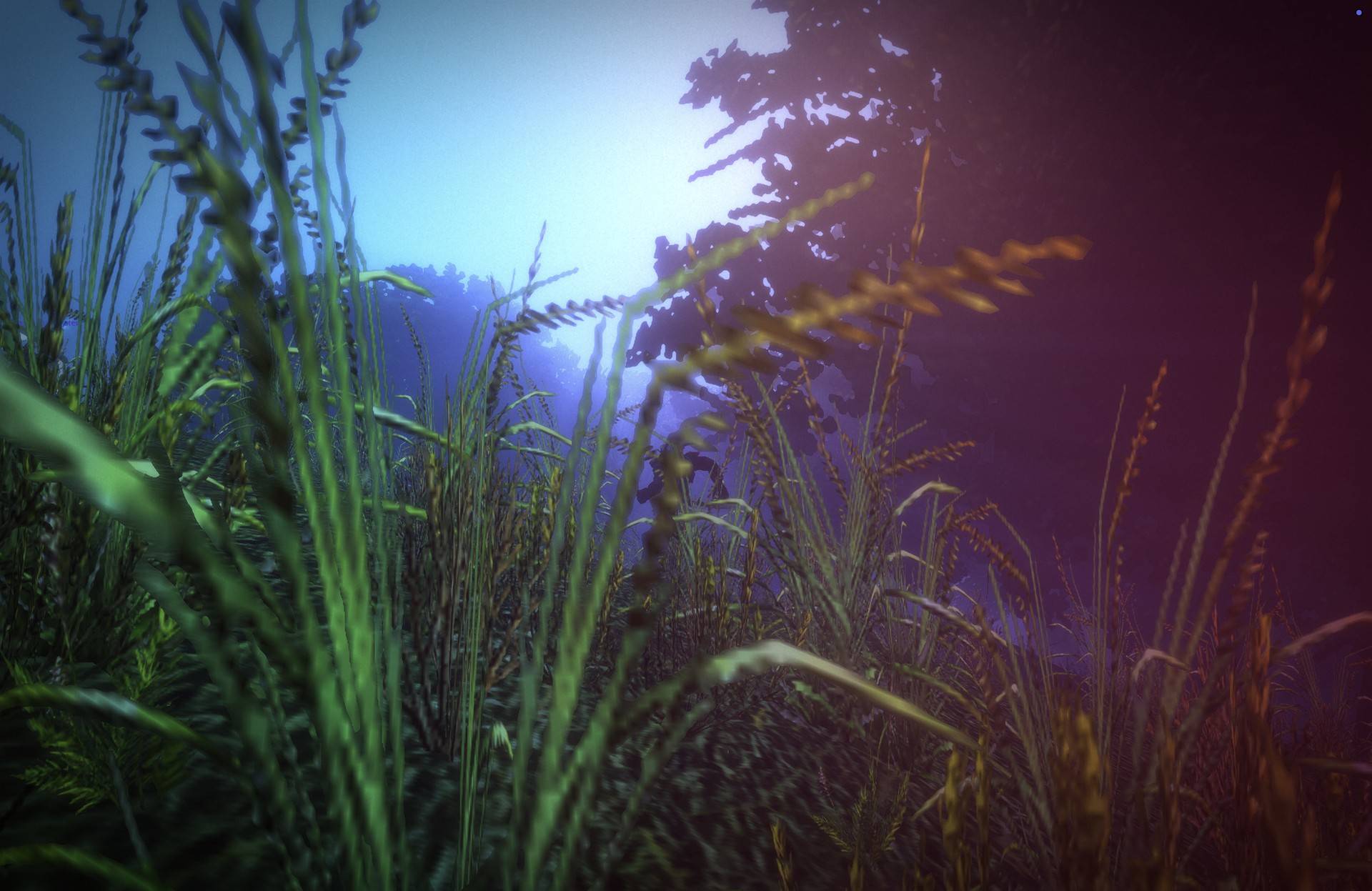
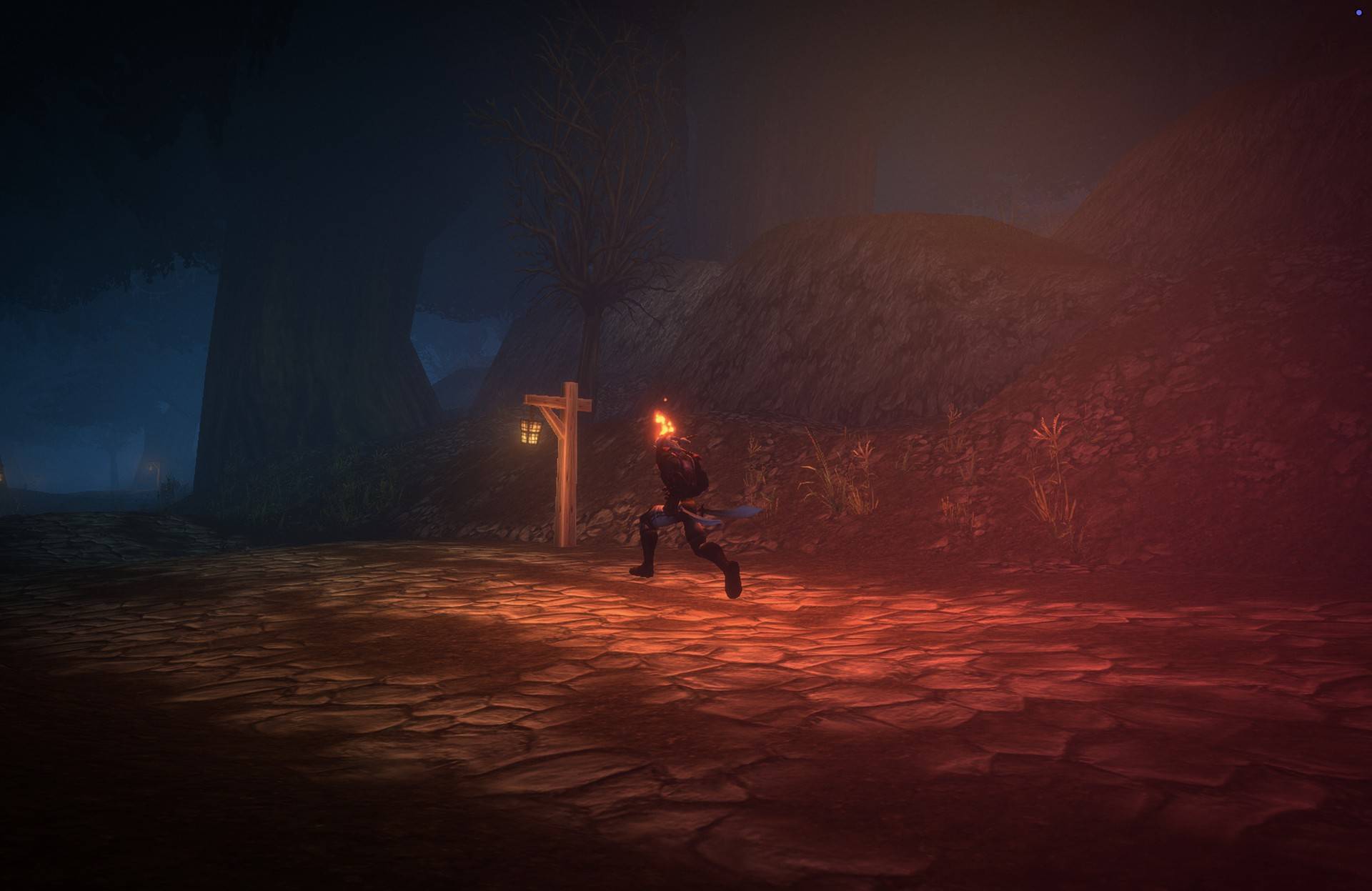
✦ Moments captured with Lumora
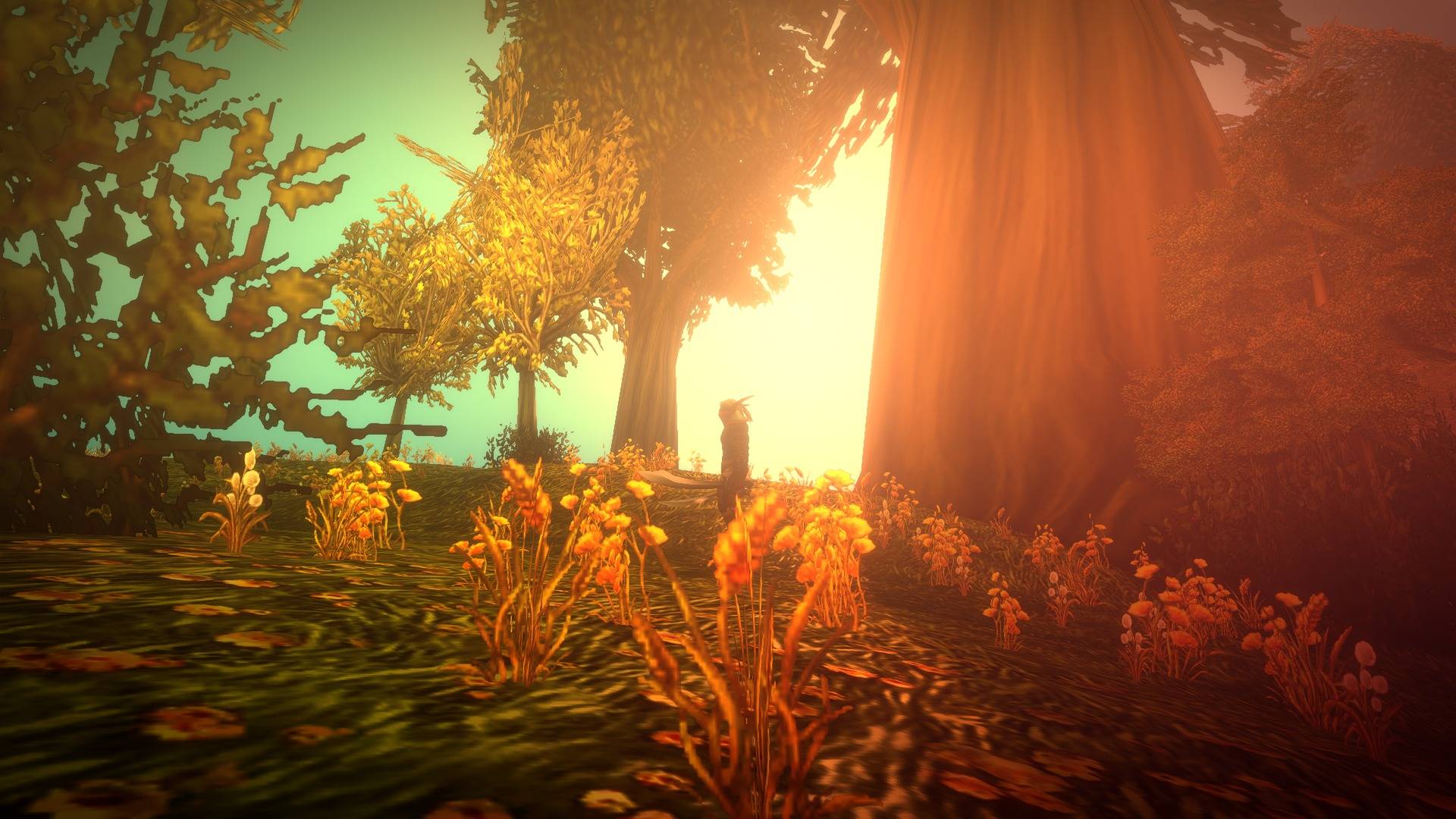
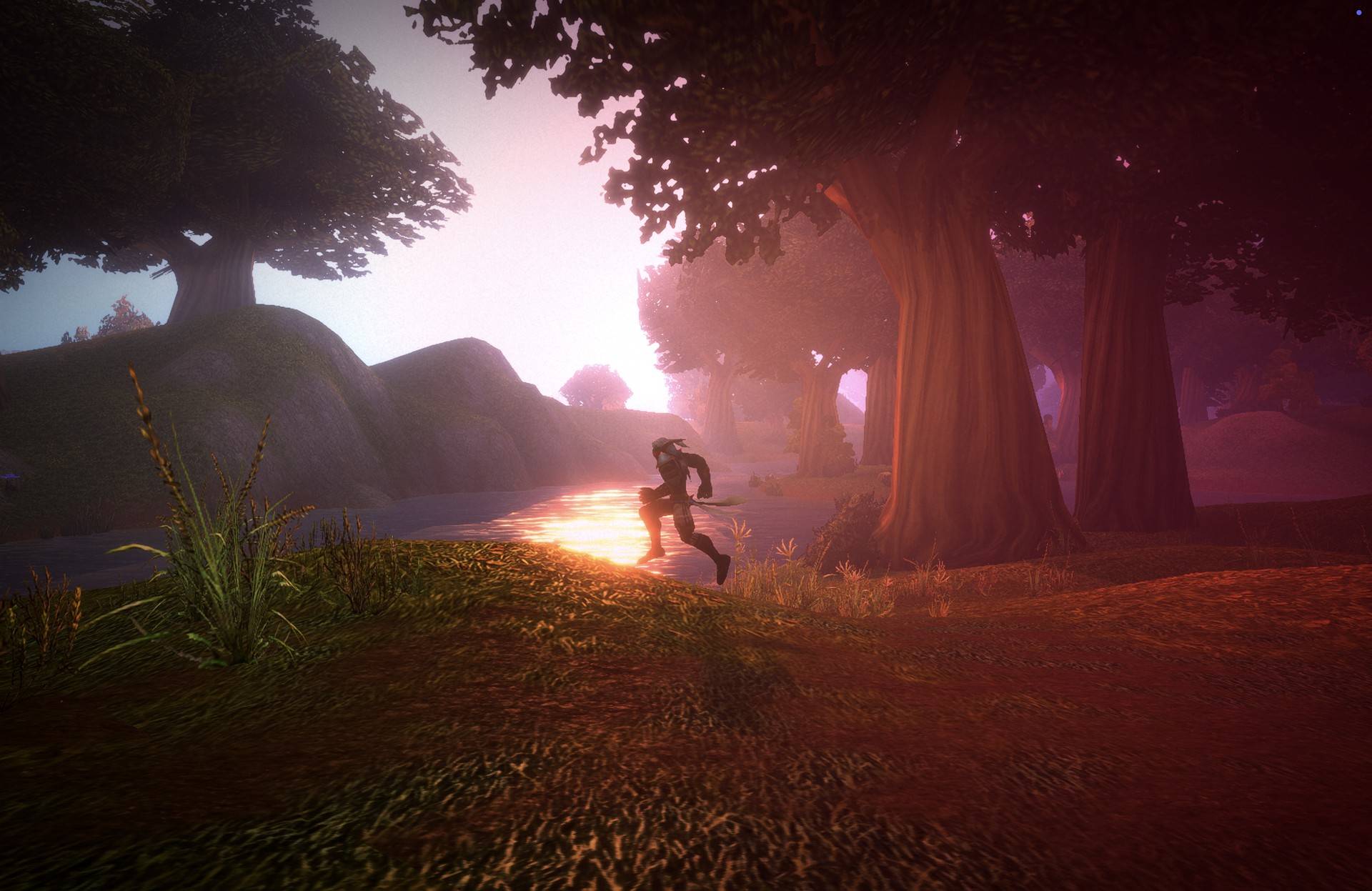
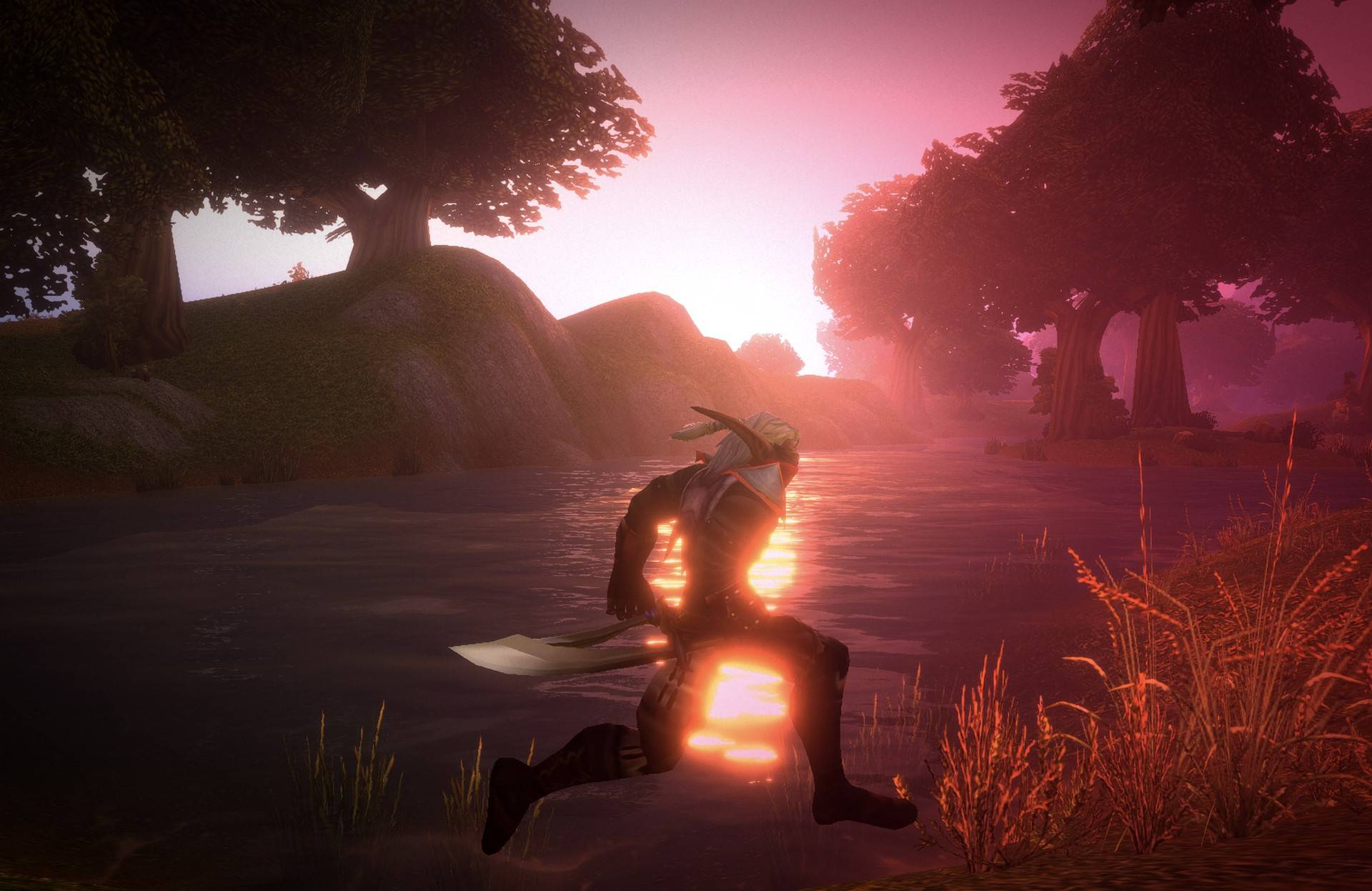
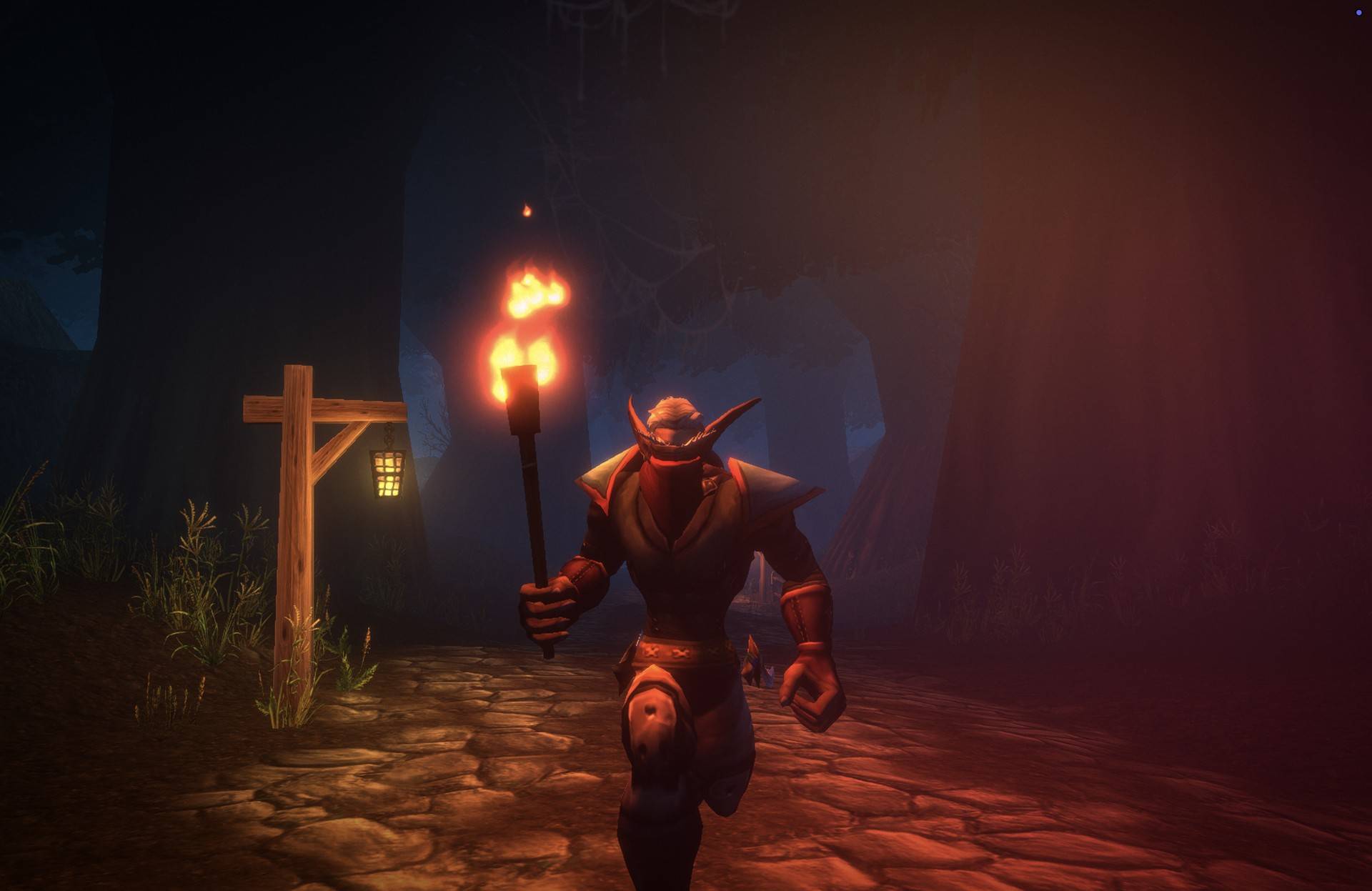
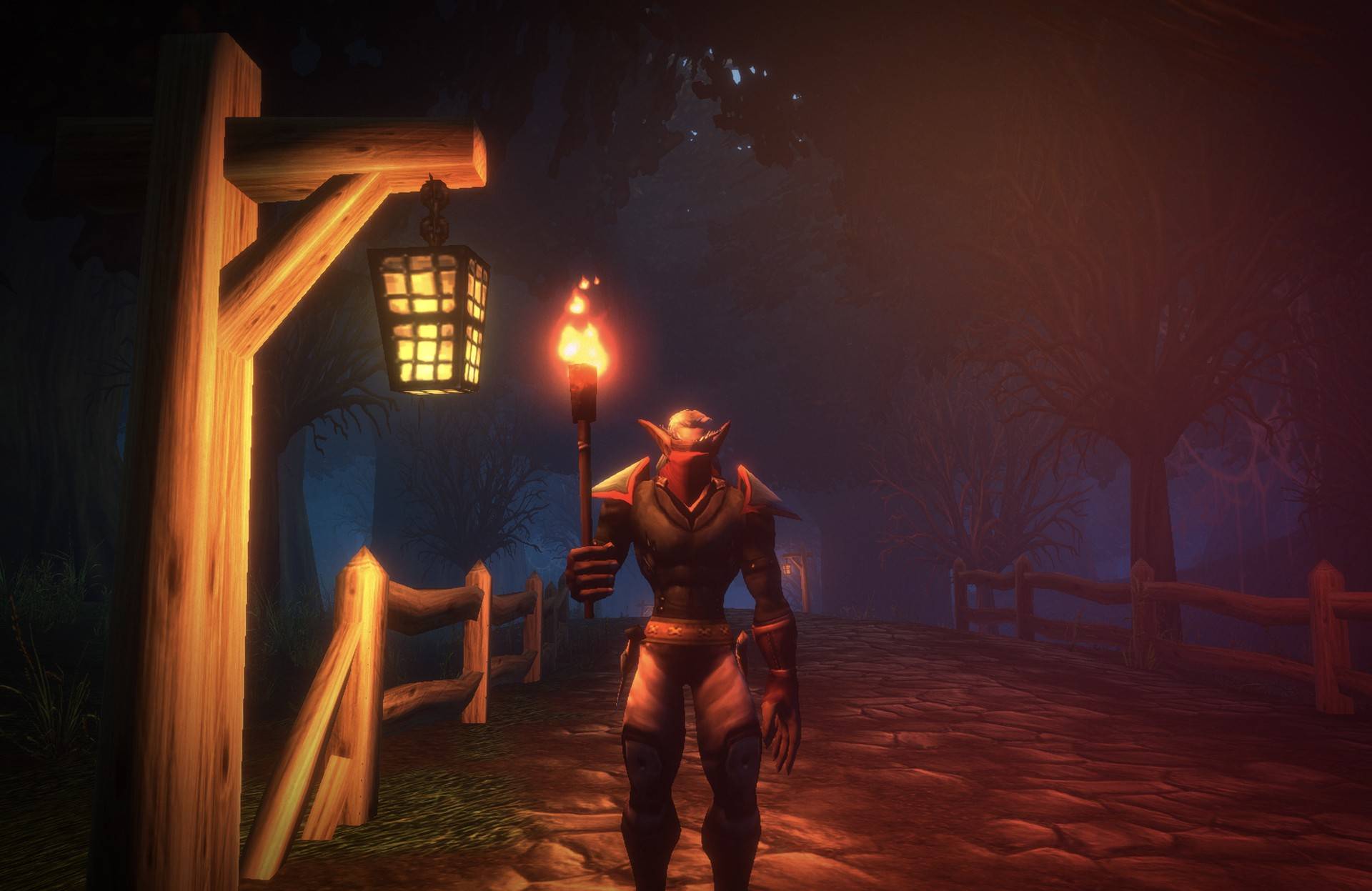
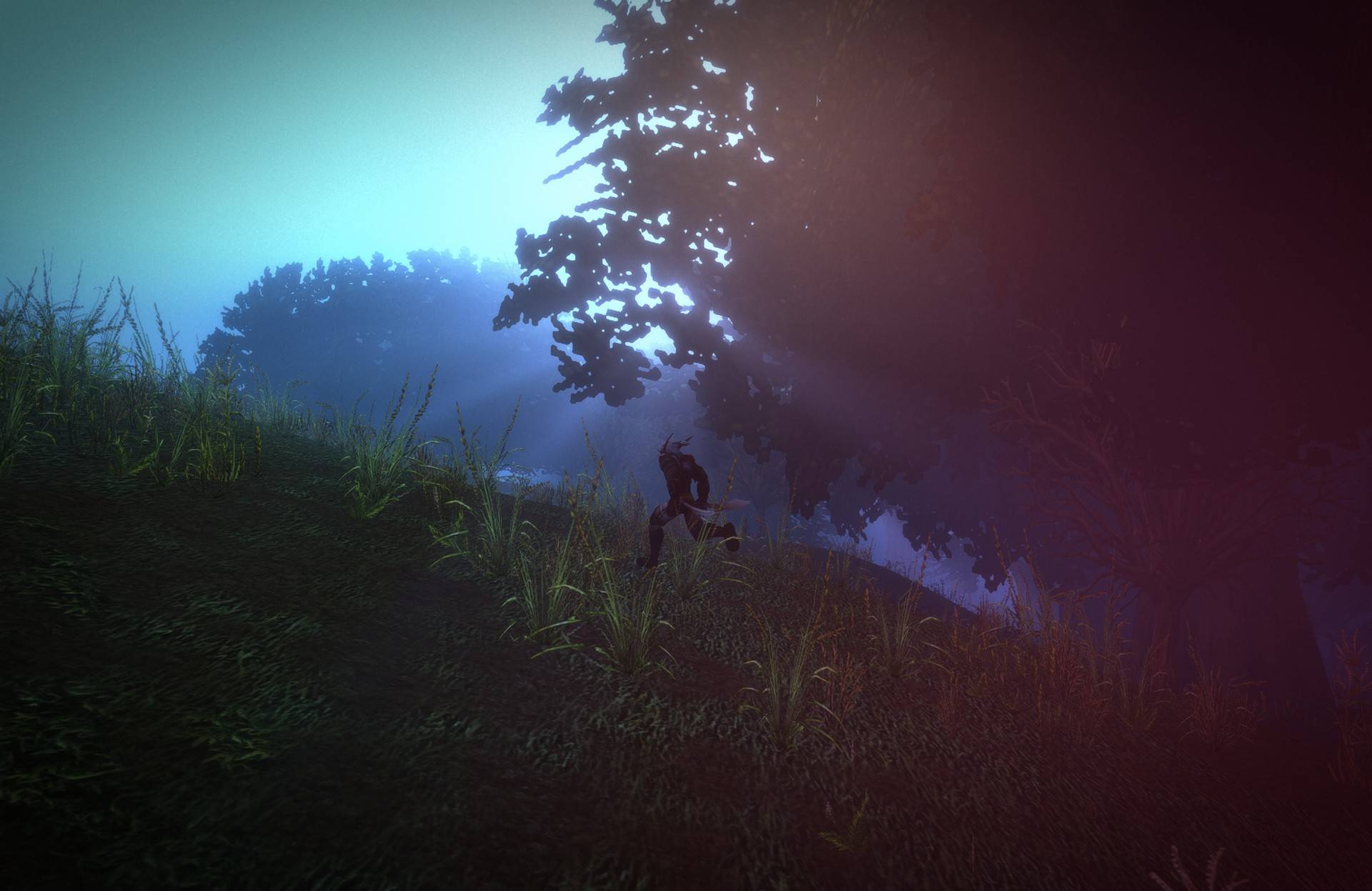
Every picture below was taken in game with Lumora and its screenshot button. No editing afterwards.
✦ A menu that feels at home
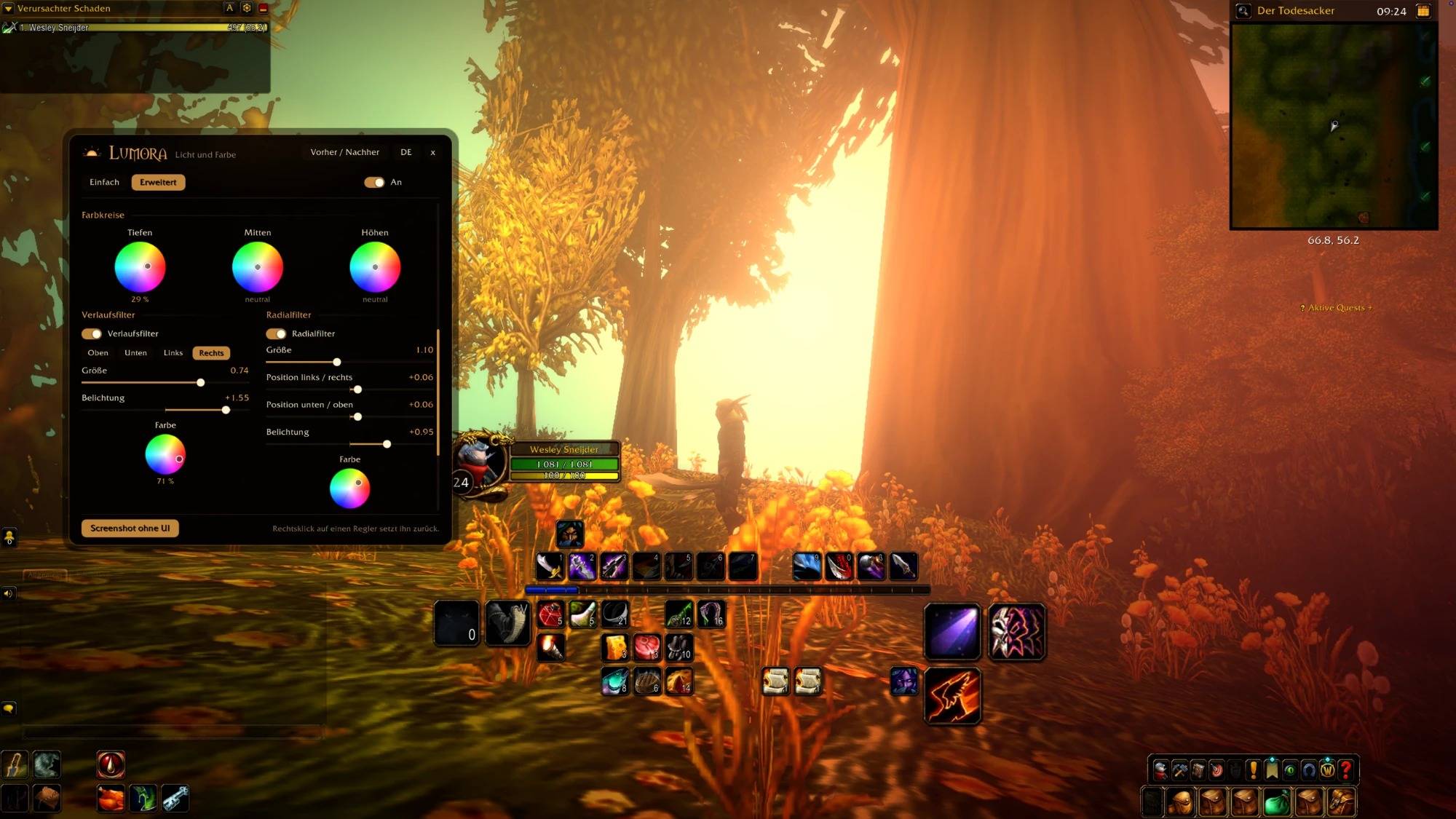
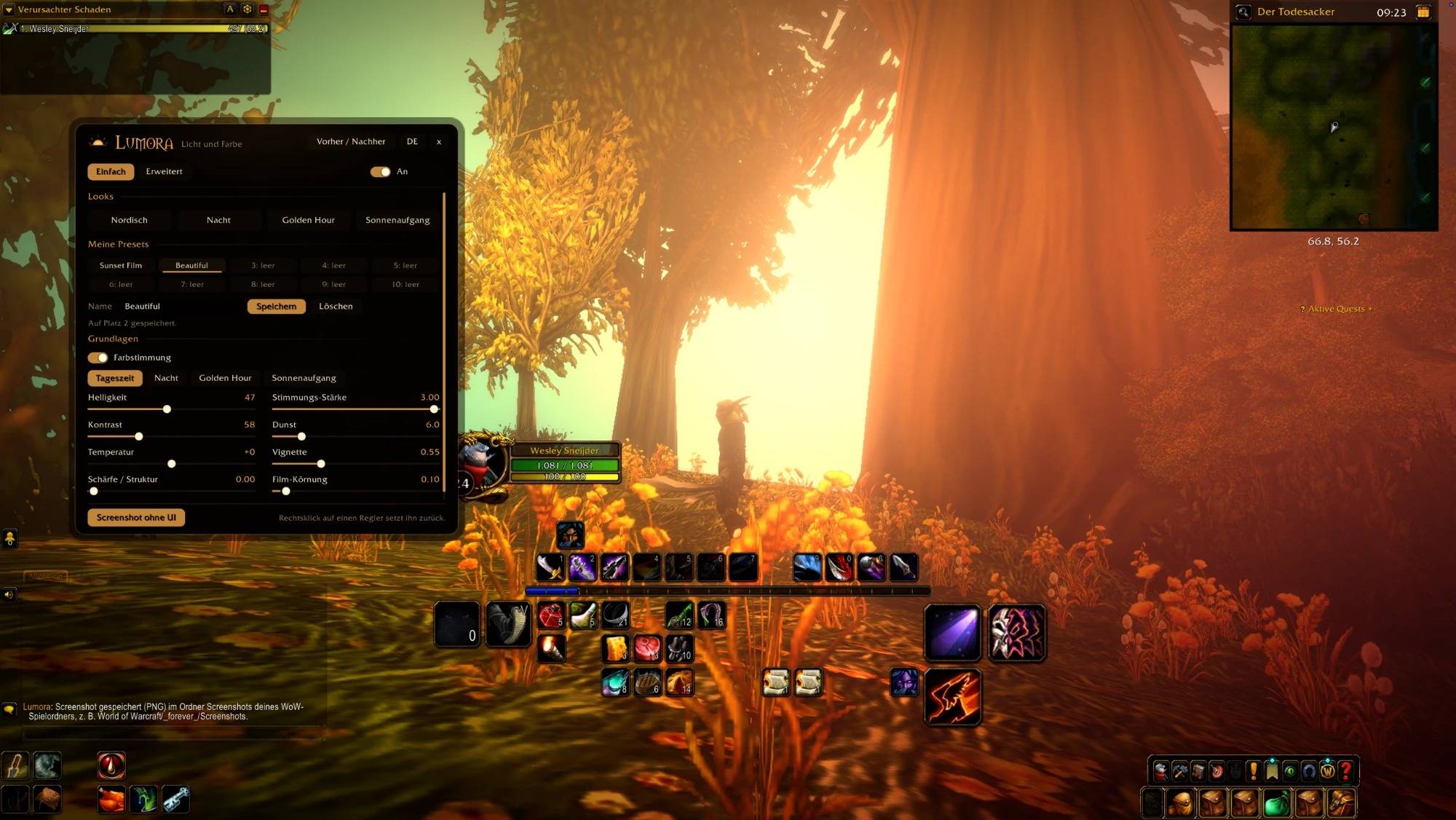
A warm, compact menu with two tabs:
- Simple: looks, your presets and the most important sliders.
- Advanced: everything by hand, including color wheels and filters.
Right-click any slider to reset it. The menu speaks English, Deutsch, Français, Español, Italiano, Português and Русский and picks your game language automatically.
✦ How to use
- Left-click the sun icon at the minimap to open the menu, right-click it for a screenshot without UI.
- Or type /lumora in chat.
- Set your own screenshot key under Key Bindings → AddOns → Lumora.
- The minimap icon works with button collectors such as Leatrix Plus (LibDBIcon).
✦ Good to know
- Lumora works with the game's own graphics settings and a color layer over the 3D world. Your interface stays untouched and readable.
- Turn Lumora off and your original graphics settings come back.
- In combat, WoW does not allow addons to hide the interface, so clean screenshots work outside combat.
- Lumora is lightweight: no shaders are injected and nothing outside the game is changed.
☕ Enjoying Lumora?
Lumora is free and always will be. If it made your world a little more beautiful,
you can buy me a coffee. It keeps new looks and features coming.
Ideas, bugs or a screenshot you are proud of? Leave a comment. I read every one.
Lumora - Cinematic Lighting & Filters Team