Lucid Night Mare Auto Solve
- By
Easy mode auto solver for the Lucid Nightmare maze. Midnight compatible.

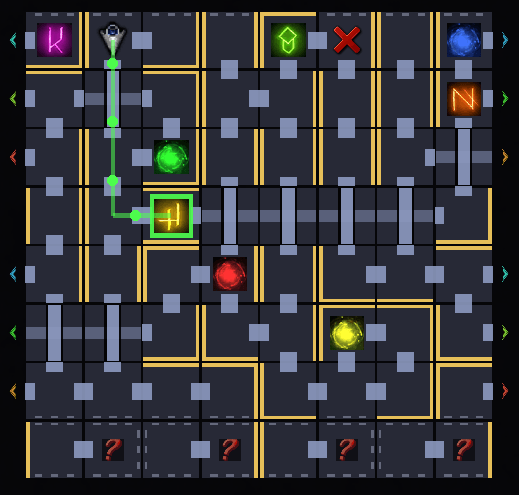
Build in Navigation. Just follow the line.
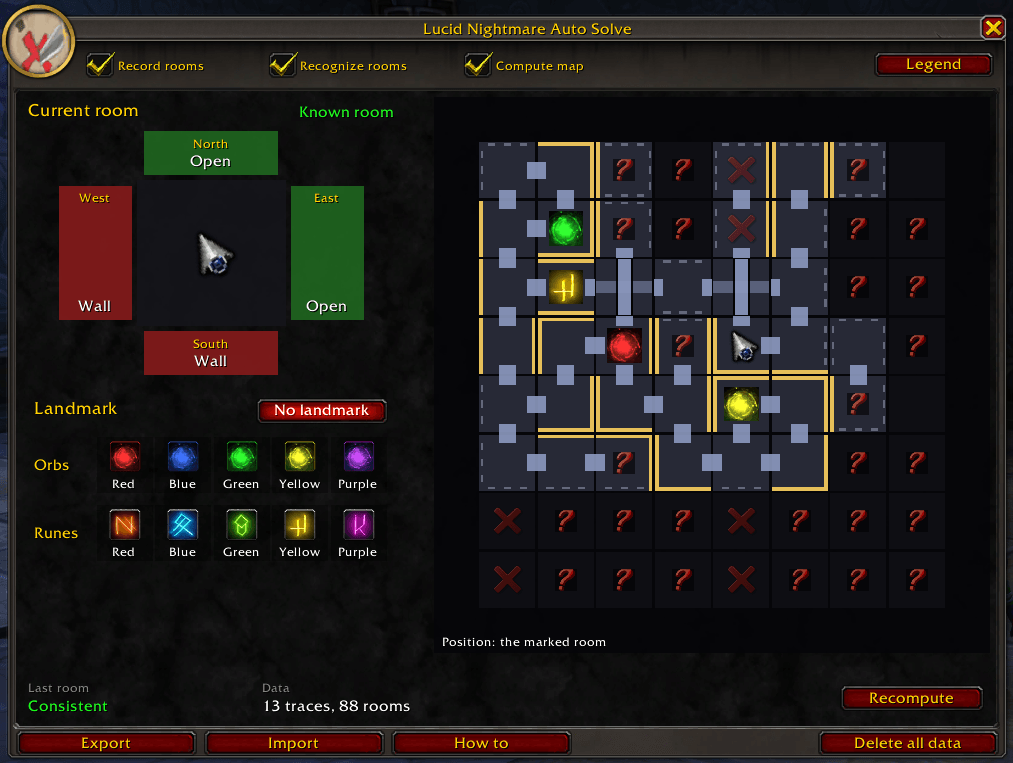
Main window, showing a partially explored maze.
Description
🌙 Lucid Nightmare Auto Solve
Lucid Nightmare Auto Solve solves the Endless Halls maze for the Lucid Nightmare mount. You walk through the maze and tell it what you see in each room, it figures out the layout. Once it knows enough, you click a landmark and it guides you there, room by room. Most mazes are done in about 40 minutes.
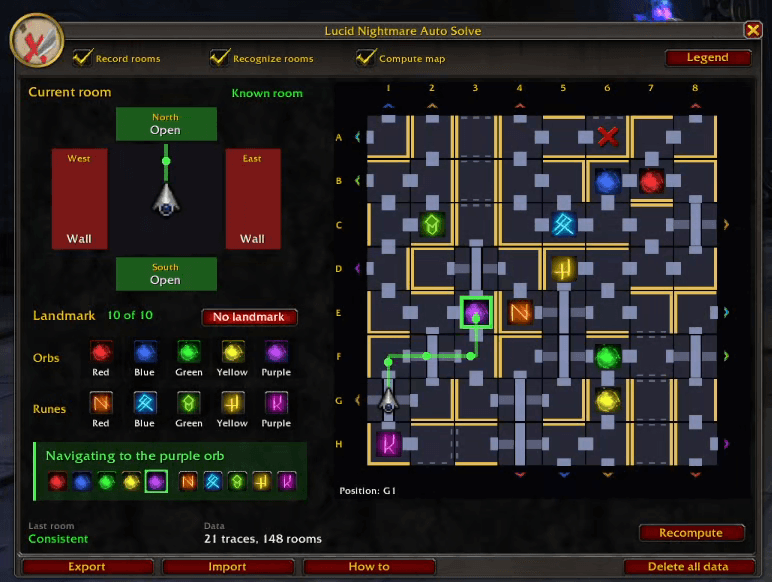
🎬 Video guide
Watch the video guide on YouTube, it shows a whole maze from start to finish.
🧭 How to use it
The window opens by itself when you enter the Endless Halls. If you close it, /lnmas brings it back.
In every room you enter:
- Mark the walls you see.
- If there is an orb or a rune in the room, mark it as well.
- move into the next room.
You do not need to backtrack or check your paths, the add-on keeps track of everything. Try to alternate your directions now and then, always running the same way makes you walk in circles.
📜 Three rules
- Don't make mistakes (I mean it). A wrong input can make the maze unsolvable, and you would have to restart.
- Don't pick anything up. Leave the orbs alone until the add-on says navigation is available, solving one makes it disappear and the addon relies on it to know the layout.
- Always turn around. Check the wall behind you in every room, the room you came from can be blocked off too.
🗺️ The map
The map attempts to provide an early view of the maze, but it needs to have seen a sufficient number of rooms and landmarks. Until then, just keep exploring.
✨ Solving
When the bottom of the window says navigation is available, click any orb or rune to get the way there.
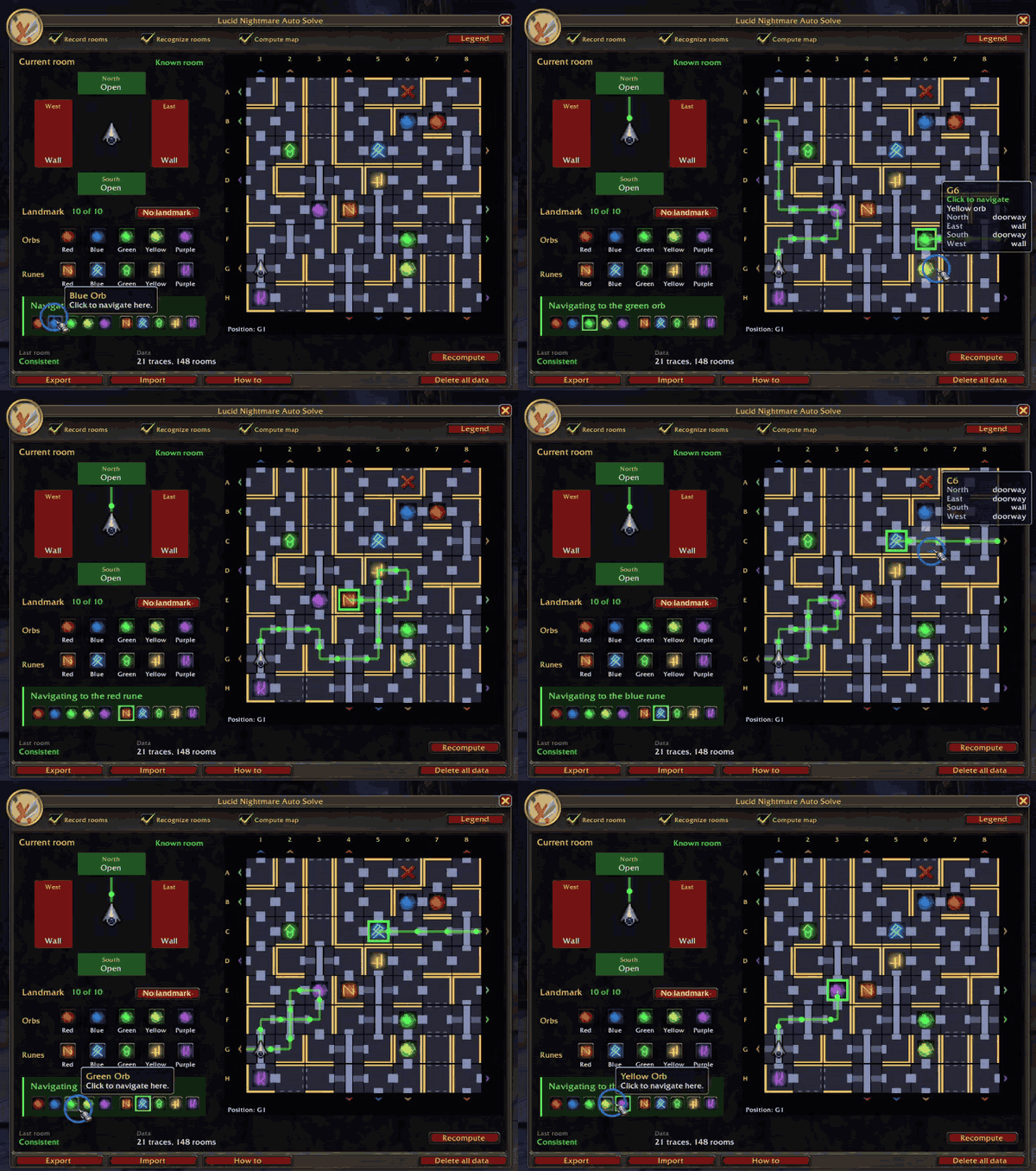
- Never step off the path, the add-on can only guarantee you arrive if you follow it.
- Once you have started picking up orbs, do not log out until you are done.
Before that, you can take a break any time. Hearthstone out or log out, nothing breaks as long as you mark every room before you enter the next one.
Lucid Night Mare Auto Solve Team