


LP Suite by LeyendPlays
- By

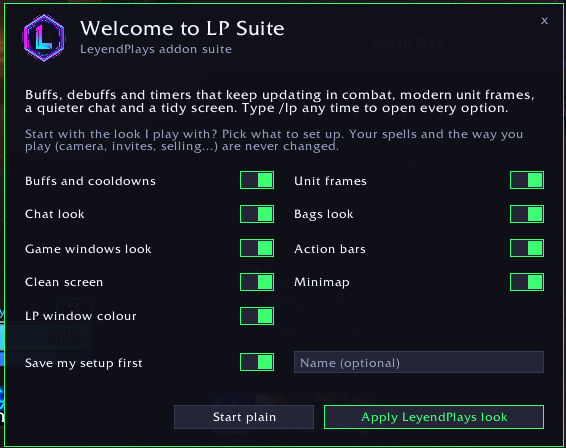
Take the LeyendPlays look part by part, now with the game windows
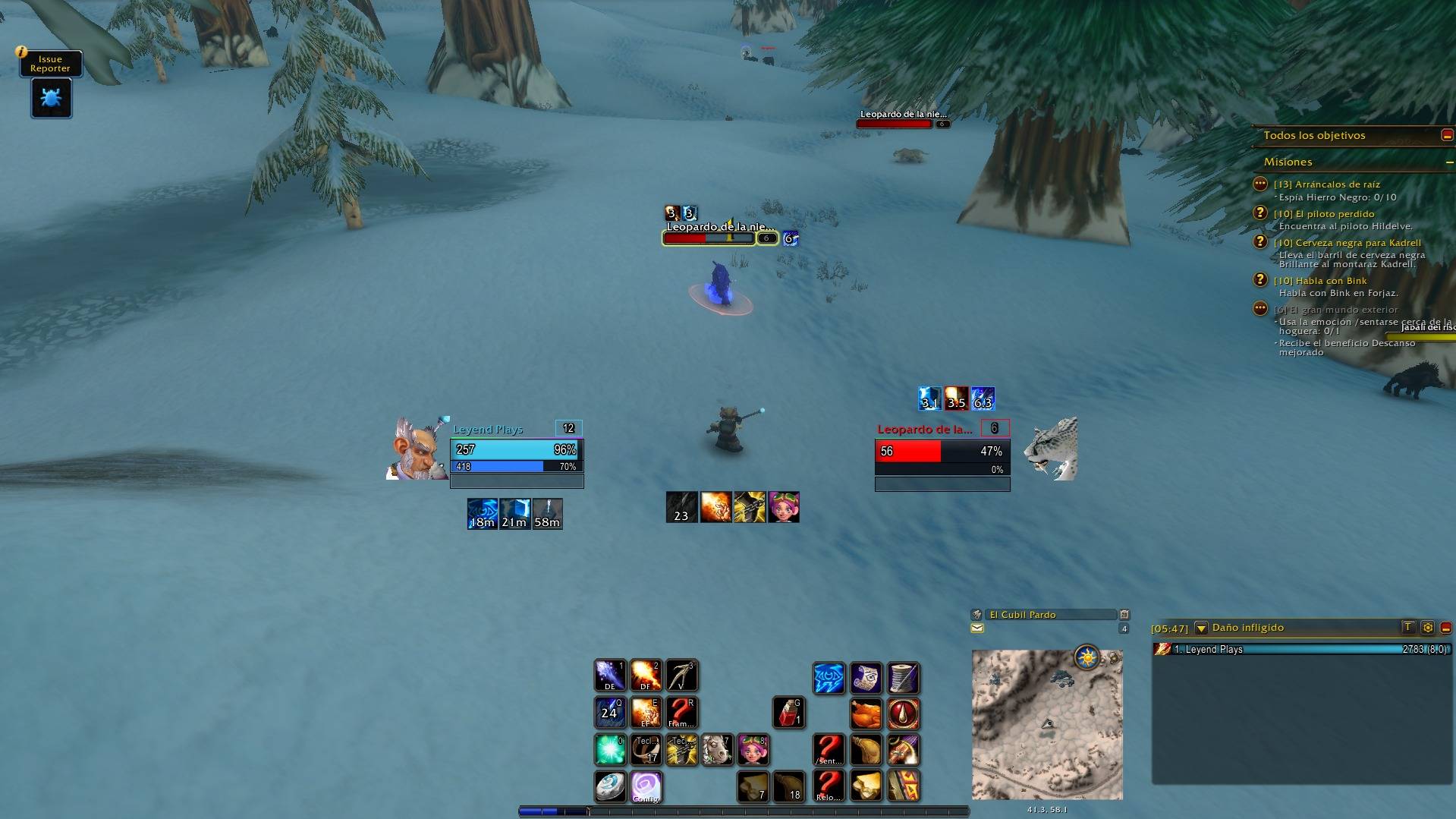
Buff and cooldown timers, a missing-buff alert, LP unit frames, a clean chat and a square minimap, all together
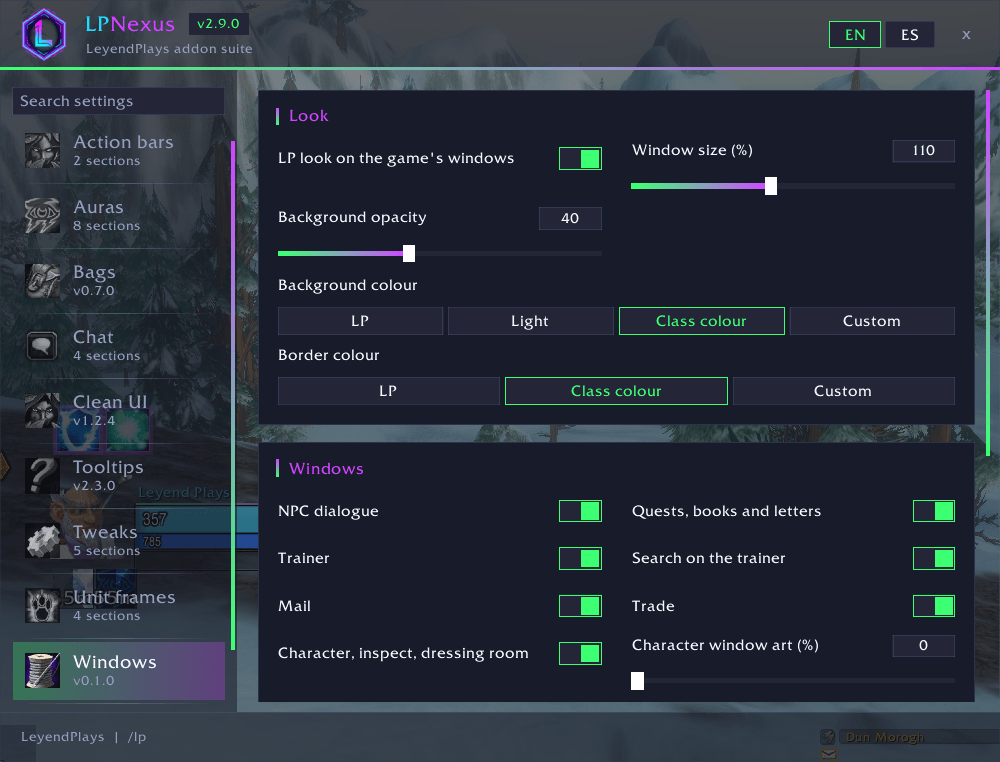
Every module in one window: here LP Panels, the game's windows in the LP look
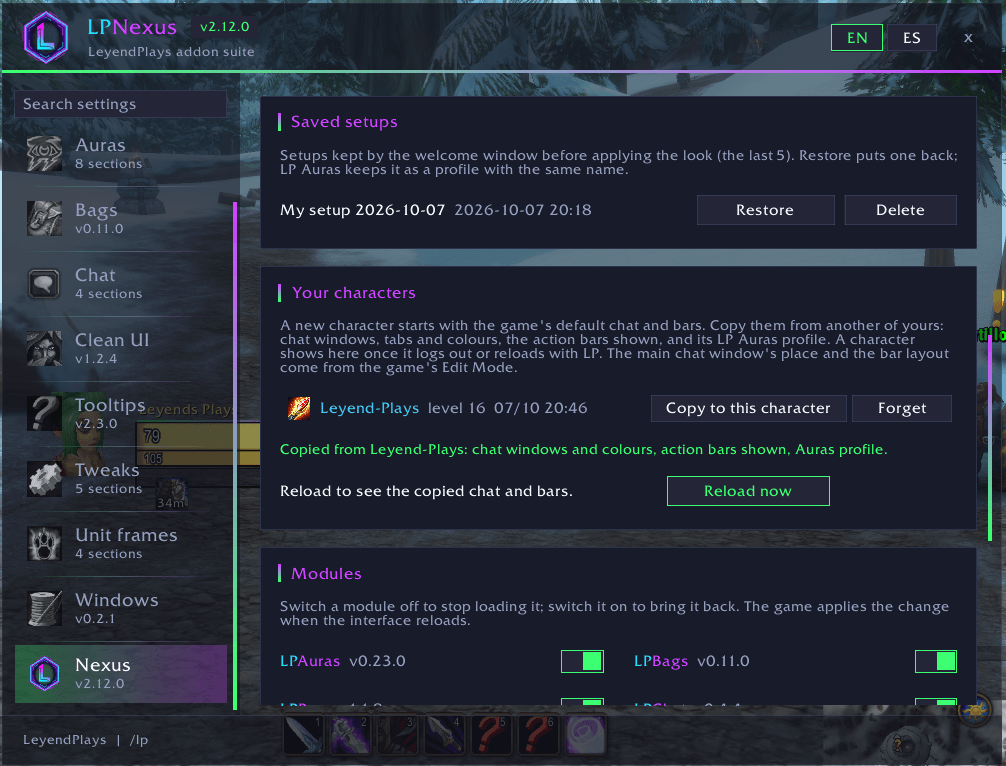
A new character in two clicks: copy chat windows and tabs, chat colours, the action bars shown and the LP Auras profile from another of your characters, then reload
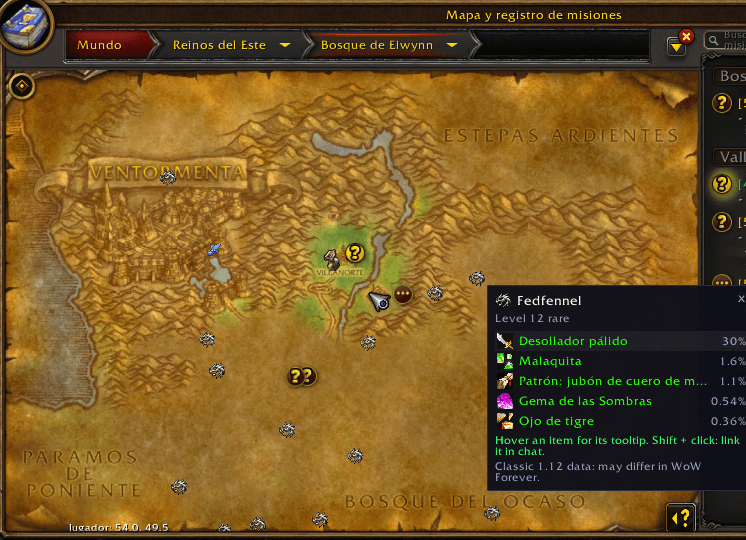
Every rare of the open world as a small silver dragon on the world map and the minimap; click one for its green or better loot and hover each item for its full tooltip
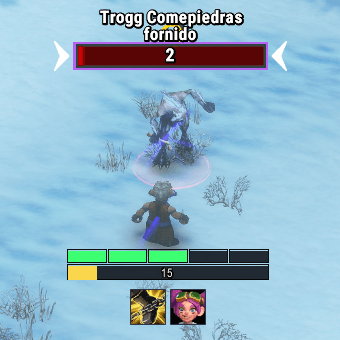
One box per combo point filling as you gain them, your energy under it; Shift + drag it anywhere
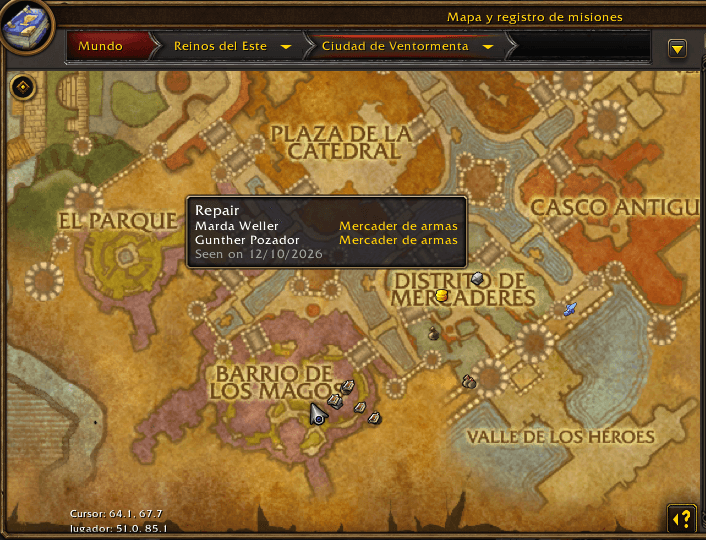
Your world map learns where the NPCs you use stand: repairers, vendors, trainers, bank, auction house and mailboxes, plus flight masters on city maps. Neighbours of the same kind share one icon
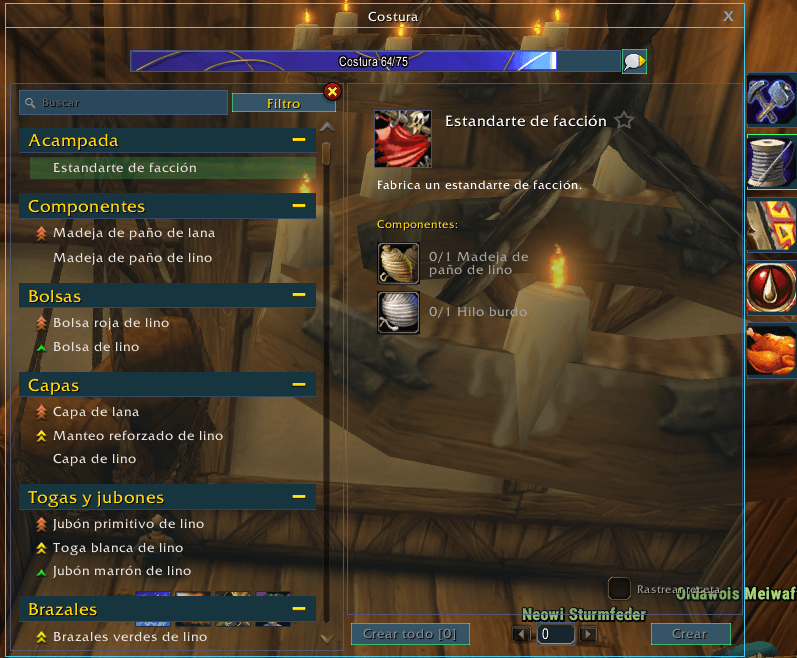
Every profession's window flat and clean in the LP look, see-through with the background opacity, with a clean square recipe icon
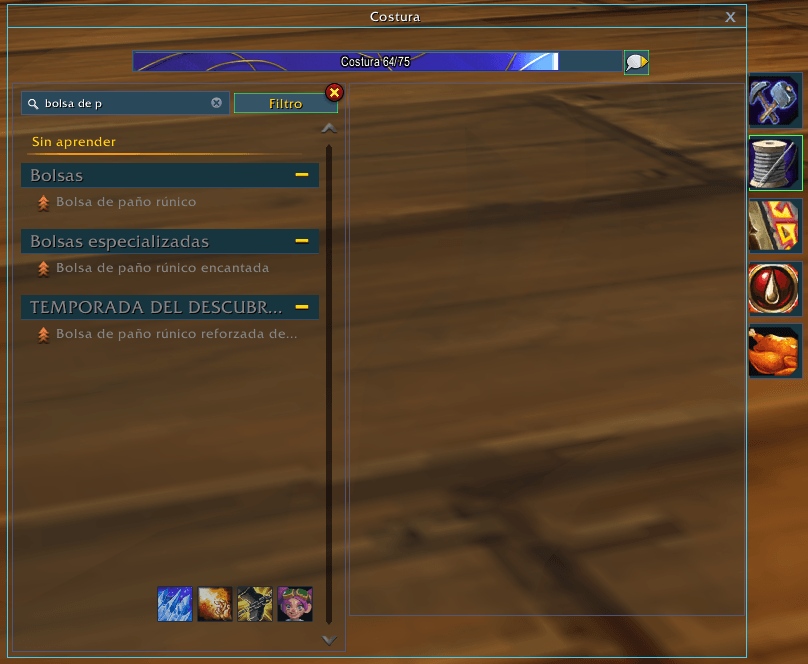
Show unlearned recipes from the Filter menu: the recipes you have not learned yet, in grey under their own heading, here found with the search box
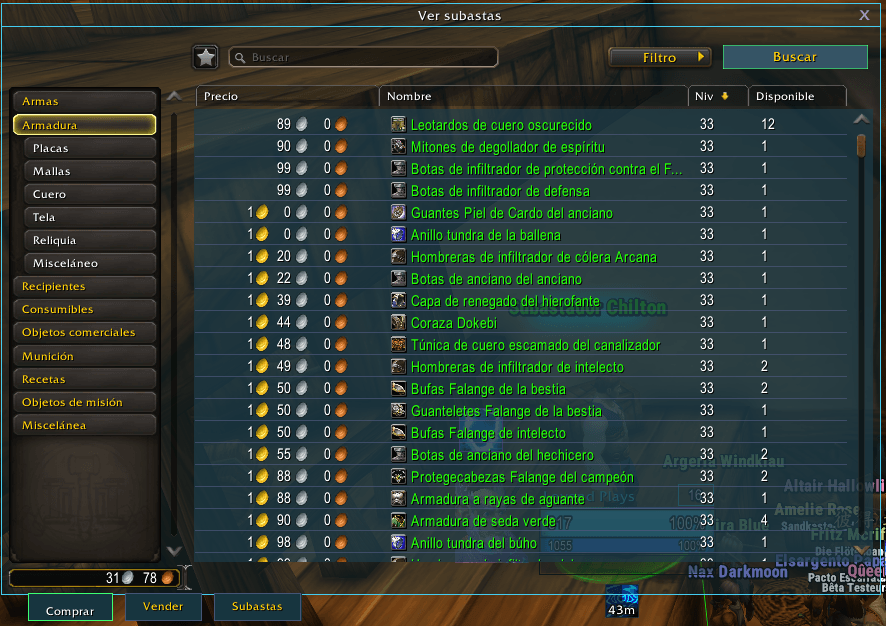
Lighter auction lists with a thin line between rows, and the item level column on Armor, sorted by item level
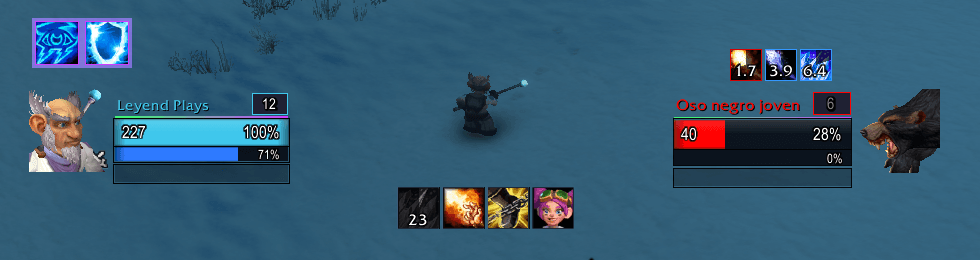
Your debuffs on the target with their time left in numbers, right above the LP target frame, updating mid-fight. The game's own number-less icons are hidden
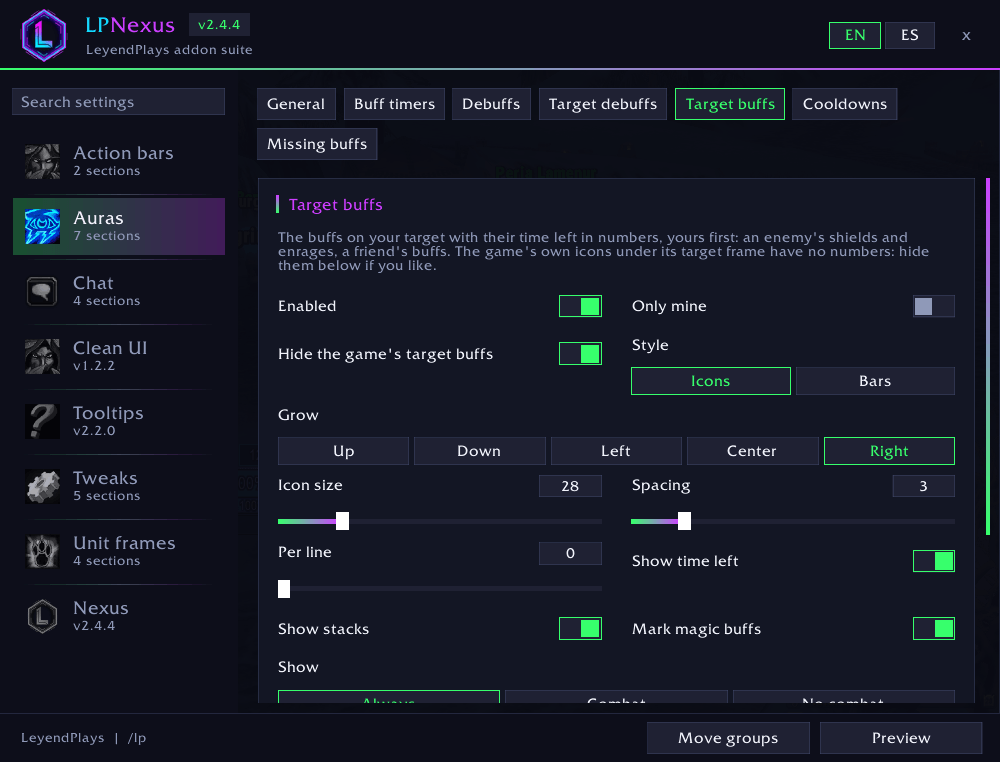
Your target's buffs with their time left: an enemy's shields and enrages, a friend's buffs. Magic buffs you can purge or steal are outlined in blue
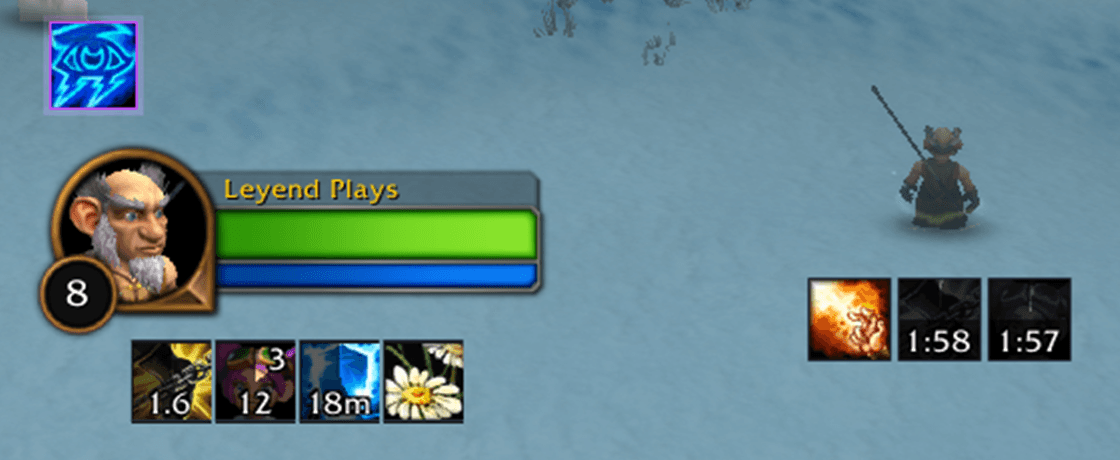
Buffs with time and stacks, cooldowns with the LP time format
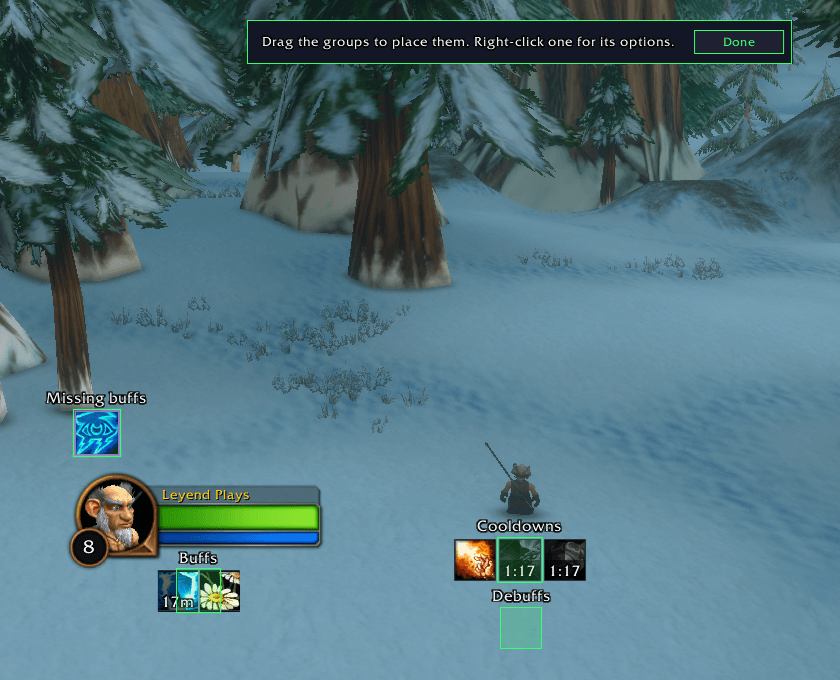
Move groups: drag each group, then press Done

Player and target in the Neon Dark look: animated 3D portraits, the cast bar inside the frame, health and power texts, and your debuffs on the target
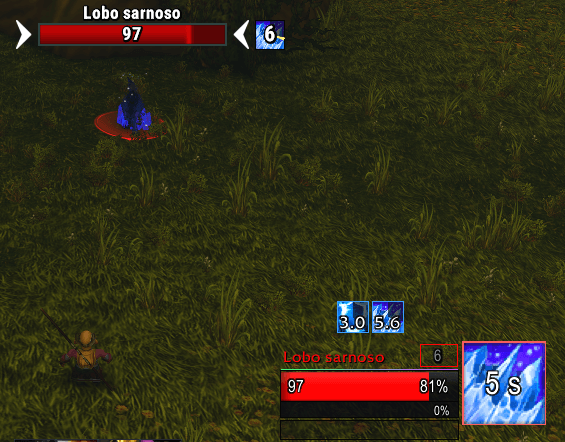
Frost Nova on a wolf: its icon covers the target's portrait with the seconds left, in the middle of the fight. Stuns, fears, polymorphs and roots, yours or anyone's
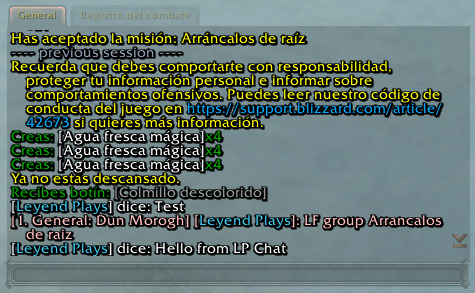
The chat with the LP background and clean edges, no side buttons, class-coloured names, and your last lines kept after a reload
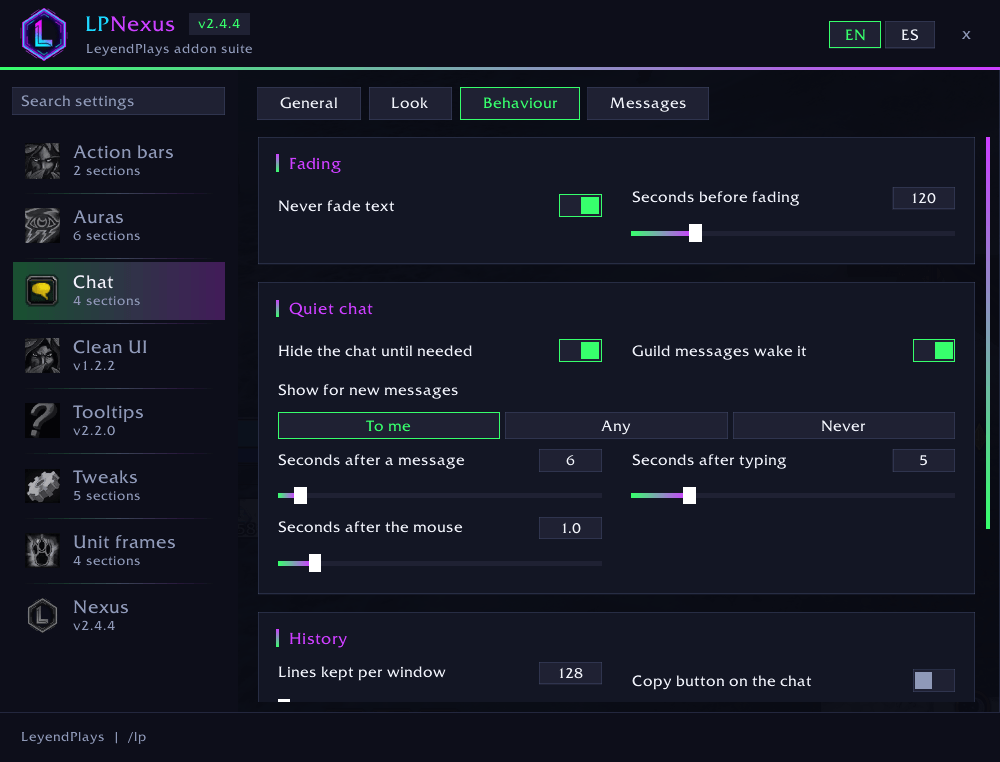
The chat stays hidden until your mouse moves over it, you type, or someone whispers you or writes in your party or raid. Three sliders set how long it stays
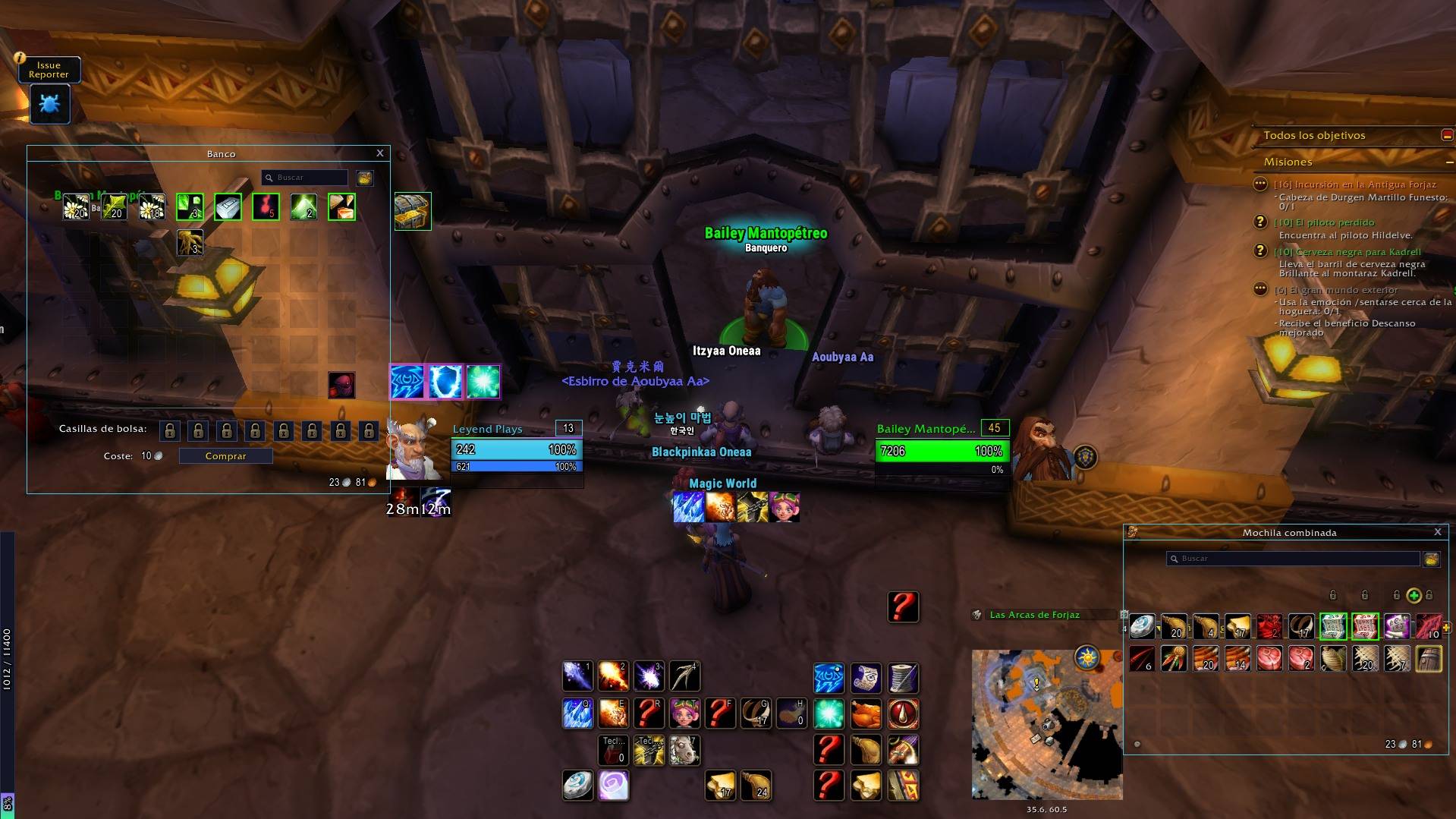
The game's bags and bank in a clean, flat LP look: see-through background, hidden empty slots and quality borders. Move them anywhere by the title bar
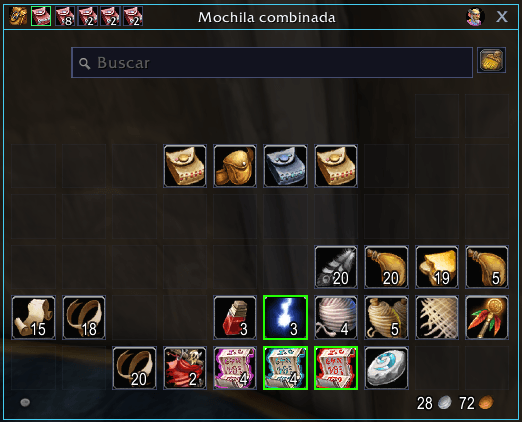
A small button next to the bag icon shows your four bags right in the bag window: drop a new bag on an old one to swap them. The small number is each bag's free slots
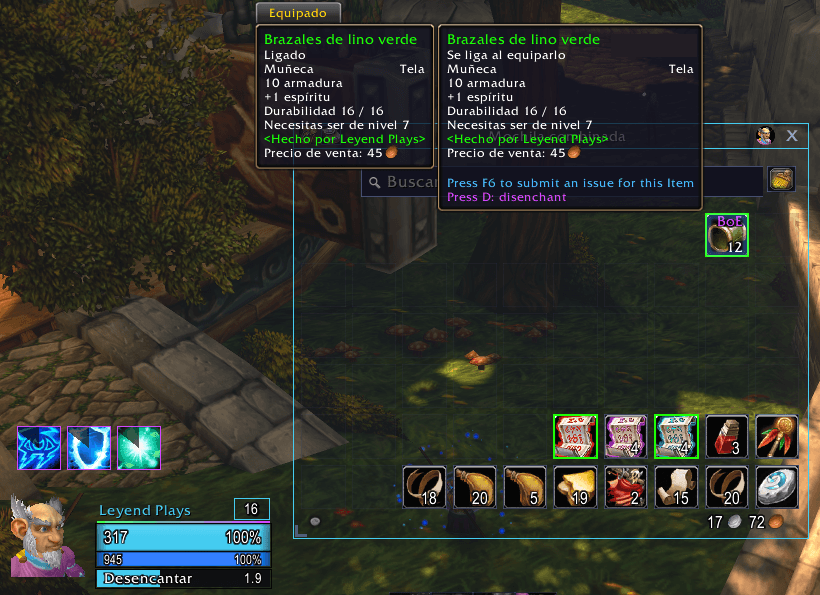
For enchanters: point at a green, blue or purple weapon or armour piece and press your key. The tooltip shows it; out of combat only
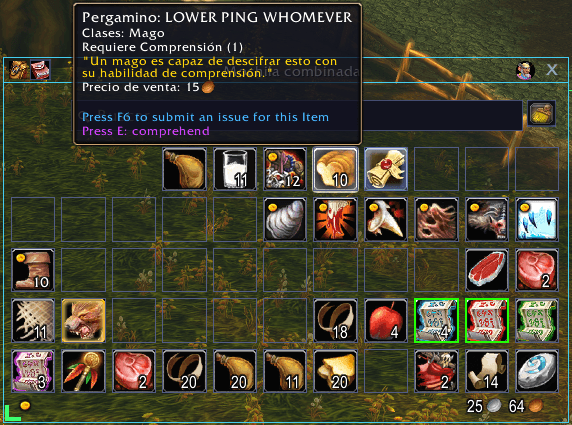
Point at an untranslated "Scroll: ..." item and press your key: its tooltip shows it. Disenchanting, picking locks and feeding your pet work the same way
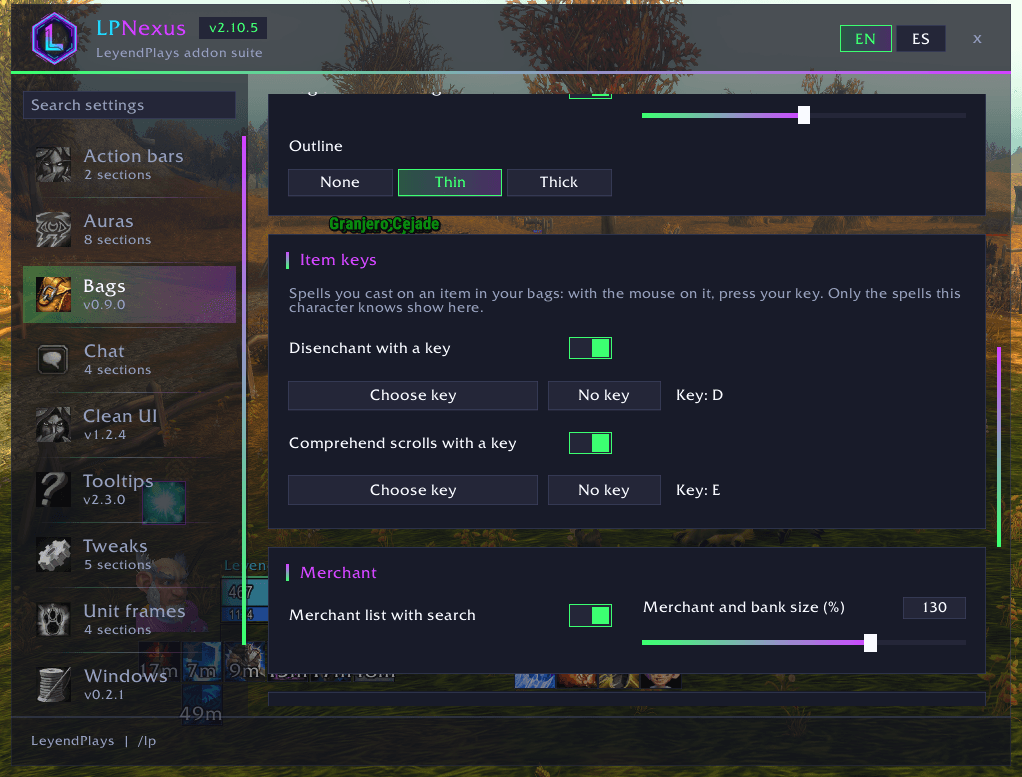
One switch and one key per spell you cast on an item in your bags; only the spells your character knows show
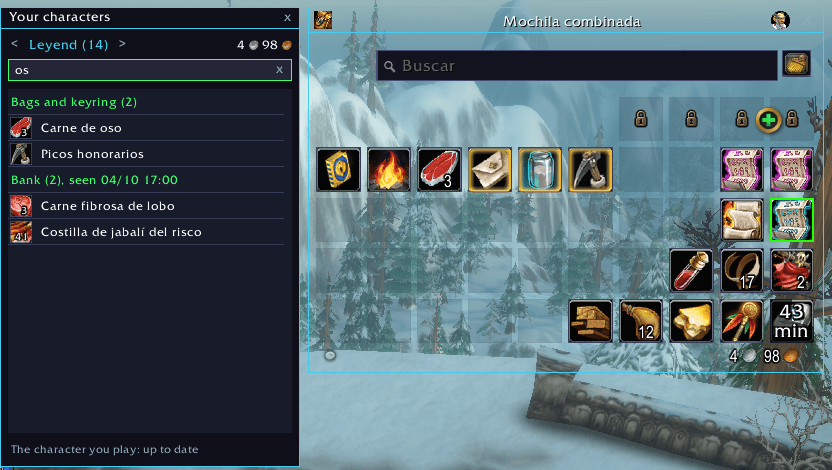
What each of your characters carries in the bags and the bank, with a search box
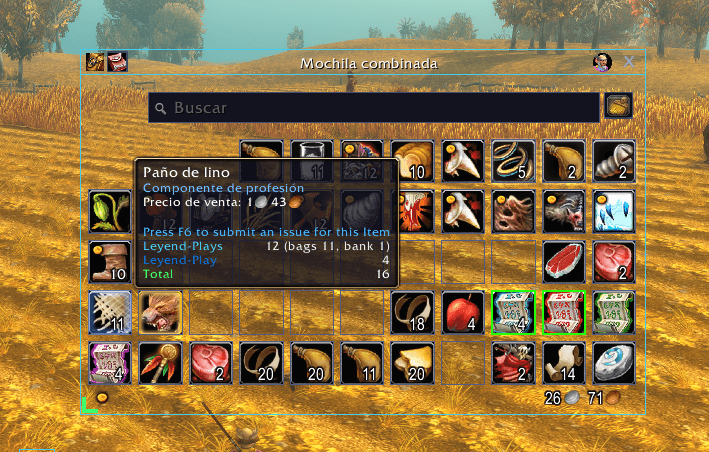
Every item's tooltip shows how many each of your characters has, bags and bank, and the total
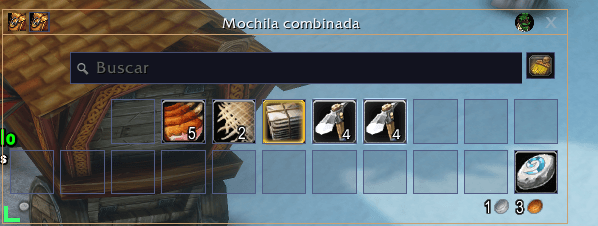
Your hearthstone always goes back to the bottom-right slot of your bags, also after sorting them
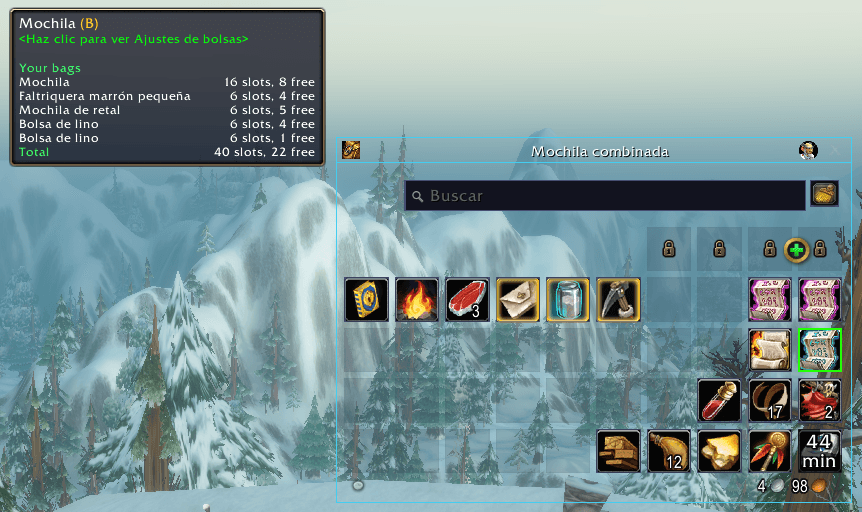
Every bag with its slots and free slots on the bag icon
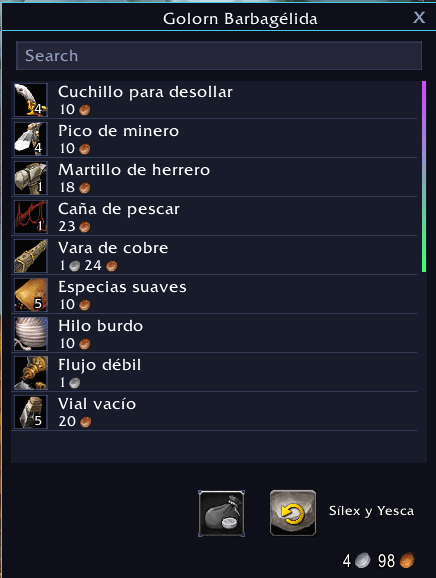
Everything a merchant sells in one list with a search box
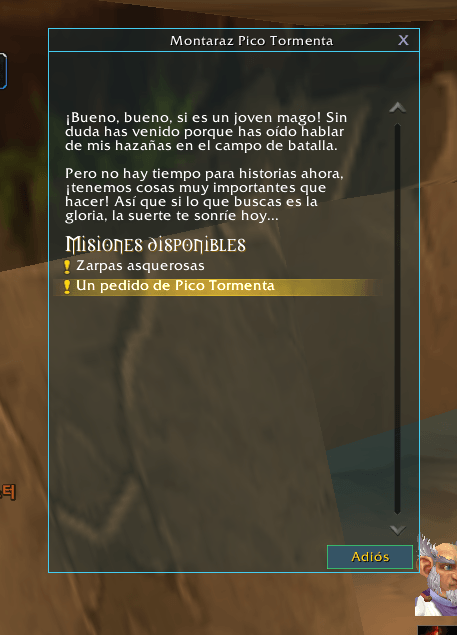
The game's windows in the LP look, with light text on a dark panel
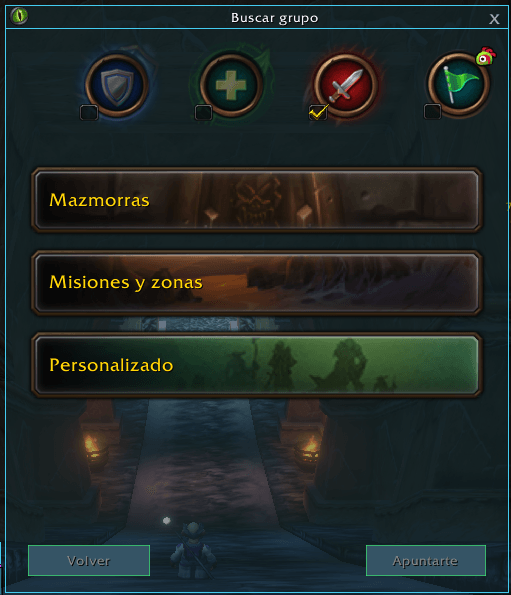
The group finder in the LP look: flat panel and side tabs, the eye as a small icon in the title bar. Drag it anywhere with Move windows on
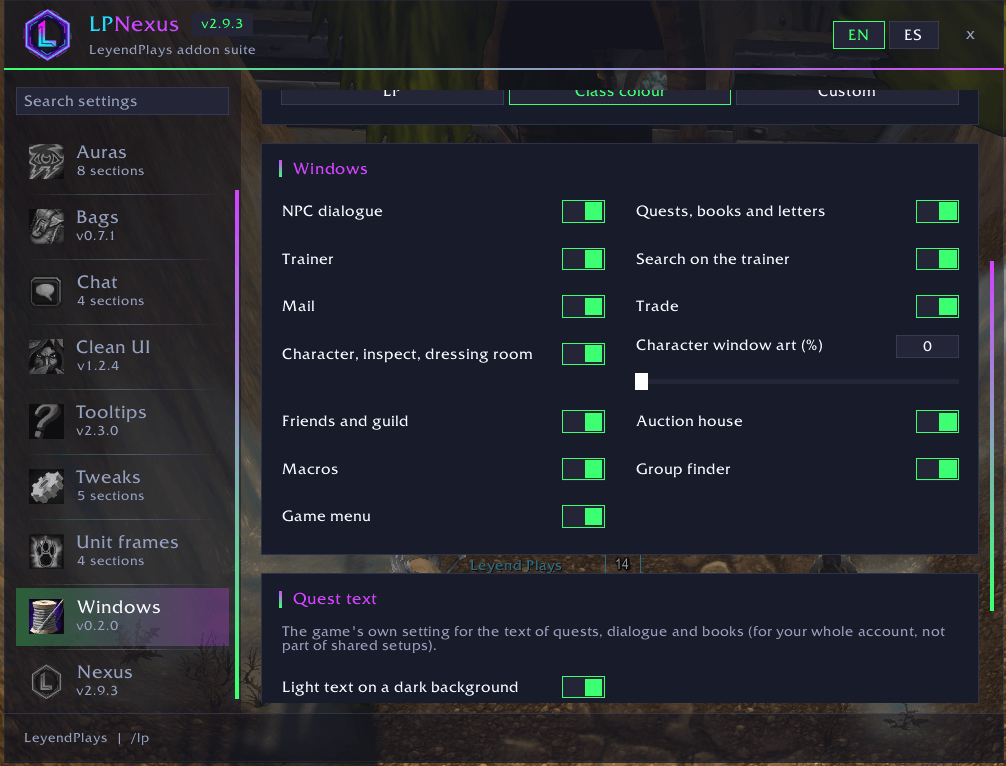
Choose which game windows get the LP look
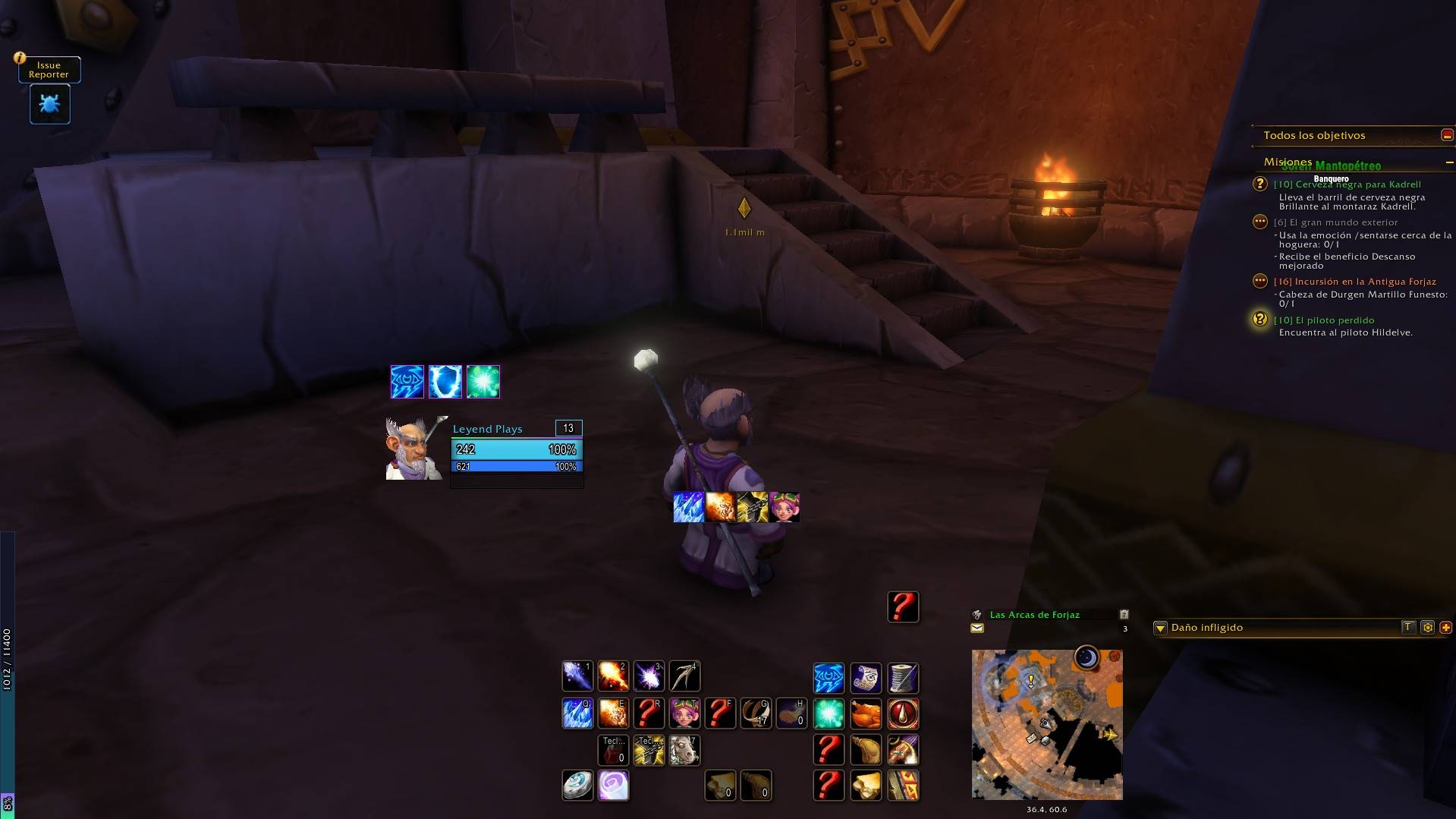
The quest marker over the destination with its distance, next to LP Frames and LP Auras
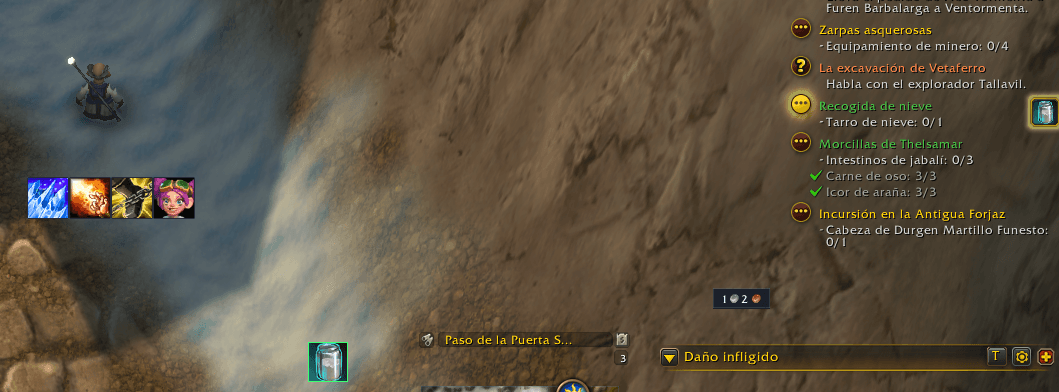
The item of your quest on its own button, lit inside the quest's area: click it, press your own key, or Space in the area
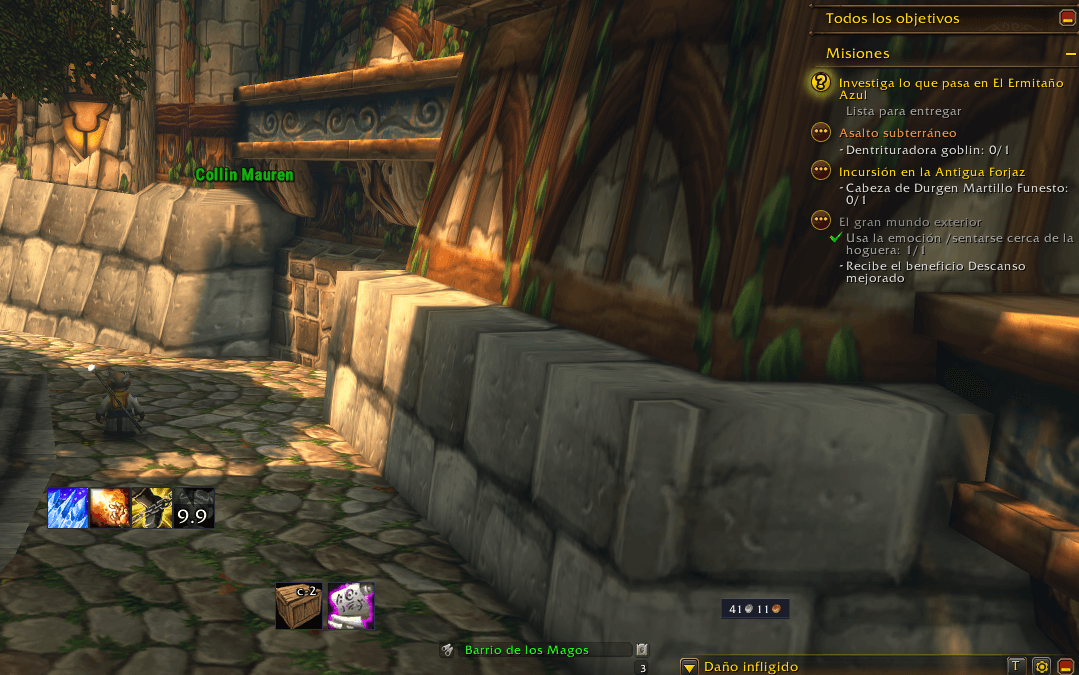
Quest items from your bags on a row after your quest's own item: click them, or press your own key for the first
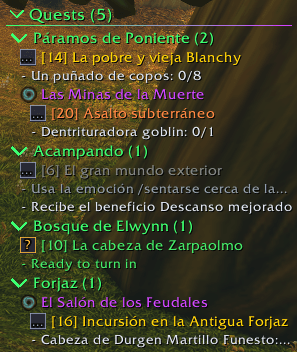
Every quest as a tree: your zone first, then the other zones by level, each dungeon inside its zone with the game's dungeon icon (the Deadmines in Westfall, the Hall of the Feudal Lords in Ironforge), with every objective. The ? quest is ready to turn in
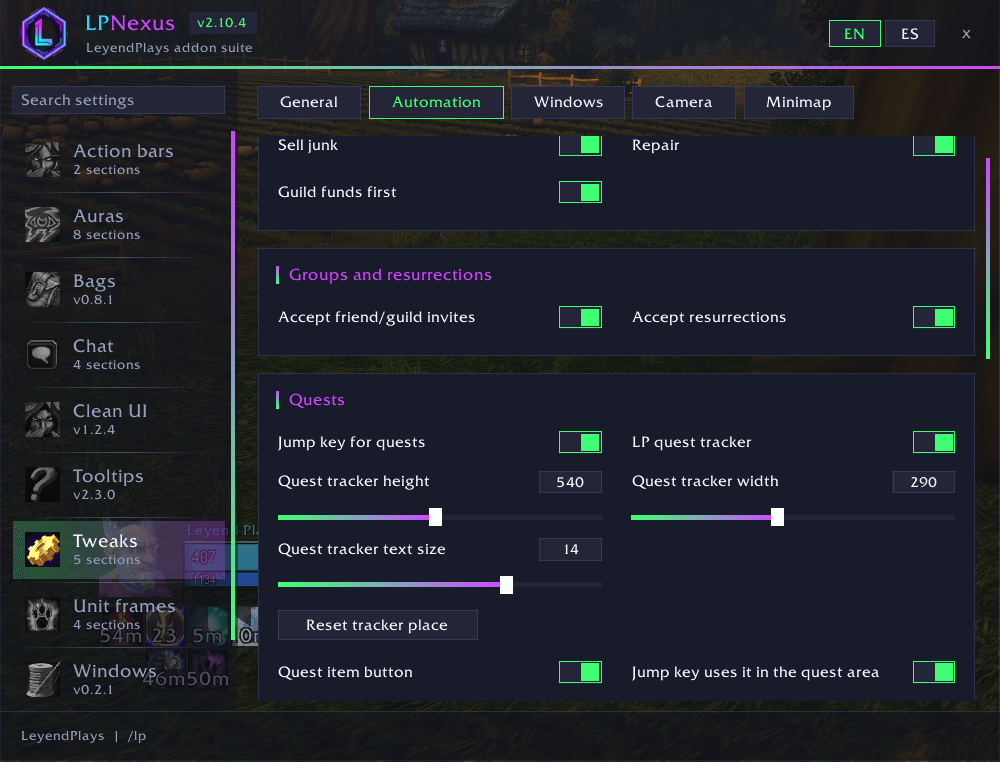
Switch the LP quest tracker on and set its height, width and text size; one button puts it back where the game's tracker is
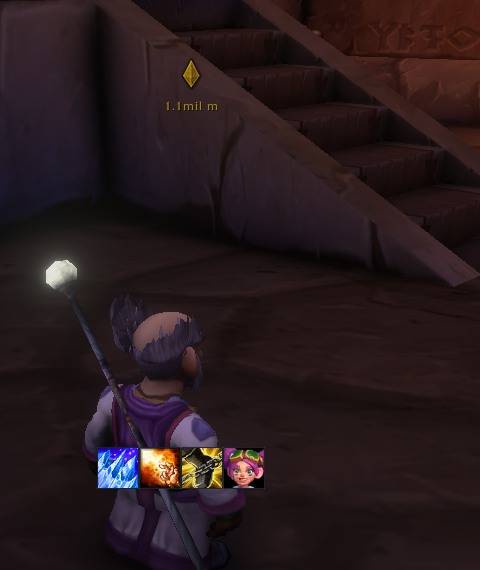
LP Tweaks turns on the game's own hidden marker: it points to the quest you follow and shows the distance
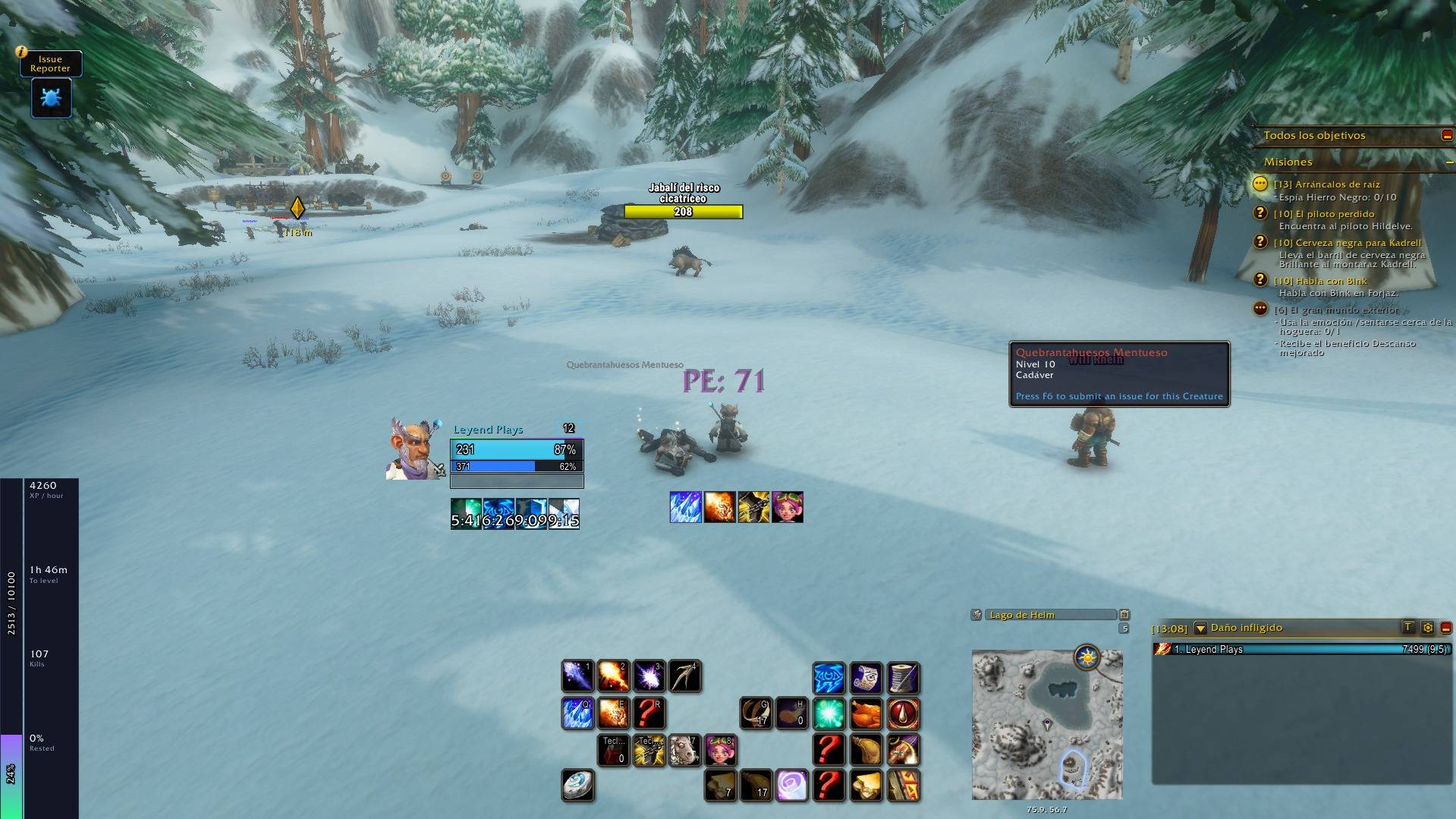
A thin XP bar that unfolds into XP per hour, time to level, kills to level and rested XP. Horizontal or vertical, any size
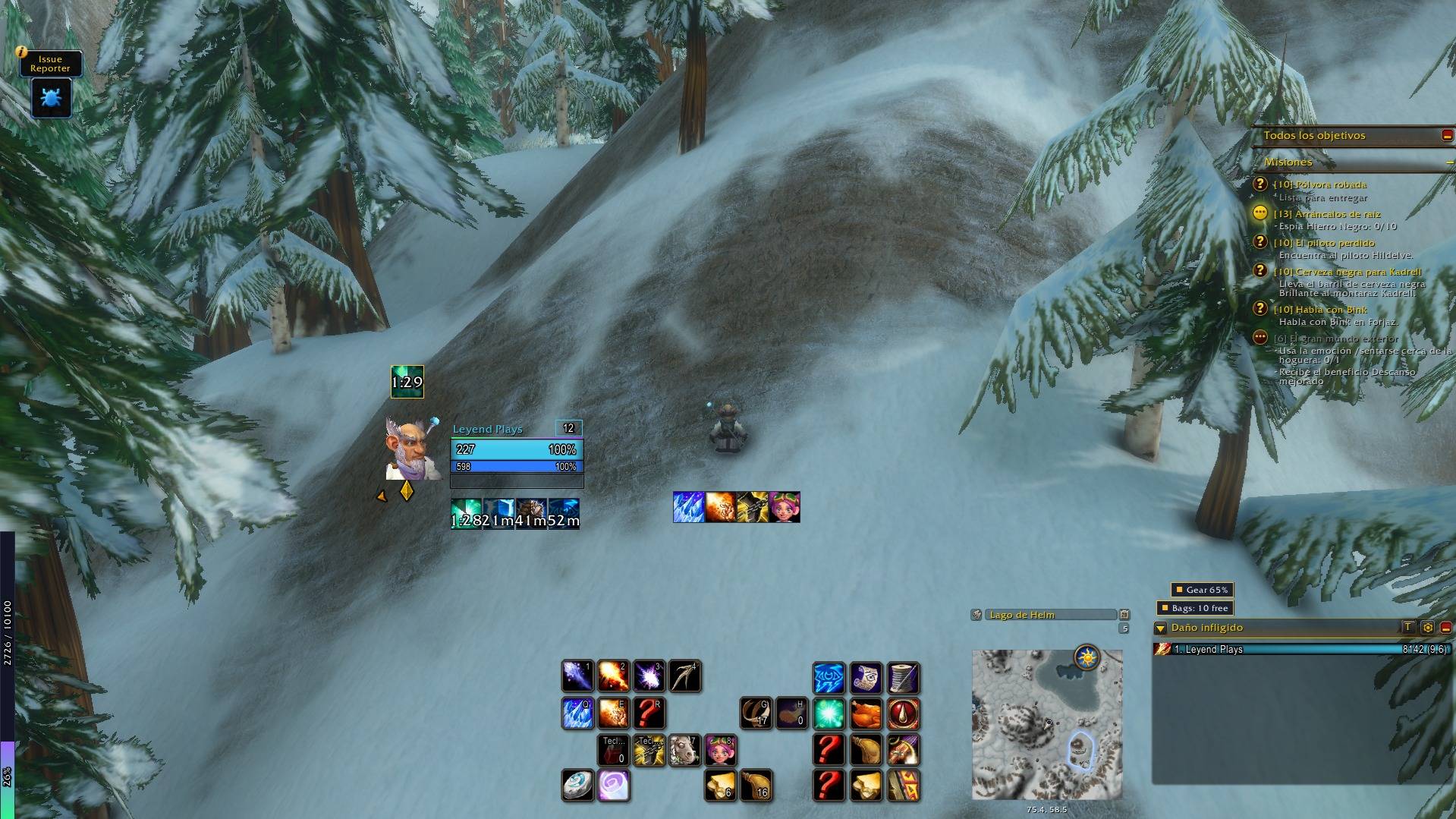
Small labels warn you when your gear is wearing out or your bags are nearly full. Hover for details; Shift + drag to move
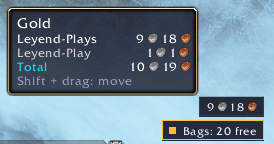
Your gold always in sight by the minimap; point at it for all your characters' gold and the total
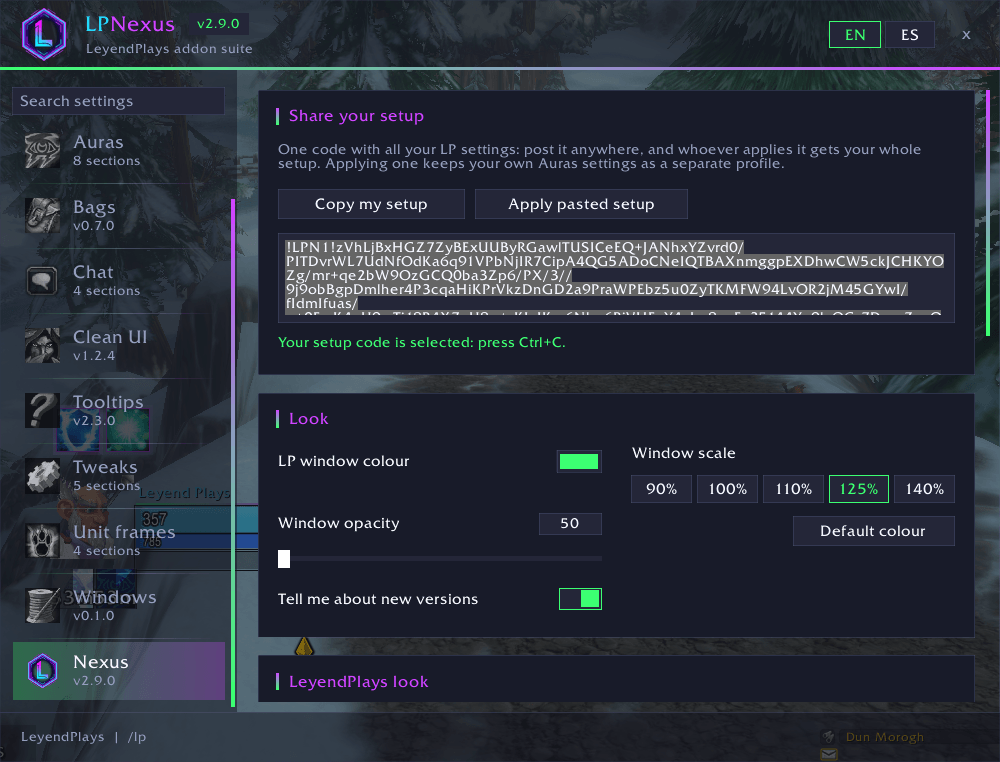
One code with your whole LP setup