Loot & Boots
- By
Loot & Boots
Track your loot. Follow your journey.
Loot & Boots is a comprehensive farming, loot tracking, and character activity AddOn for World of Warcraft: Forever.
It brings together three interconnected systems: a character journey recorder, a farming and loot tracker, and a portable Auction House catalogue.
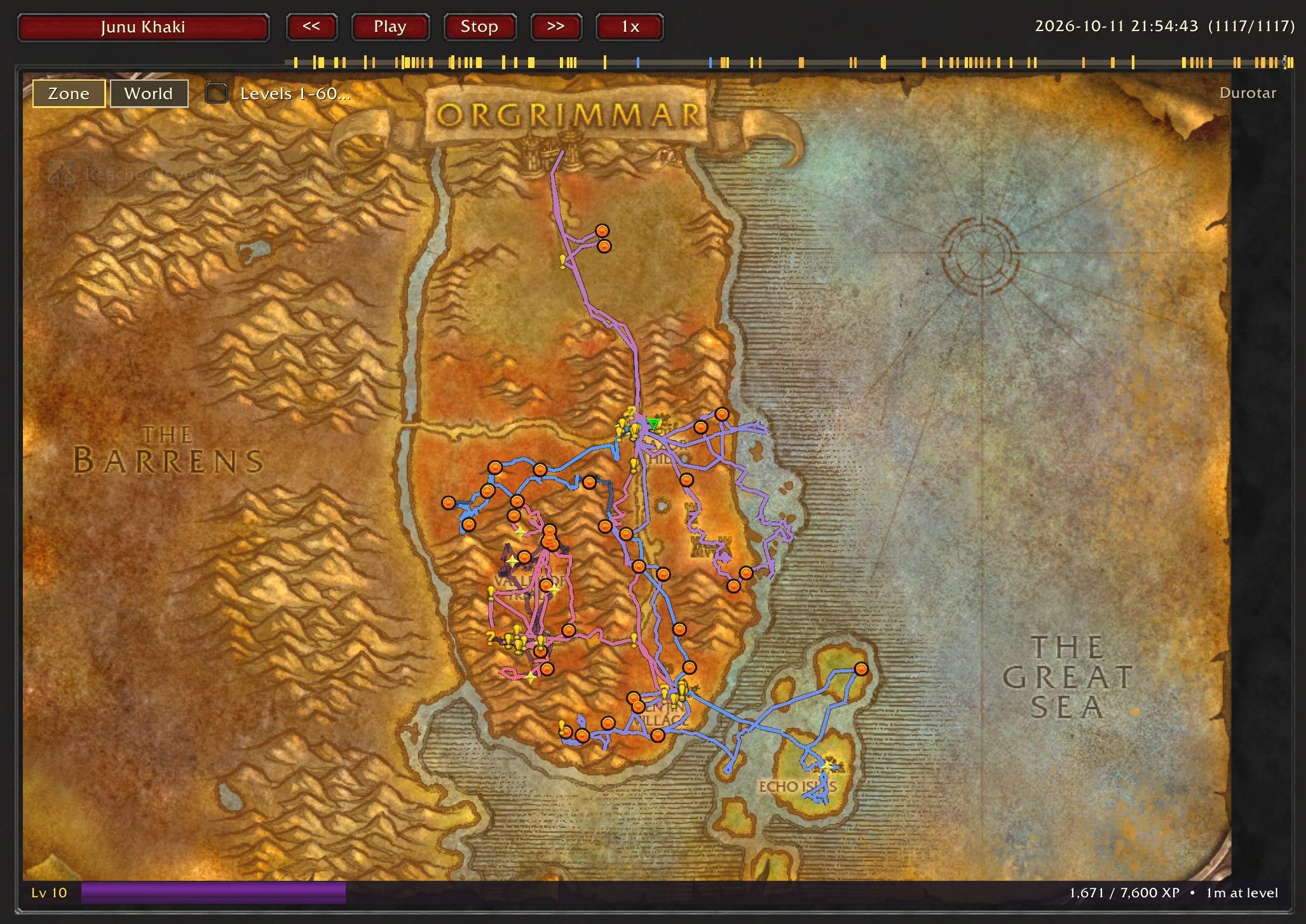
As you explore Azeroth, Loot & Boots records your travels, collected loot, earnings, and important character events. Revisit your adventures on interactive maps, organise your activity into farming sessions, and discover which routes and farms are most profitable.
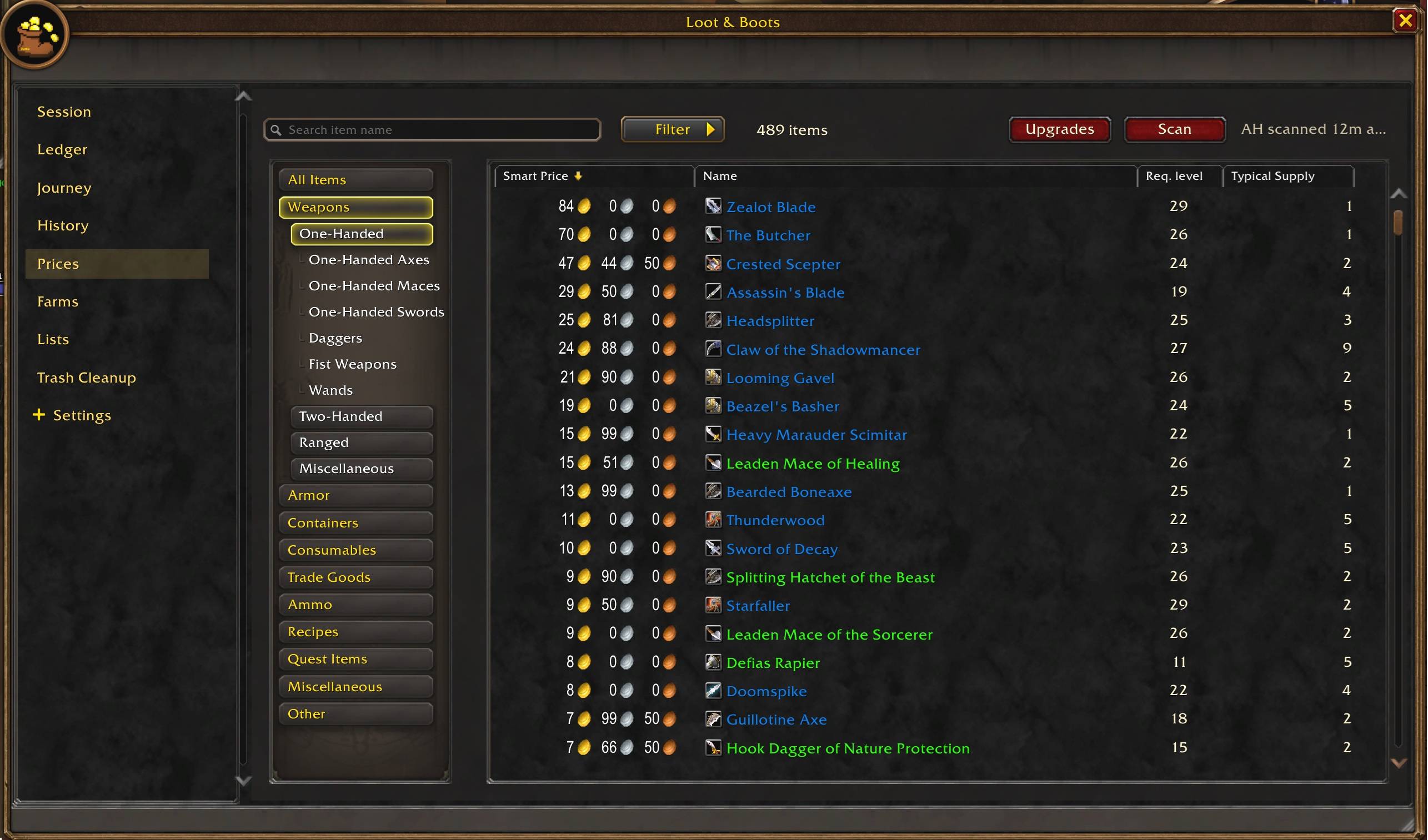
The AddOn also includes an offline Auction House catalogue that recreates the familiar in-game browsing experience. Scan the Auction House to build a local pricing database, then browse items, inspect price history, and evaluate loot wherever you are. This information also powers a developing equipment upgrade recommendation system.
The key features that I have not been able to test fully are PvP deaths. It should display a 3D model of the player that killed you with the gear they were wearing at the time, but running off to get ganked is something I need to test more. Also the item upgrade recommendations are in an approximate state and require more fine-tuning. So appreciate feedback here.
Features
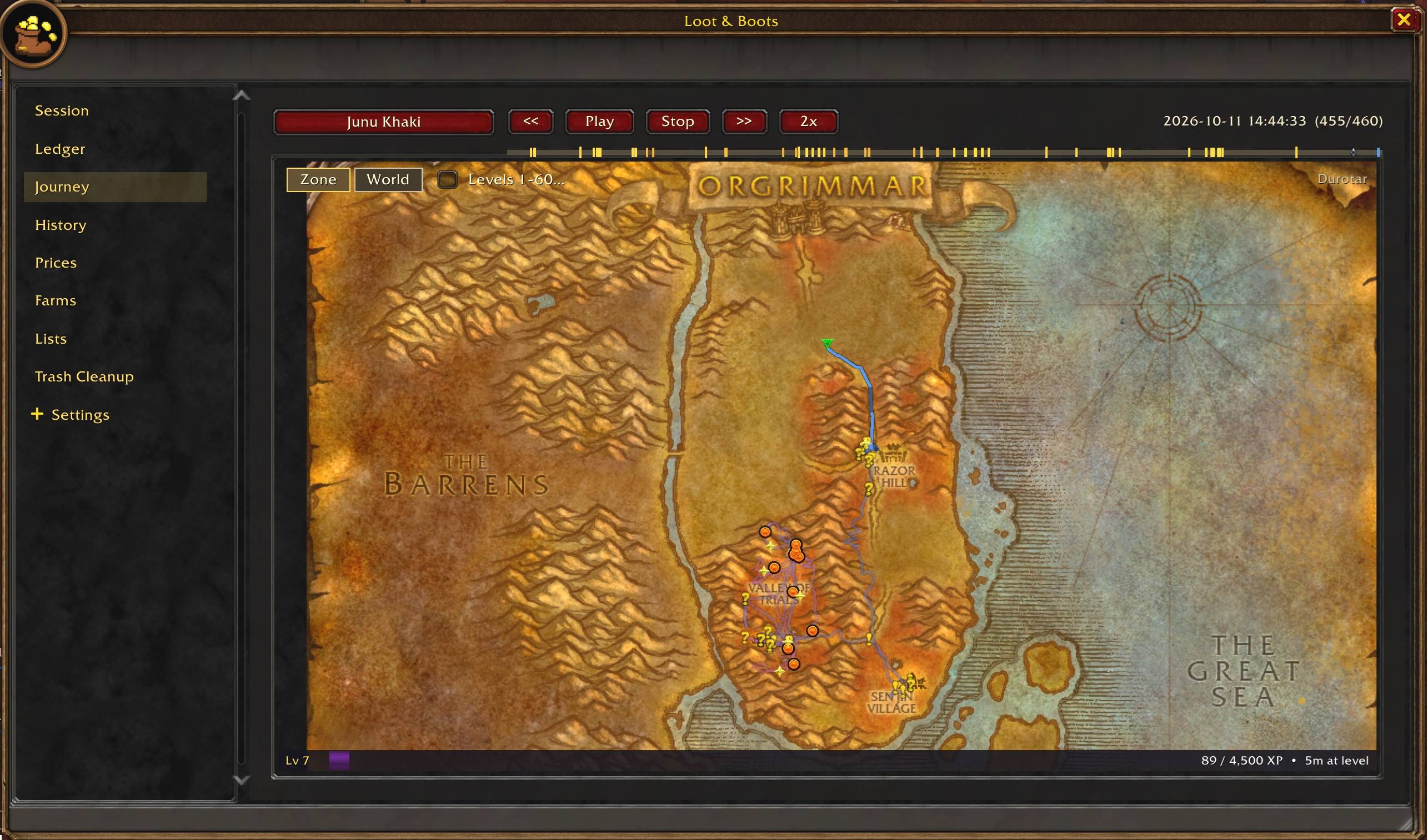
Journey: Your movement from beginning to end
- Explore your character's recorded travels across Azeroth
- Replay journeys with interactive maps and playback controls
- Follow movement, experience gains, level-ups, and deaths
- Discover where you died and what killed you (PvP deaths are WiP)
Sessions: Individual Farms
- Automatically track farming activity as you play
- Review collected items, quantities, and estimated market values
- Track dungeon and instance runs (WiP)
- Use a compact, resizable HUD to monitor your activity without interrupting gameplay
- Exclude unwanted items from calculations using the Trash List
History: Past Farming Sessions
- Browse, search, and filter completed sessions
- Review loot, earnings, duration, and instance runs
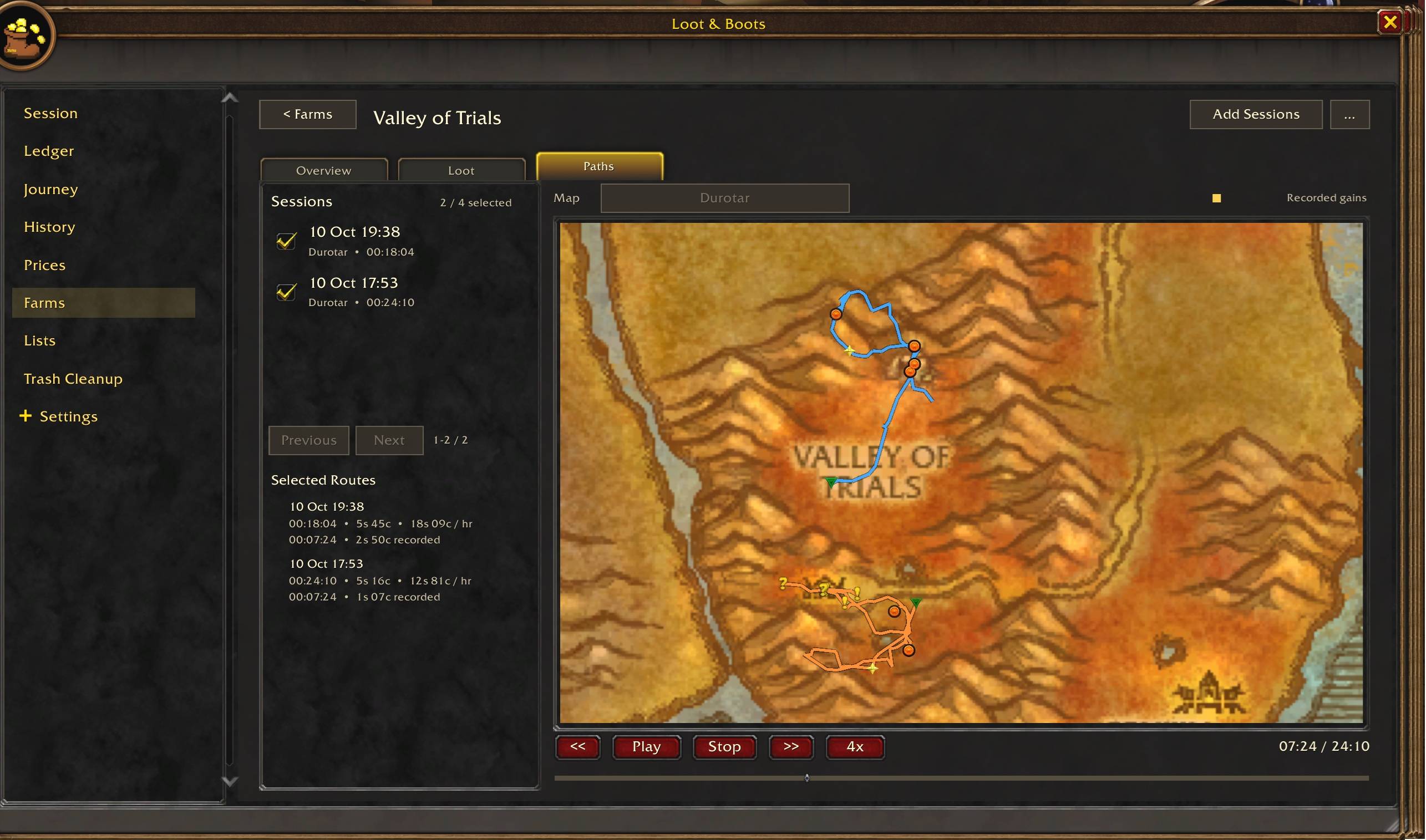
- Inspect the travel paths recorded during individual sessions
- Replay your movements and significant events on interactive maps
- Compare historical earnings with updated item valuations
Farms: Group Sessions for Analysis
- Create and manage named farming activities
- Compare farms by total value, gold per hour, and item yields
- Review collected loot and individual session evidence
- Explore recorded farming routes using interactive maps
- Identify which farming activities deliver the best returns
Ledger: Your Loot Across Characters
- Review total earnings and collected items
- Identify your most frequently acquired and most valuable loot
- Search and filter your item collection history
Auction House: That's it, roughly the same UI
- Scan the Auction House to collect and retain market information
- Browse a searchable, filterable item catalogue even when you're away from the Auction House
- Explore historical price trends and typical market supply
- Use estimated market prices to evaluate collected loot
- Compare recorded farming values against more recent pricing information
The offline catalogue uses information collected from your own Auction House scans. It is a reference tool, not a live marketplace. You can't actually buy or post anything, but it does mean you can browse items and prices anywhere easily.
Equipment Upgrades: What to buy, possibly
Work in progress, recommendations will continue to be refined.
- Discover potential equipment upgrades using collected Auction House data.
- Evaluate items based on character class, level, and equipped gear.
- Consider equipment statistics, purchase costs, and levelling efficiency.
- Identify promising purchases without manually comparing every item.
- Find opportunities to improve your equipment while keeping an eye on your gold.
Watchlists, Trash Lists & Notifications
- Maintain watchlists of items you're hoping to find.
- Receive compact notifications when watched or valuable items drop.
- Configure value thresholds for loot alerts.
- Mark unwanted items as trash and exclude them from farming calculations.
- Quickly delete marked trash items using Alt + mouse wheel down.
Designed for World of Warcraft: Forever
Loot & Boots Team