LevelingBiSAdvisor Forever
- By
Recommends the best gear upgrades for each slot while leveling from 1 to 60 in WoW Forever.
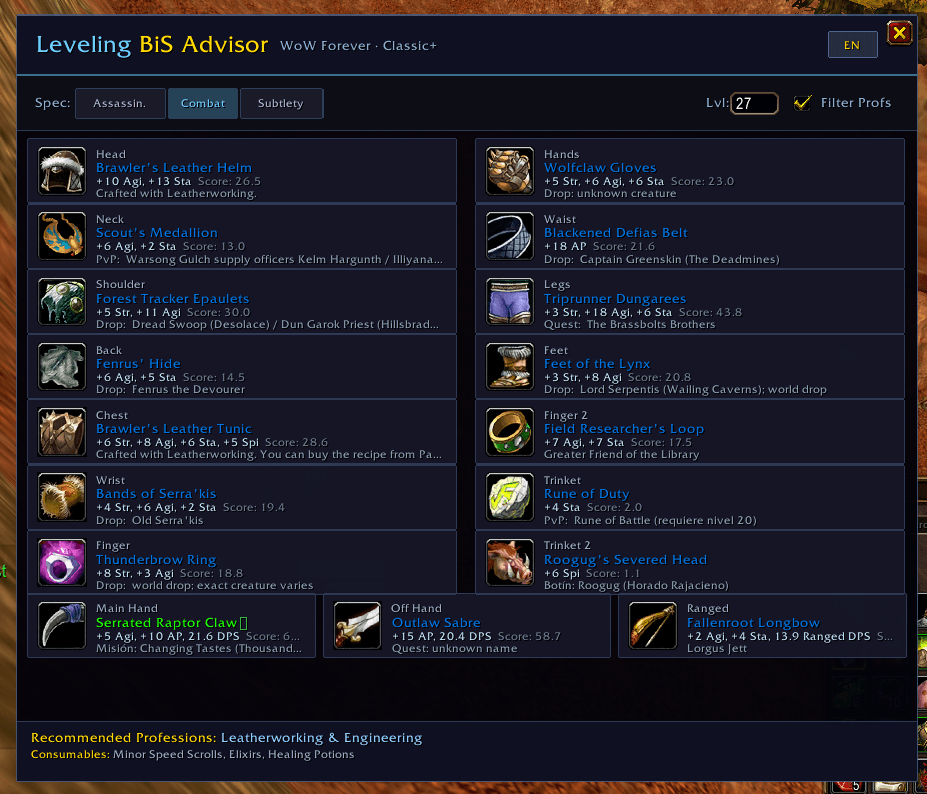
imagen_2026-10-09_232340735.png
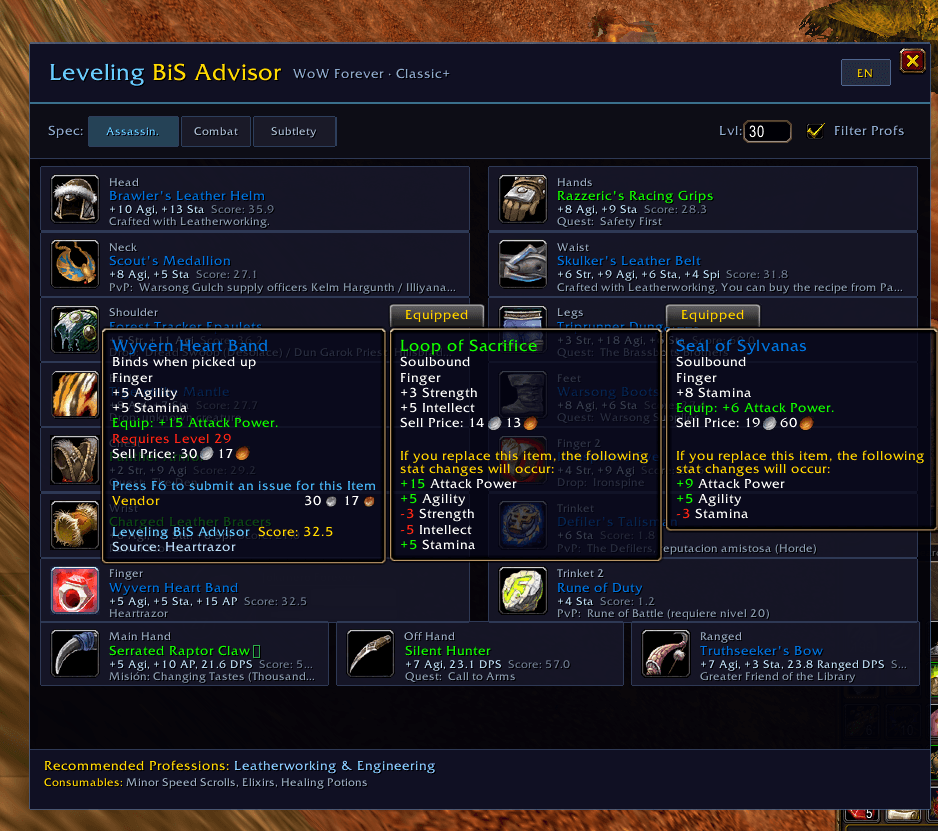
imagen_2026-10-09_232405408.png
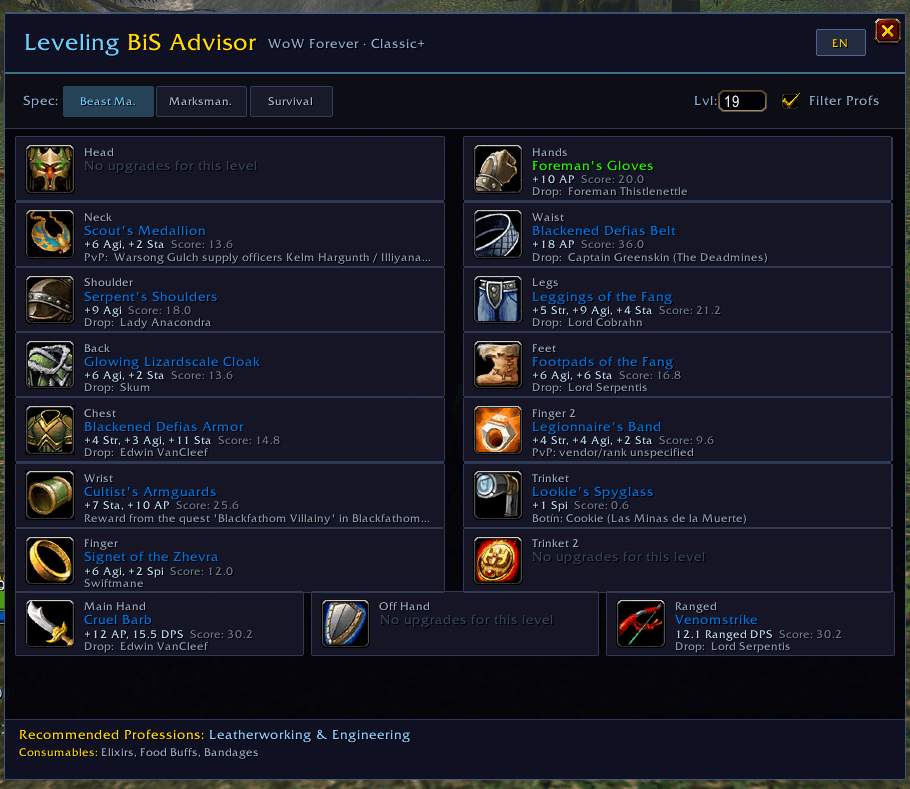
imagen_2026-10-09_232530720.png
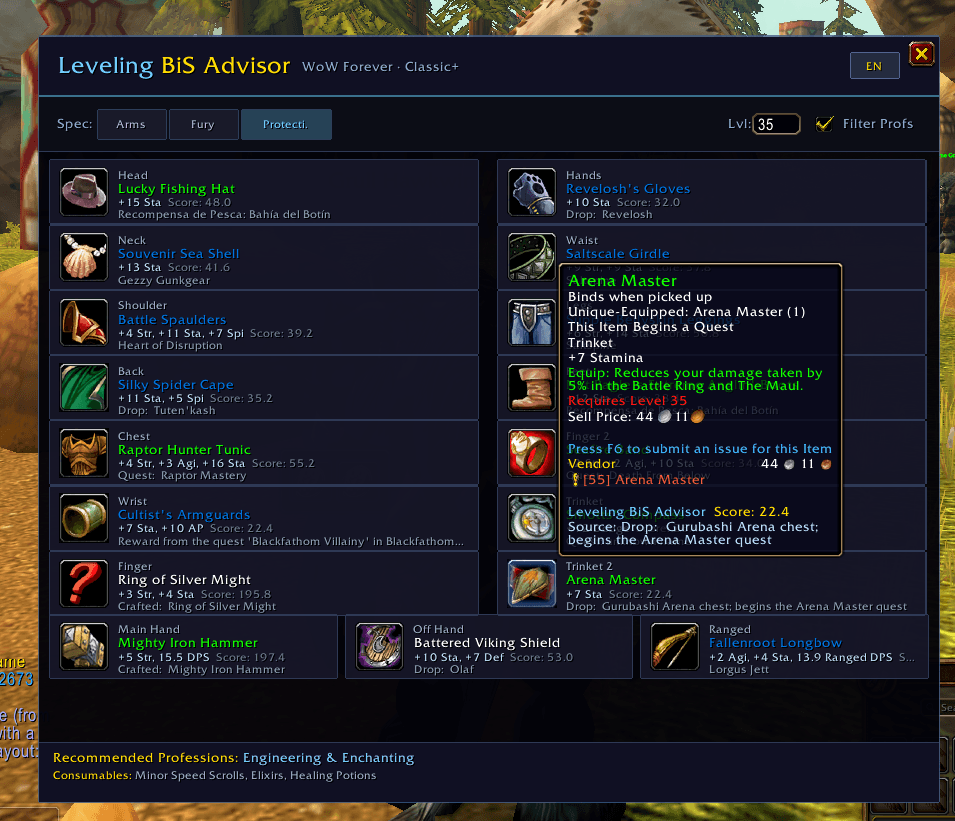
imagen_2026-10-09_232750325.png
Description
# Leveling BiS Advisor
**Leveling BiS Advisor** is a dynamic gearing assistant for **World of Warcraft Classic** (Era / Vanilla) and **WoW Forever (Classic+)**.
Never wonder which quest reward to pick or which dungeon boss drops the best upgrade for your character. Leveling BiS Advisor calculates the highest-value items for every equipment slot in real-time as you level from **1 to 60**.
---
### ✨ Key Features
- **🎯 Real-Time Dynamic Upgrades:** Recommends the best gear for your current level, class, and spec across all 16 equipment slots.
- **📍 Detailed Item Sources:** Instantly see where to get every upgrade — Quest names, Dungeon bosses, Rare drops, PvP ranks, or Vendors.
- **⚔️ Smart Dual-Wield & Weapon Detection:**
- Strict class logic: Rogues, Hunters, and Warriors get actual physical weapons for main-hand and off-hand (no caster off-hands).
- Accurate dual-wield unlocking (Level 10 for Rogues, Level 20 for Warriors/Hunters).
- **💍 Dual Trinket & Dual Ring Support:** Distinct recommendations for both Ring slots and Trinket slots (no duplicate unique items).
- **🛠️ Profession Filtering:** Toggleable filter that only shows craftable items (Engineering goggles, Leatherworking armor, etc.) if you actually know the profession and have the required skill level.
- **📊 Spec-Tailored Stat Weights:** Automatically calculates stat weights for all classes and leveling specs. Custom weights can also be configured via `/bis setweight`.
- **🌐 Multi-Language Support:** English by default, with an instant in-game language toggle button (**EN / ES**) to switch between English and Spanish on the fly.
- **🔍 In-Game Tooltip Integration:** Hover over any item in your bags, quest rewards, or chat links to see its BiS rank and score comparison for your spec.
---
### 🕹️ Commands & Usage
- `/bis` — Open or close the main advisor window
- `/bis spec <name>` — Switch active specialization preview (e.g. `/bis spec Combat`)
- `/bis specs` — List all available specs for your class
- `/bis level <1-60>` — Preview best-in-slot gear for any future level
- `/bis lang <en|es>` — Change UI language (English / Español)
- `/bis reset` — Reset preview overrides back to your character's current level and spec
- `/bis weights` — View the stat priority weights of your current spec
- `/bis resetweights` — Reset customized stat weights back to default values
---
### 👤 Author
Developed and maintained by **sk0lu**
LevelingBiSAdvisor Forever Team