Komo Hold'Em
- By
Texas Hold'Em for your party, raid, and guild. Host a table, friends join from the launcher, and play full hands on a themed in-game table — Midnight, Alliance, or Horde. Play with imitation chips, and track results on personal and guild leaderboards.
03.png
02.png
01.png
05.png
04.png
Description
Komo Hold'Em
Full Texas Hold'Em inside World of Warcraft. Host a table for your party, raid, or guildmates — everyone with the addon sees it in their launcher and joins with one click. No trades, no macros, no honor system: the addon deals, enforces turns, evaluates hands, and pays the pot.
How it works
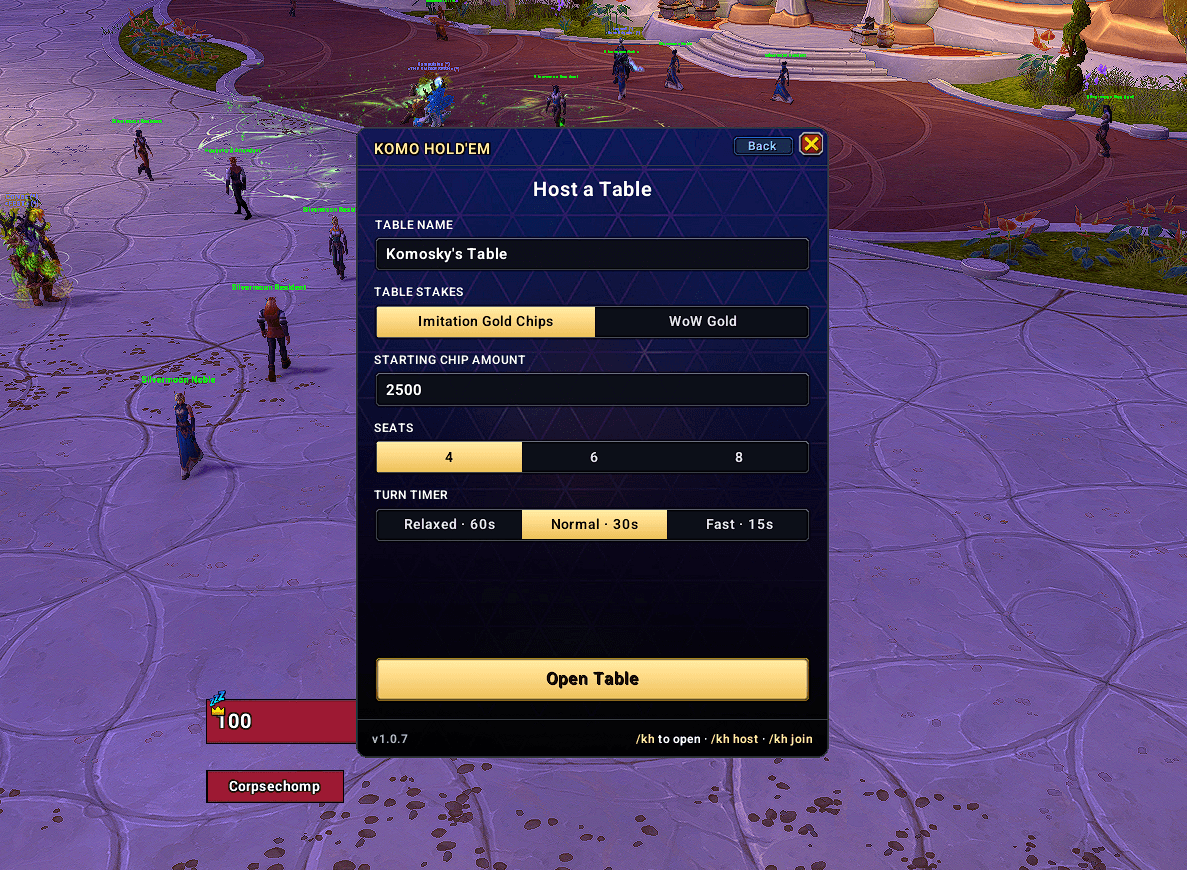
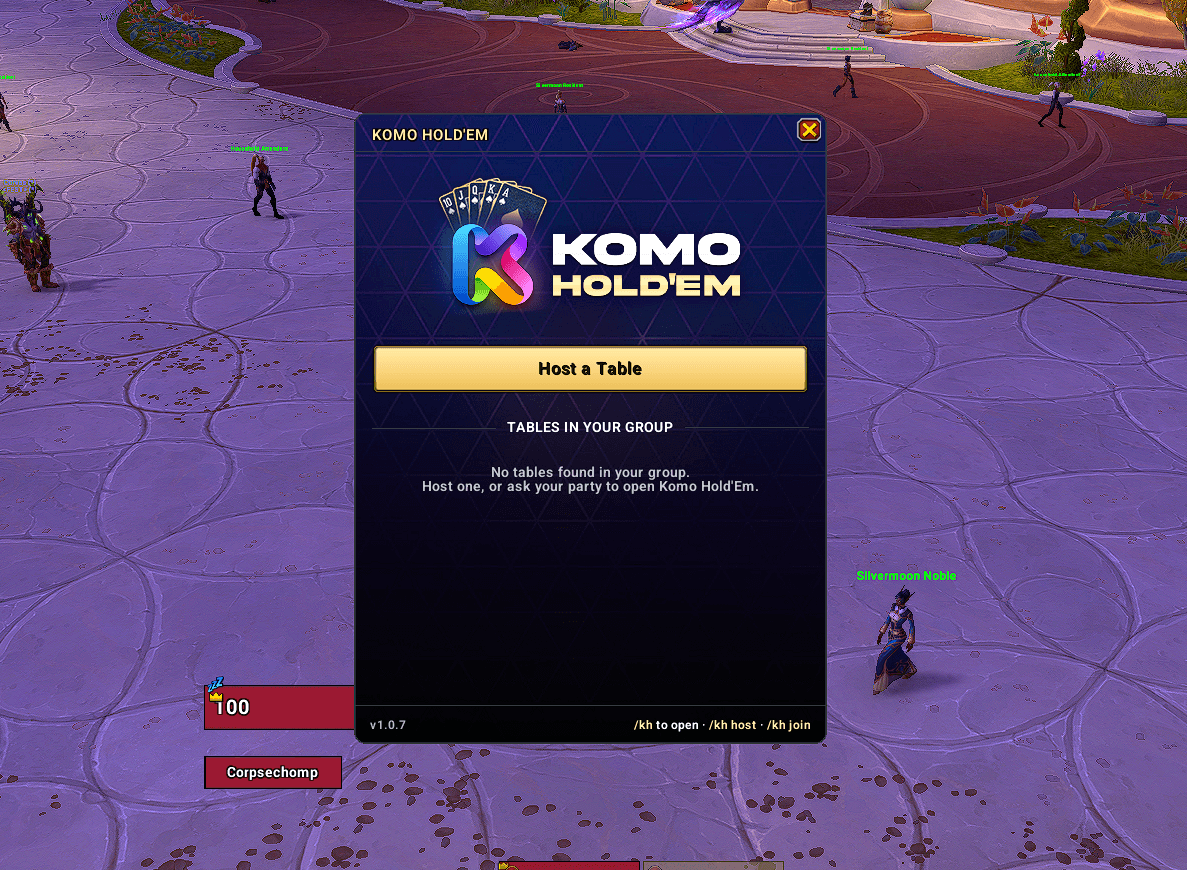
- Type /kh and hit Host a Table — name it, pick seats (4/6/8) and a turn timer, and open it.
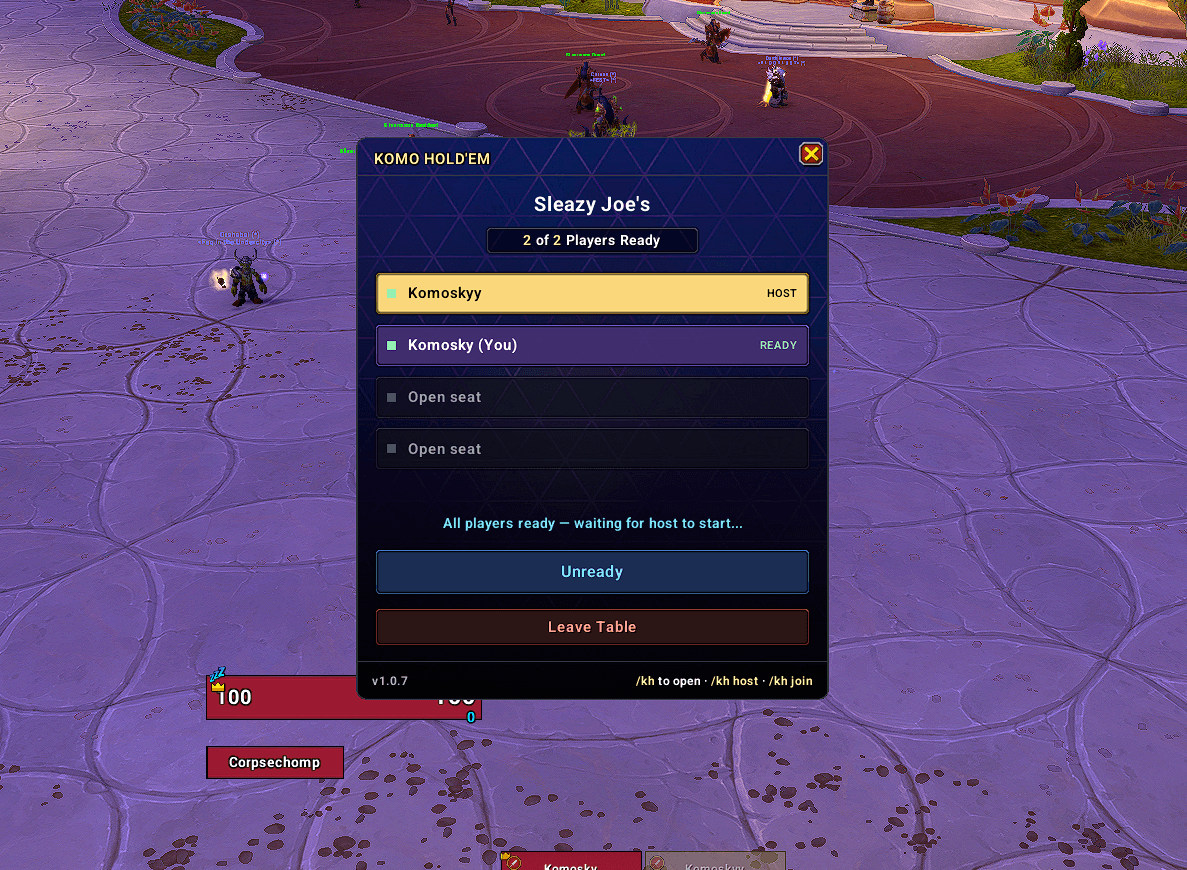
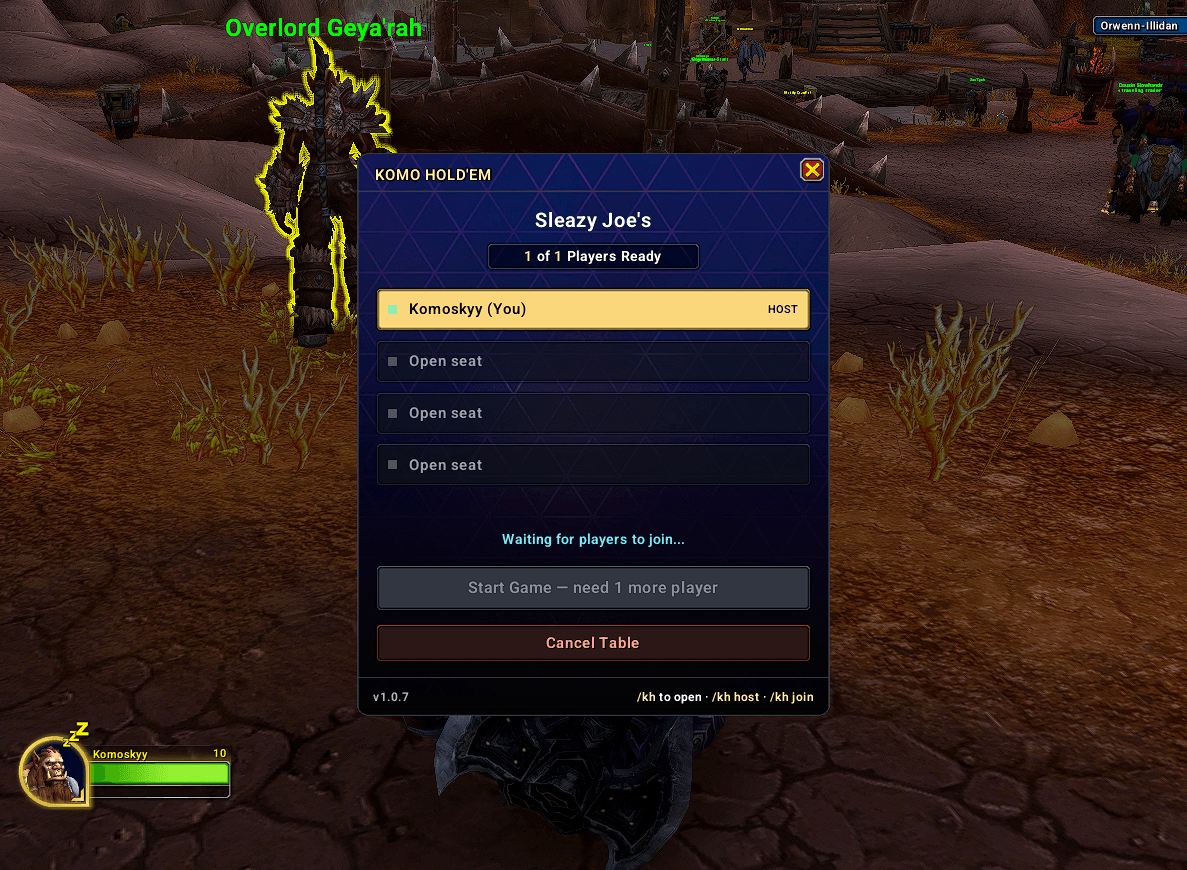
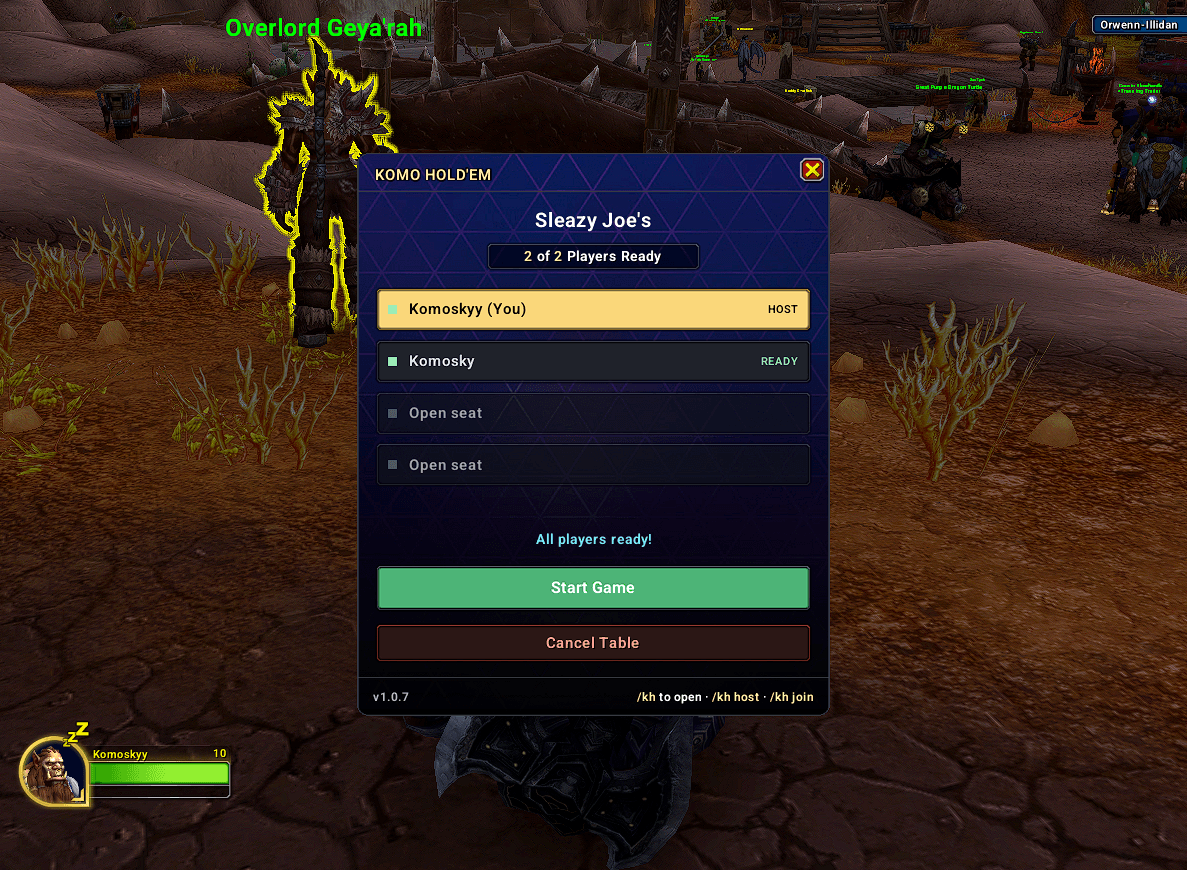
- Your group sees the table in their launcher. They join, hit Ready, and you start the game.
- A themed poker table opens for everyone. Hole cards are private (delivered by addon whisper — other clients never receive them), the board deals street by street, and the action bar gives you Fold / Check / Call / Bet with a slider, typed amounts, and half-pot / pot / all-in shortcuts.
- Between hands the host chooses Deal Next Hand or End Game. Ending the game shows final standings to every player.
Simple by design
No blinds to learn — a small automatic ante seeds every pot, so people who have never played poker can sit down and go. Turn timers keep the game moving (auto-check or auto-fold when time runs out), and the game stops loudly when one player has all the chips.
Stakes
- Imitation Gold Chips (default): free play chips, nothing changes hands. Just bragging rights and the leaderboard.
- WoW Gold tables: an optional mode where the buy-in is denominated in WoW gold. Every player is shown a clear notice before taking a seat and accepts it by readying up. When the table closes, the addon shows who owes who and tracks it until marked paid. The addon never touches your actual gold — settling up is done by the players themselves, the addon only does the math and remembers.
Three table themes
Midnight, Alliance, and Horde — each with its own table art, felt, and card deck. Set yours with /kh theme <name>; every player sees their own theme.
Leaderboards
Personal Gold and Chips boards track your lifetime results per character. The Guild board syncs results with guildmates over the guild addon channel — pickup players from your party never appear on it.
Commands
/kh— open the launcher/kh host— jump straight to hosting/kh close— close the table you're hosting (settles up first)/kh leave— leave the table you joined/kh theme midnight | alliance | horde/kh minimap— show/hide the minimap button/kh demo— open a solo demo table to try the UI without a group
Requirements & Notes
- Everyone at the table needs the addon.
- Players must be in the same party or raid (guild channel is used only for leaderboard sync).
- Reloading your UI mid-hand drops you from that hand; you're back in on the next deal.
Found a bug or want a feature? Leave a comment or open an issue.
Komo Hold'Em Team