KIC Greeter
- By
Automatically greet groups you join and send customizable messages when a Mythic+ keystone is timed or successfully abandoned.
KIC-Greeter_Gallery_01_Join-Greetings (1).png
KIC-Greeter_Gallery_02_Mythic-Plus (1).png
Description
KIC Greeter
Description
KIC Greeter is a lightweight automatic group-chat assistant for World of Warcraft Retail - Inspired by Kleenex.
It sends friendly, configurable messages when you join an existing group, successfully time a Mythic+ keystone, or complete a successful Mythic+ Vote to Abandon. Each event has its own editable message list, and one enabled message is selected randomly whenever that event qualifies.
KIC Greeter is designed to stay predictable. It does not greet when you form a
group by inviting somebody else, repeat a greeting after /reload, celebrate a
depleted key, or react to a failed abandon vote.
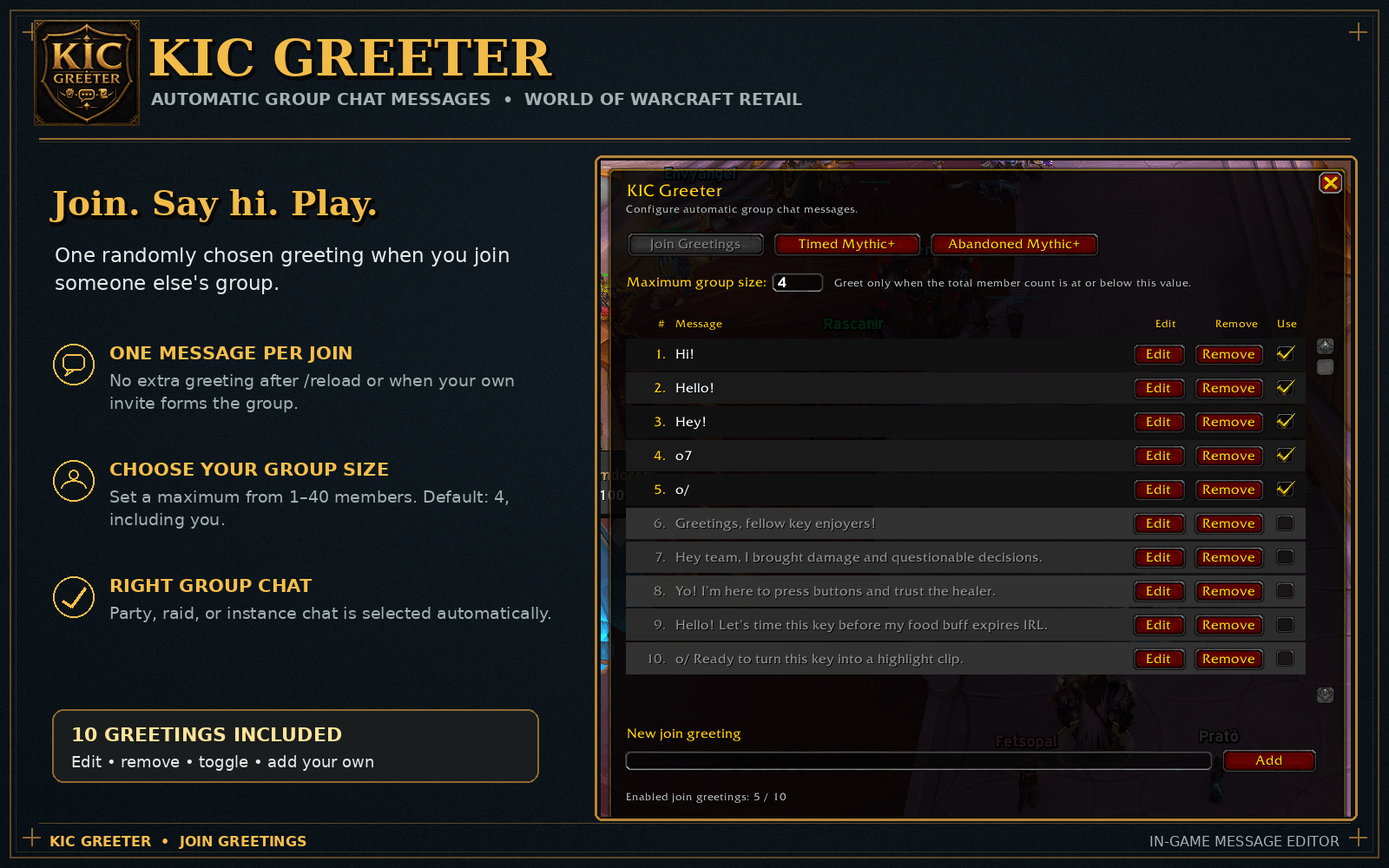
Join Greetings
KIC Greeter sends exactly one random enabled greeting when you join another player's group.
- Joining an existing party can trigger a greeting
- Joining a raid can trigger a greeting when it is within your size limit
- Inviting somebody into your own group does not trigger a greeting
- Reloading the UI while already grouped does not trigger another greeting
- Only one message is sent for each qualifying group join
Maximum Group Size
The configurable Maximum group size setting controls which joined groups receive a greeting.
- The count includes every group member, including you
- A greeting is allowed when the current group size is equal to or below the configured limit
- Larger groups stay silent
- Valid values range from
1to40 - The clean-install default is
4
For example, a maximum size of 5 allows greetings in groups with up to five
members and suppresses them in groups of six or more.
Automatic Chat Channel
Messages use the appropriate group channel automatically:
- Instance chat for matchmade instance groups
- Raid chat for raids
- Party chat for normal parties
Timed Mythic+ Messages
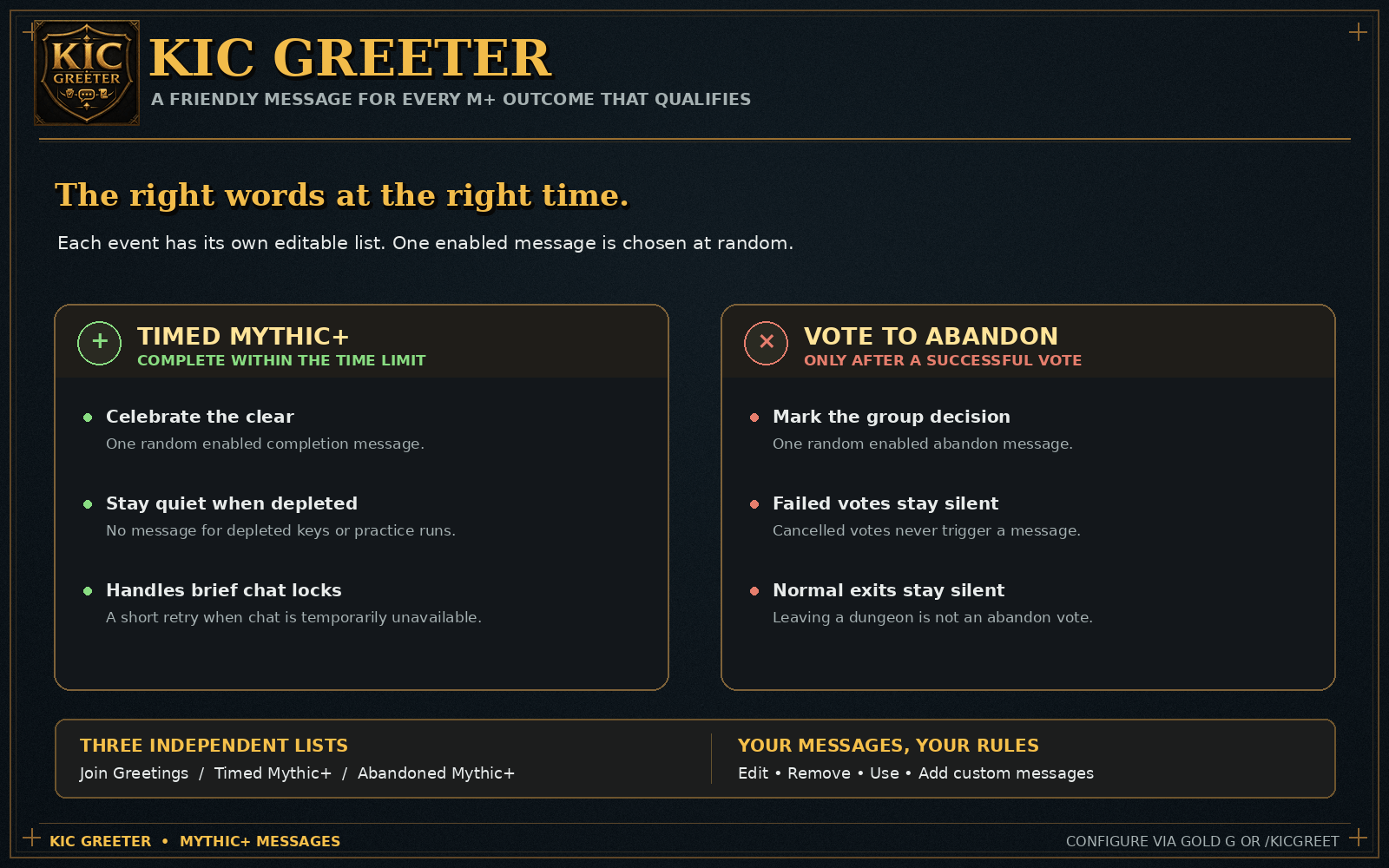
When a Mythic+ keystone dungeon is completed within its time limit, KIC Greeter sends one random enabled message from the Timed Mythic+ list.
- Only successfully timed keystones qualify
- Depleted keystones stay silent
- Non-keystone and practice runs stay silent
If World of Warcraft temporarily prevents chat messages when the completion event fires, the addon briefly retries instead of immediately losing the message.
Successful Vote to Abandon Messages
KIC Greeter can also react when a Mythic+ Vote to Abandon succeeds and the group is removed from the dungeon.
- One random enabled message is selected from the Abandoned Mythic+ list
- Failed or cancelled votes stay silent
- Leaving a dungeon normally does not count as a successful abandon vote
Message editor
Click the gold G button on the minimap or type /kicgreet to open the
editor.
The interface provides three independent tabs:
- Join Greetings
- Timed Mythic+
- Abandoned Mythic+
Every message row includes:
- A visible row number
- The complete message text
- An Edit button
- A Remove button
- A Use checkbox
Disabled messages receive a grey overlay so their state is immediately clear. New custom messages can be added from the text field at the bottom of each tab. If every message in a tab is disabled or removed, that event remains silent.
Default Message Configuration
A clean installation includes ready-to-use message lists:
- 10 join greetings, with the first 5 enabled
- 10 timed Mythic+ messages, with the first 2 enabled
- 10 successful-abandon messages, with the first 3 enabled
The defaults range from short messages such as Hi!, o7, and GG! to more
playful group and Mythic+ lines. Every default can be edited, disabled, or
removed.
Minimap and Commands
- Click the draggable gold G minimap button to open or close the editor
- Drag the button to reposition it around the minimap
- Type
/kicgreetto open the same configuration window - Window and minimap-button positions are saved between sessions
Saved Settings
KIC Greeter saves:
- Enabled and disabled message states
- Edited default messages
- Added custom messages
- Removed messages
- Maximum group size
- Window position
- Minimap-button position
Safe and Predictable Behavior
- No message is sent when every entry for an event is disabled
- Chat-lockdown periods are respected
- Mythic+ outcome messages use short, bounded retries when chat is temporarily unavailable
- Pending messages are cancelled when the relevant group state changes
- Existing users keep their saved message lists and settings after updates
Lightweight by Design
- No required external libraries
- No replacement Group Finder interface
- No automatic invites, applications, or group management
- No whispers, guild messages, or public-channel spam
- Focused only on configurable group greetings and Mythic+ outcome messages
KIC Greeter keeps group introductions and end-of-run messages friendly without making you type the same lines every time.
The KIC Greeter Team