


KerimAnka UI
- By
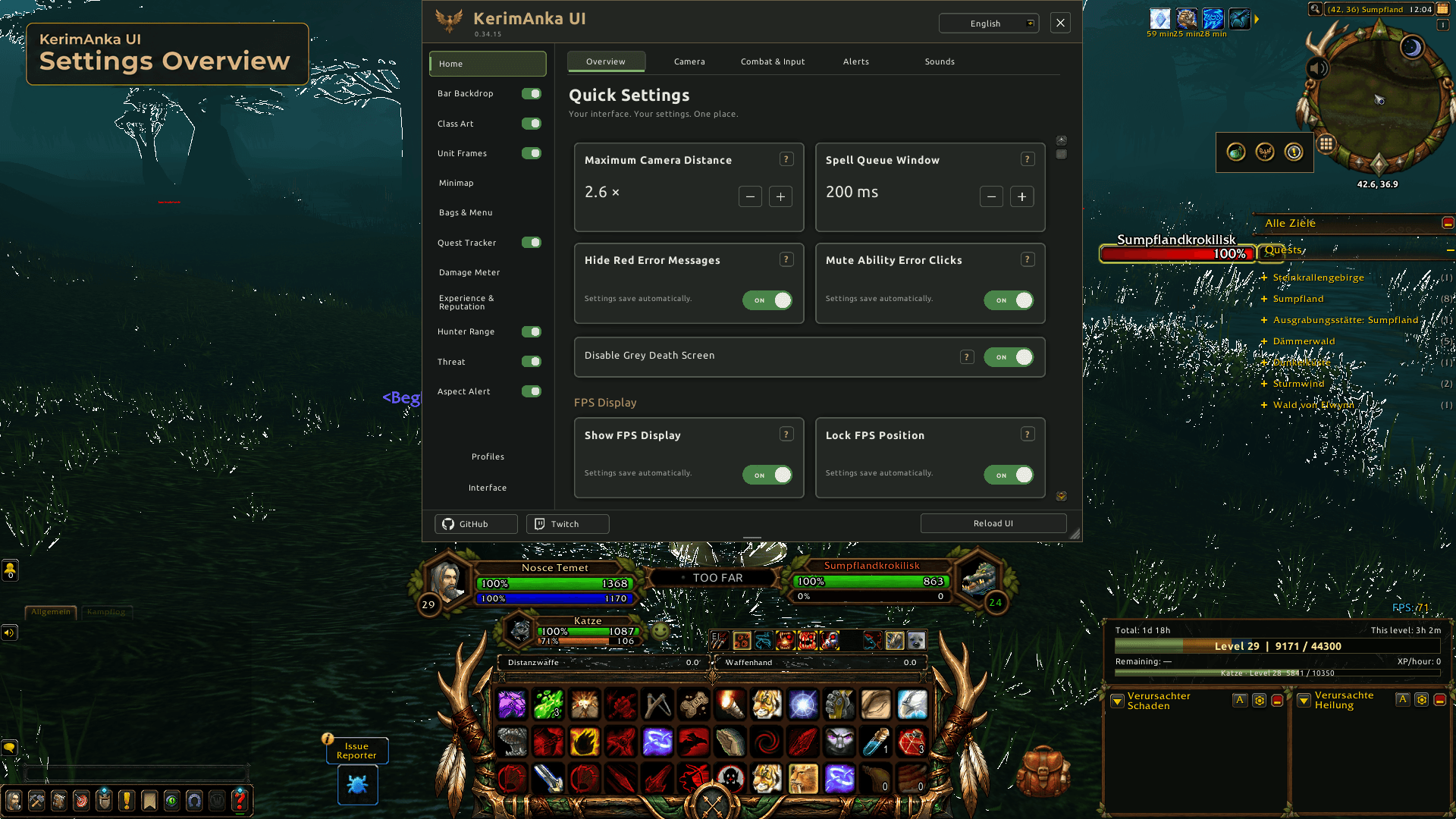
02-settings-overview.png
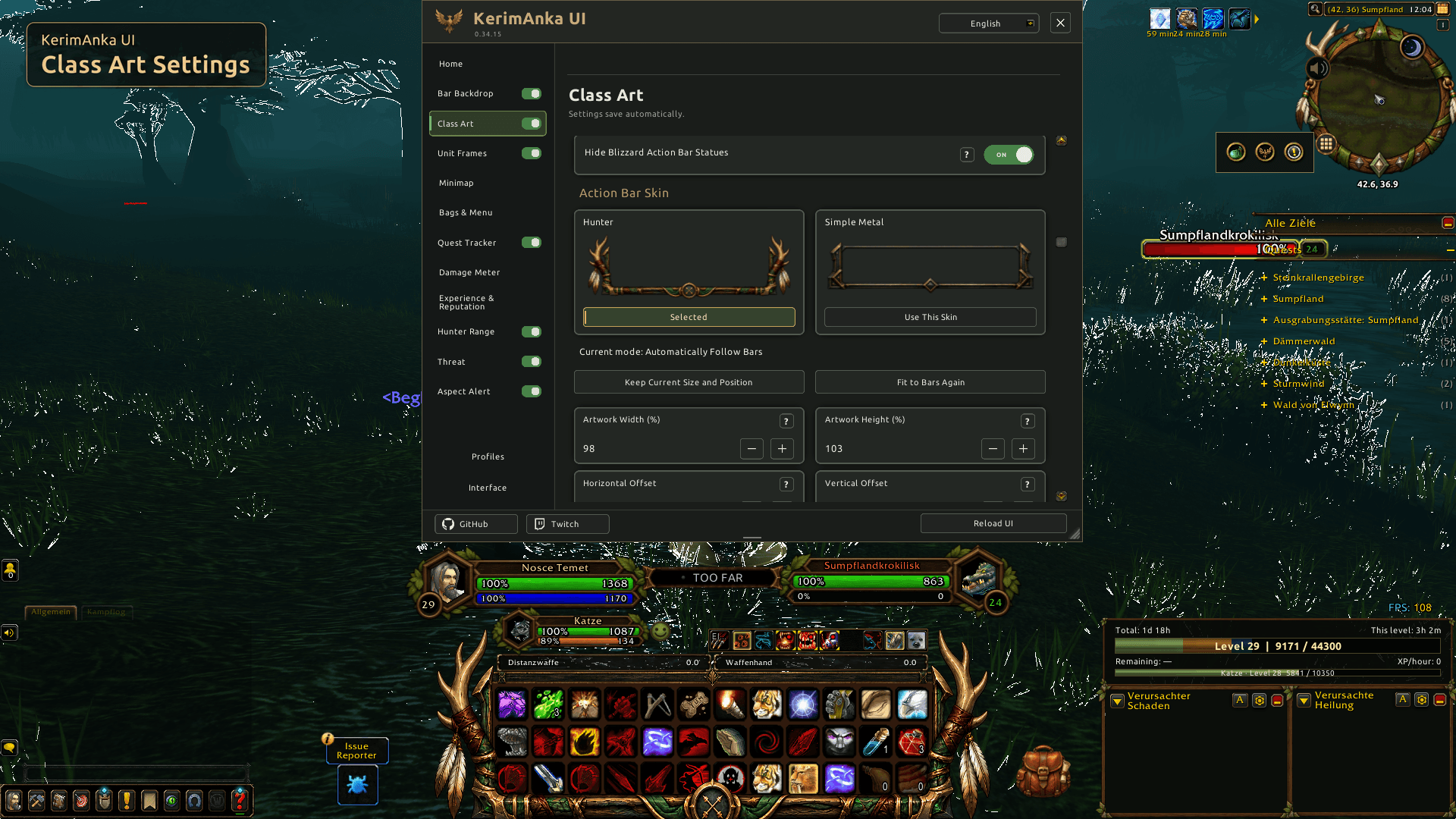
03-class-art-settings.png
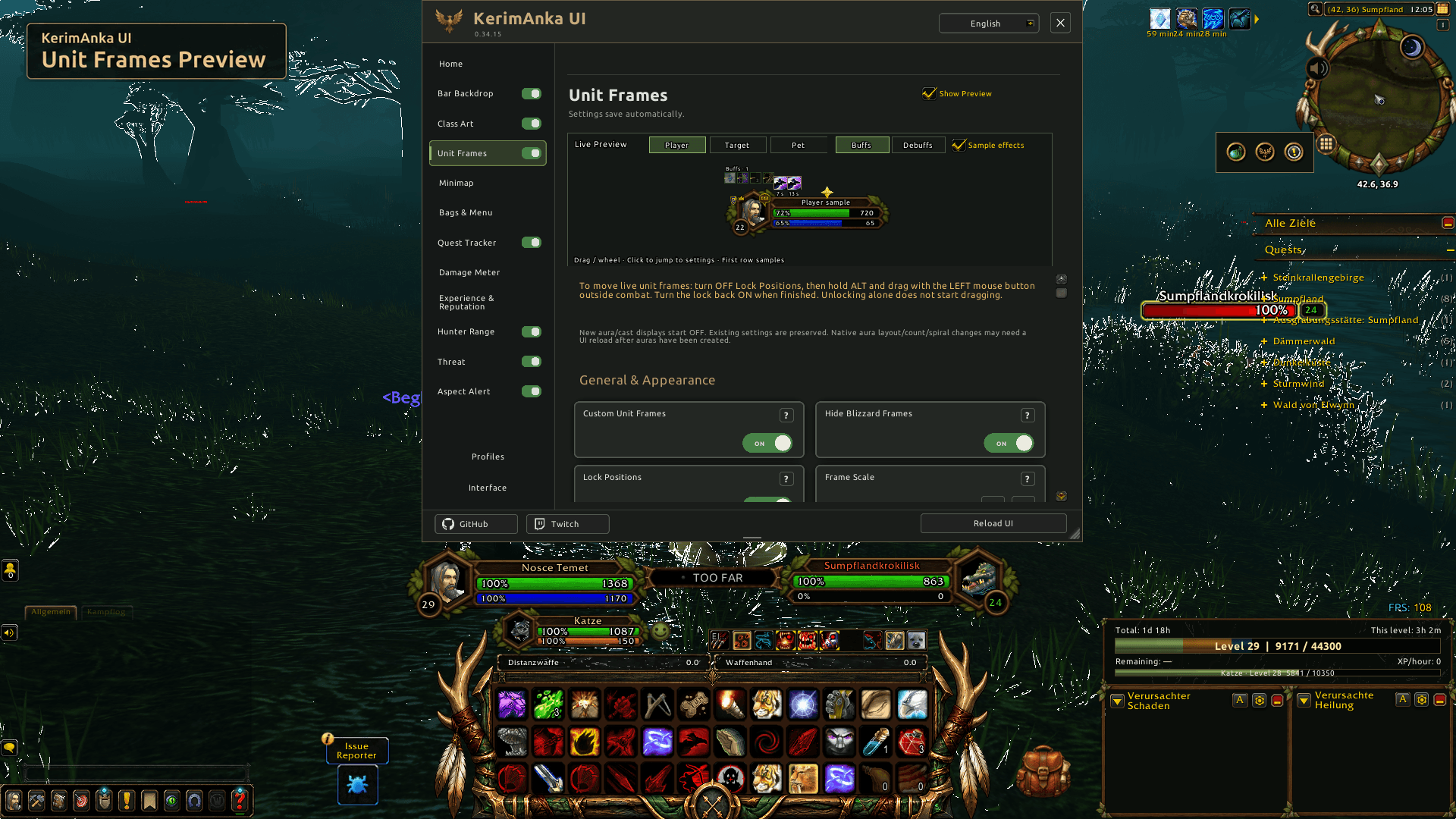
04-unit-frames-preview.png
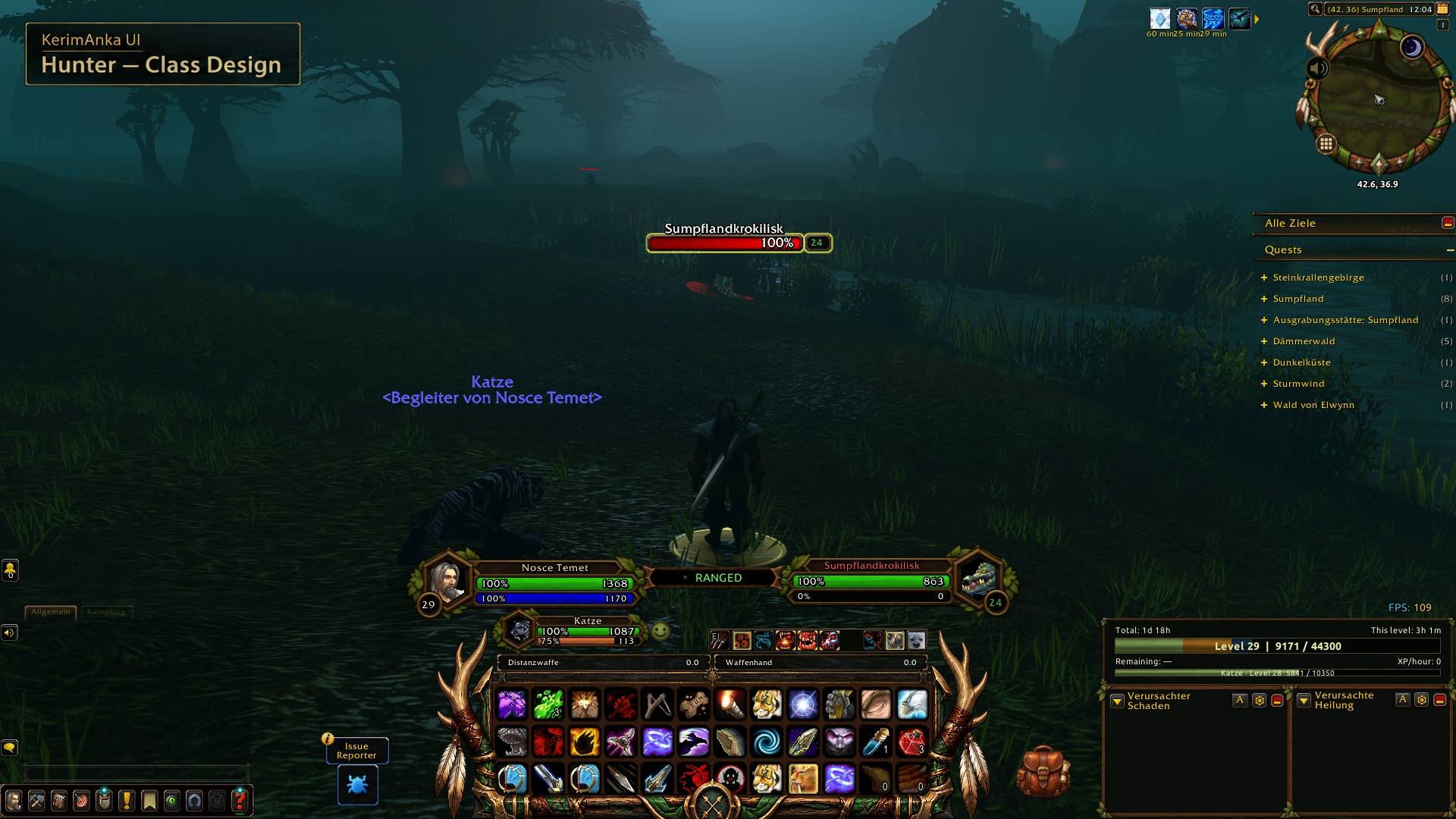
01-hunter-class-design.jpg
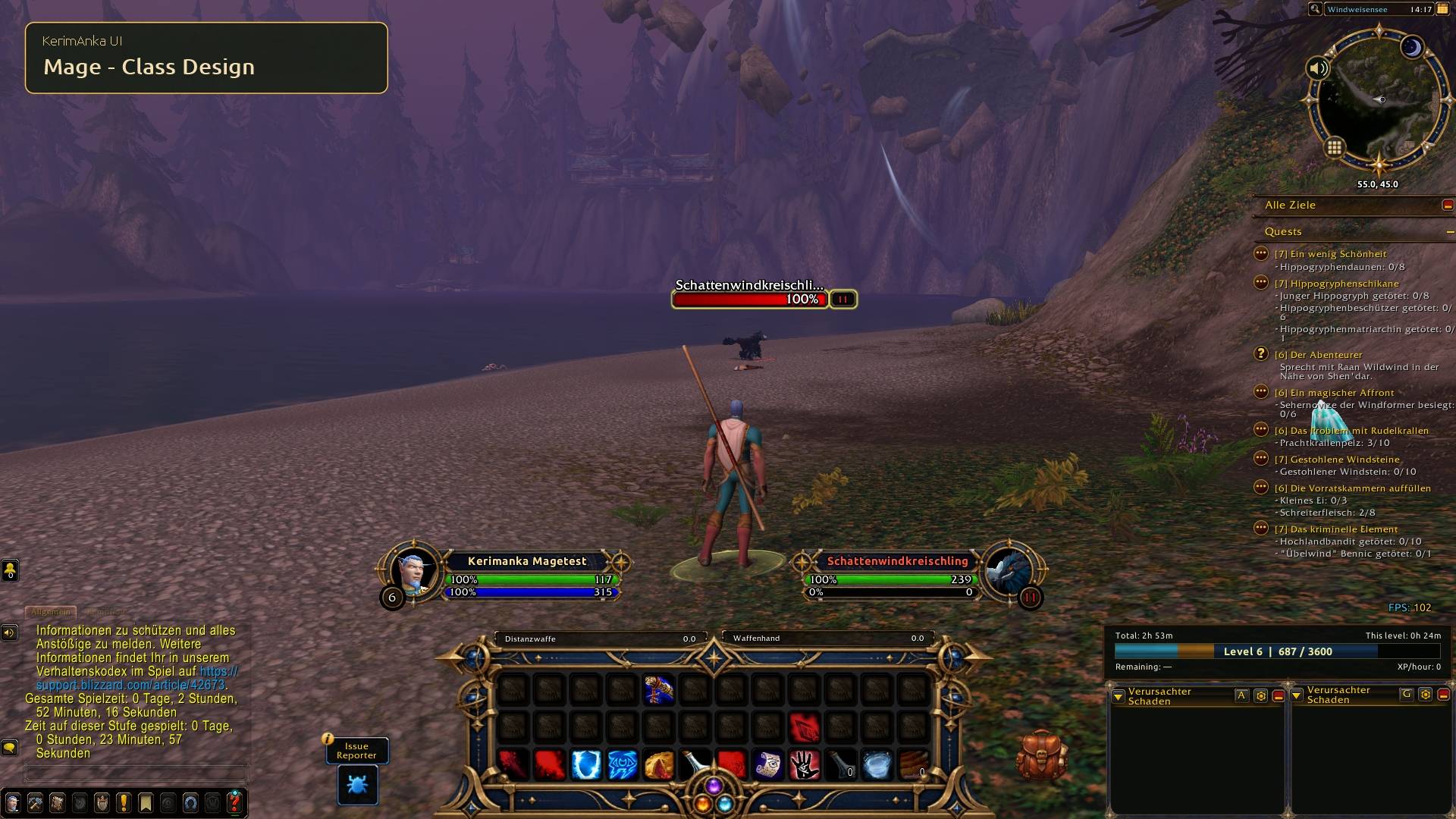
05-mage.jpg
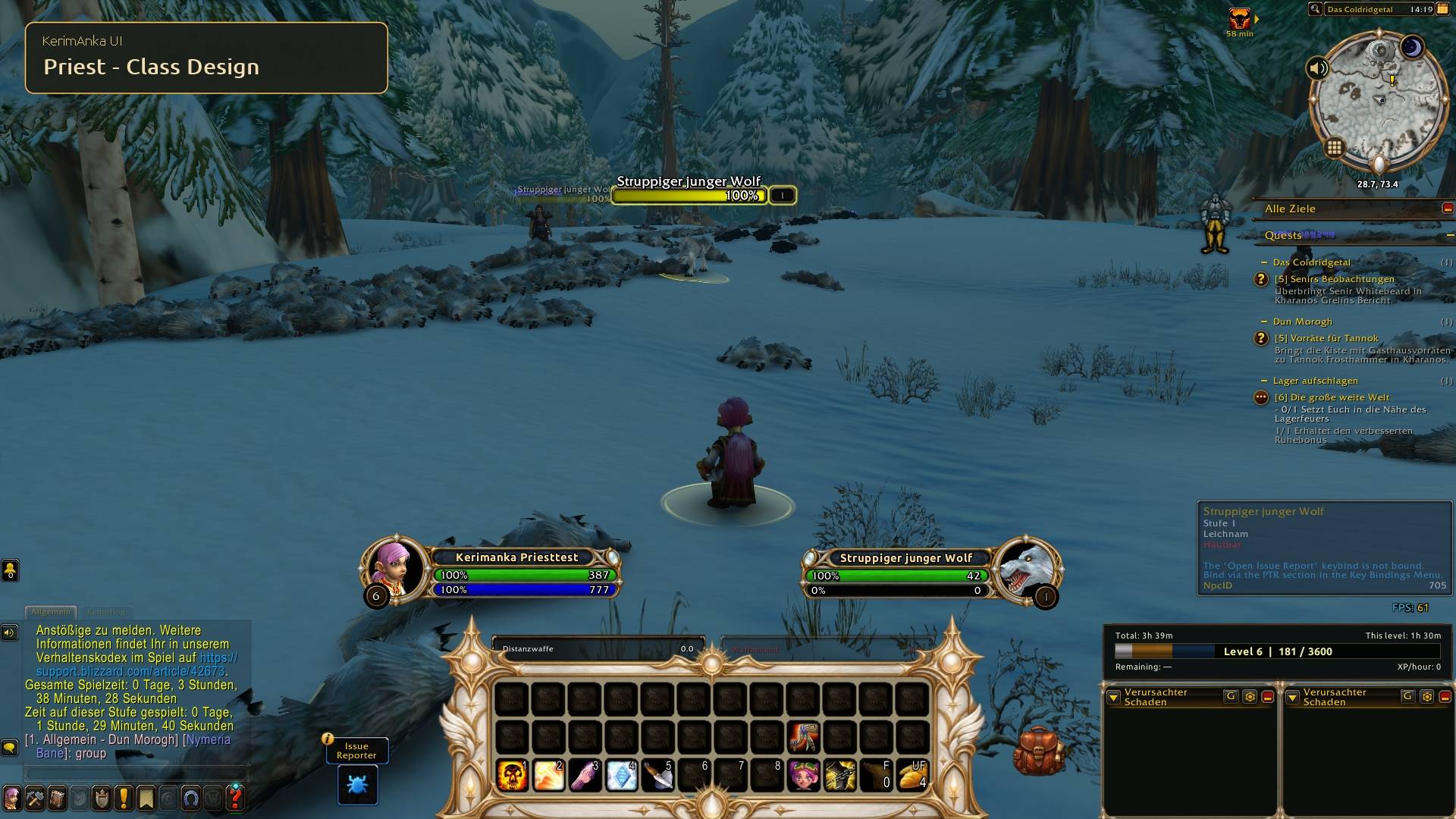
06-priest.jpg
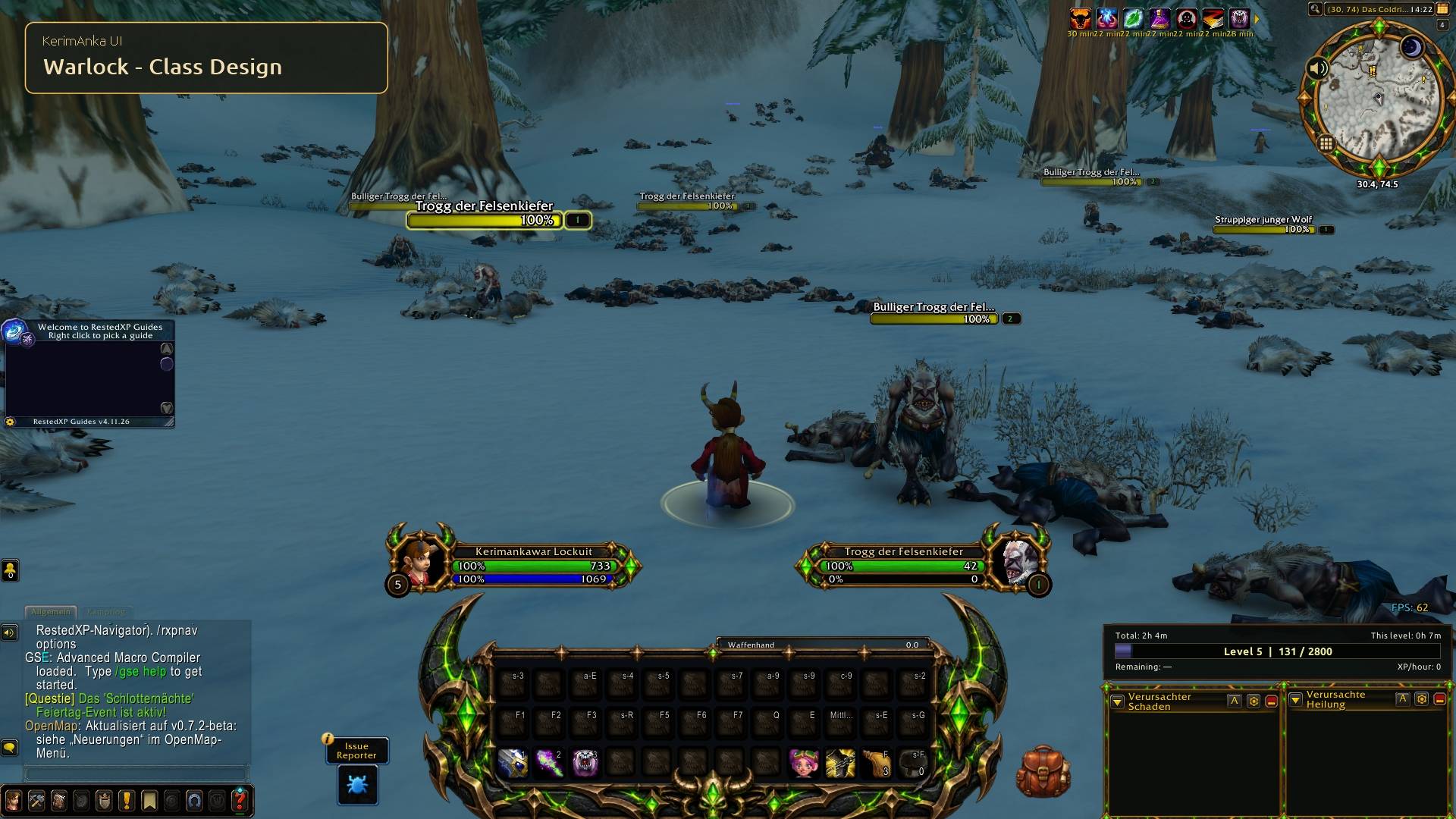
07-warlock.jpg
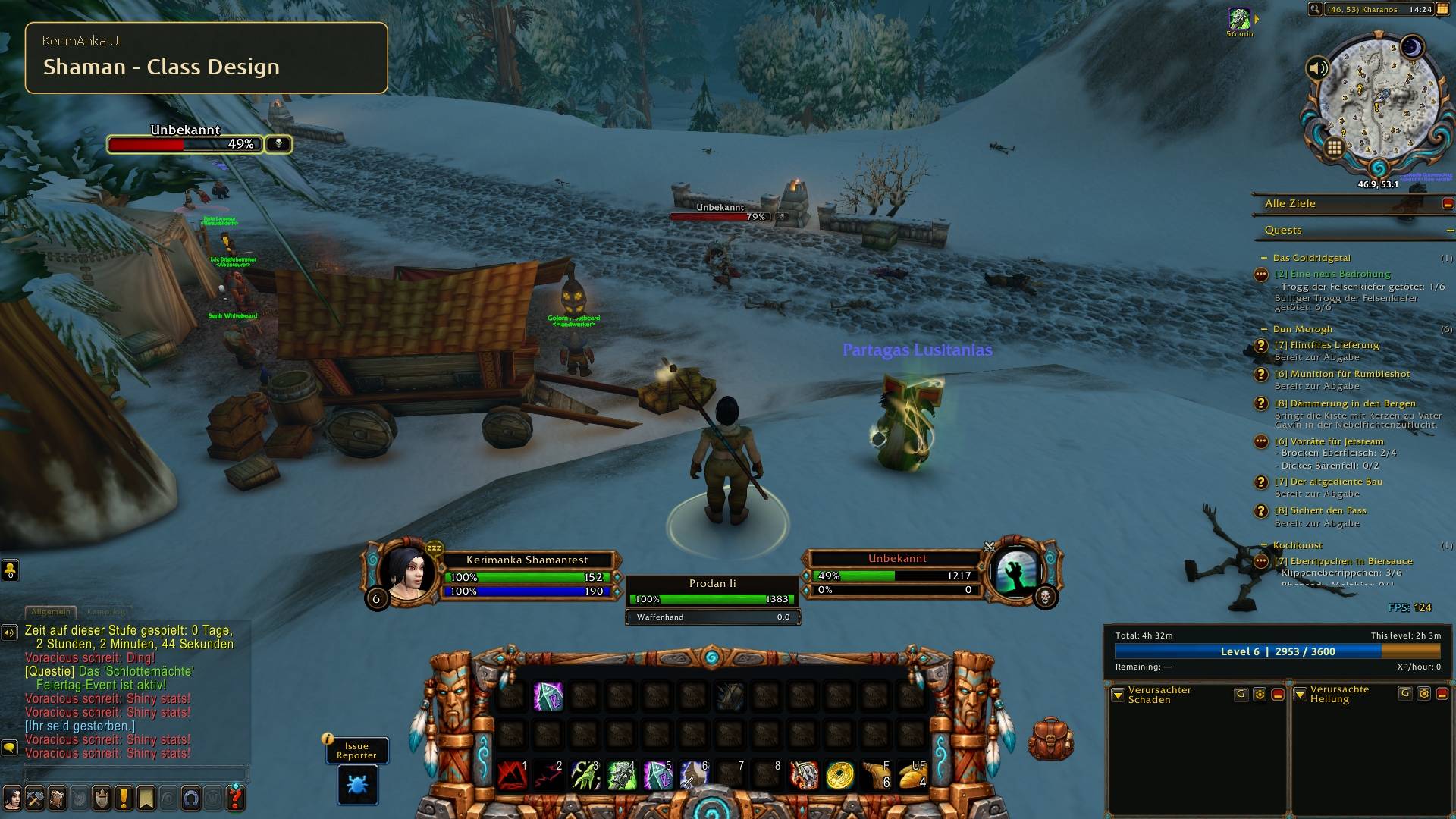
08-shaman.jpg
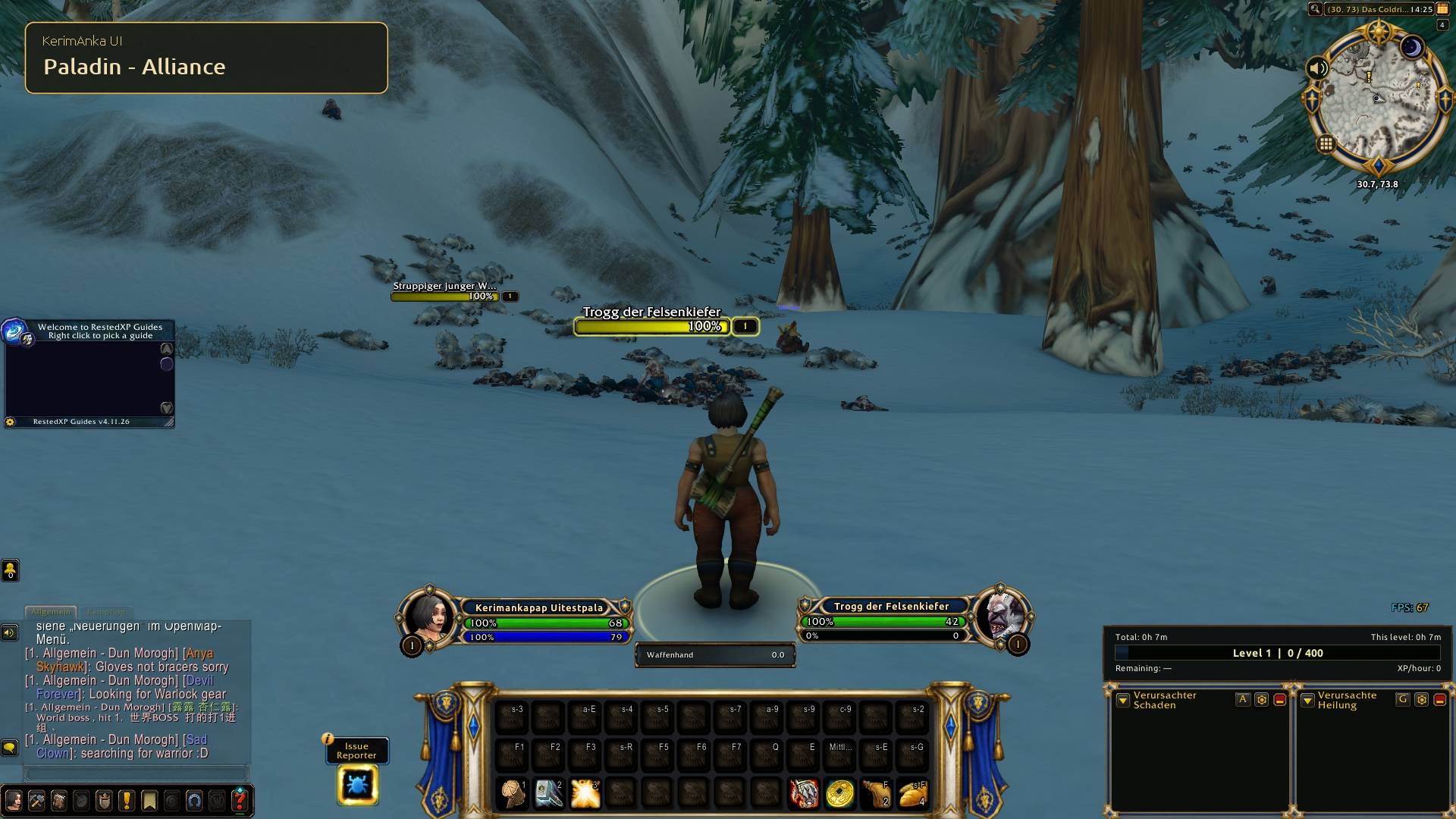
09-paladin-alliance.jpg
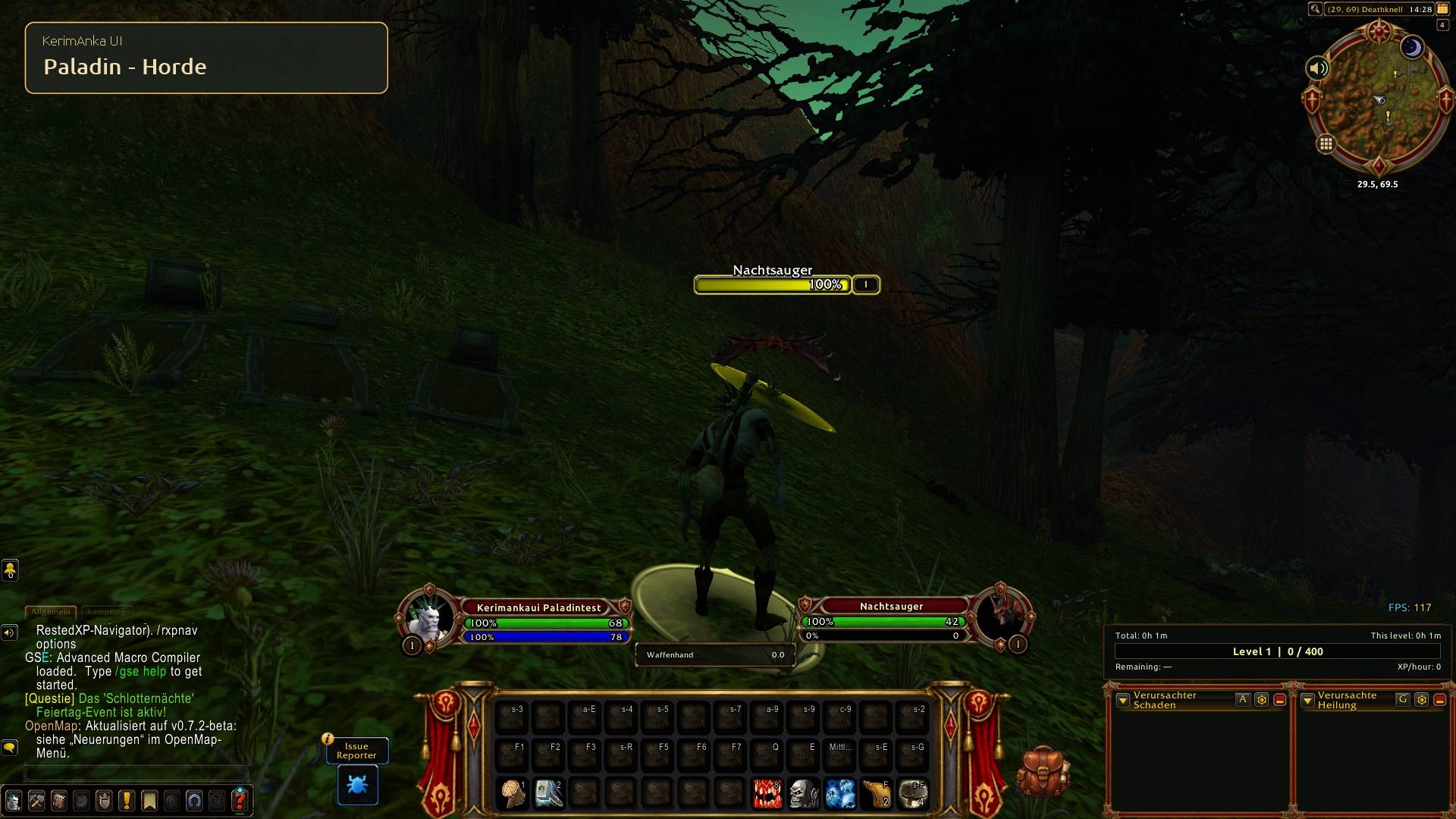
10-paladin-horde.jpg
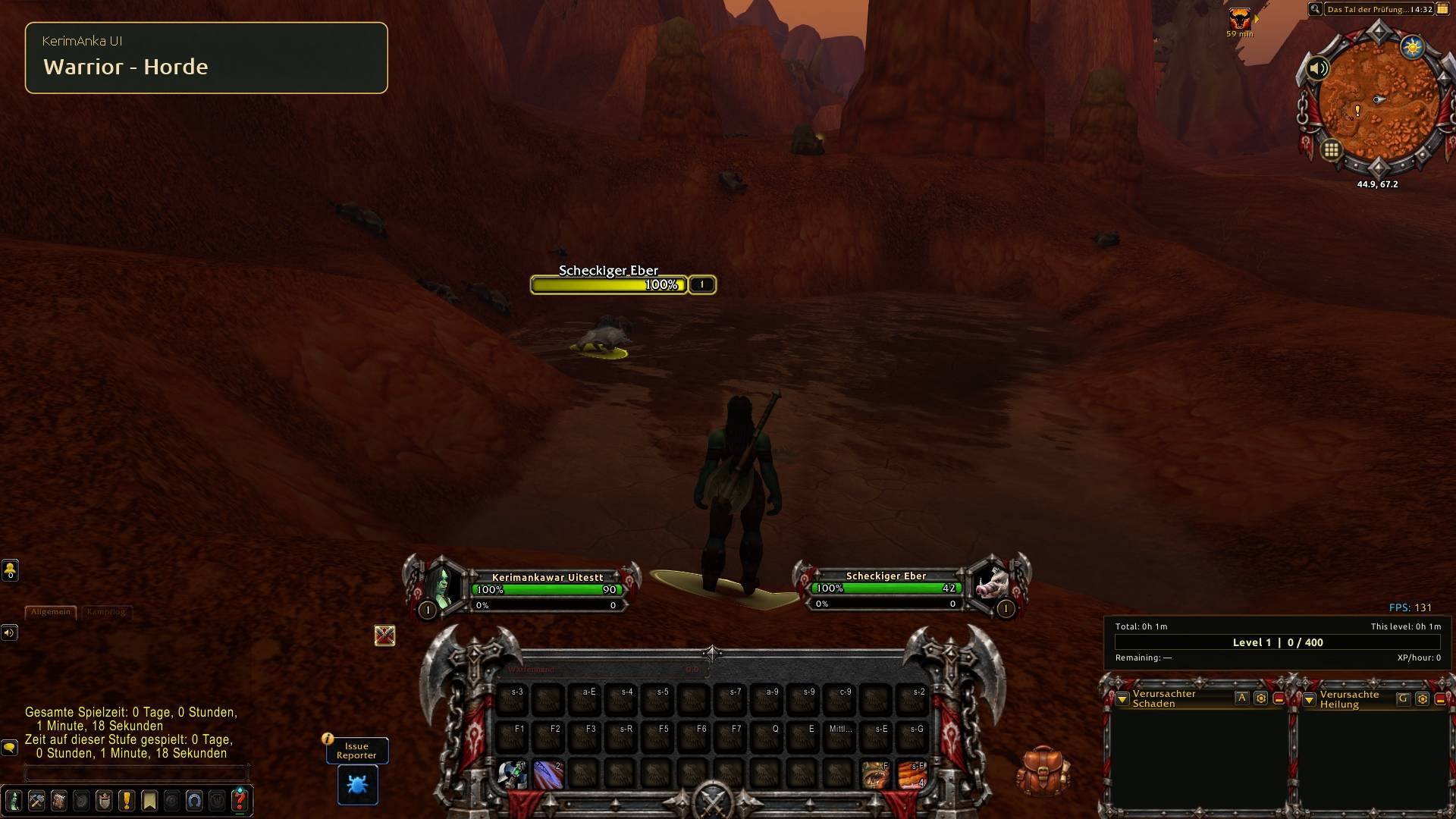
11-warrior-horde.jpg
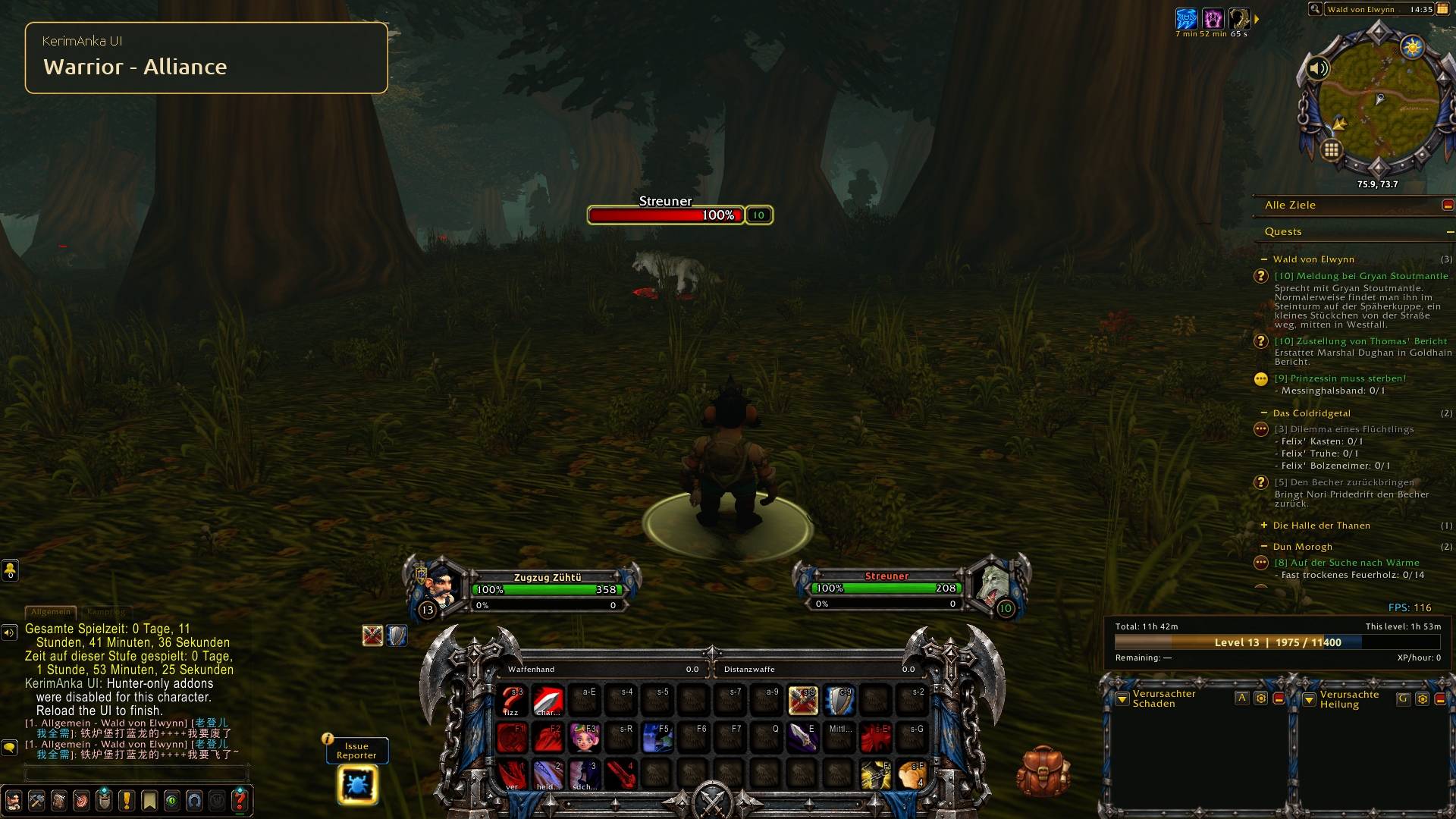
12-warrior-alliance.jpg
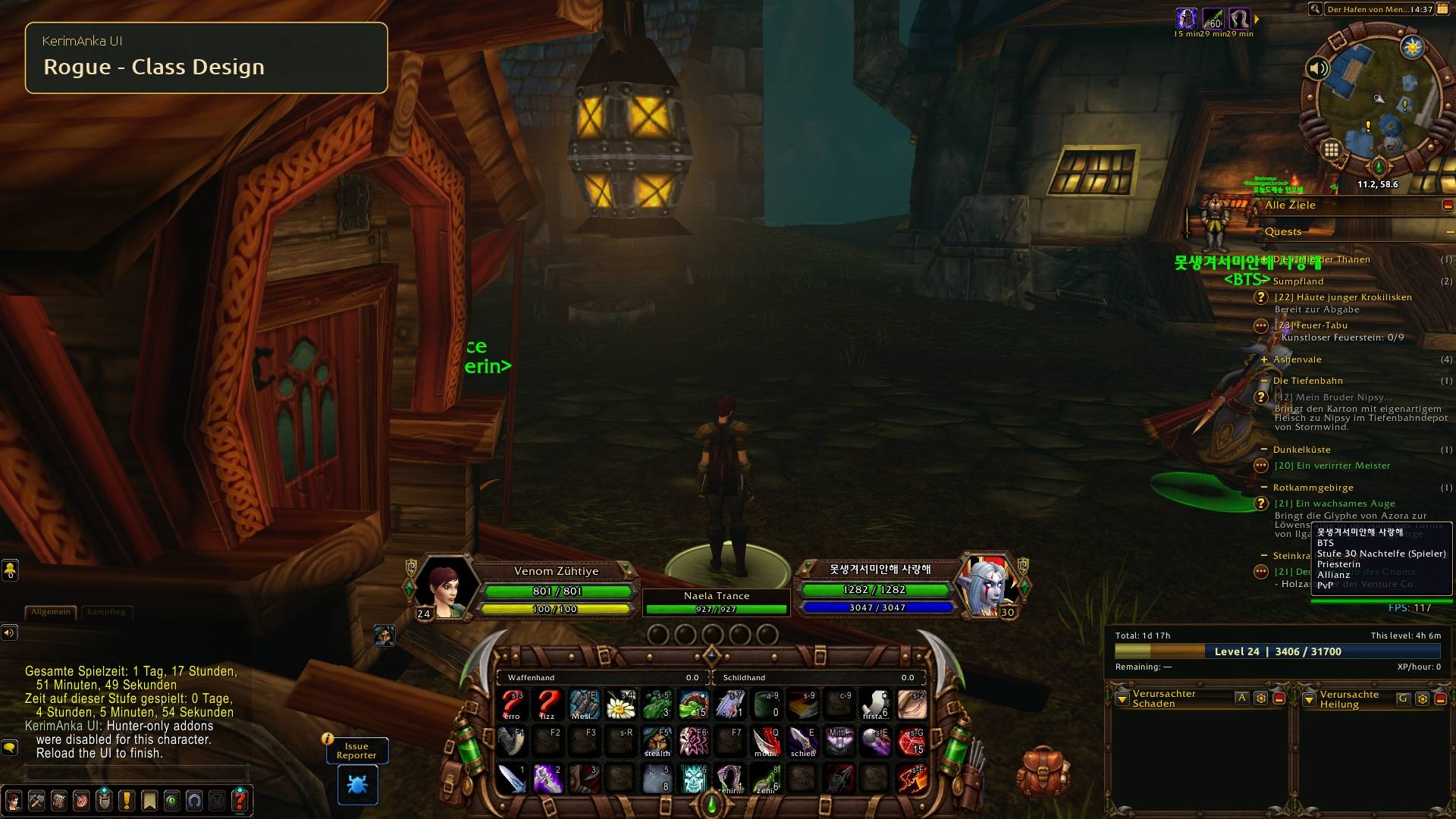
13-rogue.jpg
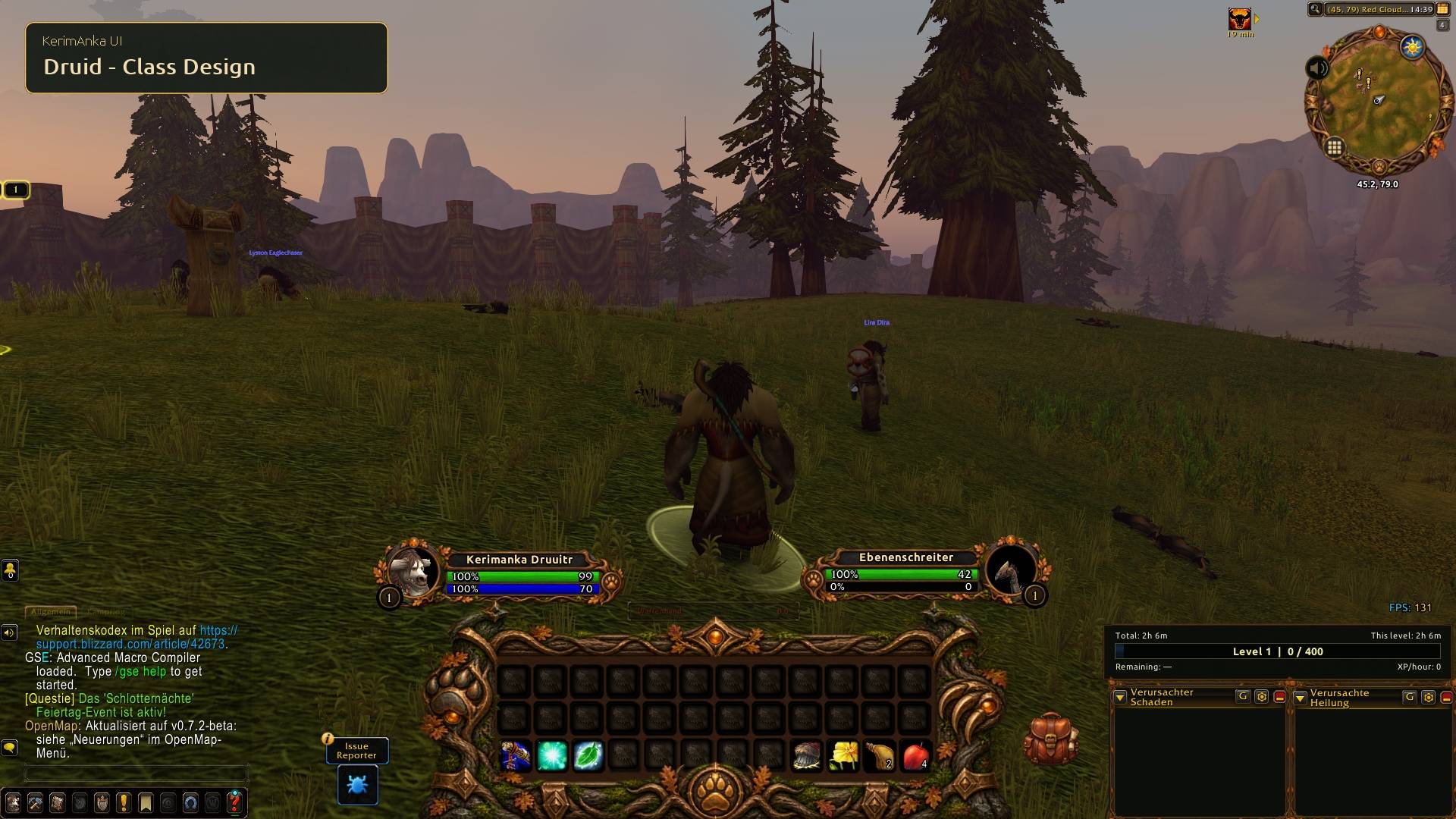
14-druid.jpg
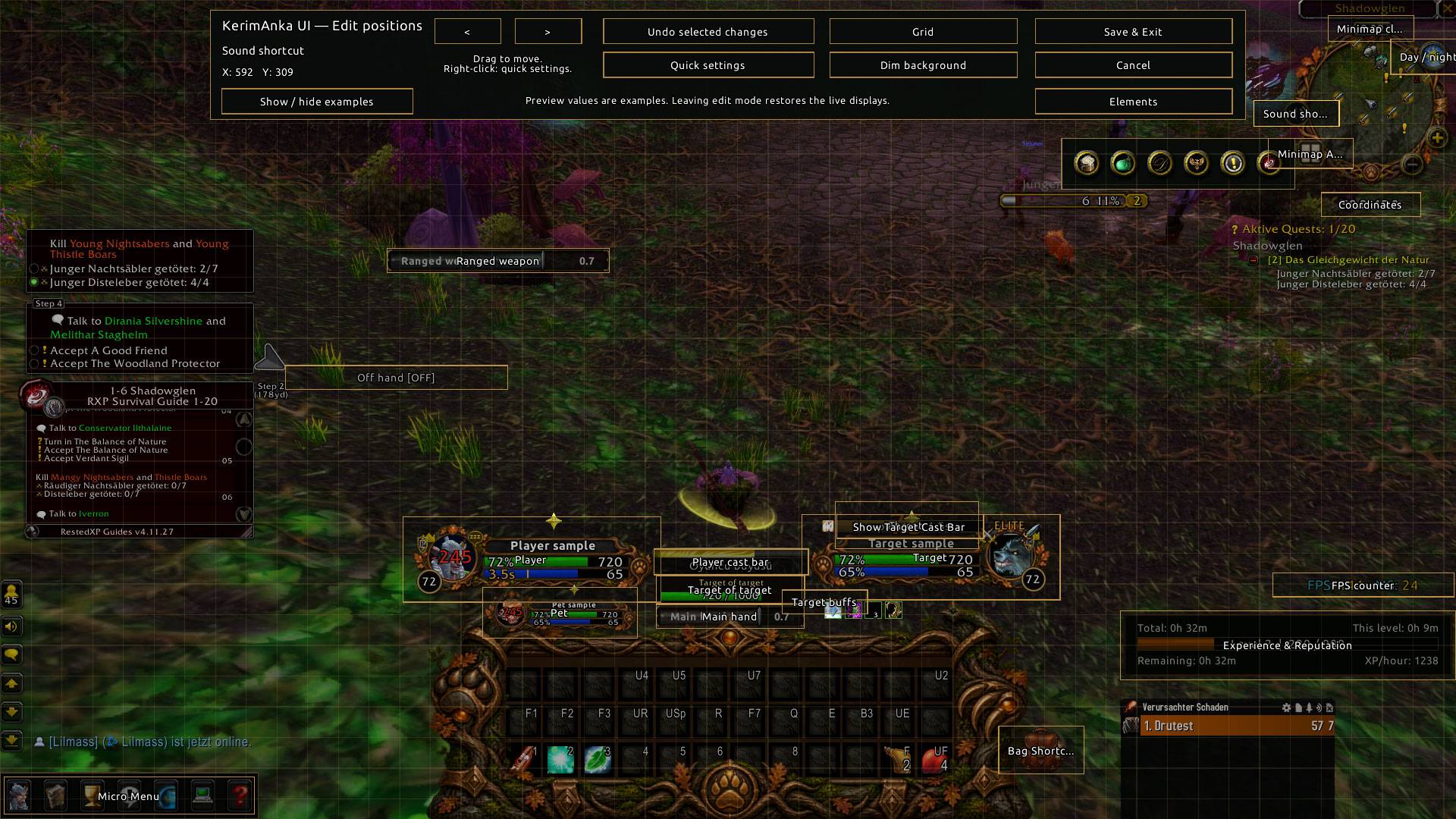
kerimankauieditmode.jpg
Description
KerimAnka UI
A modular interface suite for World of Warcraft: Forever and Classic Era, combining class-themed artwork, ready layouts and everyday interface settings in one panel.
Unique designs for all nine classes
KerimAnka UI includes class-specific designs and ready layouts for:
Warrior, Paladin, Hunter, Rogue, Priest, Shaman, Mage, Warlock and Druid.
Each class has its own themed action bar artwork and ready layout. Open Profiles, select your current class’s layout, review the confirmation and apply it.
Hunter screenshots are examples. The addon includes designs for all nine classes.
Features
- Class-themed action bar artwork, minimap presentation and unit frames.
- Action-button backgrounds and borders.
- Support for Blizzard action bars and optional Bartender4 integration.
- Custom player, target, pet and target-of-target frames.
- Quest tracking, experience and reputation displays, and target threat information.
- Hunter range display and aspect reminders.
- Character records, named profiles and settings import/export.
- Sound controls, ready mute groups and custom sound FileDataID entries.
- A shared settings panel with help tooltips and layout previews.
New for Classic Era
- Move supported KerimAnka UI elements together in the layout editor, with quick settings, previews and save/cancel.
- Combined bags and bank views, item cooldown counters and recorded character inventories.
- Main-hand, off-hand and ranged swing timers, Rogue combo points, a player cast bar, and energy/mana tick indicators.
- Minimap coordinates, clock and day/night controls, plus optional World latency beside FPS.
Classic Era includes ready layouts for all nine classes, with Blizzard Edit Mode and optional Bartender4 profile transfer. These new Classic features have not yet been ported to Forever.
Nine panel languages
English, German, Turkish, Simplified Chinese, French, Italian, Spanish, Brazilian Portuguese and Russian.
Native game text and some optional integration text follow the game client or third-party addon language.
Installation and first use
- Extract all nine KerimAnkaUI folders directly into your game client’s
Interface/AddOnsdirectory. - Open the settings panel with
/kaui,/kerimankaor the minimap icon. - To use a ready layout, open Profiles and select the layout for your class.
- Review the confirmation and reload the interface when prompted.
Ready layouts are optional; modules can also be configured individually. When updating, preserve your WTF folder and SavedVariables, which contain your settings.
Compatibility
One download supports both World of Warcraft: Forever (1.60.1 / Interface 16001) and Classic Era (1.15.9 / Interface 11509). Each client loads its own addon modules and keeps its settings separately. Installing Forever is not required to use the Classic Era features. Retail is not supported.
Ready layouts are tuned for 1920 × 1080. Classic Era layouts were prepared at 100% UI scale. Other resolutions and UI scales may require positioning adjustments; automatic UI-scale adaptation is not included.
Optional integrations:
- Bartender4: optional; supported Blizzard action bars can be used instead.
- Questie: optional.
- Details!: required only for the optional Details skin integration.
Third-party addons are not bundled.
The wand mute group targets launch sounds. A short preparation sound may remain, and not every wand damage type has been individually verified.
Feedback and contact
For reproducible bugs and feature requests, please use GitHub Issues.
Include your addon version, client build, class, action-bar provider, steps to reproduce and any Lua error. Hide private information before sharing screenshots.
For private inquiries: kerimanka.twitch@gmail.com.
Source code and documentation · Changelog · Twitch
Twitch streams are in Turkish. GitHub Issues is the preferred channel for technical reports.
License
Free use and private modifications are permitted under the included KerimAnka UI Limited Use License 1.0. Redistribution, publication of modified versions and reuse of project-owned code or original artwork in another project require prior written permission.
Third-party materials retain their respective licenses. See the included license files for full terms.
Optional support
KerimAnka UI is free to use. If you would like to support its development, you can buy me a coffee.
Support is entirely optional and does not unlock addon features or priority support.
KerimAnka UI Team
