


KeepOrSell
- By

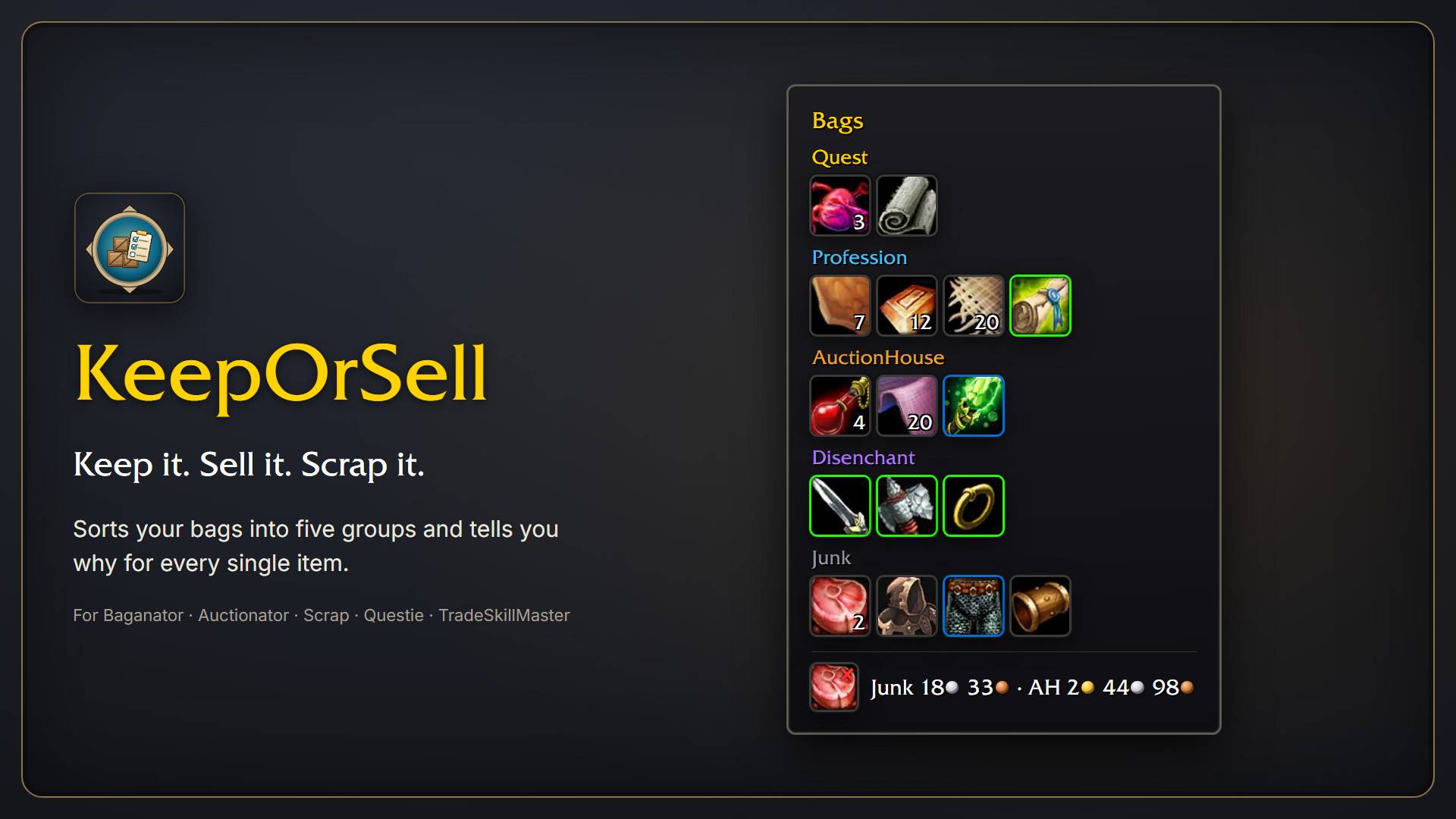
KeepOrSell sorts your bag items into five groups: Quest, Profession, AuctionHouse, Disenchant and Junk. Hover any item and the tooltip tells you why. Works with Baganator, Auctionator, Scrap, Questie and TradeSkillMaster.
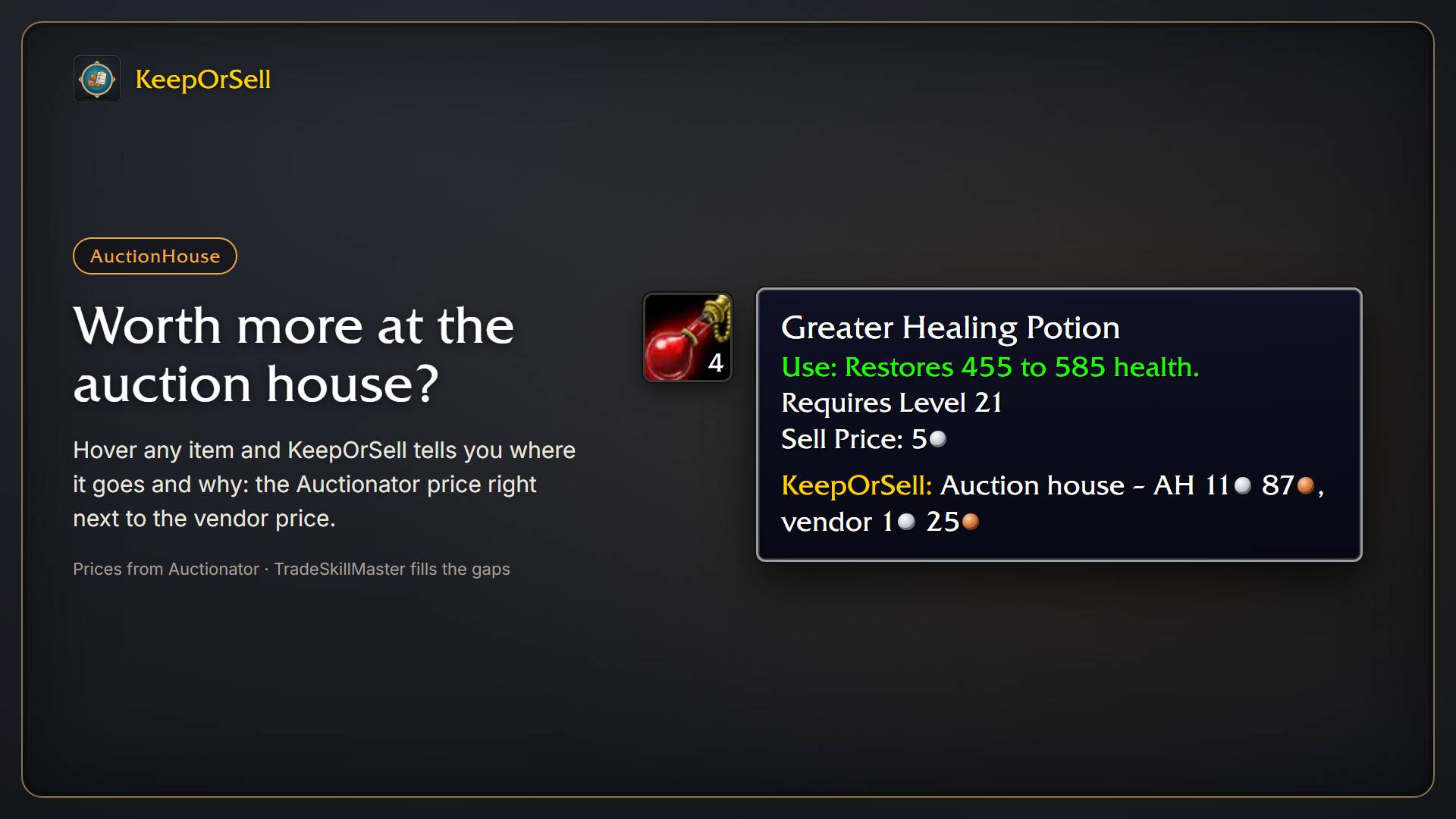
Items whose Auctionator price is at least twice the vendor price go to the AuctionHouse group. The tooltip shows both prices side by side. TradeSkillMaster fills in prices Auctionator doesn't have.
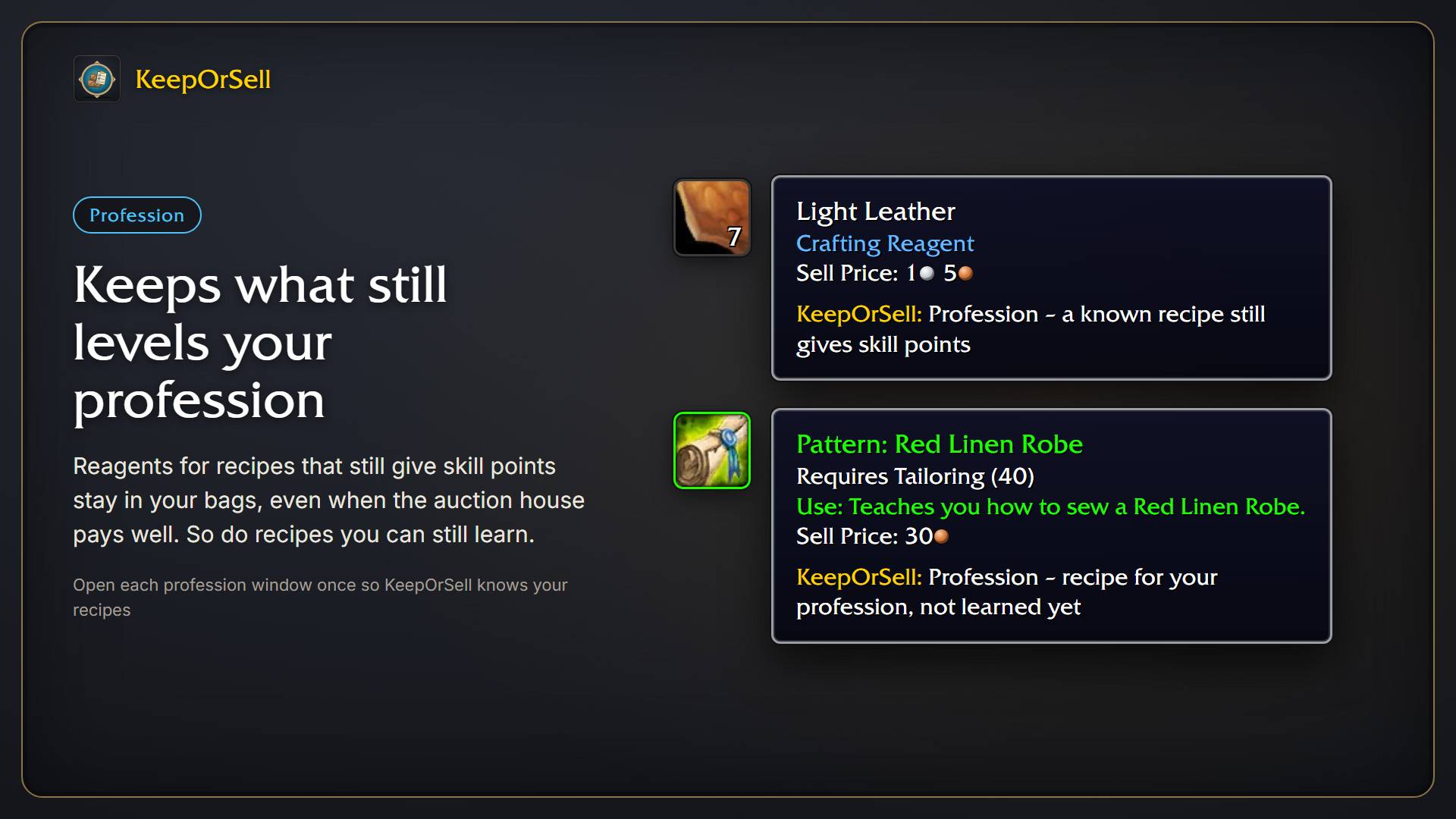
Reagents for recipes that still give skill points stay in your bags, even when the auction house pays well. Recipes for your profession you haven't learned yet are kept too. Open each profession window once so KeepOrSell knows your recipes.
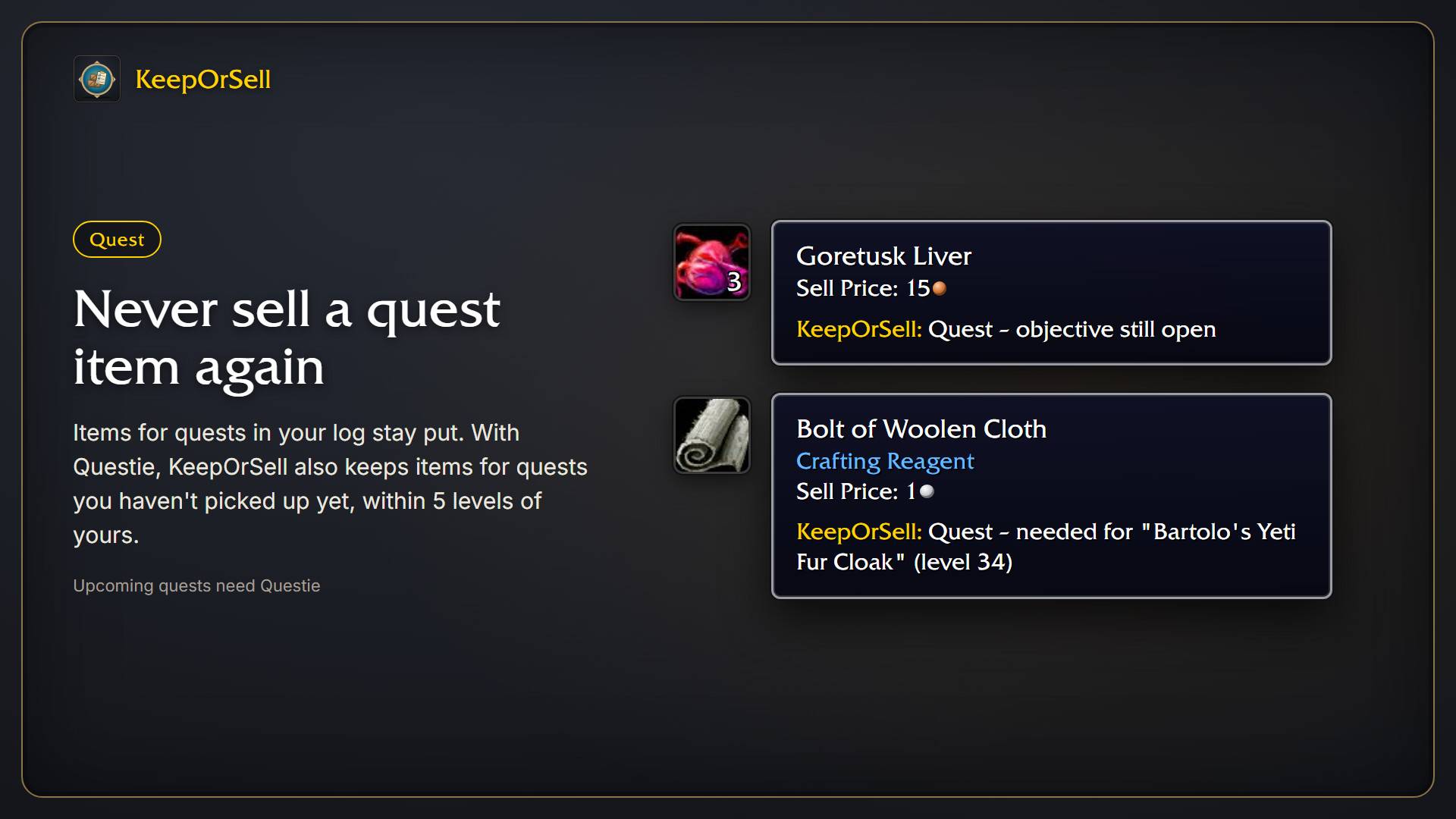
Items for quests in your log stay put. With Questie, KeepOrSell also keeps items for quests you haven't picked up yet, within 5 levels of yours, and quest items from quests you've finished become junk.
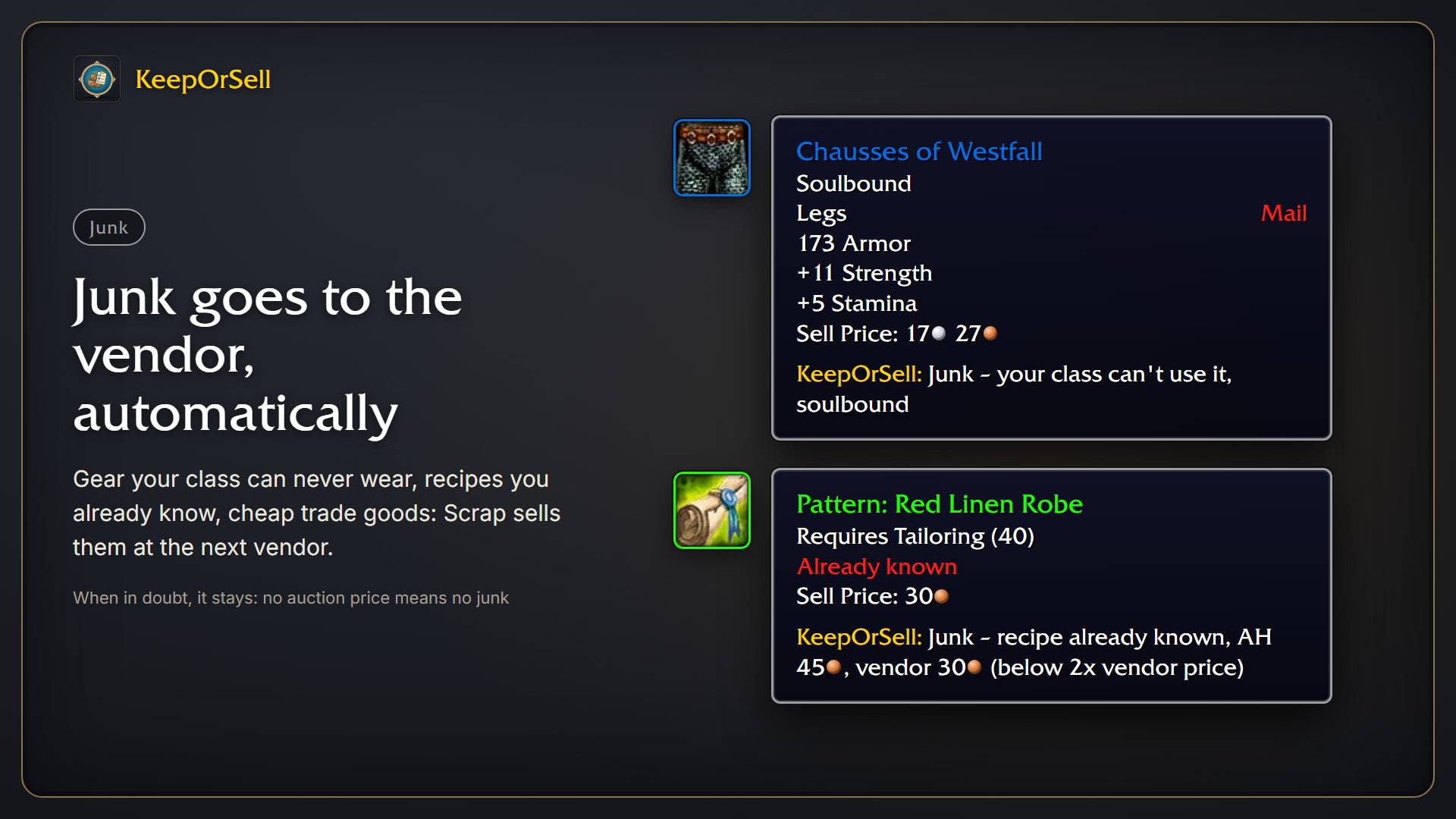
Gear your class can never wear, recipes you already know and cheap trade goods are marked as junk, and Scrap sells them at the next vendor. When in doubt, an item stays: no auction price means no junk.
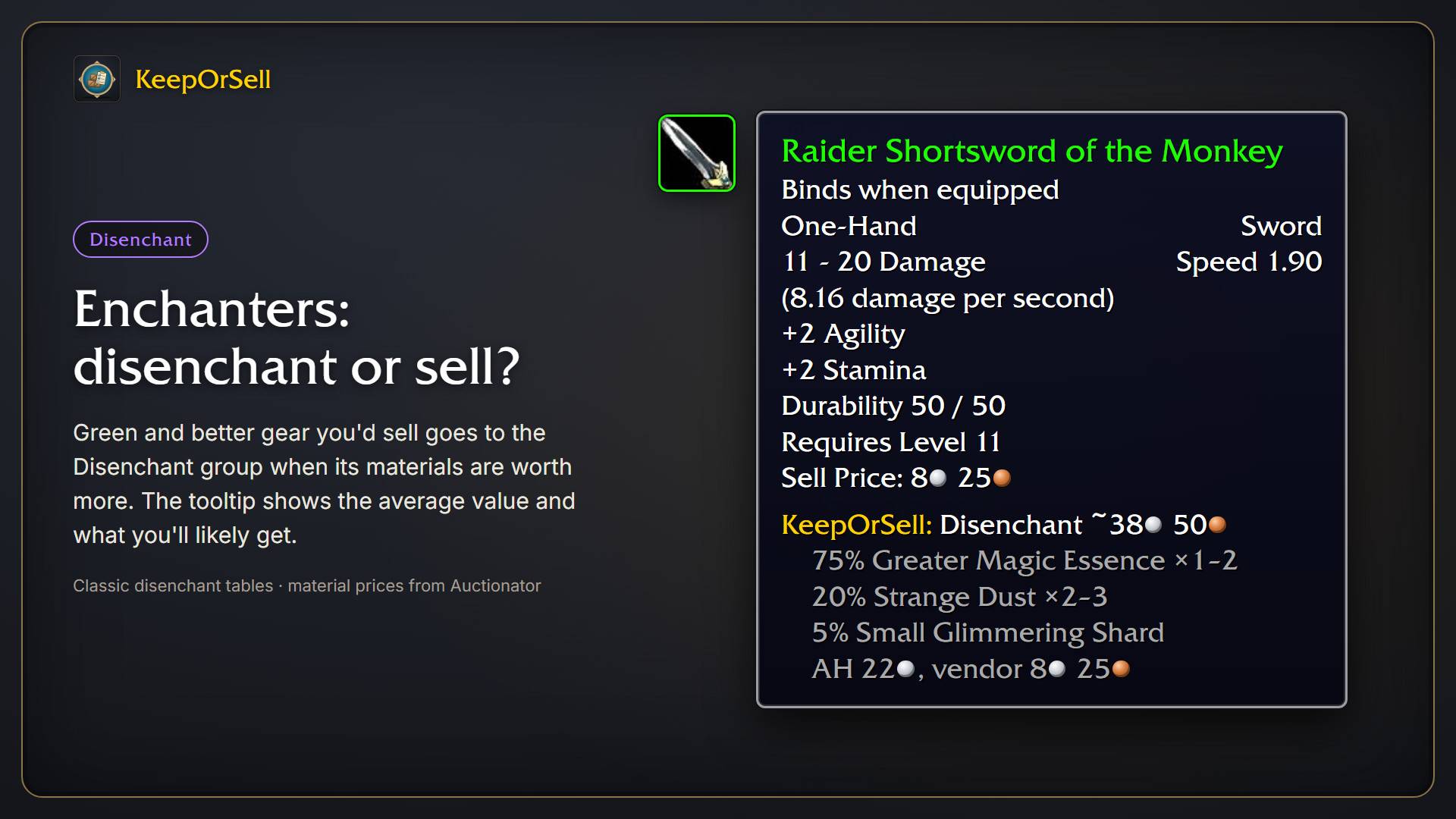
For enchanters, green and better gear goes to the Disenchant group when its materials are worth more than the vendor or the auction house pays. The tooltip shows the average value and the likely materials.
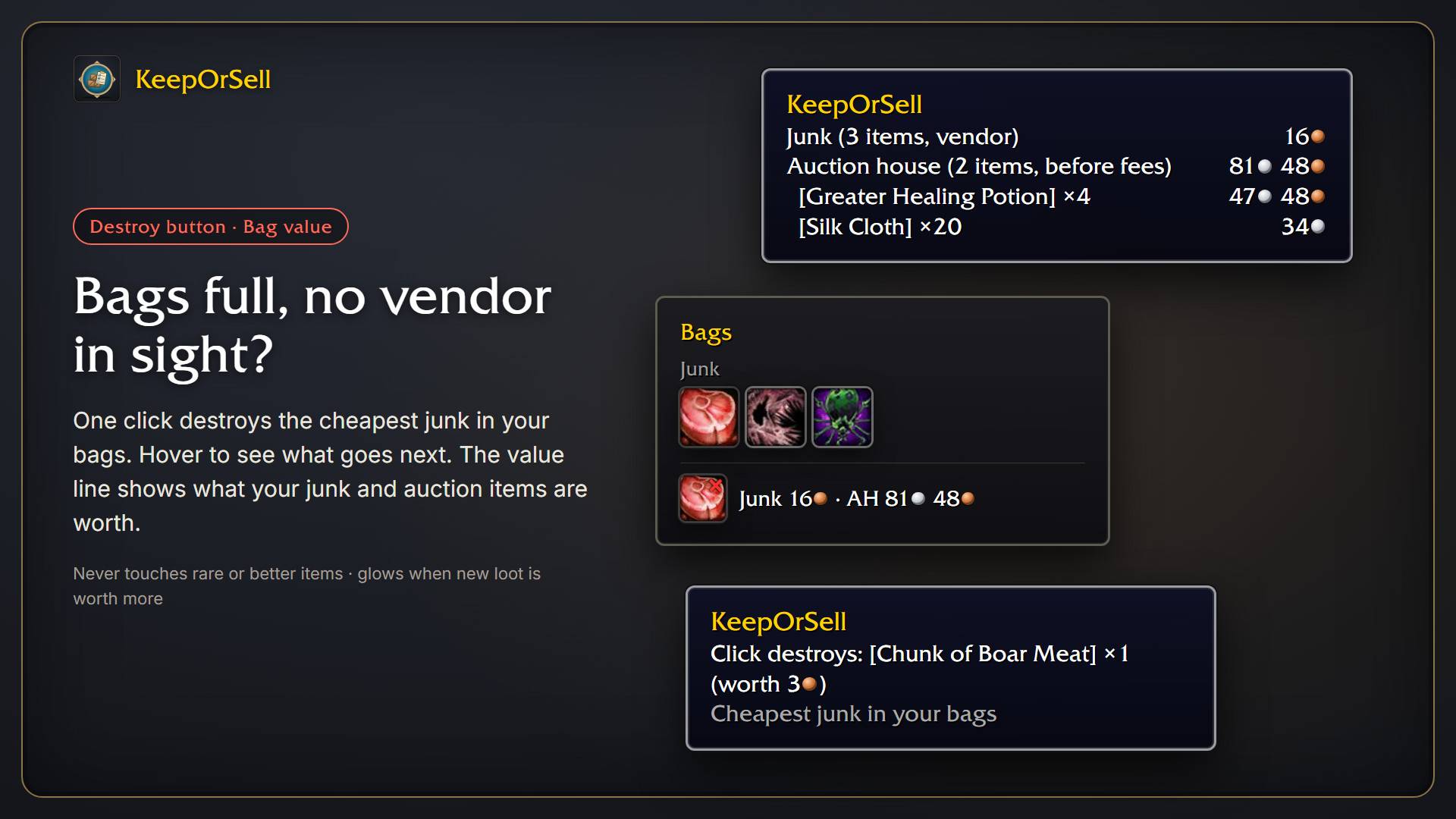
Bags full and no vendor around? One click destroys the cheapest junk, never rare or better items. The value line shows what your junk and auction items are worth; hover it for the most valuable ones.
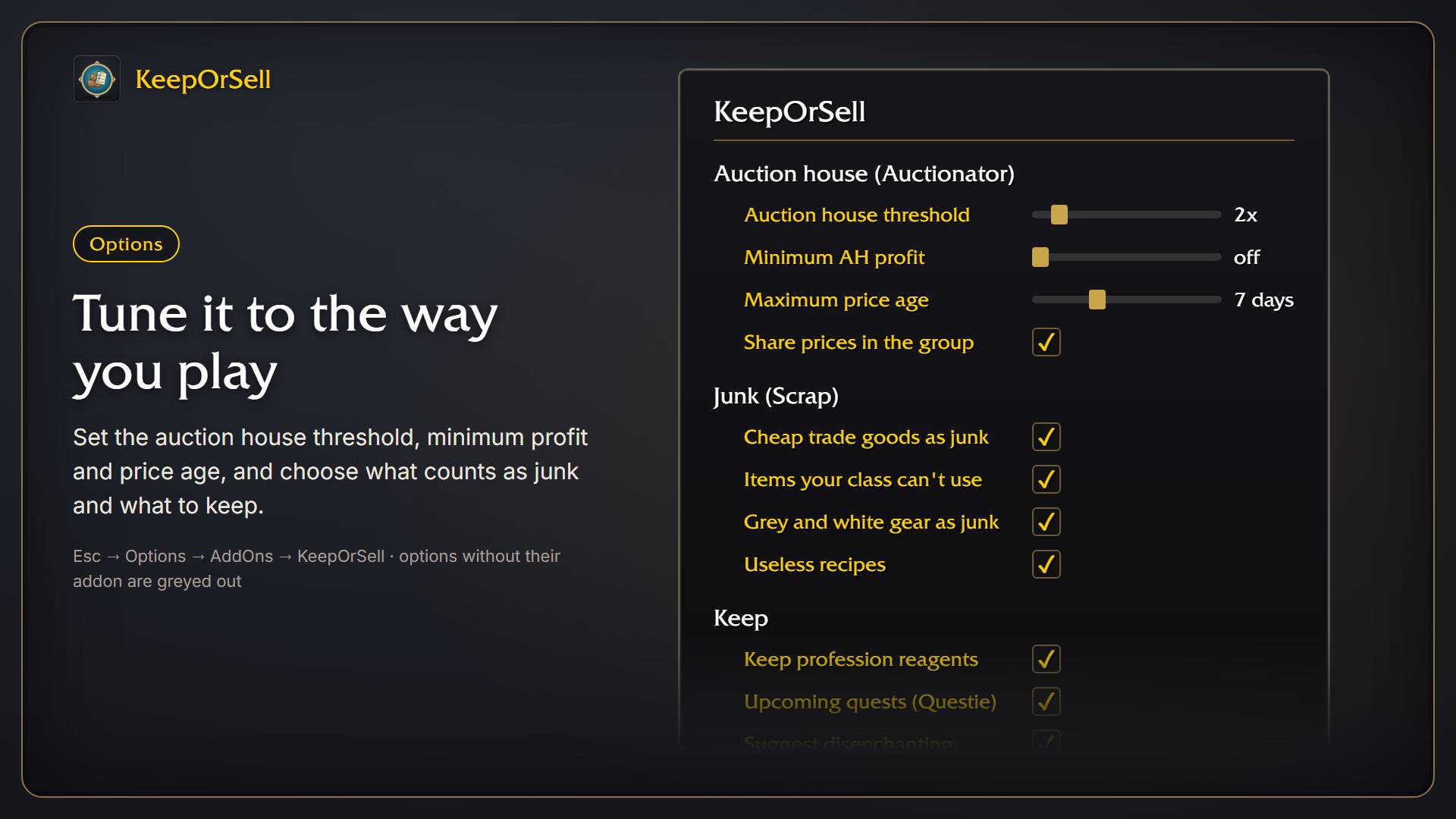
Set the auction house threshold, minimum profit and maximum price age, and choose what counts as junk and what to keep. Find it under Esc → Options → AddOns → KeepOrSell.