


Instance Collection Helper
- By

Track available mounts, toys, and pets from instances and easily set required instance difficulty
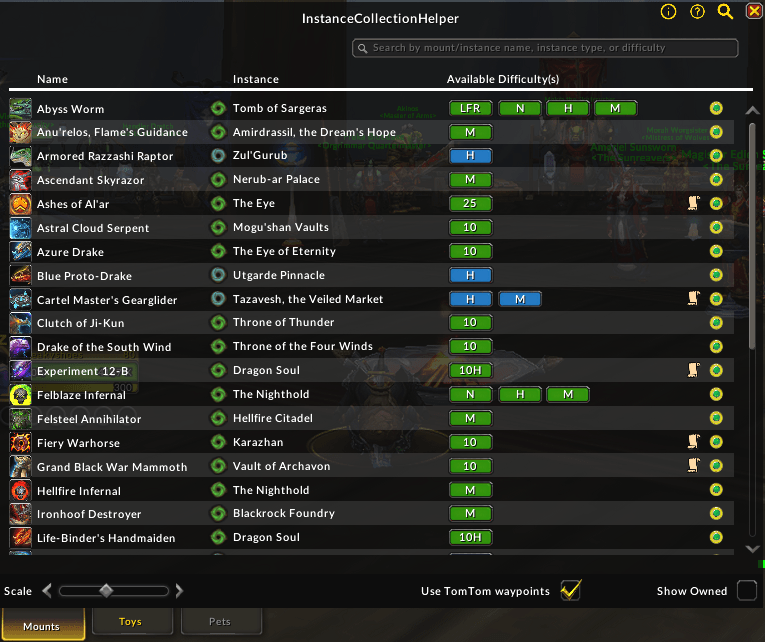
Default View

Instructions for how to use the AddOn are available via tooltip by hovering over the information icon in the top-right of the AddOn window
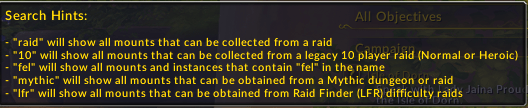
Tips for using the search bar are available via tooltip by hovering over the magnifying glass icon in the top-right of the AddOn window
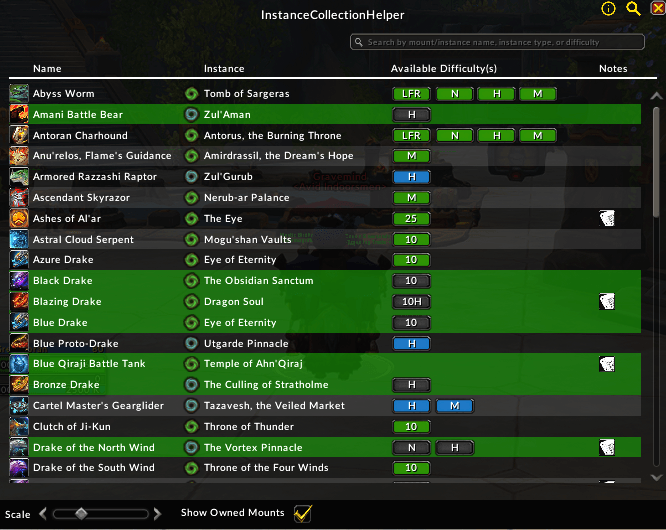
Showing owned mounts in the AddOn window with a green background (This UI is slightly outdated)
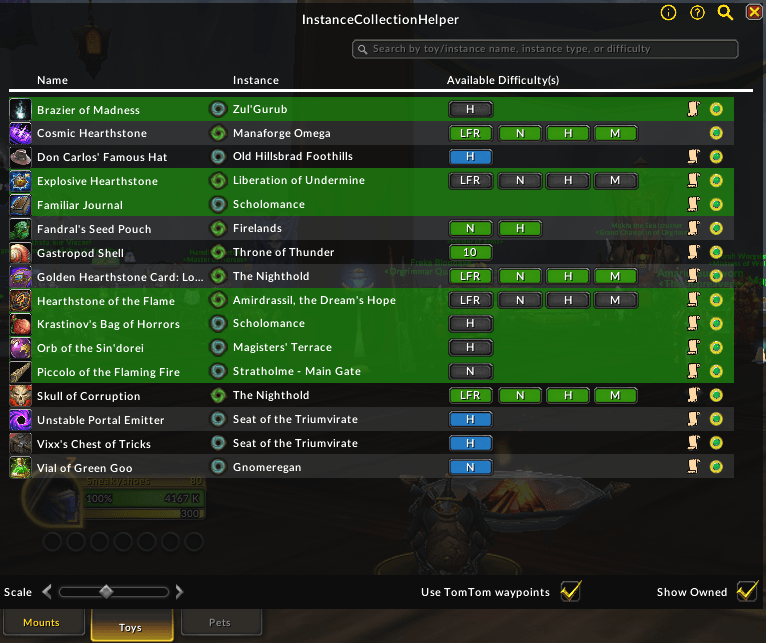
Features a list of toys available from instances similar to the mounts list