
HideBarTooltips
- By
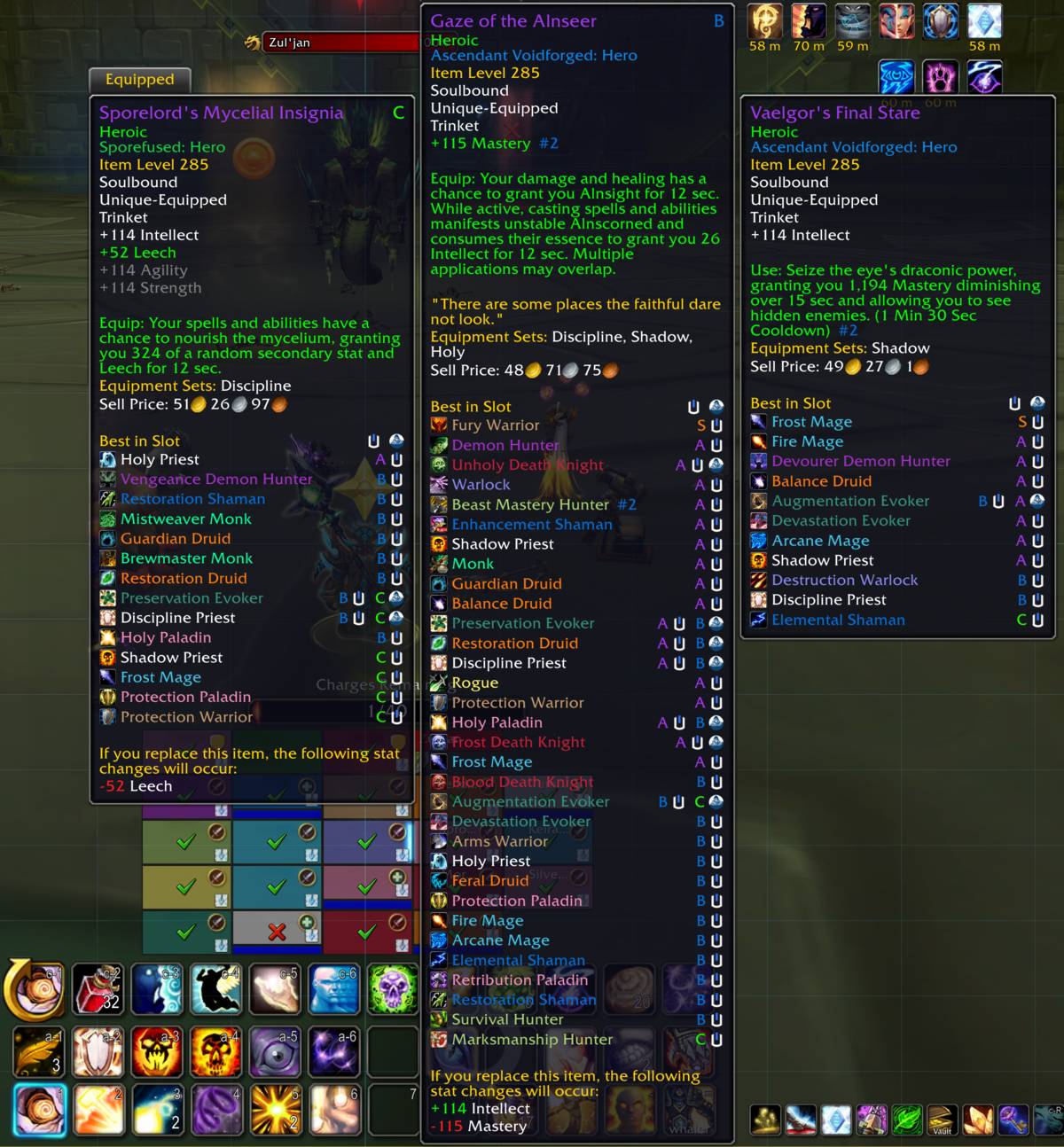
Hides the tooltips on your action, pet, and stance bars. And nothing else. Bags, gear, the spellbook, and the quest tracker keep theirs. Toggle each bar on or off, or hide them only in combat.
hbt-2.png
test.jpg
Description
Hide Bar Tooltips
Stops tooltips from popping up when your cursor drifts across your action bars.
Nothing else changes - bags, gear, the spellbook, the quest tracker and your unit frames all keep their tooltips. Only the bars go quiet.
What it covers
Action bars, pet bar and stance bar. Each can be turned on or off on its own.
Three modes
- Always - bar tooltips never appear.
- In combat only - tooltips while you read your bars between pulls, gone the moment a fight starts. If combat starts or ends while you are already hovering a button, the tooltip hides or returns on its own.
- Never - everything behaves normally.
Settings
Options → AddOns → Hide Bar Tooltips, or from the addon compartment on your minimap: left-click cycles the modes, right-click opens the settings, hovering shows the current state. Your choice is saved per account.
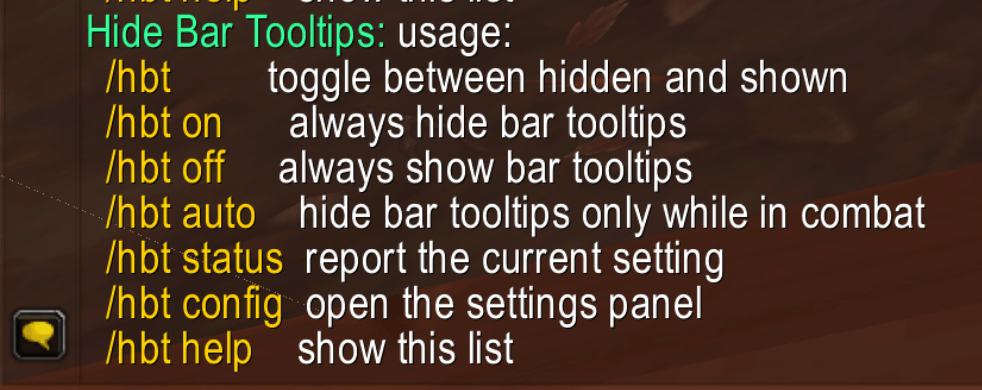
Slash commands
| Command | Effect |
|---|---|
/hbt |
Turn bar tooltips off or back on |
/hbt on |
Always hide them |
/hbt off |
Always show them |
/hbt auto |
Hide them only in combat |
/hbt status |
What is set right now |
/hbt config |
Open the settings |
/hbt help |
List these commands |
Notes
Works with Bartender4, Dominos and ElvUI as well as Blizzard's bars. Spell flyouts (mage portals, hunter aspects) and the zone ability button keep their tooltips.
HideBarTooltips Team
