Hexwell
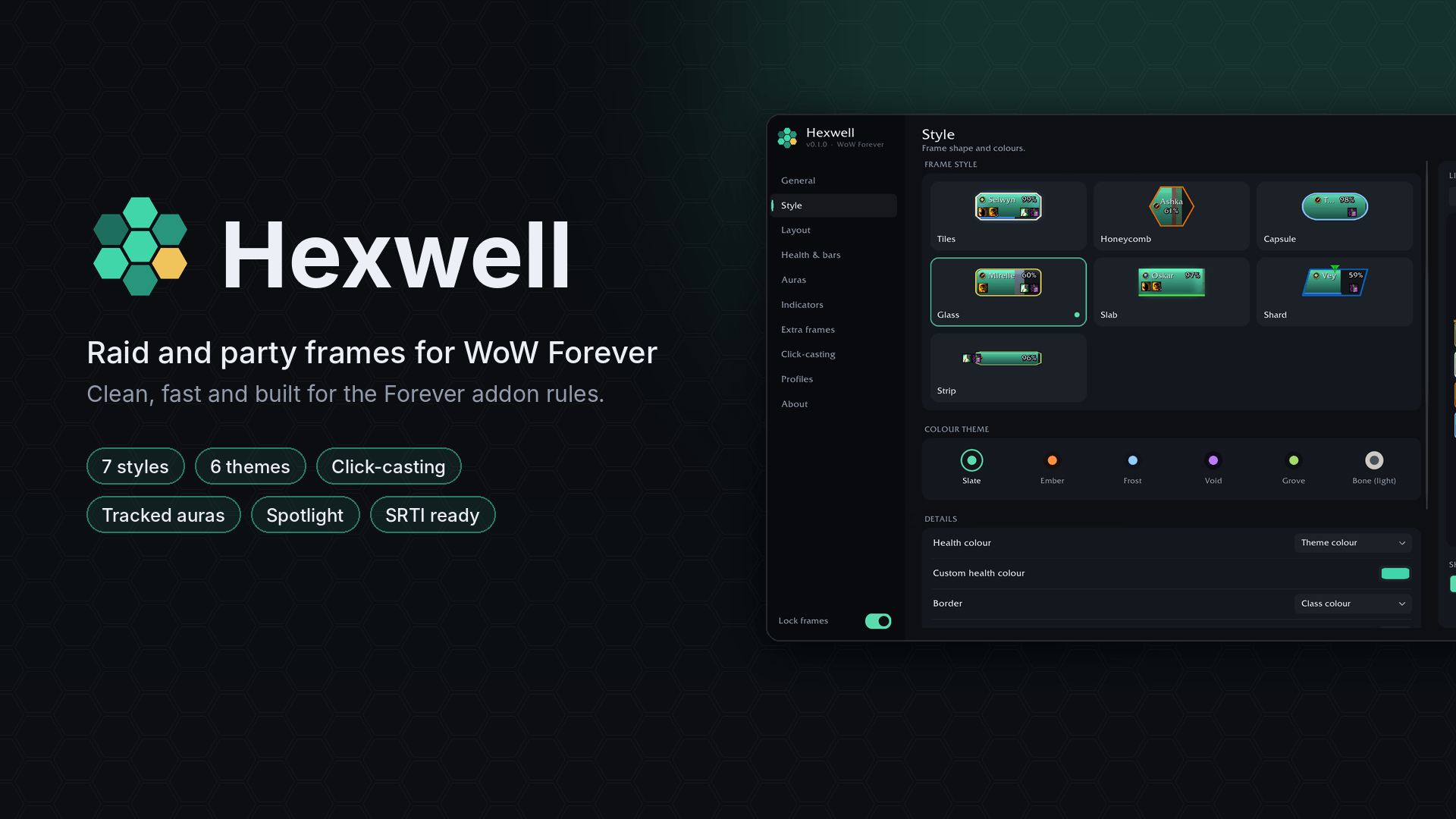
Clean, customisable party and raid frames for WoW Forever, with click-casting, aura tracking and multiple styles.
Description
Hexwell
Clean, customisable party and raid frames built for WoW Forever.
Hexwell gives you good-looking group frames with click-casting, aura tracking and a settings window that's actually pleasant to use.
Features
Frames
- Party, raid (up to 40), pet, main tank, boss and spotlight frames
- Party targets beside each member in 5-man groups
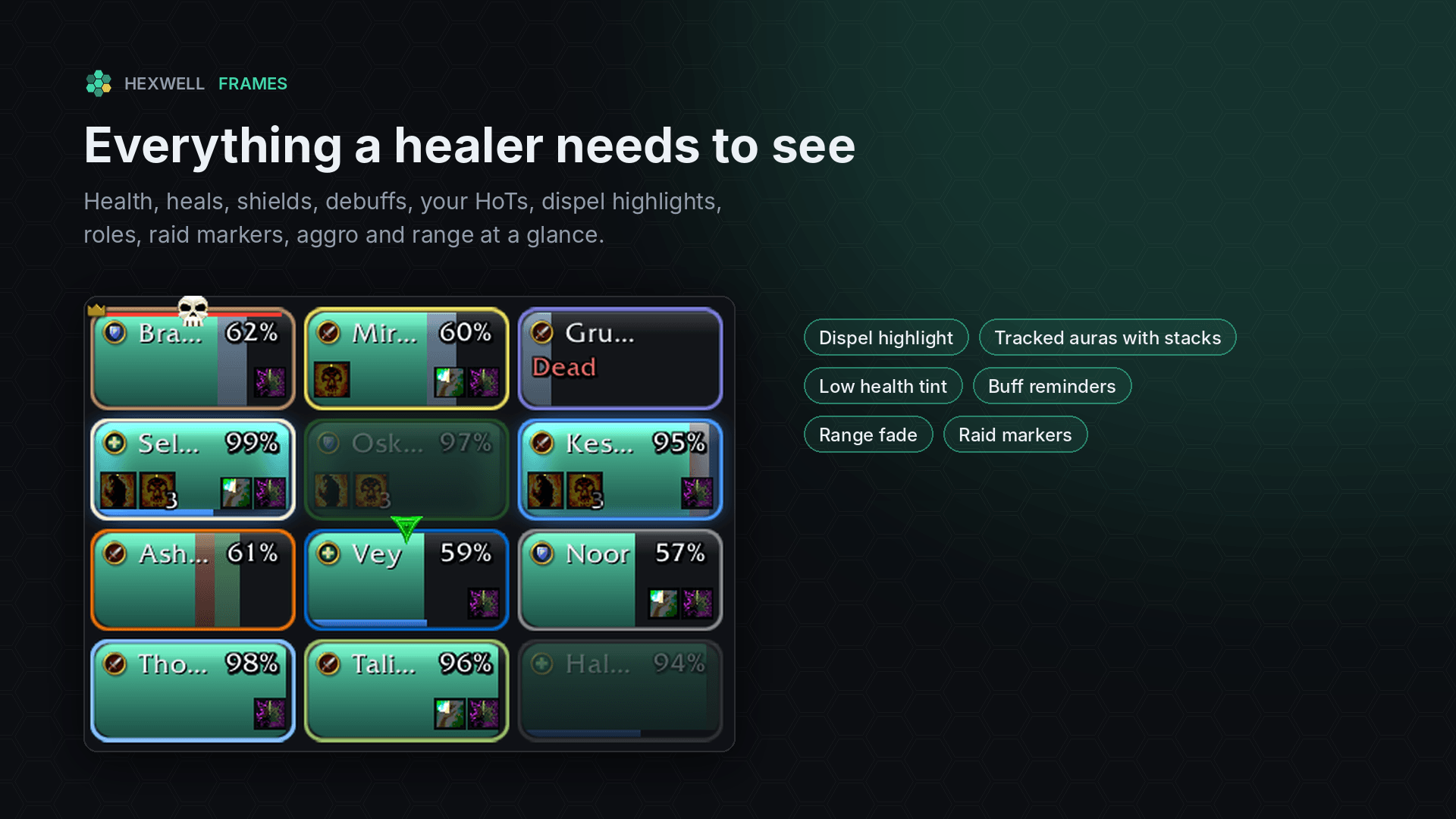
- Health, absorbs, incoming heals and heal absorbs
- Mana/power bar for healers, mana users or everyone, with optional percent text
- Optional low-health tint below a threshold you choose
- Range fade, aggro edge, role, leader, phase and ready check icons
- Raid markers and group numbers on every frame
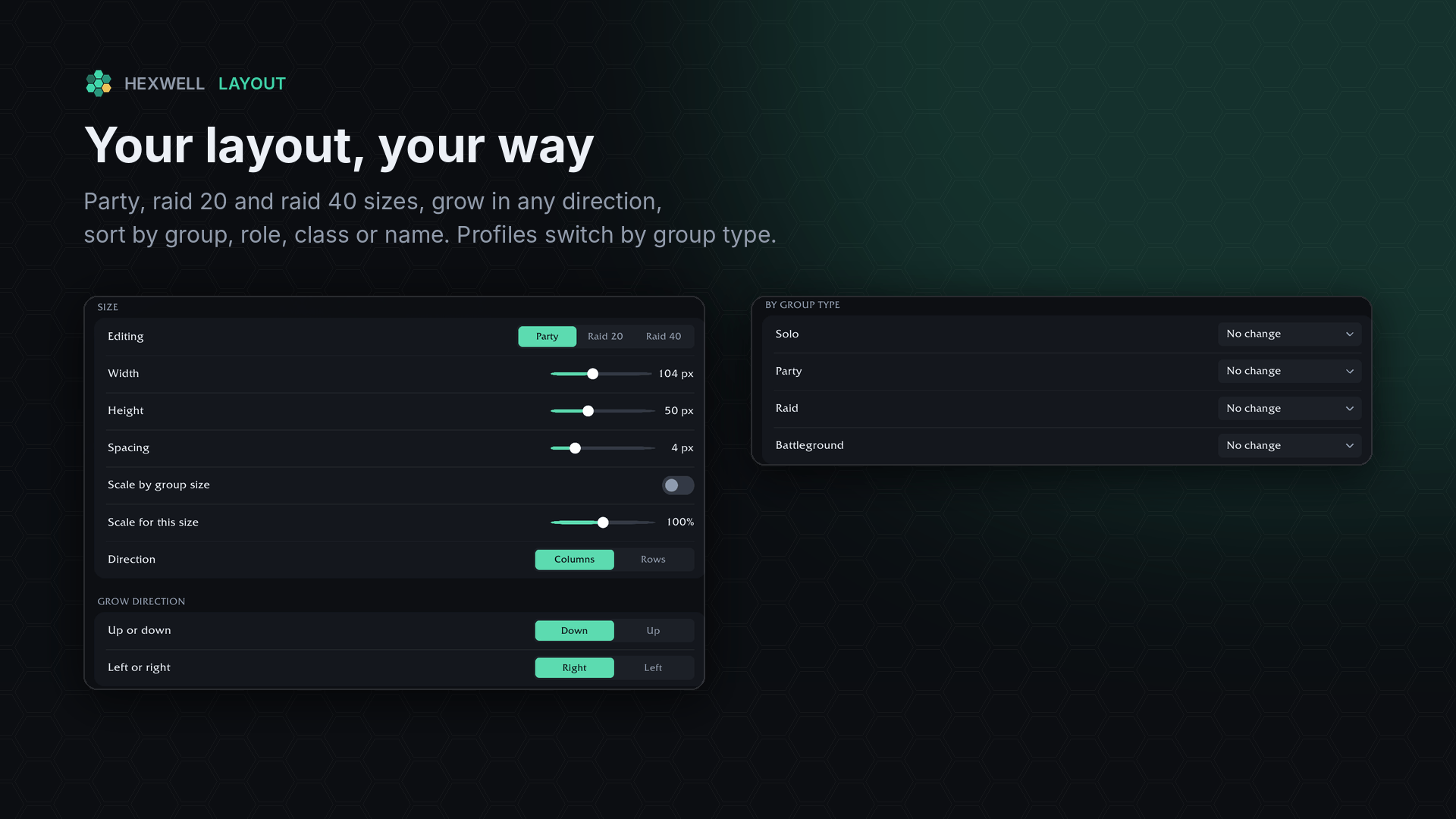
- Sort by group, role, class or name, and grow frames in any direction
- Scale frames by group size, so 40 players don't fill your screen
Styles
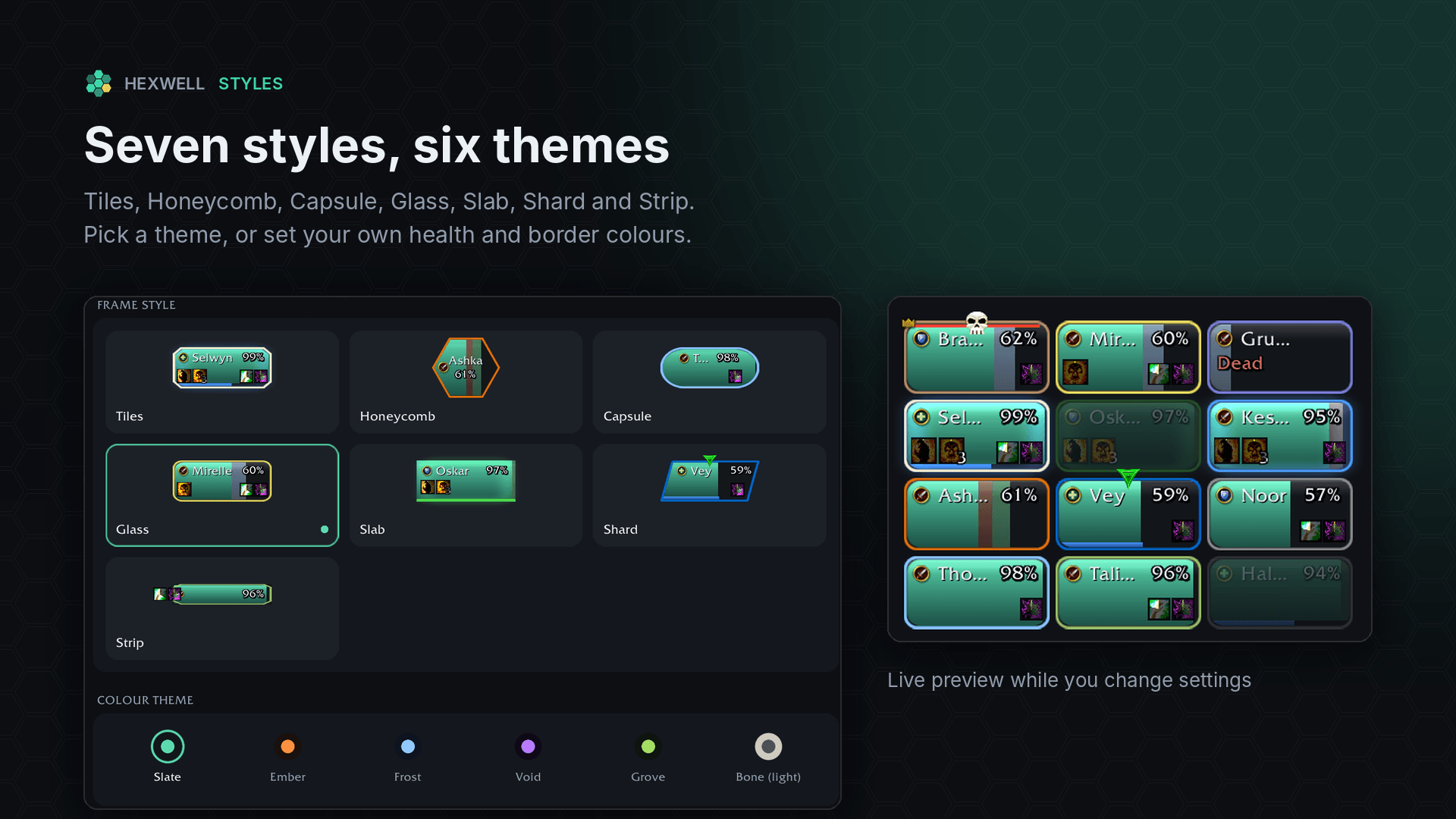
- 7 styles: Tiles, Honeycomb, Capsule, Glass, Slab, Shard and Strip
- 6 colour themes: Slate, Ember, Frost, Void, Grove and Bone
- Health colour by theme, class, health or your own colour
- Border colour by theme, class, custom or off
- Bar textures, background opacity, font choice and font size up to 20
Click-casting
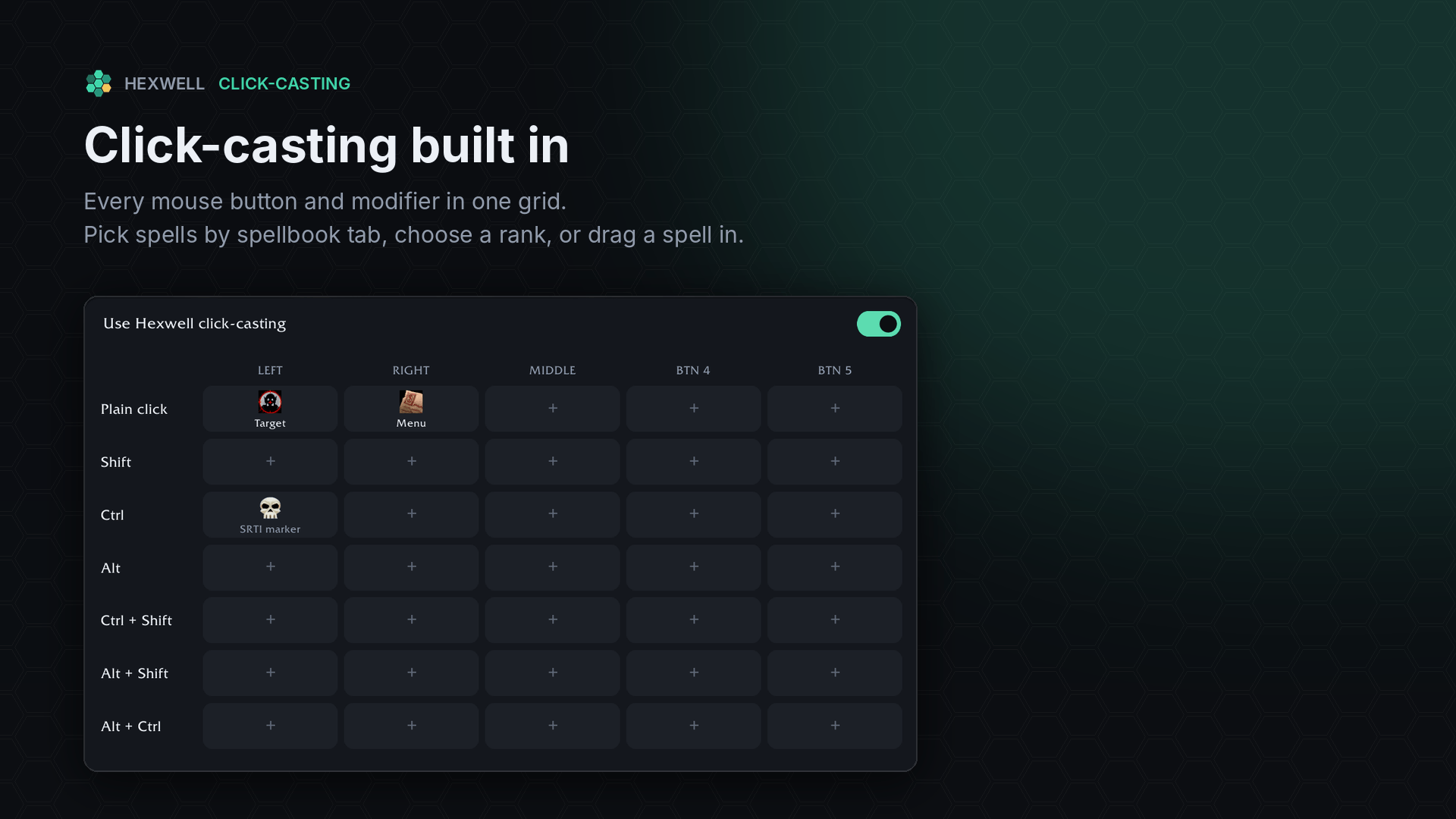
- Bind spells to any mouse button with Shift, Ctrl or Alt
- Spells grouped by spellbook tab, with specific ranks if you want them
- Drag spells straight from your spellbook
Auras
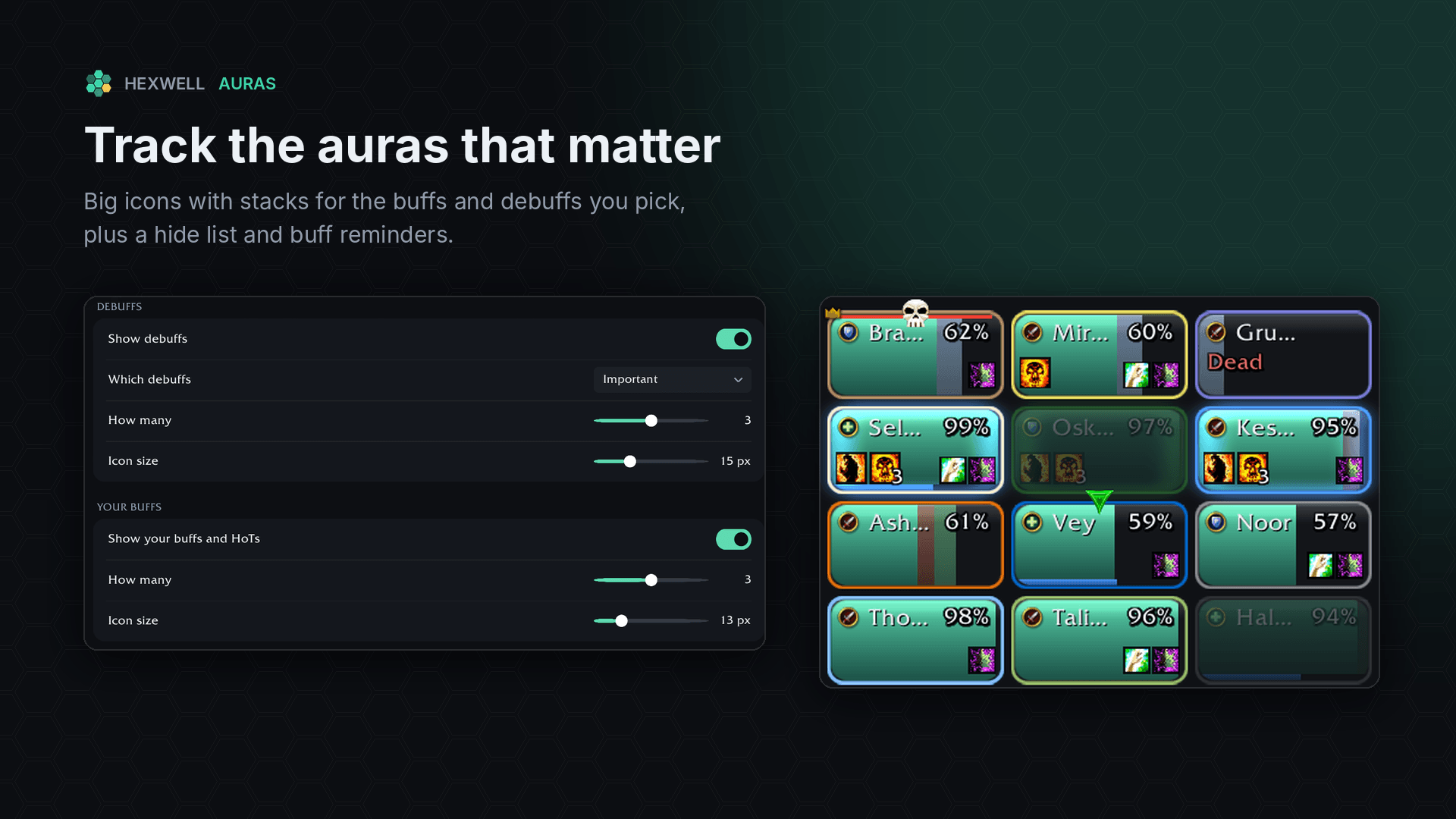
- Debuffs, your own buffs and dispel highlights
- Show only debuffs you can dispel
- Colourblind-friendly dispel colours
- Tracked auras: your chosen buffs and debuffs shown big, with stacks and an optional sound
- Hidden list: remove the clutter you never want to see
- Optional buff reminders for missing buffs
- Room on each frame for boss "private auras"
Profiles
- Switch automatically for solo, party, raid, battleground or healer spec
- Import and export
Quality of life
- Settings window with a live preview, tooltips and a minimap button
- Test modes for party, 20-player and 40-player raids
- Unlock mode with demo frames for easy placement
- Hover tooltips: always, out of combat or never
- Class-coloured world map pins with group numbers (outdoors)
Works with
- Simple Raid Target Icons Forever (optional): Ctrl-click or double-click a frame to open the marker ring
- Leatrix Maps and Mapster
Getting started
- Install and
/reload - Type
/hexor click the minimap button - Use
/hex testto preview and/hex unlockto move frames
Commands
| Command | What it does |
|---|---|
/hex |
Open settings |
/hex test |
Cycle test modes: party, raid 20, raid 40, off |
/hex unlock |
Move frames |
/hex debug |
Print debug info for bug reports |
Found a bug or have an idea? Leave a comment, and include /hex debug output for bugs.
Hexwell Team