

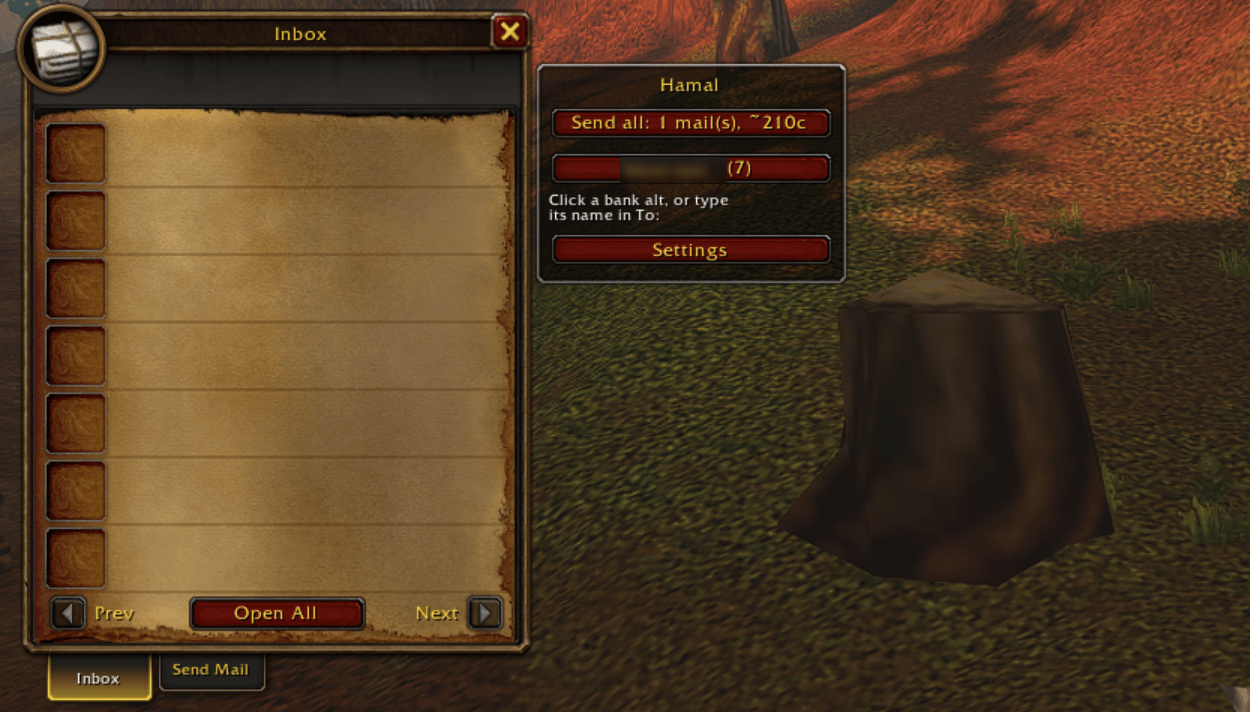
Open a mailbox and Hamal shows how many mails your bank alts get, and the postage.
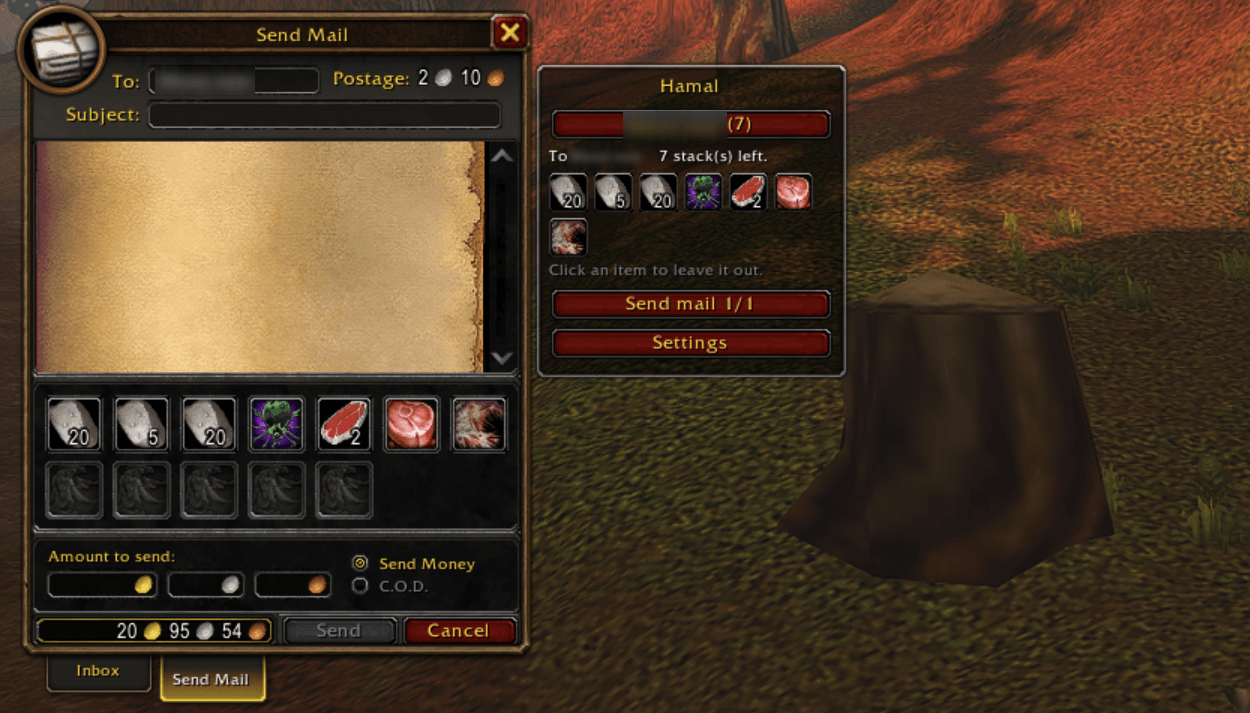
Type a bank alt's name in To: and the mail fills itself. Click an icon to keep that item.
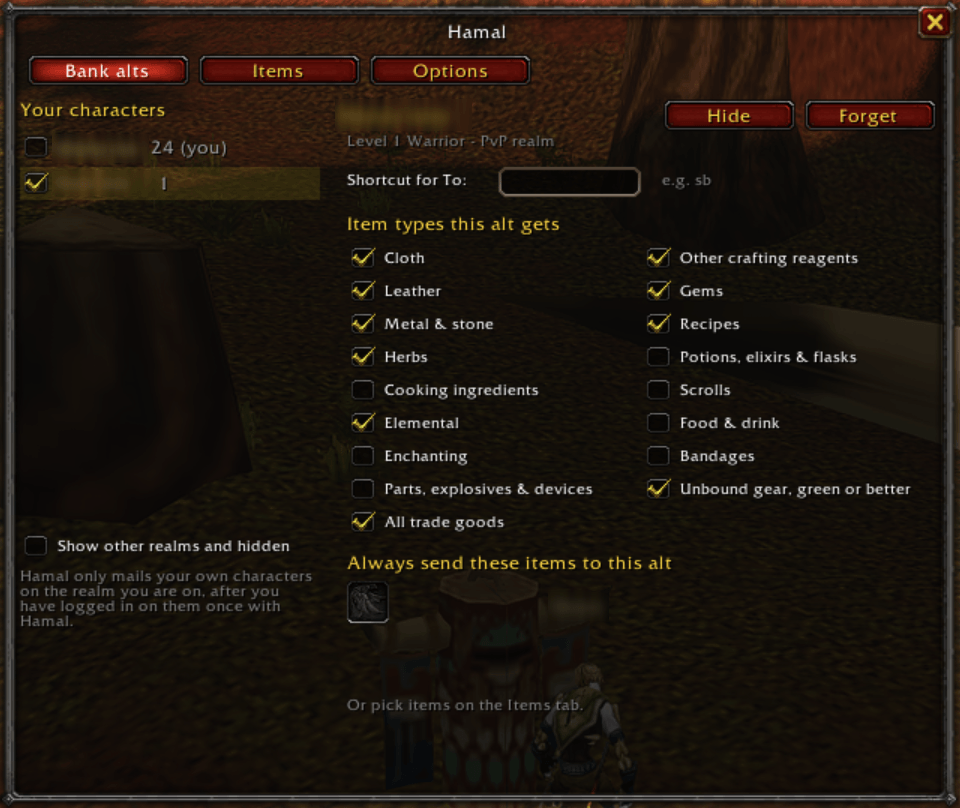
Tick your bank alts and the item types each one gets.
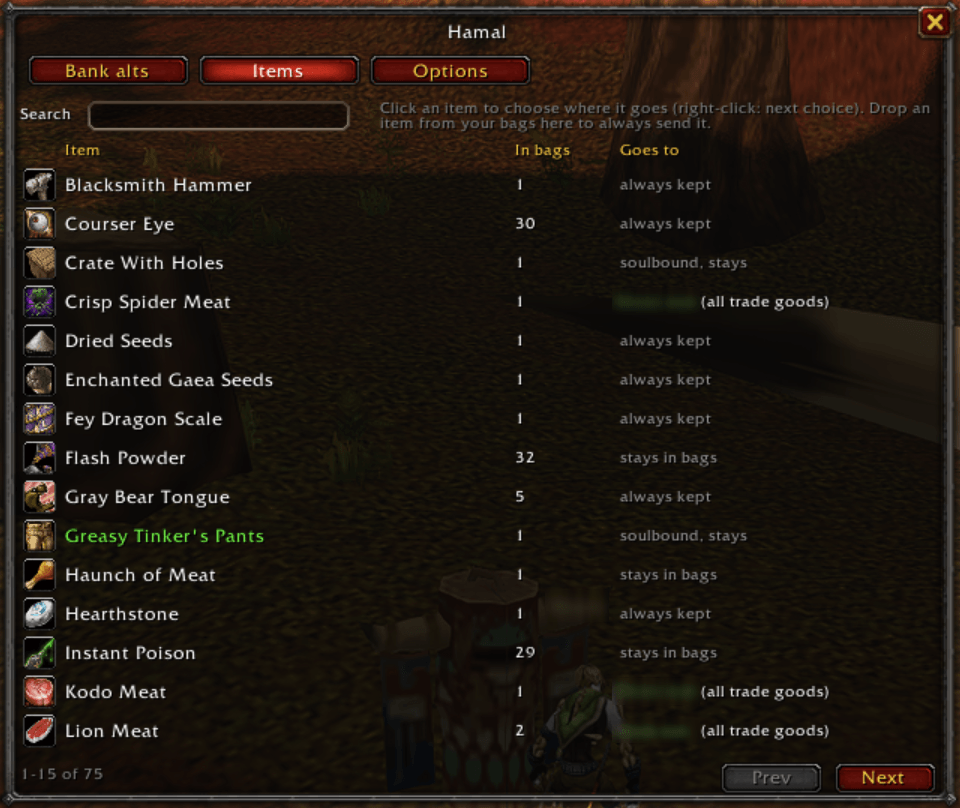
Click an item to always send it to a bank alt, or never send it.
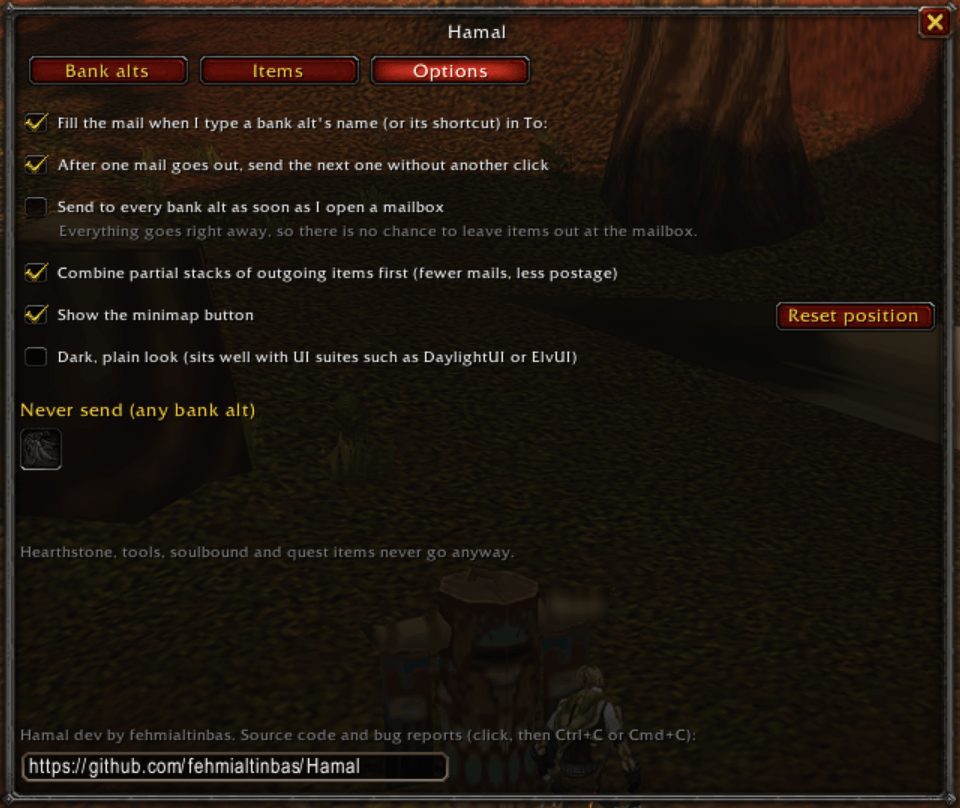
Auto-fill, send every mail with one click, combine stacks, minimap button.
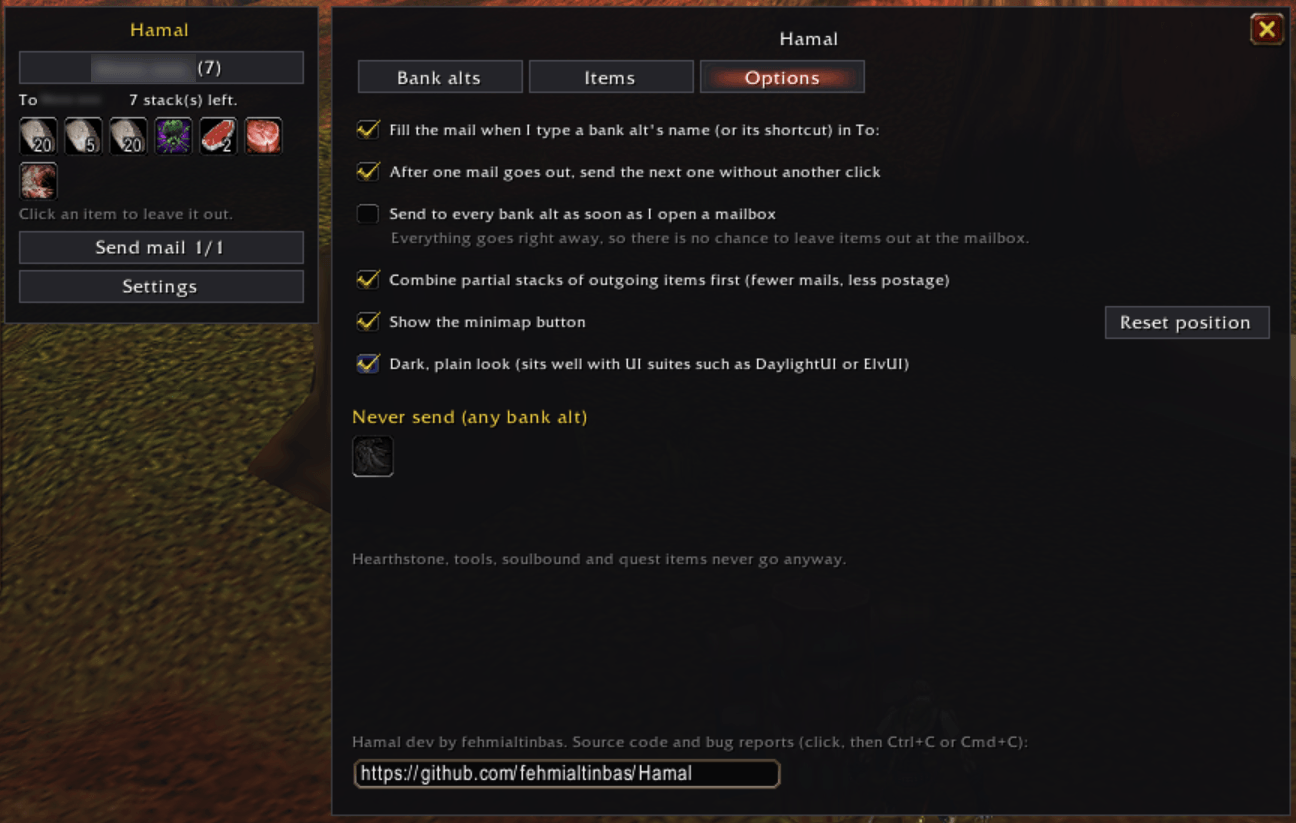
/hamal look dark, for UI suites like DaylightUI or ElvUI.
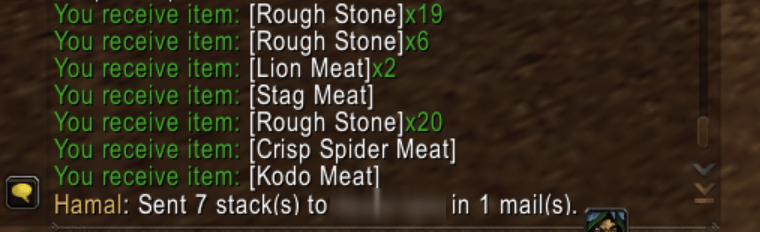
After the last mail, Hamal says in chat what it sent and to whom.