
GuildWatch
- By
Screenshot 2026-05-16 001815.png
Screenshot 2026-05-16 001916.png
Screenshot 2026-05-16 001941.png
Screenshot 2026-05-16 002124.png
Screenshot 2026-05-16 002147.png
Description
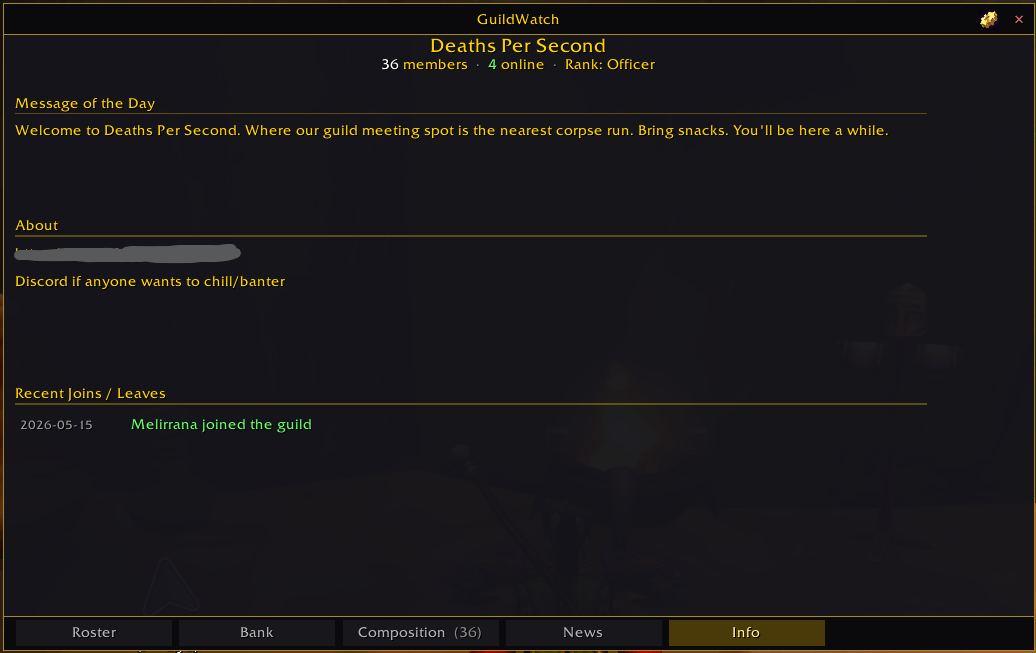
One panel that replaces the default guild window, built for TBC Anniversary
GuildWatch keeps a shared picture of your guild: who is attuned to what, who can craft the recipe you need, where everyone is on the map, and what has changed since yesterday.
Guildies running the addon sync quietly in the background over the hidden addon channel. Nothing is ever posted to guild chat.
Attunement tracking
The part most guilds actually need in Phase 2. Thirteen chains covering Karazhan, Serpentshrine Cavern, Tempest Keep: The Eye, the Cipher of Damnation, Nightbane, and all five heroic dungeon keys.
- Your own view shows exactly which step you are on, the zone it happens in, which dungeon keys gate it, and how much reputation is left where reputation is the blocker.
- The guild view is a member by chain grid. You can see at a glance who is ready for Karazhan and who is two steps short, which is the difference between planning a raid and guessing at one.
- Reputation remaining is shown as a number you can act on. A cell reads "8.4k" rather than "0/2", because how much further is the useful question.
- Sub-steps explain the parts that trip people up, like the fact that Skar'this is caged behind the first boss on heroic difficulty, or which of the three Cipher of Damnation branches is shortest.
Everything is read from your character's own quest, item and reputation state. Progress is never guessed, and the addon never invents a number for somebody else's character.
Professions, and yes, Enchanting
Every profession syncs, and that includes Enchanting.
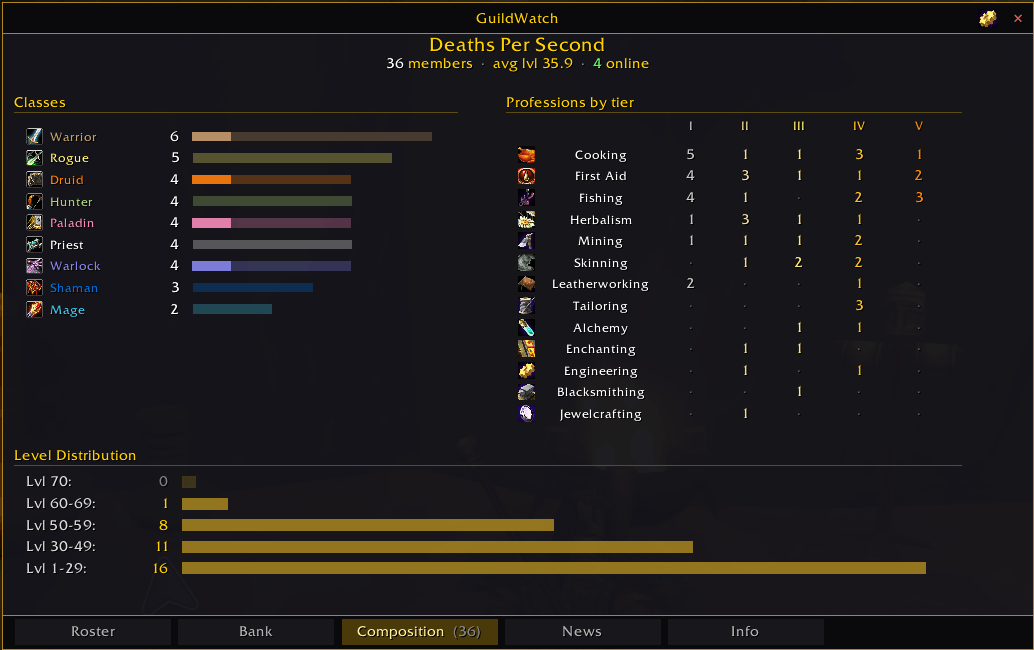
TBC keeps enchanting on a separate legacy API that most profession addons skip, so enchanters typically show up knowing nothing at all. GuildWatch reads it properly, alongside the other eight professions plus First Aid, Cooking and Fishing.
Hover any recipe, pattern or plans item anywhere in the game and the tooltip tells you which guildies can already make it.
Guild bank
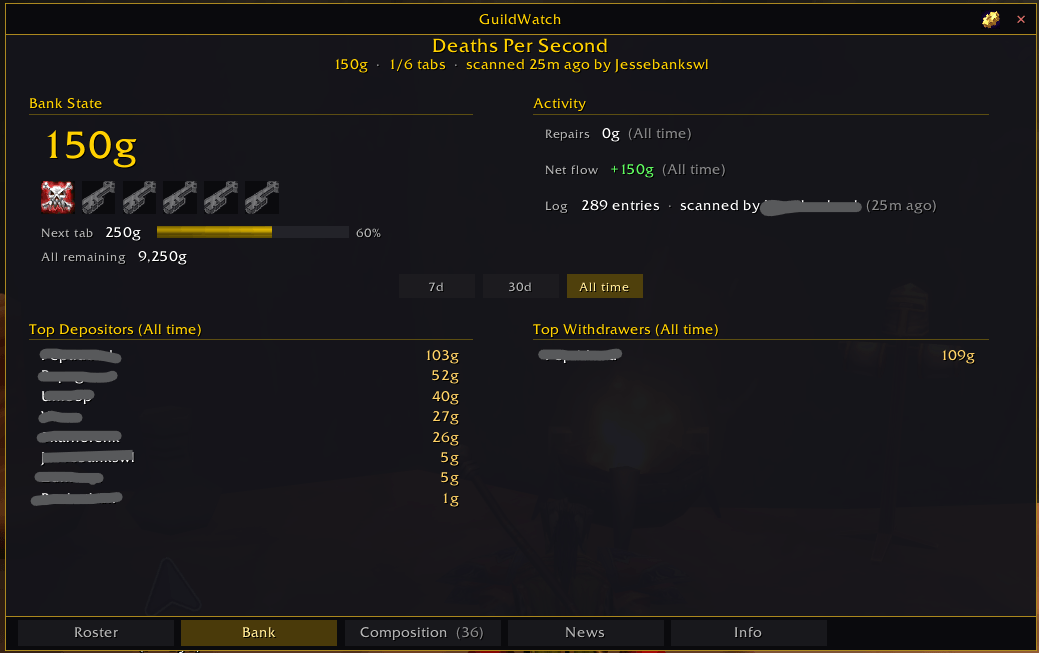
A dashboard rather than another item browser, since Bagnon and Baganator already do items well. Current balance, tab progression with the cost of the next tab, repair totals, net flow, and top depositors and withdrawers over 7 days, 30 days or all cached history.
Roster
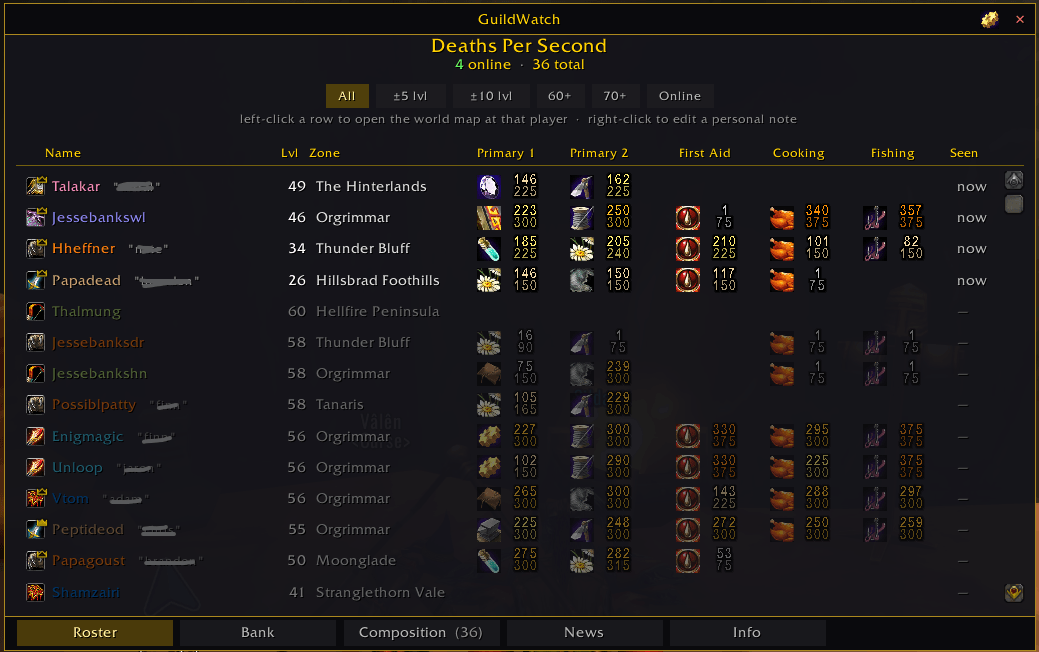
Class icons, level, zone, five profession columns, and a "Seen" column showing when each member was last online. That covers every member of your guild, not only the ones running the addon.
Click a row to pan the world map to that player. Right-click to attach a private note, stored only on your machine, so you can finally remember which alt belongs to whom.
Map pins
Guildies running GuildWatch appear on your world map and minimap as class-coloured pins, updating live while you are grouped. Pin style, scale and visibility are all configurable, including hiding party members you can already see on the minimap.
News
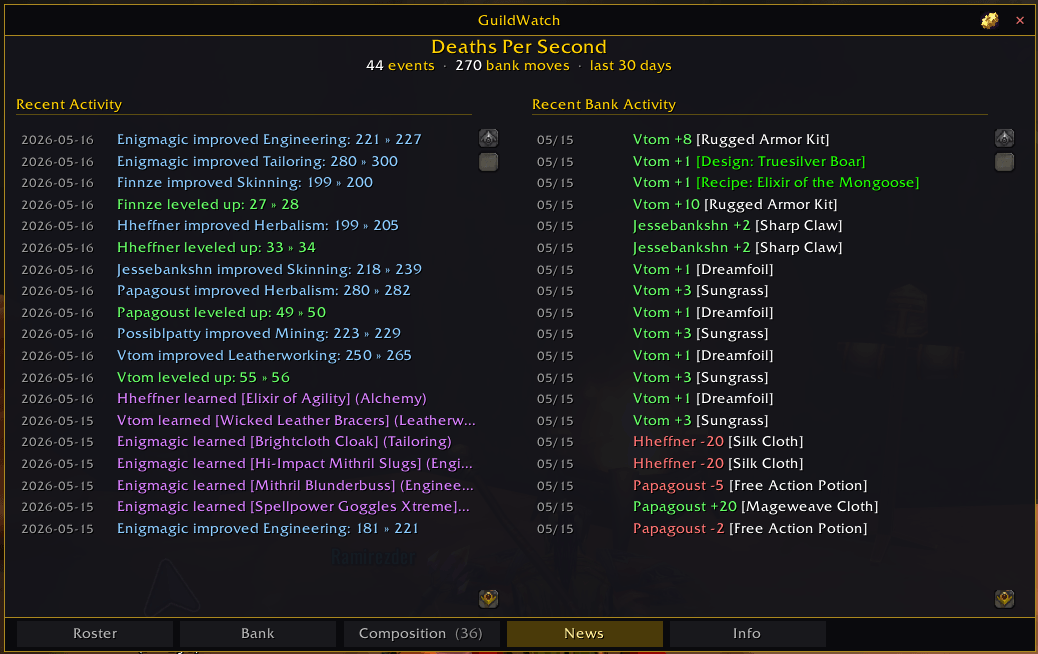
A day-over-day summary of what the guild did: who levelled, who learned recipes, who joined or left, and how the bank balance moved.
What's New, in game
A button in the title bar opens the release notes for the current version and the last seven, so you do not have to come back here to find out what changed.
Getting started
/gwopens the panel, or use the minimap button- A GuildWatch tab is added to the Blizzard guild panel
/gw helplists the rest
Requirements
TBC Classic Anniversary, interface 20506 (patch 2.5.6). No other addons are required. All libraries are bundled.
GuildWatch is useful on its own, and the guild-wide views fill in as more of your guild installs it.
Reporting a problem
Please include your client build and whether you have /gw debug enabled, since
that prints the sync traffic needed to diagnose most issues.
GuildWatch Team
