

GuildMute: Forever
- By
o6LxGS.png
Description
GuildMute
Hide chat from any guild, or player, you choose.
Some guilds share a name across many numbered chapters: Knights I, Knights II, Knights III and so on. Ignoring their members one at a time doesn't scale, and the built-in ignore list fills up fast.
GuildMute lets you hide a whole guild, or a whole family of guilds, with a single rule. It works for individual players too, and it keeps learning as you play.
Built for World of Warcraft: Forever.
Features
Hide by guild
- Add a rule once and every member's messages disappear from trade, general, LFG, say, yell, emotes and, if you like, whispers.
- Starts with catches a whole family of guilds (Knights hides Knights I, II, III…).
- Contains catches the name anywhere in a guild's title.
- Exact hides one specific guild only.
- Hide or unhide individual players as well.
- Mark exceptions as Always show, for friends who happen to be in a hidden guild.
Learns as you play
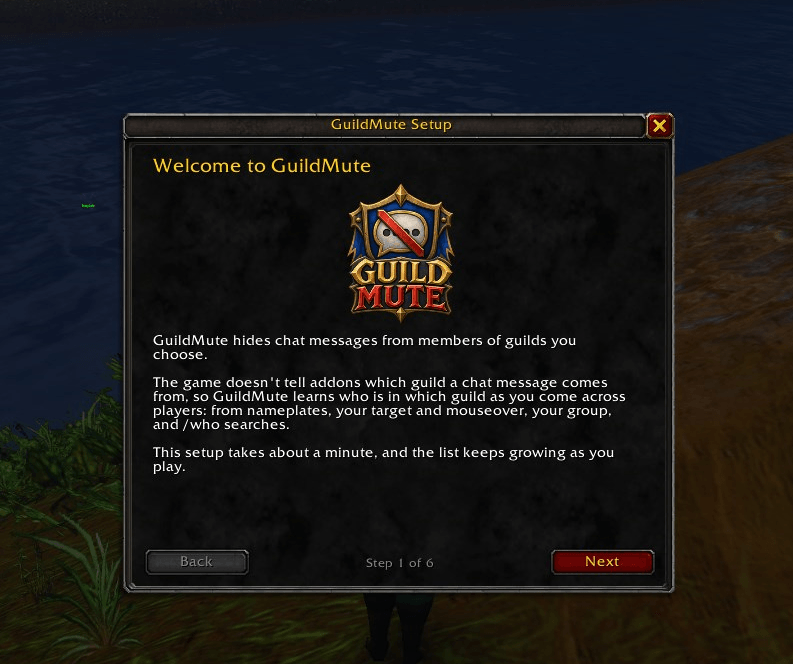
The game doesn't tell addons which guild a chat message comes from, so GuildMute learns guild membership from nameplates, your target, mouseover and your group, quietly, in the background.
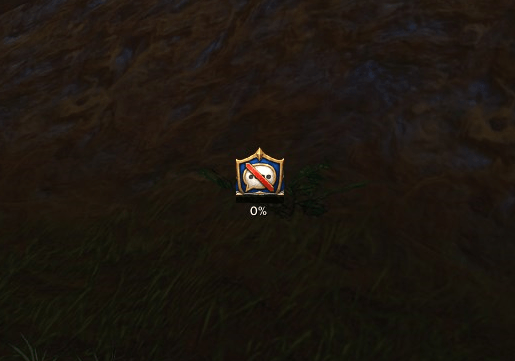
To speed things up, a search button finds members of your hidden guilds who are online right now:
- A progress bar that only ever moves forward
- Plain-language feedback on every click ("+12 found", "Looking closer…")
- Bind it to a key if you prefer
- Optional weekly refresh, because guild rosters change
Soft or full ignore
- Soft ignore (default): their chat is hidden.
- Full ignore (optional): also automatically declines their group invites, duels, trades and guild invites, plus any invite into a hidden guild. Each one can be switched on or off.
Know who's who
- A colour-coded line on tooltips and a marker on nameplates for hidden and always-shown players.
- Pick your own colours.
- A heads-up, with an optional sound, if a hidden player joins your group, so you can decide whether to stay.
Organise and share
- A Players page in the settings: browse everyone GuildMute knows about, sorted by guild, search, and hide or unhide in a click.
- Right-click any name for Hide this player or Hide this guild.
- Import and export your rules and lists as a single string to share with friends.
- Optional sighting sharing between GuildMute users, so everyone's list fills up faster (see Privacy below).
Getting started
- Install and log in. A short setup guide opens automatically.
- Type the guilds you want to hide, choose how each name should match, and pick which chat channels to filter.
- Click Search a few times to find members who are online now. That's it!
Everything can be changed later in Options → AddOns → GuildMute, or by typing /gmute.
Commands
/gmute: open settings/gmute setup: run the setup guide again/gmute players: browse players by guild/gmute features: ignore mode, markers, colours and sharing/gmute add [exact|contains] <guild>: add a guild rule/gmute scan: search again for hidden guild members/gmute export//gmute import: share your lists/gmute help: list every command
Privacy
- By default, GuildMute sends nothing to anyone. Everything it learns stays on your computer.
- Sighting sharing is off unless you turn it on. When enabled, it shares only the name, realm and guild of players in guilds you have chosen to hide, with other GuildMute users through your guild, your group and/or a hidden addon channel. This is the same information anyone can see with the game's
/whocommand. - Your own sightings always take priority over shared ones.
- Shared entries are labelled (shared), and you can stop using them or delete them all at any time.
Good to know
Does it work in dungeons and raids?
Not for chat. The game hides chat details from addons inside instances, so GuildMute can't filter there, and sharing pauses too. Everything works normally in the open world and cities, which is where most trade and general chat happens.
Why do I have to click to search?
The game only allows player searches when you click or press a key. GuildMute respects that rather than working around it.
Will it hide someone by mistake?
Only if they're in a guild that matches one of your rules, or you've hidden them yourself. If a rule catches more than you meant, switch it to Exact, or mark the person Always show.
Is anything locked behind a donation?
No. GuildMute is completely free, and every feature is available to everyone.
Support
If GuildMute makes your chat a nicer place and you'd like to say thanks, you can support me on Ko-fi.
Found a bug or have an idea? Please leave a comment, and include your game version and what you were doing when it happened. Every report helps!
The GuildMute: Forever Team
