Guild Who Can Craft
- By
See which guildies and friends can craft what, and ask them to make it, even when they’re offline.
Screenshot 2026-11-12 093056.png
Screenshot 2026-11-12 093120.png
Screenshot 2026-11-12 093154.png
Screenshot 2026-11-12 093220.png
Screenshot 2026-11-12 093316.png
Description
Who Can Craft
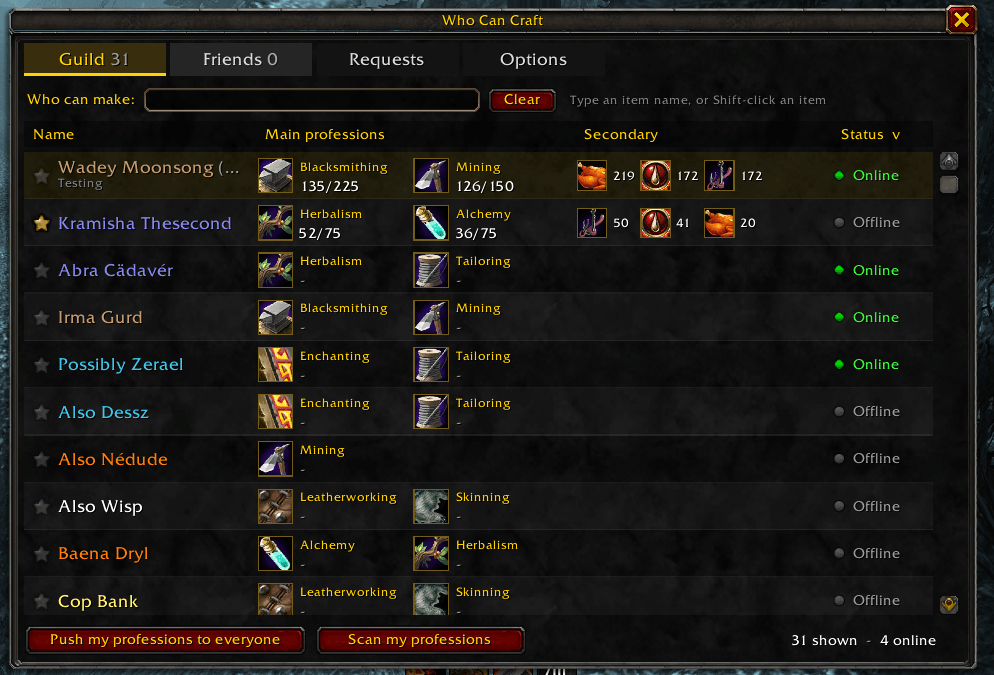
Stop asking guild chat “anyone got a blacksmith?” Who Can Craft shows you who in your guild and friends list can make what you need. It lists their professions, skill levels and every recipe they know.
Features
- Guild and Friends tabs. Each player’s main and secondary professions, skill, and online status in one list.
- “Who can make…” search. Type an item name or Shift-click an item to see every crafter who can make it, online ones first.
- Full recipe lists. Recipes are grouped by the same categories as the crafting window. Hover a recipe for its materials, and check cooldowns such as transmutes.
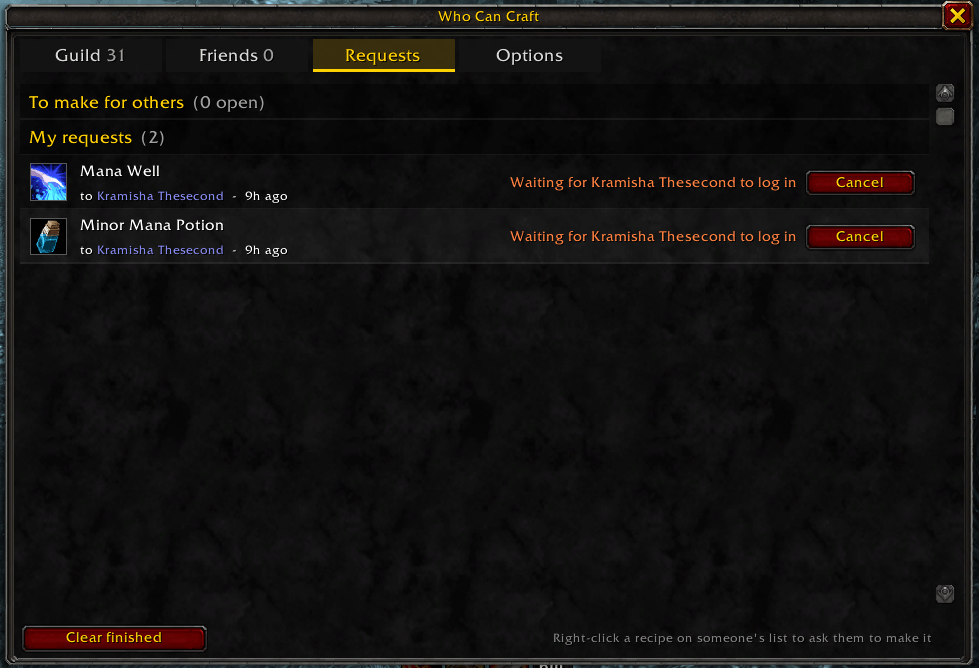
- Requests tab. Right-click any recipe and choose how you want to deal:
- Your mats for gold
- My mats in mail
- Meet up
The crafter gets a whisper and an entry in their Requests tab. If they’re offline, the request is delivered when they log in.
- Mark done, then “Mail them”. When the crafter marks an item done, you get a notification. A prefilled mail is ready to send at a mailbox.
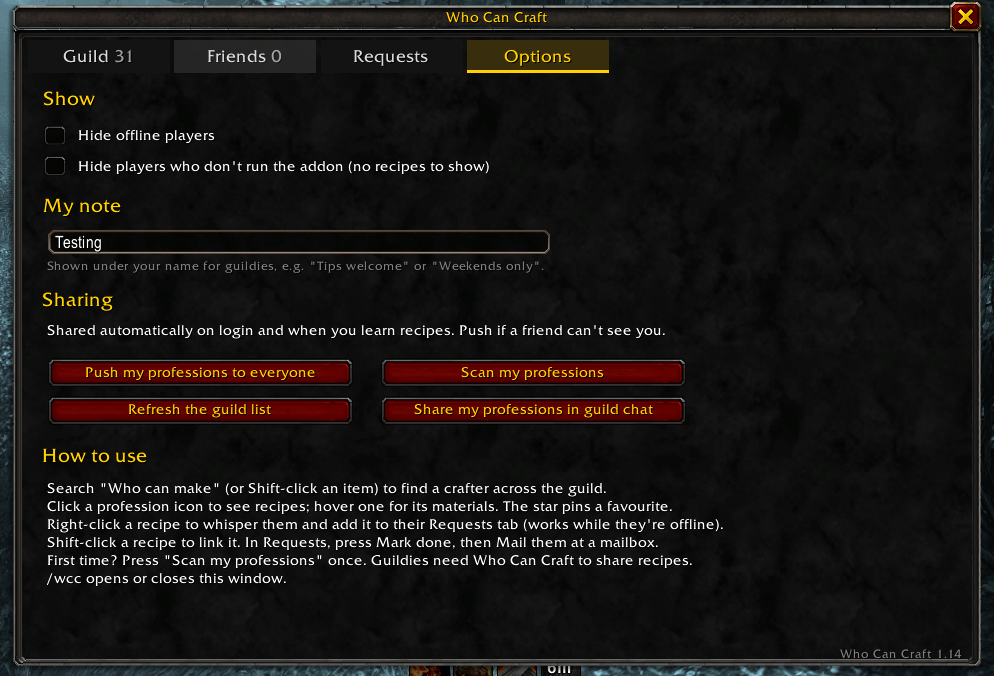
- Favourites and notes. Star the crafters you use most, and add a note under your name such as “Tips welcome” or “Weekends only”.
- Share to guild chat. Post what you can craft with one click.
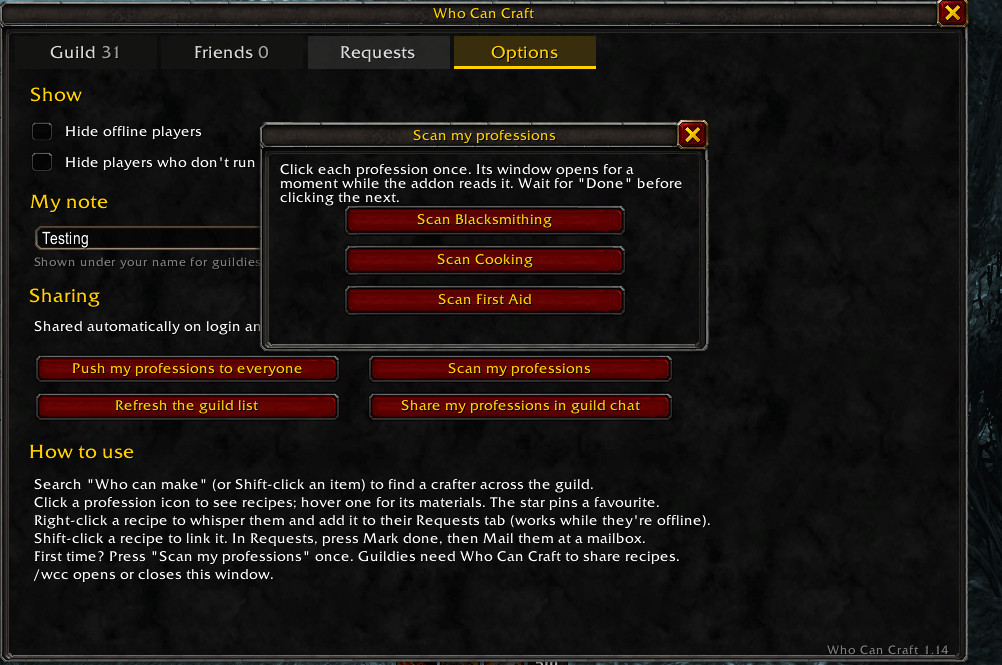
- One-time setup. A welcome window walks you through scanning your professions. After that it updates automatically when you learn new recipes.
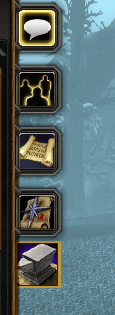
- Minimap button and keybind. Left-click opens the panel and right-click rescans. The default key is Alt-#, and you can change it in Key Bindings.
Good to know
- Everyone who wants to share needs the addon. Players without it still appear in the list, but have no recipes.
- Only professions and recipes are shared, and only with your guild and your friends list.
- Commands:
/wcc(open),/wcc scan,/wcc sync,/wcc minimap,/wcc reset,/wcc help.
Built for WoW Forever.
Guild Who Can Craft Team