Group Guard LFG
- By
Manage LFG applications and party/raid alerts with simple custom rules, highlights, and quick actions.
Description
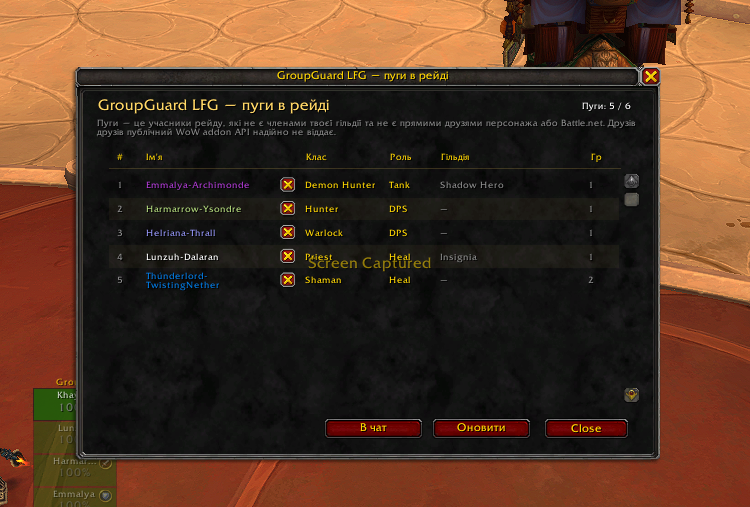
GroupGuard LFG helps you manage LFG applications and party/raid groups with simple custom rules.
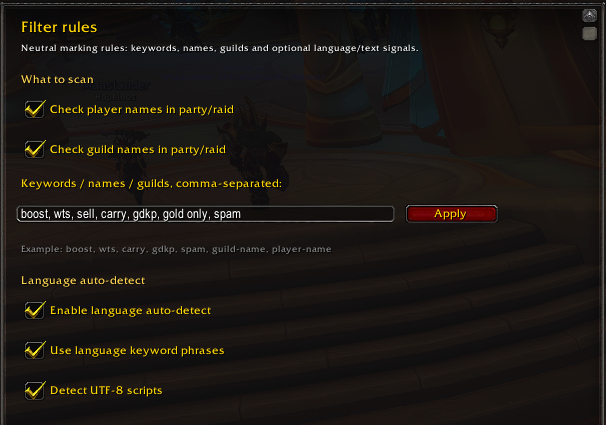
You can mark players or groups by keywords, guild names, character names, or LFG comments. When something matches your rules, the addon can highlight it, show a warning, play a sound, or display a marker on party/raid frames.
The addon is made for players who want a cleaner and more controlled LFG experience.
What it does
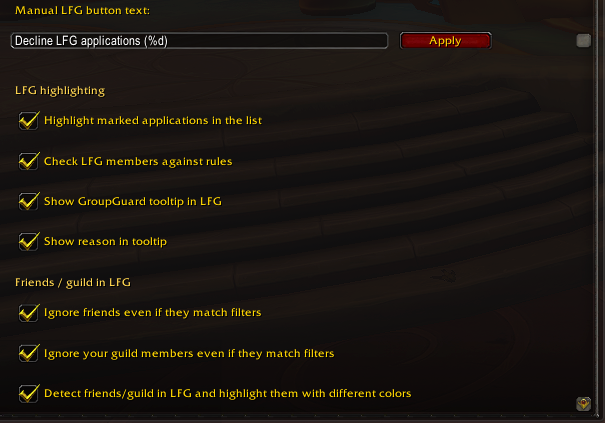
- Highlights matching LFG applications.
- Highlights matching LFG search results.
- Shows a compact warning when a party or raid member matches your rules.
- Adds a centered marker on the player’s party/raid frame.
- Lets you manually decline marked LFG applications.
- Can automatically decline marked LFG applications.
- Can help remove marked players from party/raid if you have permission.
- Can automatically give Raid Assist to selected guild ranks or listed characters.
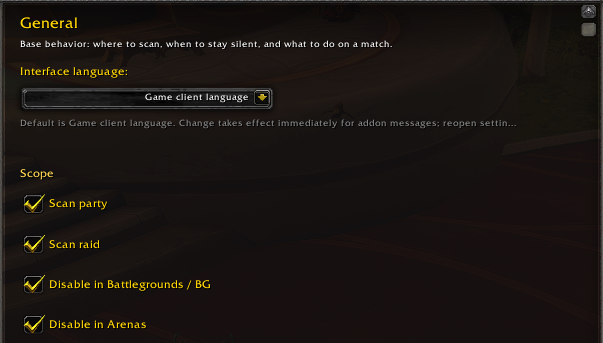
- Supports English and Ukrainian interface language.
- Works safely alongside Premade Groups Filter.
Simple examples
You can create rules for things like:
- spam messages;
- boost advertising;
- carry offers;
- sell messages;
- GDKP ads;
- repeated unwanted text;
- specific character names;
- specific guild names.
Important
GroupGuard LFG does not identify nationality, ethnicity, origin, religion, or personal traits.
It only checks text that appears in the game UI, based on rules you configure yourself.
Use it responsibly as a local UI helper for organizing your LFG and group experience.
The Group Guard LFG Team


Owner