


Gibber Gabber
- By
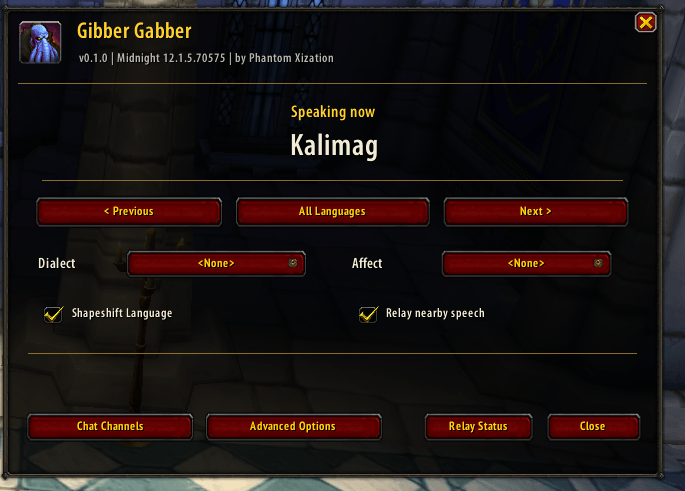
Choose your active language, switch between languages, select a dialect or speech effect, and configure nearby speech relay.
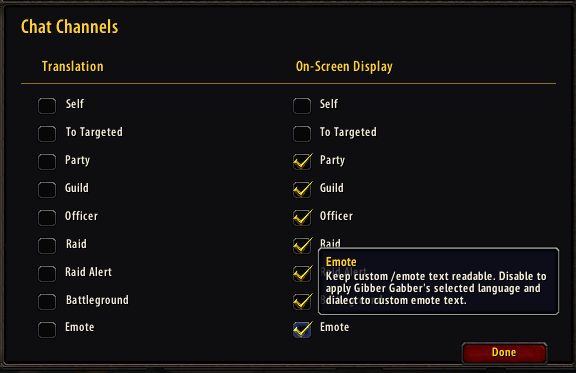
Choose which channels use speech translation and which channels display modified speech, including custom emotes.
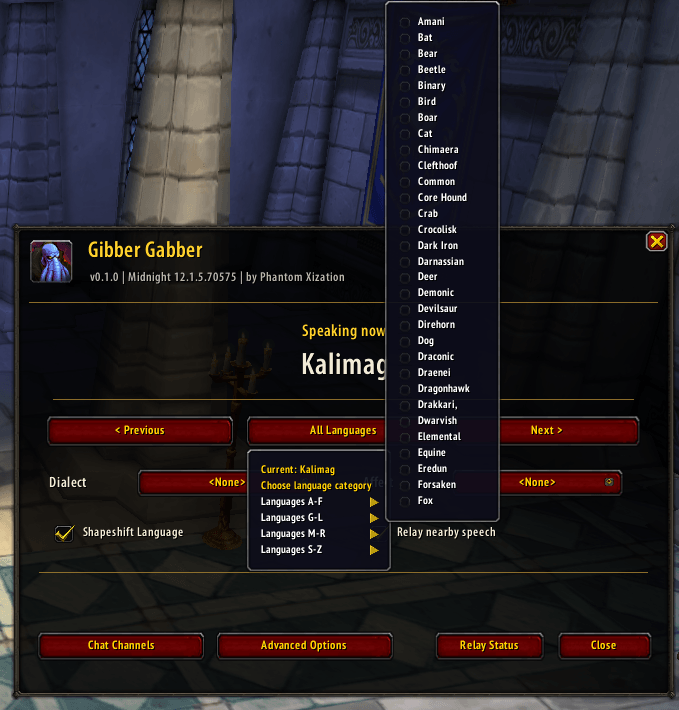
Browse languages by alphabetical category and select the language you want to speak.
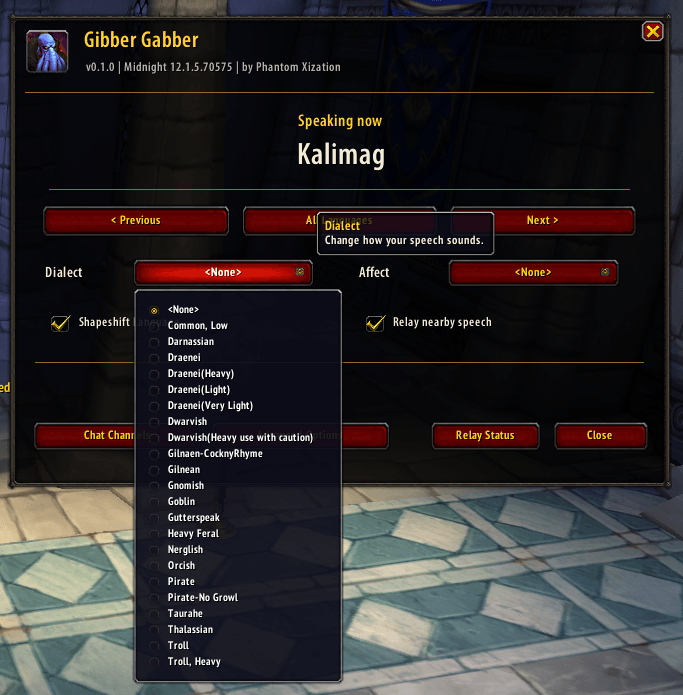
Customize how your character speaks with optional dialects, including Darnassian, Dwarvish, Pirate and more.
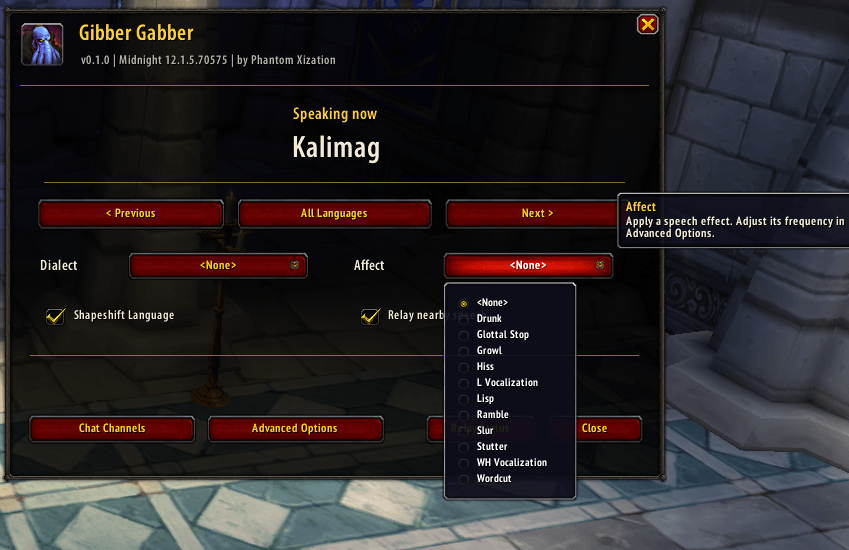
Give your dialogue a different style with optional effects such as Drunk, Growl, Lisp and Stutter.
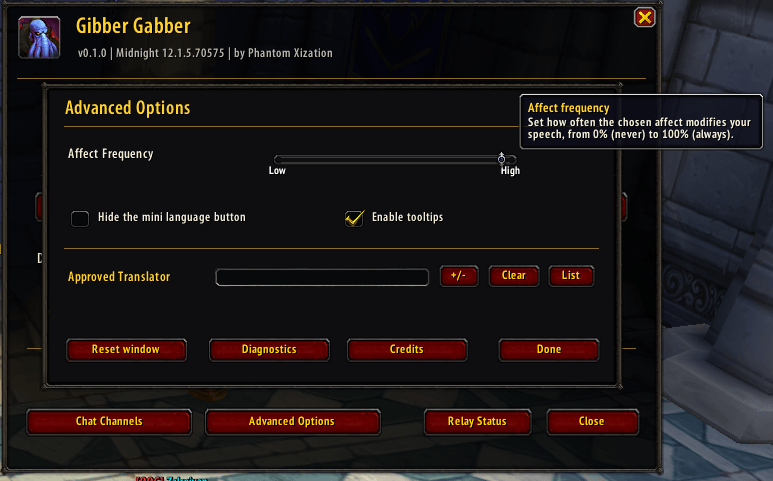
Adjust speech effect frequency, control the mini language button, turn help tooltips on or off, and access additional settings.
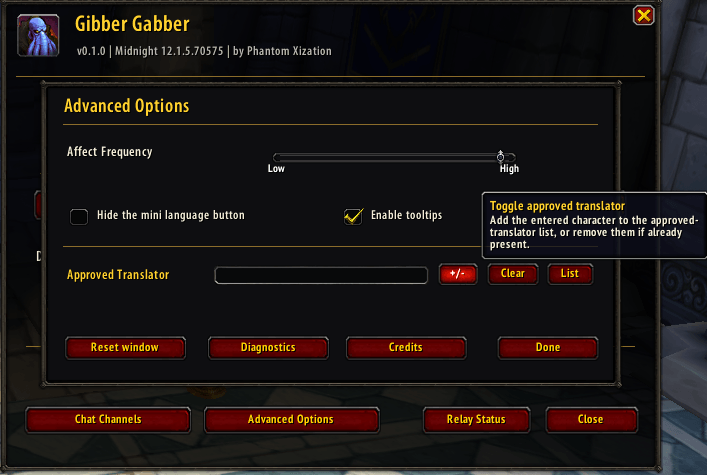
Add or remove approved translators, clear an entry, and view the translator list from Advanced Options.
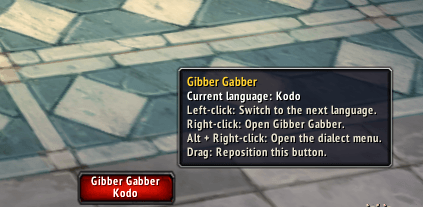
Switch languages from a movable mini button, or use mouse shortcuts to open Gibber Gabber and its dialect menu.