GemDrop
- By
Drag a gem out of your bags and drop it straight onto a piece of gear with a socket.
Screenshot 2026-09-27 200516.png
Screenshot 2026-09-27 200530.png
Description
GemDrop
Drag a gem out of your bags and drop it straight onto a piece of gear with a socket.
What it does
Normally socketing requires shift-right-clicking an item to open its socket window, dropping the gem into a socket, then clicking Apply.
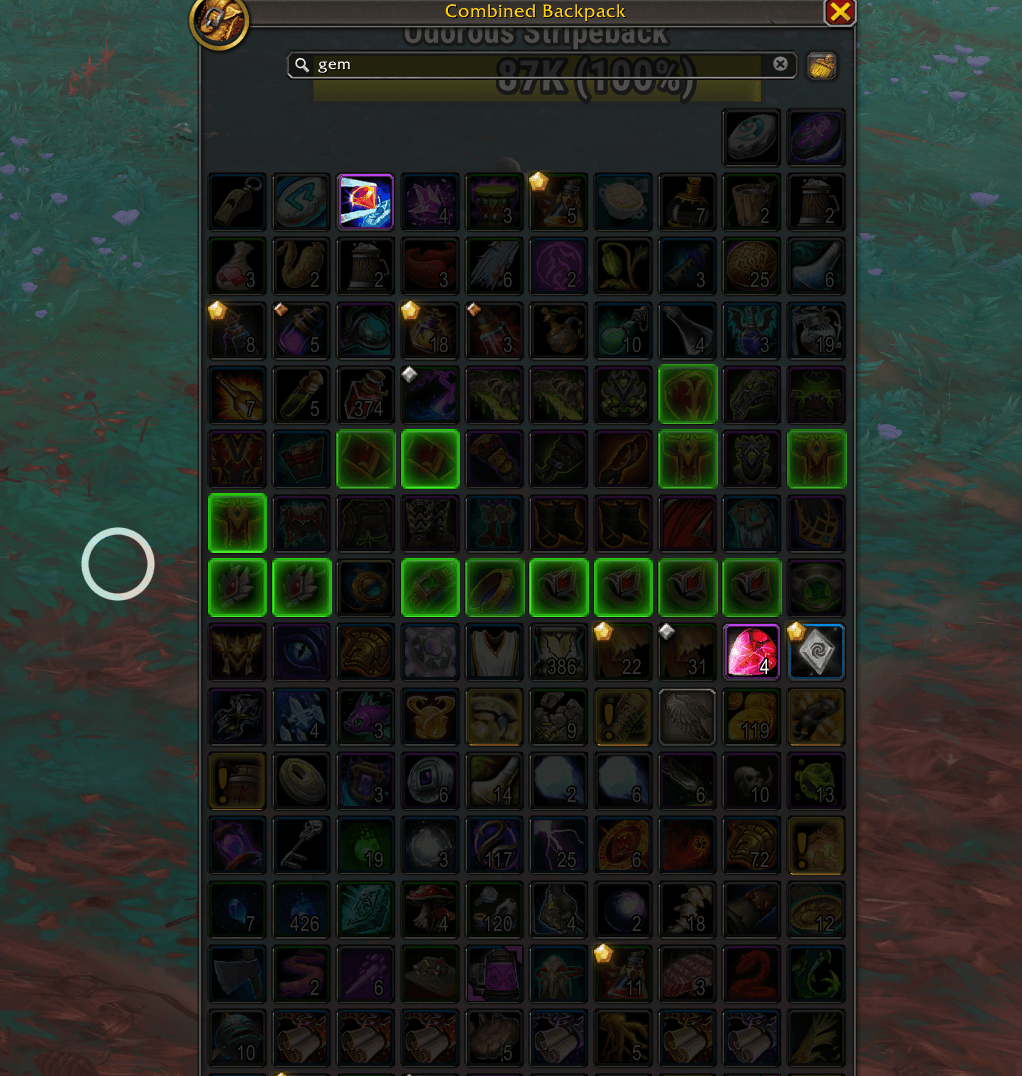
GemDrop removes those steps. While a gem is on your cursor:
- Every visible item that has a socket gets a pulsing glow.
- Green glow = empty socket → drop the gem and it sockets immediately.
- Amber glow = all sockets filled → drop the gem and you get a confirmation (or a menu if there are multiple sockets) before anything is replaced.
One drop opens the socket info, places the gem, and applies it. The socket window may flash briefly while the game confirms.
Replacing gems
- Single filled socket → confirmation popup naming the gem that would be lost.
- Multiple filled sockets → menu listing what’s in each socket so you can choose which one to replace.
- Cancel leaves the gem on your cursor and nothing is changed.
- Toggle the whole replace behaviour off with /gd replace if you prefer filled items to never be targets.
Details
- Transparent overlays appear only while a gem is held; item buttons themselves are never hooked or replaced.
- The game still decides whether the gem fits. If it refuses, the gem stays on your cursor and a chat message tells you why.
- Hold any modifier key (Shift, etc.) while dropping to bypass GemDrop and use the normal game behaviour (swap in bags / equip attempt).
Usage
- Pick up a gem.
- Drop it on a glowing item.
- Answer the confirmation/menu if one appears.
Commands (/gd or /gemdrop):
| Command | Effect |
|---|---|
| /gd | Open settings |
| /gd status | Show current settings in chat |
| /gd on / off | Enable / disable gem drops |
| /gd highlight | Toggle the glow on valid targets |
| /gd bags | Toggle bag items as targets |
| /gd equipped | Toggle character-window slots as targets |
| /gd replace | Toggle drops onto fully-socketed items |
| /gd chat | Toggle success message in chat |
| /gd sound | Toggle the jeweller’s finish sound |
Options are also available in the standard AddOns settings panel.
Notes
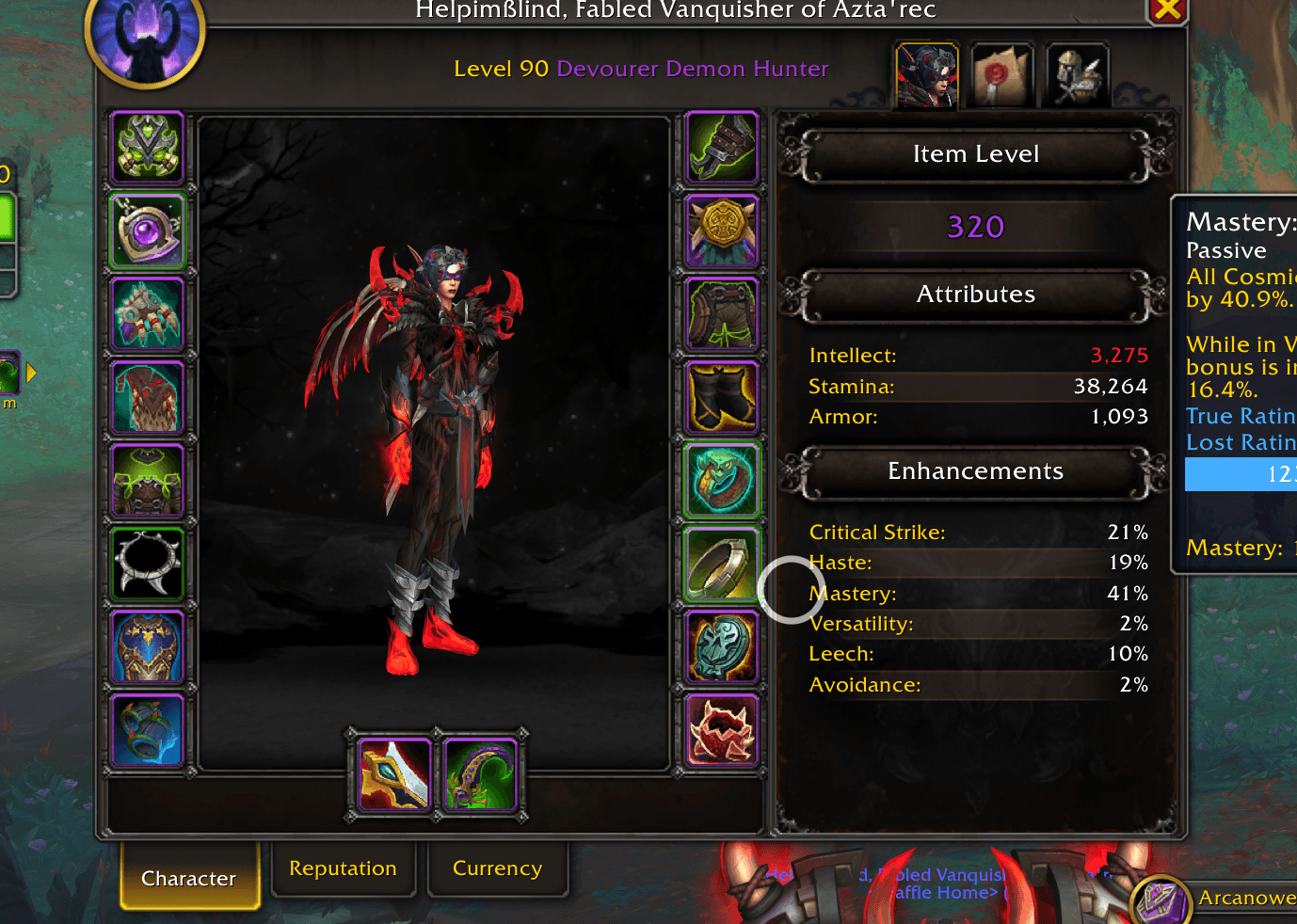
- Targets: open bag windows and character-window slots (bank tabs are not targeted).
- Artifact relics are ignored.
- Any binding/refund confirmation the game itself shows is left for you to answer.
Author: CorgiKane
GemDrop Team