

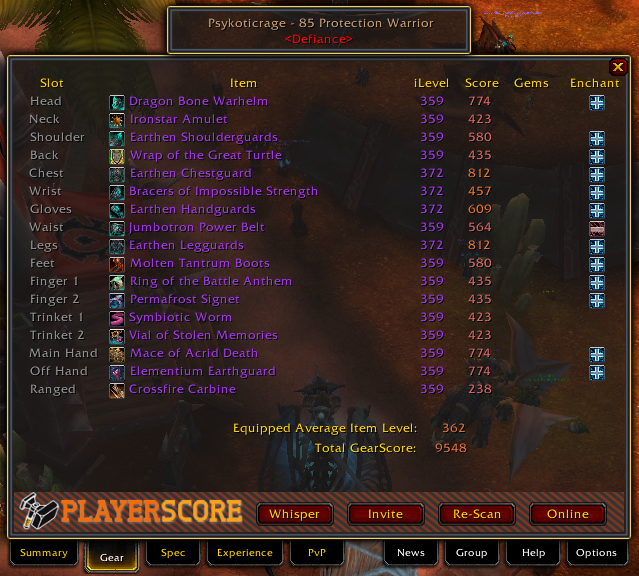
The Equipment tab allows you to quickly view Gems & Enchants a player is welling, as well as determine which items are holding them back.
It also shows you their total GearScore and Equipped Average Item Level.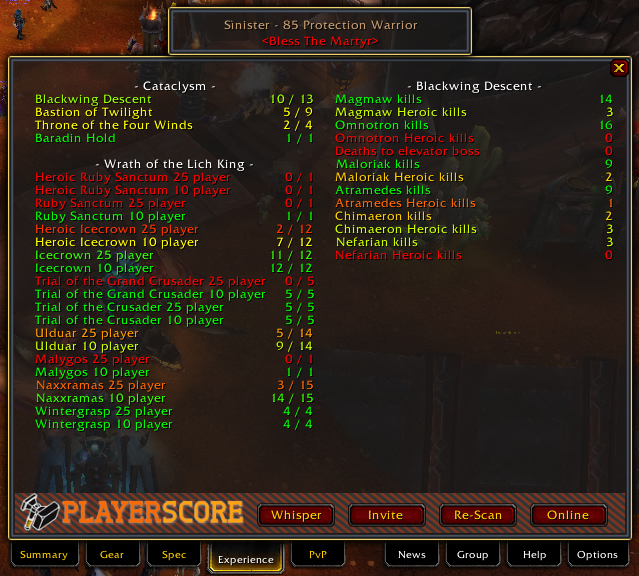
The Experience tab allows you to see the raiding history of a player.
Color coding from Red (poor) --> Green (Good) is shown to allow you to quickly realize a player's progress through any instance or boss.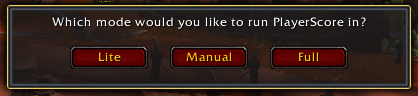
PlayerScore allows you to run the addon in either full mode, lite mode, or a custom mode.
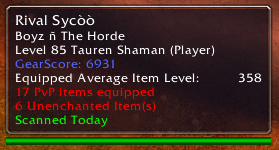
The player Tooltip allows you to quickly view GearScore as well as any negative information about a player, such as PVP equipment, off-spec items, and missing gems & enchants.
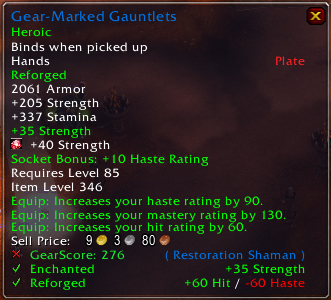
Shows how GearScore adds information to an item's tooltip, and displays Enchantment status as well as Reforge status, and an "X" or "√" Depending on rather or not the item is good for you.
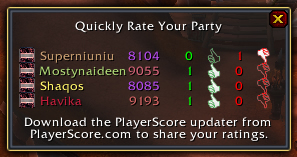
The Quick Rate frame allows you to quickly rate the players you just ran a random heroic with.
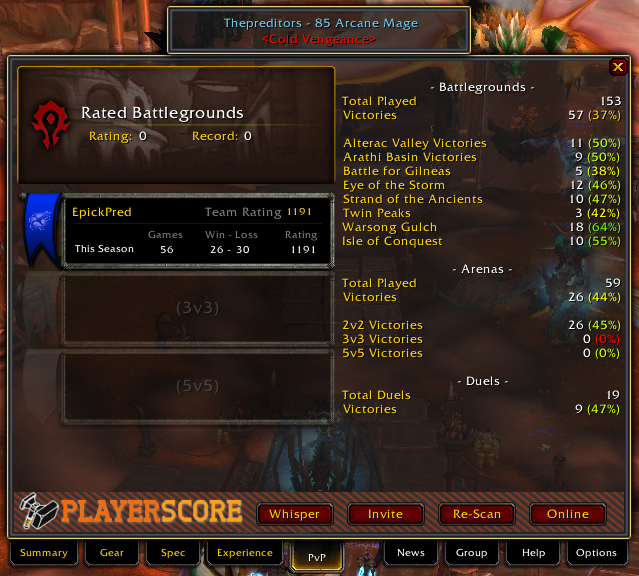
The PvP Tab allows you to view the pvp performance of a player. It also gives you a good idea of their overall pvp prowess.
Stats are rated from red (bad) --> green (good) to allow you to quickly process the information.(Note: Becaus...
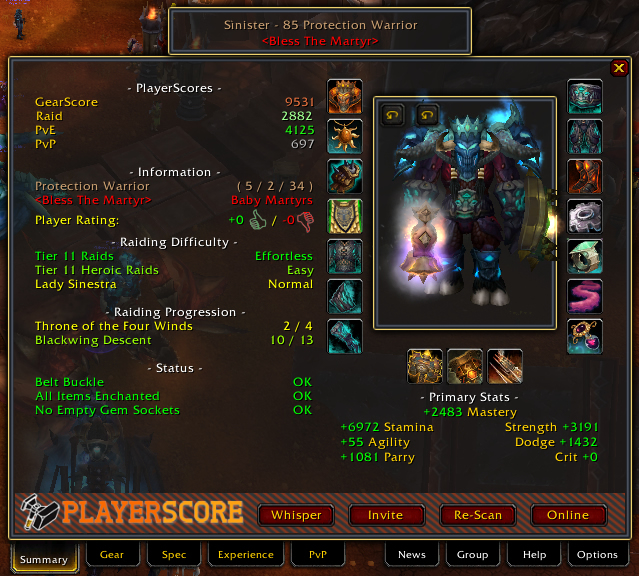
The Summary Tab allows you to quickly view a large amount of information about a player.
1. PlayerScores - Easily see 4 scores about a player's equipment and experience within the game.
2. Information - View their Class & Spec, their ...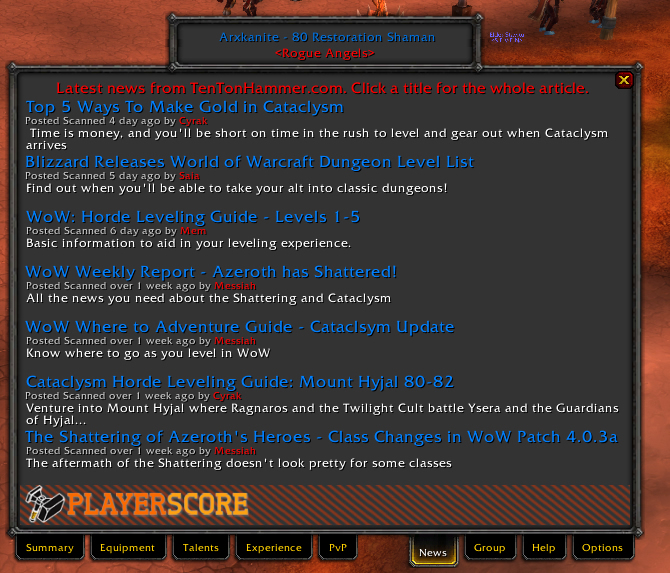
GearScore 4.0 News Tab
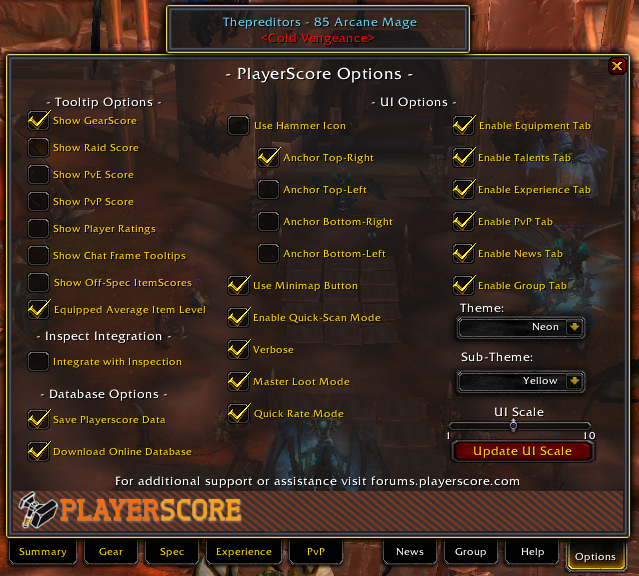
The options tab allows you to customize the addon in many ways. You can disable almost every individual feature, and all items have an in-dept description of their function (Mouse over the check box)
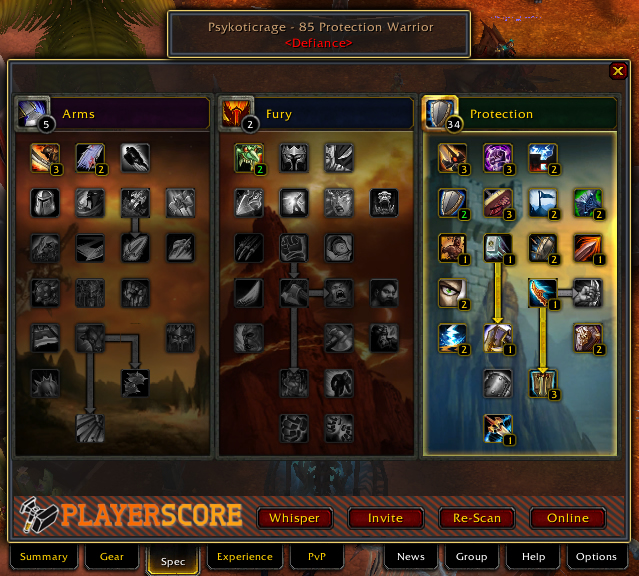
The spec tab allows you to see a player's Talents. You can also flag talents a player is using as positive or negative which will reflect poorly on the player and others who choose to use these bad specs.