Gear Planner
- By
Browse TBC dungeon and raid loot tables, build a personal gear wishlist, and track instance lockouts.
1.png
2.png
4.png
3.png
5.png
Description
# GearPlanner
Loot browser and gear wishlist for TBC Anniversary. Know exactly what you need, where it drops, and which dungeons you've already cleared today.
Features
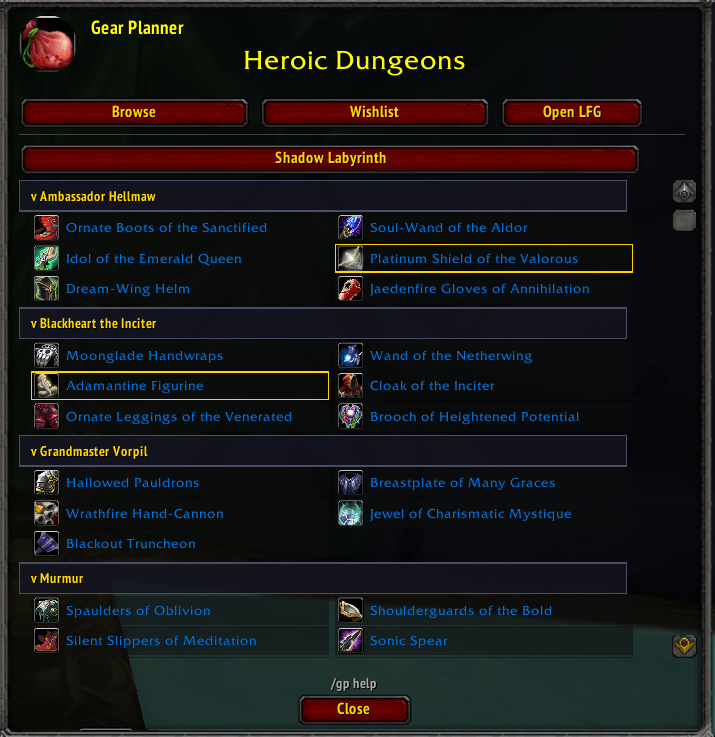
- Browse loot tables - Full loot database for all TBC dungeons (Normal & Heroic) and raids (Karazhan through Sunwell Plateau). Filter by Normal Dungeons, Heroic Dungeons, or Raids.
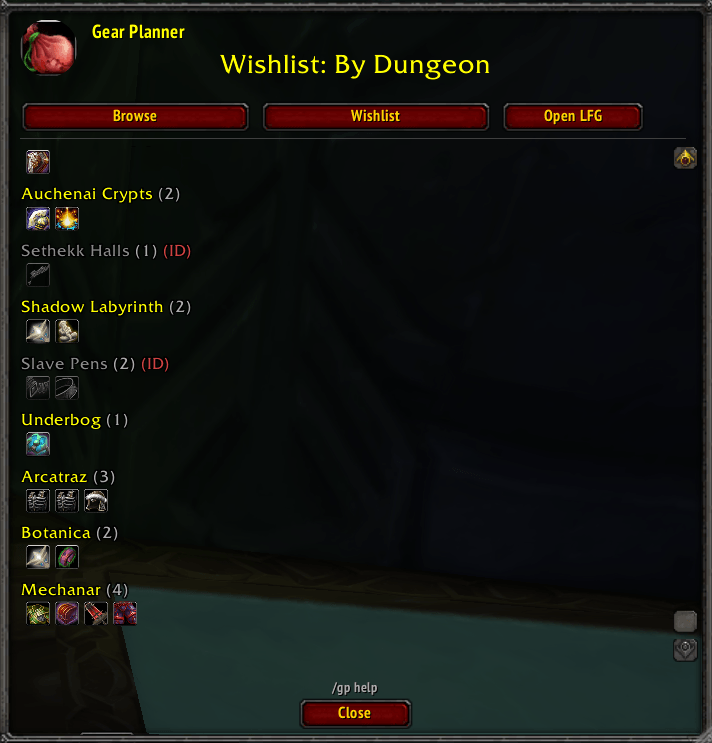
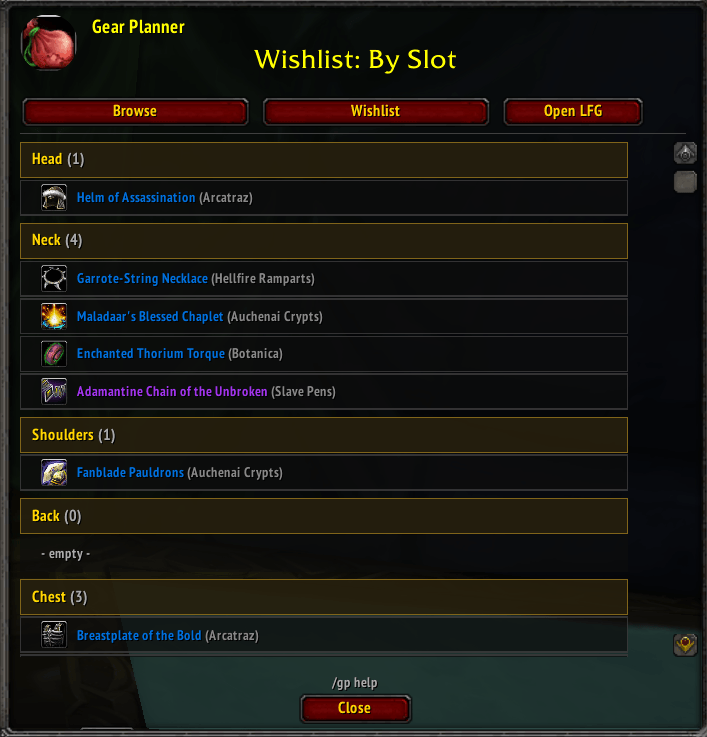
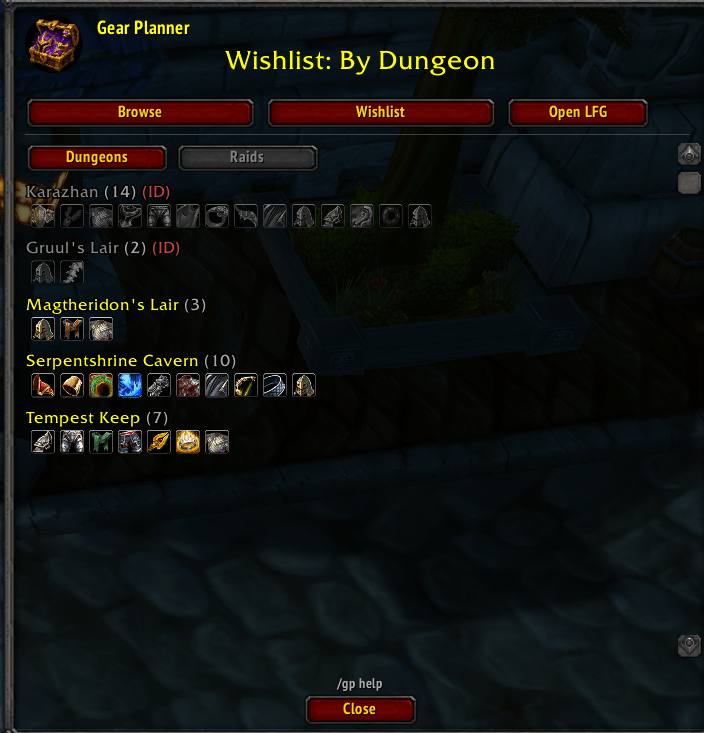
- Gear wishlist - Right-click any item to add it to your personal wishlist. View your wishlist organized by equipment slot or by dungeon.
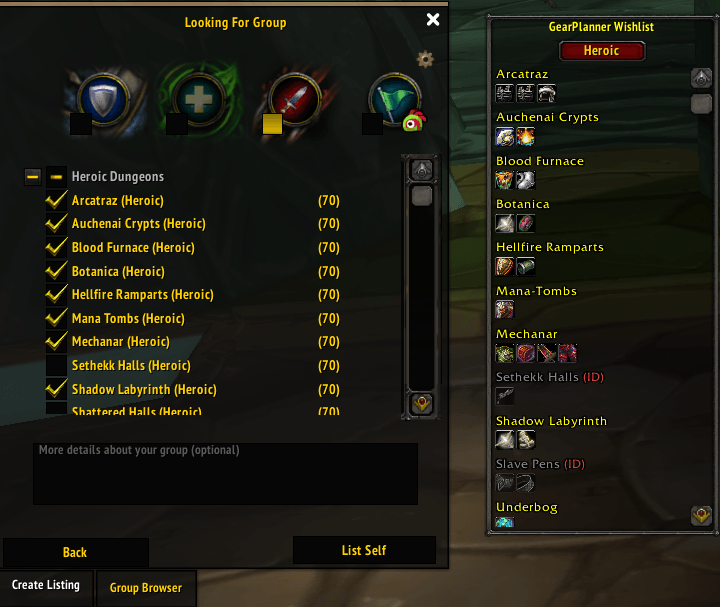
- Instance lockout tracking - Heroic dungeons with an active lockout are grayed out and marked with (ID), so you always know which ones you can still run.
- LFG integration - Opens the Group Finder with a helper panel showing your wishlisted items per dungeon. Toggle between Normal, Heroic, and Raid views.
- Minimap icon - Quick access via minimap button (LibDBIcon).
Usage
1. Type /gp or click the minimap icon to open the window.
2. Use Browse to explore loot from any dungeon or raid.
3. Right-click items to add/remove them from your wishlist.
4. Use Wishlist to review your selections by slot or by dungeon.
5. Click Open LFG to open Group Finder with a wishlist summary docked beside it.
Slash Commands
- /gp - Toggle the main window
- /gp help - Show available commands
- /gp howto - Quick usage guide
- /gp version - Display current version
Notes
- Wishlist data is saved per character.
- Window position, scale, and last view are remembered between sessions.
- ESC closes the window.
- Lockout status refreshes automatically when you exit a dungeon.
Gear Planner Team