
GatherSlave
- By

All-in-one gathering tracker addon, showing your tools, buffs and performance.

The compact view is used when actively farming.

Inspired from LootAppraiser for dopamine hits! Pops up if the total value of looted items from a single node exceeds the limit set in the Options window.
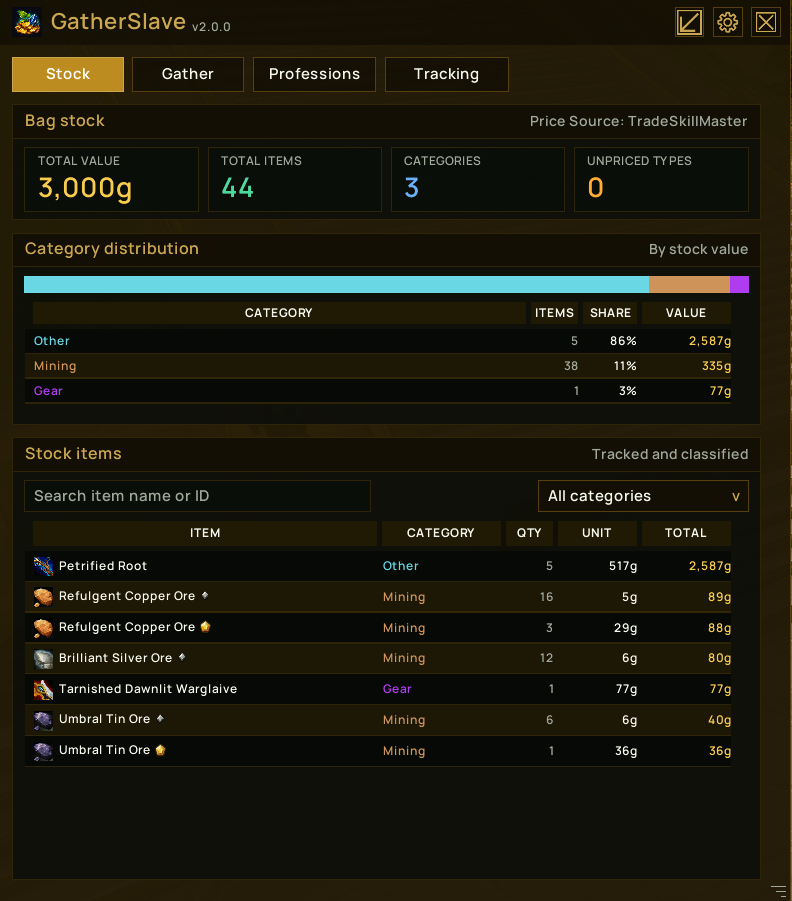
A summary of tracked stock currently in your bags.
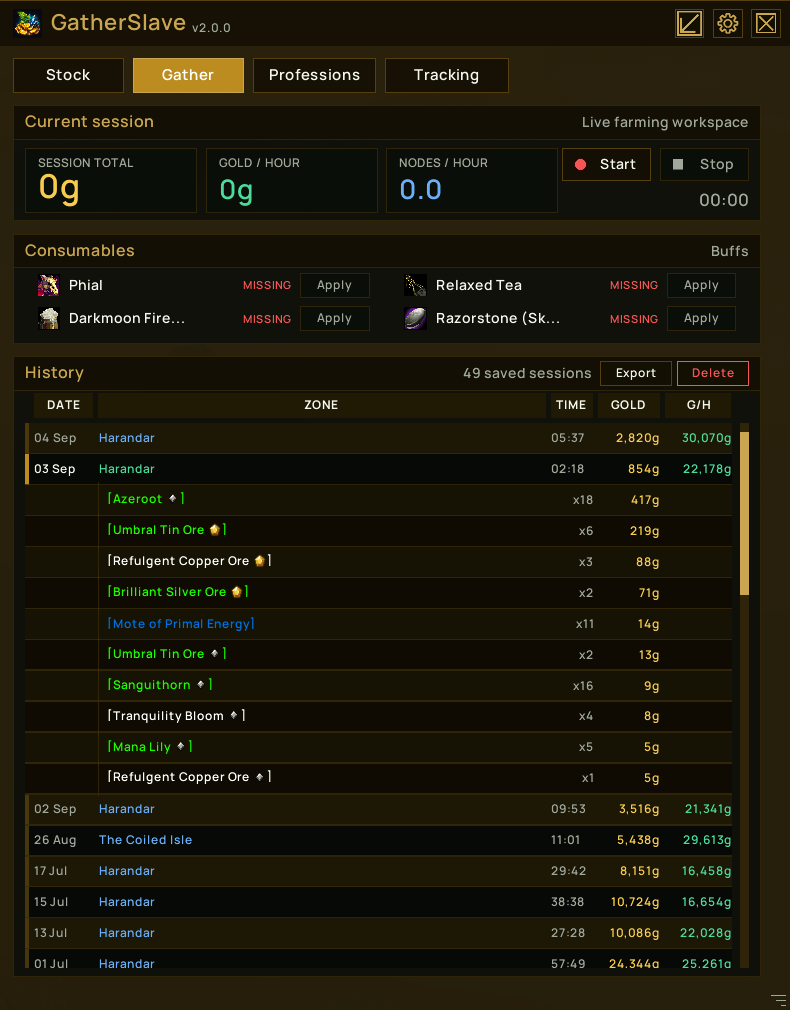
The Gathering Page is used to look at the current farming session (if active), as well as consumable status. Previous farming sessions can also be viewed.
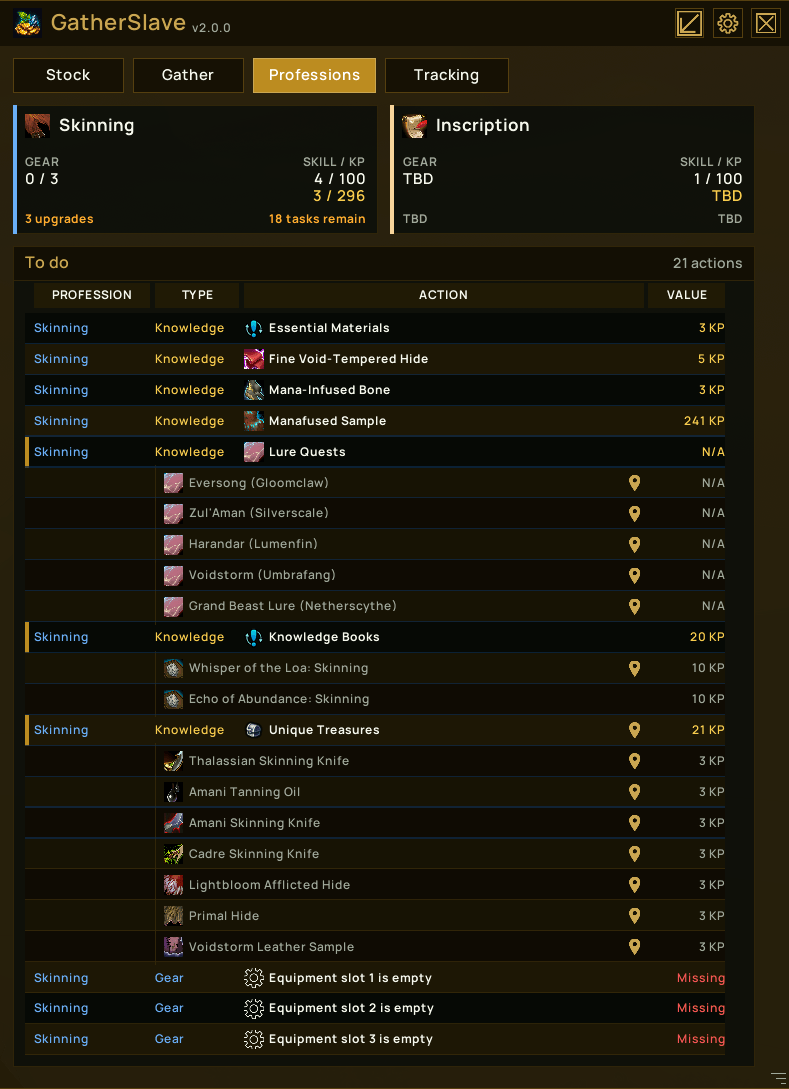
The professions page provides details on your current professions and outstanding tasks or gear improvements for each profession.
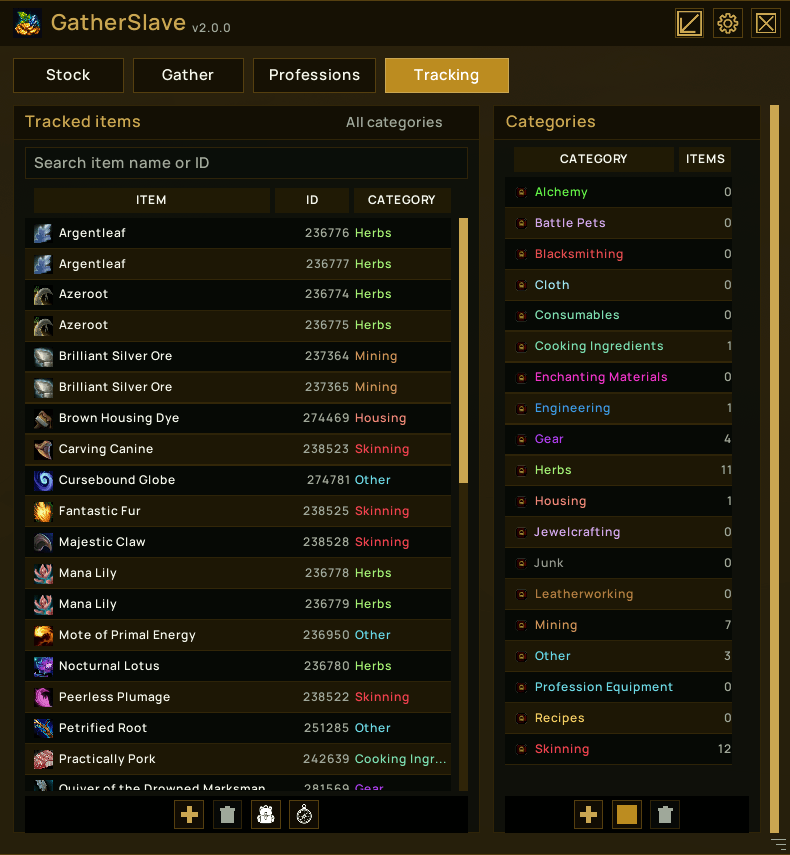
The tracking page allows you to specify which items you are interested in tracking, which categories these belong to, create new categories, set colours for categories, etc.