

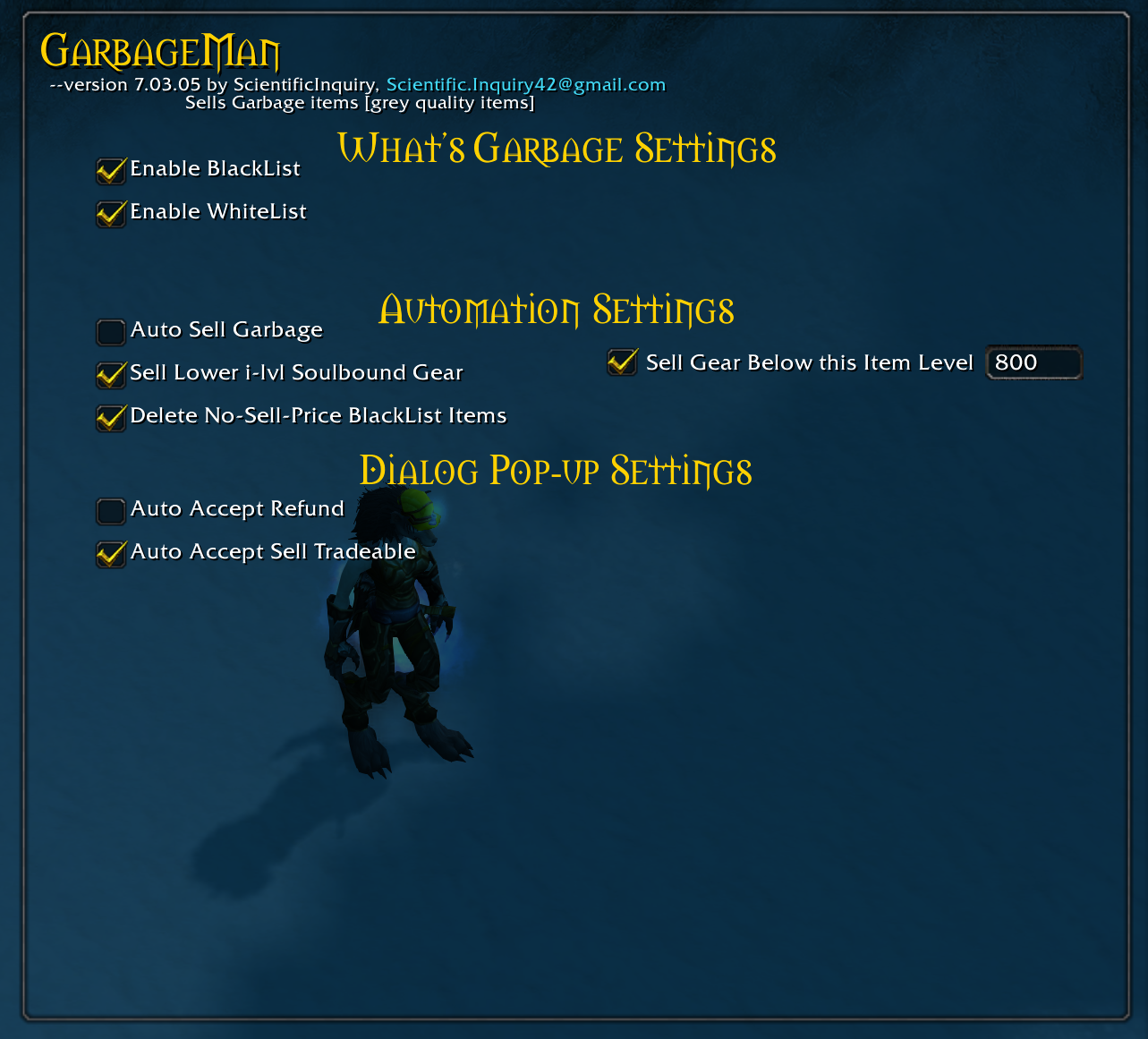
Enable/disable criteria that specifies what is garbage
![Thumbnail Shows the sell button [treasure chest] and filter button [orange eye]](https://media.forgecdn.net/attachments/226/265/garbage-button-merchant-window.PNG)
Shows the sell button [treasure chest] and filter button [orange eye]
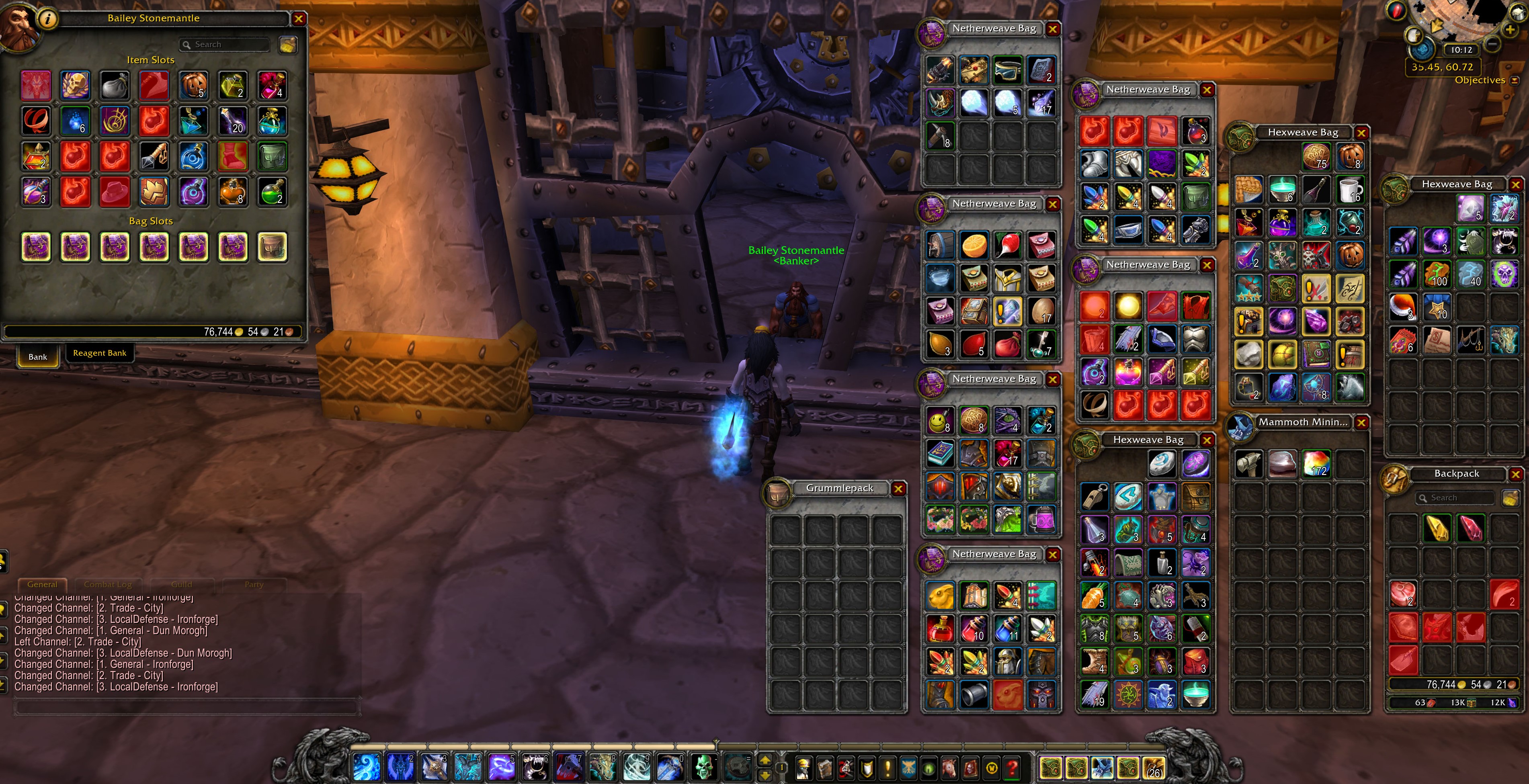
Marks Garbage items in Bank and Bags with a red highlight
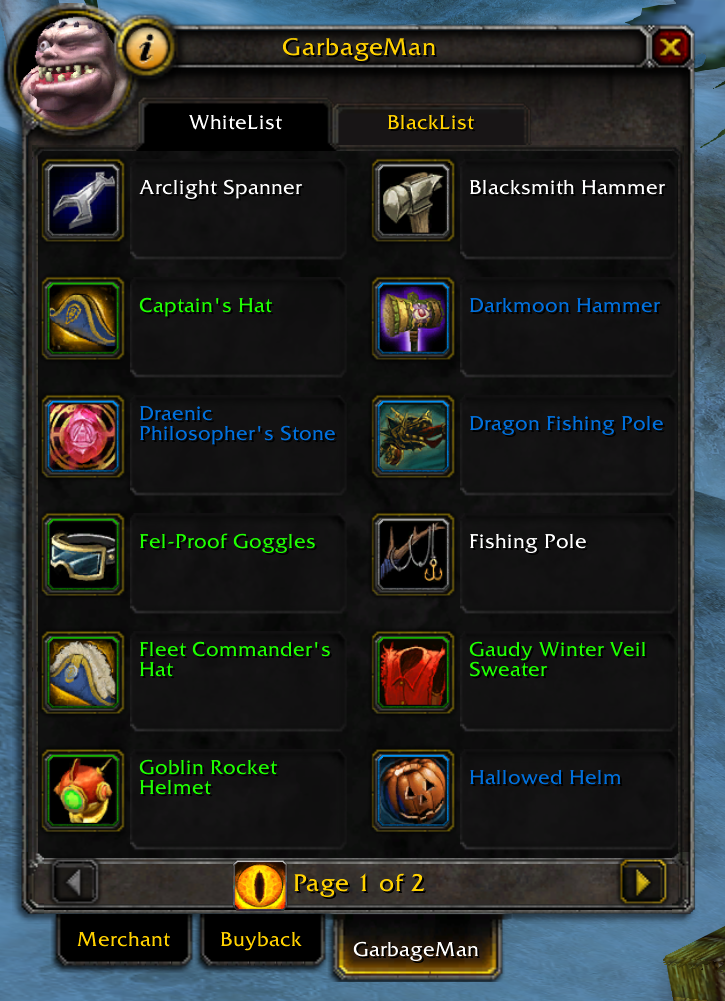
Shows items on the whitelist--They will not be sold or deleted, if whitelist is enabled.
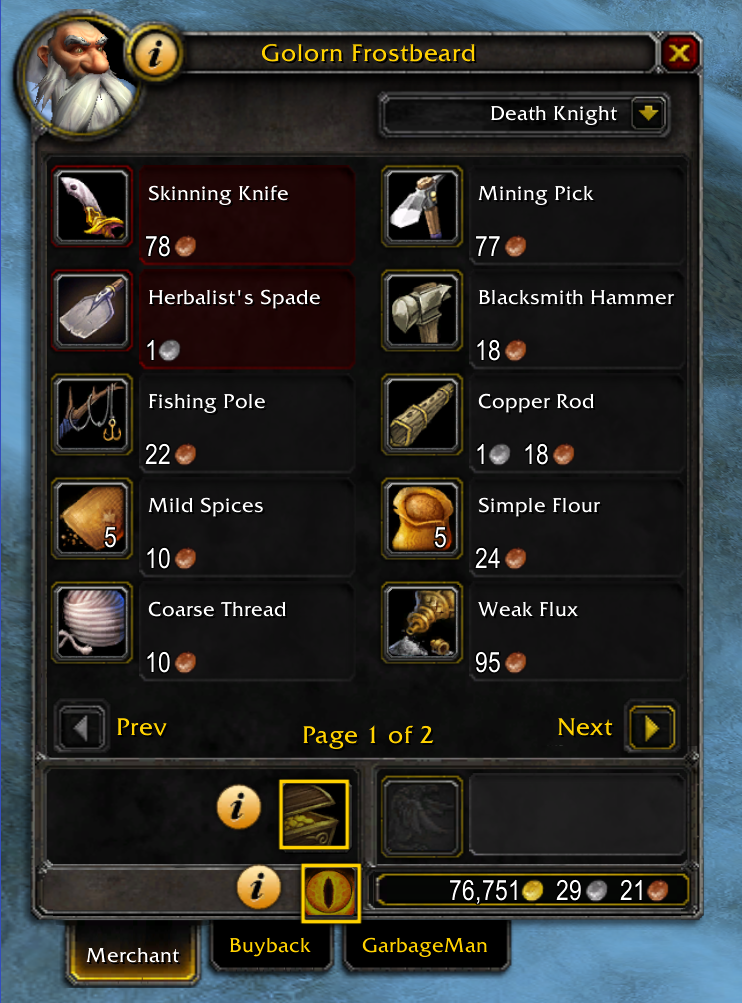
Clicking the help button next to the merchant portrait highlights GarbageMan buttons. To turn off tutorial mode, click the help button again.
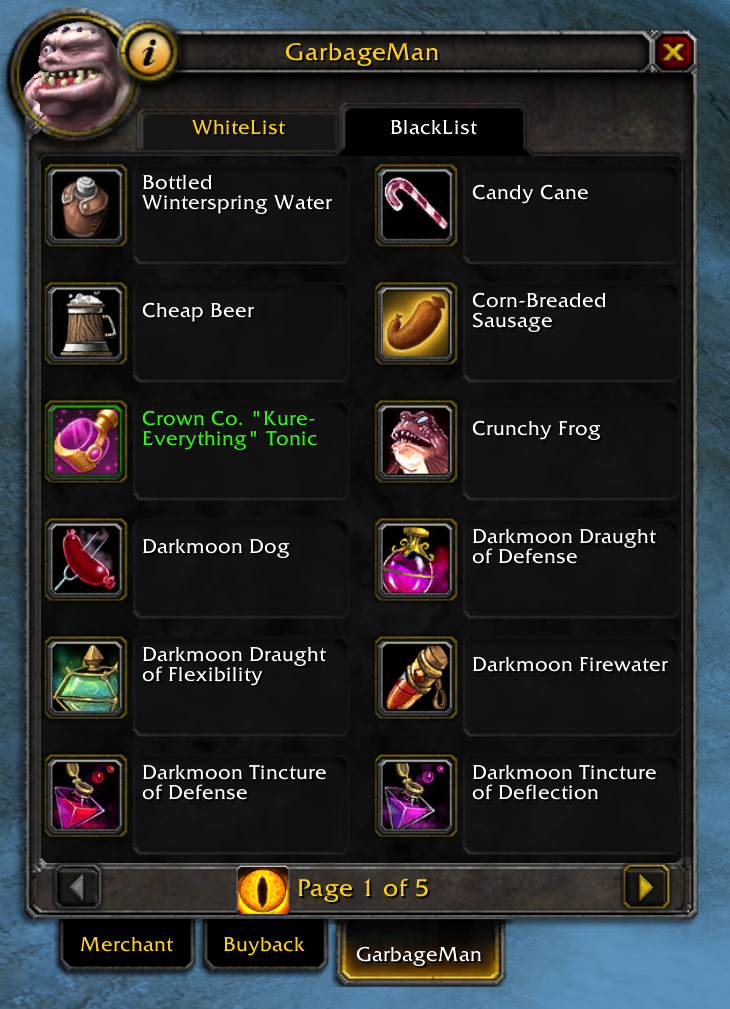
Shows items on the blacklist--They are sold or deleted if the blacklist is enabled.
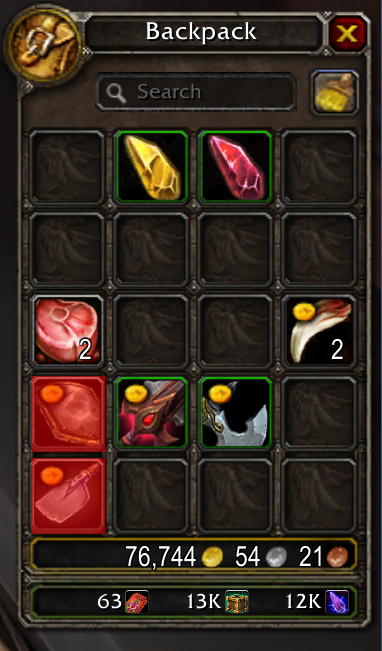
When clicking the garbage button: Items with a gold coin will be sold. Items colored red will be deleted.