
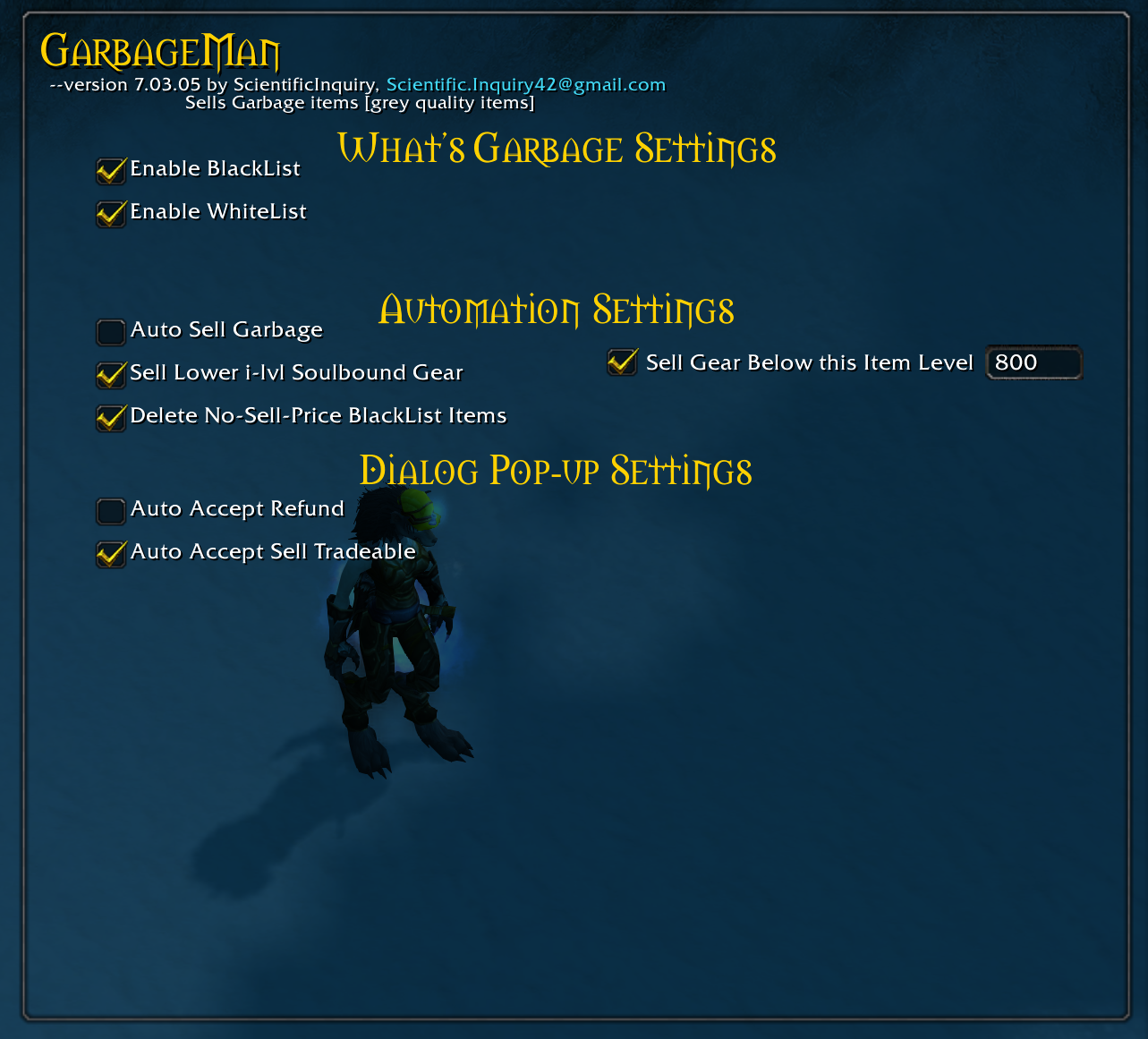
Enable/disable criteria that specifies what is garbage
![Shows the sell button [treasure chest] and filter button [orange eye]](https://media.forgecdn.net/attachments/226/265/garbage-button-merchant-window.PNG)
Shows the sell button [treasure chest] and filter button [orange eye]
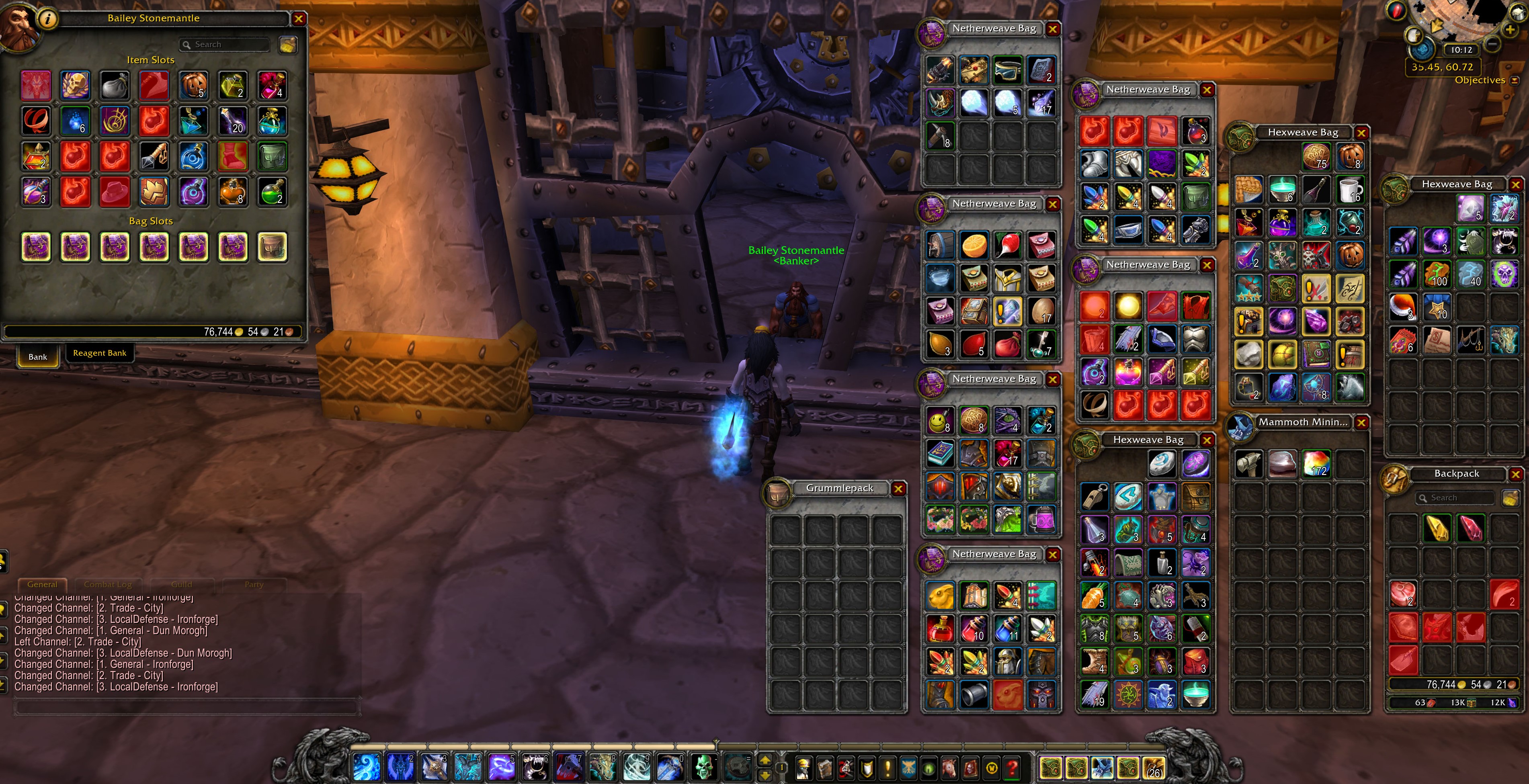
Marks Garbage items in Bank and Bags with a red highlight
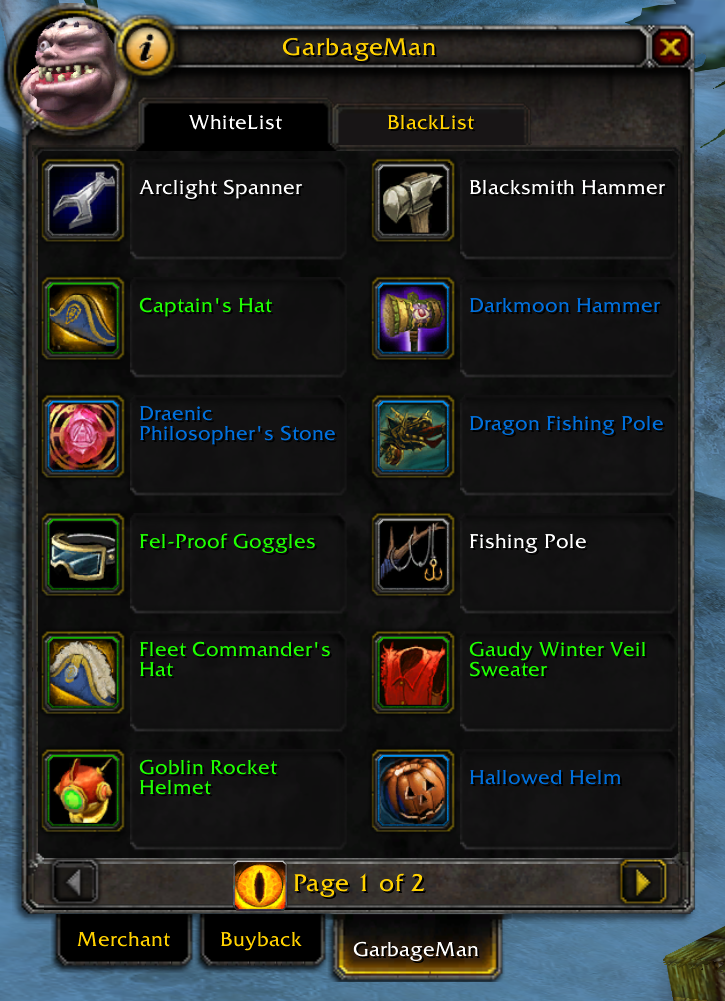
Shows items on the whitelist--They will not be sold or deleted, if whitelist is enabled.
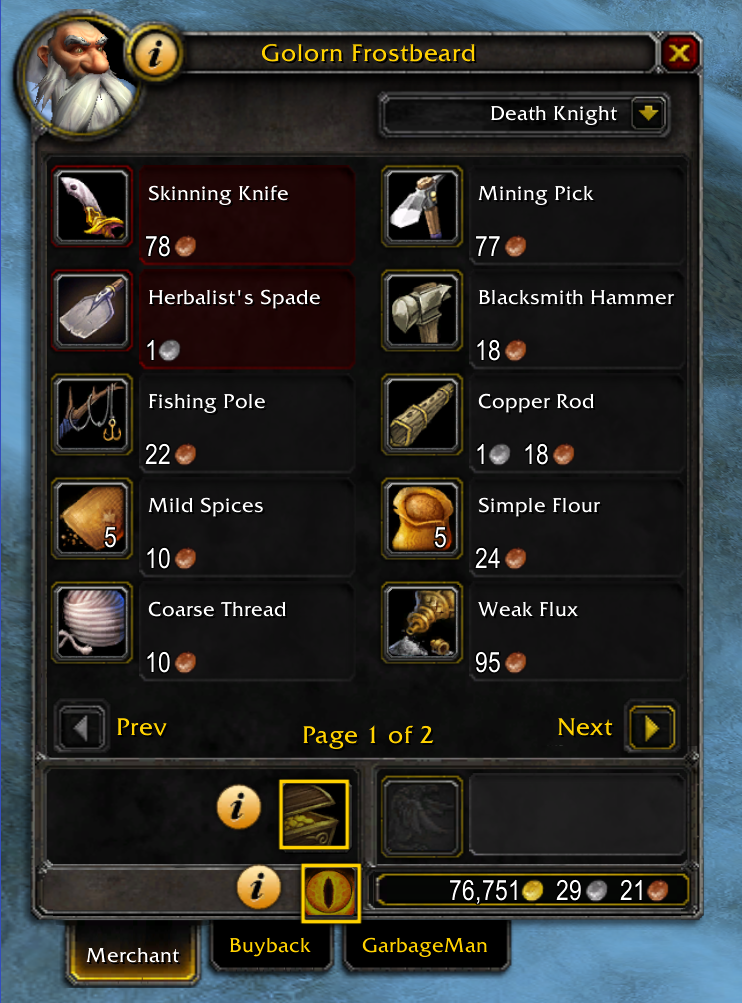
Clicking the help button next to the merchant portrait highlights GarbageMan buttons. To turn off tutorial mode, click the help button again.
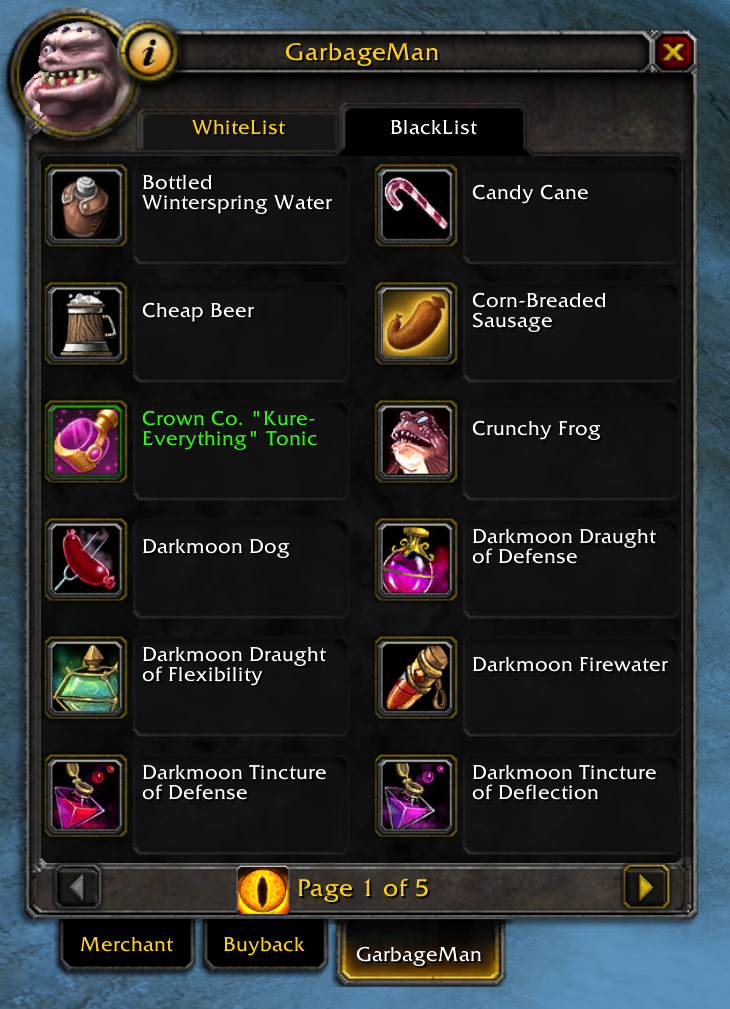
Shows items on the blacklist--They are sold or deleted if the blacklist is enabled.
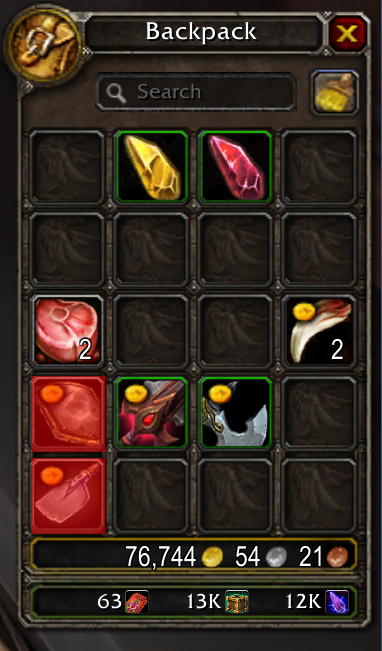
When clicking the garbage button: Items with a gold coin will be sold. Items colored red will be deleted.
Description
One man's trash is another man's treasure! Keep or sell both!
GarbageMan allows you with a button click to sell or delete unsellable Garbage.
Garbage can be the following based on user settings:
- Grey items
- Blacklisted items
- Low-level gear
Features
- Build a whitelist of items you don't want GarbageMan to sell (e.g. [A Steamy Romance Novel]/[Pandaren Fishing Pole])
- Build a blacklist of items GarbageMan should always sell/delete (e.g. [Preserved Holly])
- Marks a gold coin on sellable Garbage and highlights red Garbage that can only be deleted [when talking to a merchant]
- Filter items in your bags to find Garbage items quickly with a button click [when talking to a merchant]
- Highlights Garbage bright red to easily find [when visiting the bank]
Enabled by Settings:
- Sells gear below item-level threshold
- Sells lower item-level soulbound gear (N/A to artifact relics and weapons)
- Bypasses bind-tradable item dialog pop-up when selling item
- Bypasses refund item dialog pop-up when selling item
- Deletes unsellable Garbage
- Automatically sells Garbage when merchant window is opened
Slash Commands
/gm - opens GarbageMan settings
/garbageman - opens GarbageMan settings
Help
Need help understanding on how to use GarbageMan?
Click the help icon on the merchant or bank window.
Upcoming Features
- Selling lower i-lvl equippable weapons (presently does not consider offhand/mainhand combined i-lvl being less than 2-handed weapon----based on individual i-lvl, not combined)
- Creating account-wide and character-specific whitelist/blacklist (presently account-wide)
The GarbageMan Team
