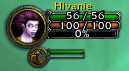
Enable the Integrate with party frames options to add an xp bar to party members that also have this addon.
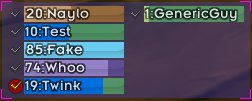
The miniframe with a friend rolled over in another column.

A bar that shows one friend's experience in more detail than the miniframe. Can be moved, resized, recolored, or completly disable if you don't like it.
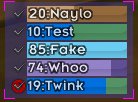
Allows for easy viewing of all your friends experience. The bars are colored by class with rest bonus appearing as a darker class color. The checkmark allows selecting a friend for viewing on the friendbar. A red symbol below the check mark indica...

LibDataBroker tooltip
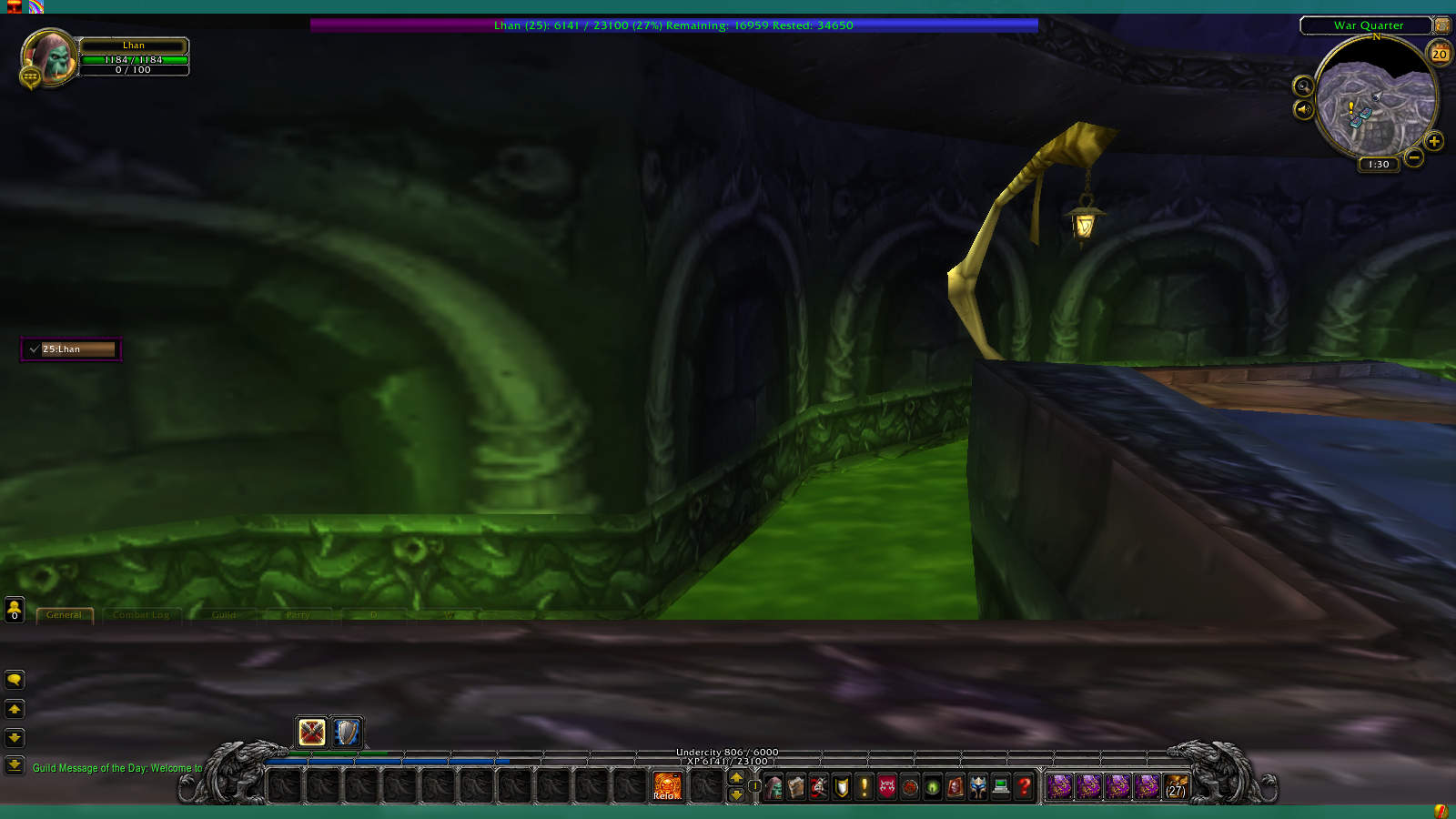
The top bar is called the friendbar and shows one friends xp in more detail. The box on the left side of the screen is called the Miniframe and by default can show up to 10 friends, but can be configured for less or more. Either or both of them can...
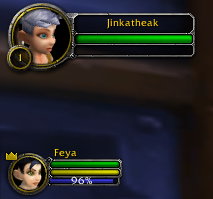
Enable the Integrate with party frames options to attach little experience bars to the party1 through party4 frames.
Description
If you have any feedback, suggestions, feature requests, or bug reports please open a ticket or leave a comment.
Allows viewing the experience of players who are also using this add-on. To see the experience of your friend you'll both need to have this addon and be in a party together.
Use /friendxp to pull up the configuration options or use one of the slash commands listed below to quickly enable or disable the parts you don't need.
Slash Commands
- /friendxp -> Open configuration options
- /friendxp togglelock -> Locks/Unlocks the frames for moving
- /friendxp toggle miniframe -> Enables/Disables the miniframe
- /friendxp toggle xpbar -> Enables/Disables the xpbar
- /friendxp toggle blizz -> Enables/Disables blizzard party frame integration
FriendXP Team

Owner