FrameShift UI
- By
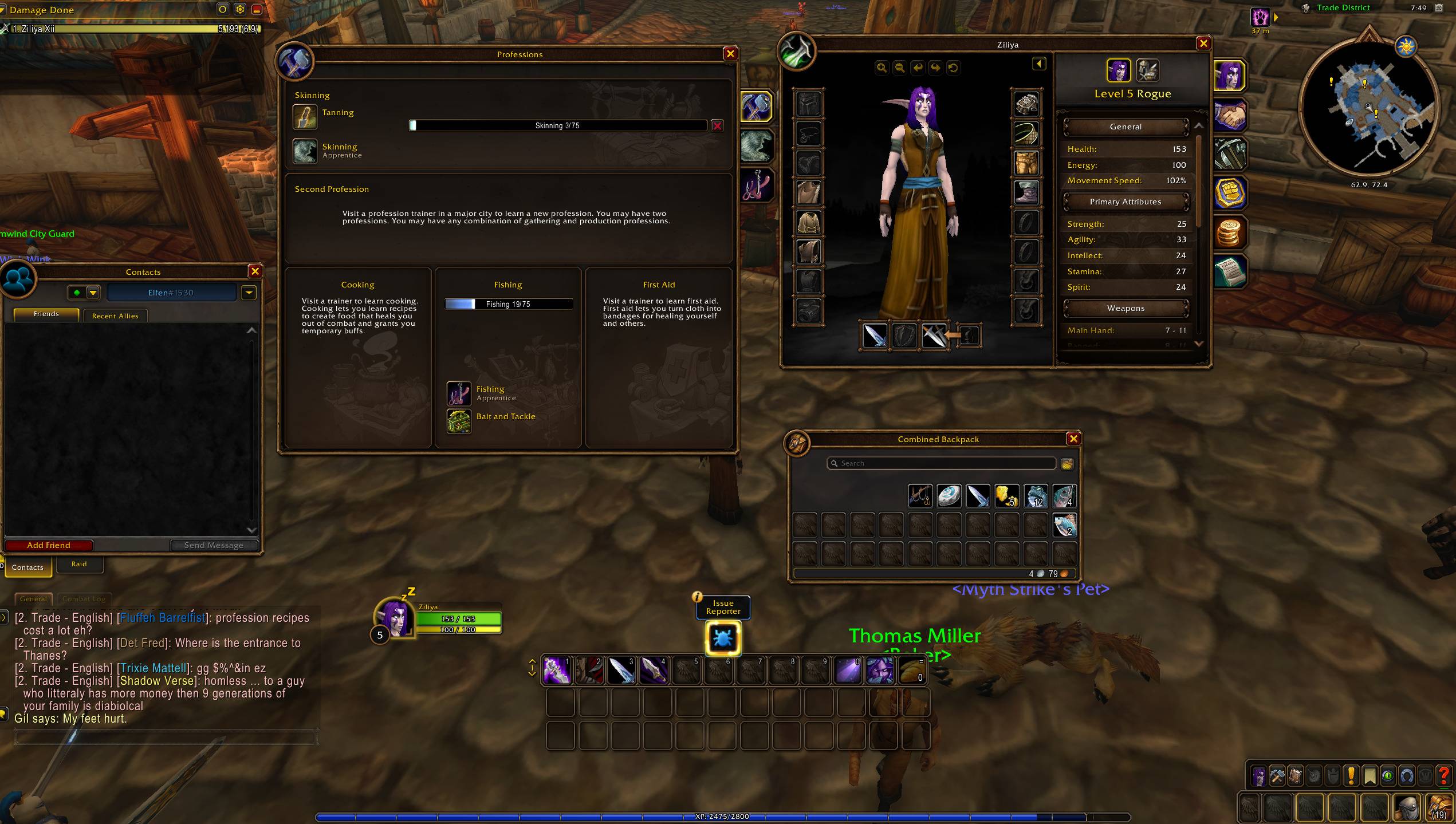
Move Blizzard UI windows freely, save their positions, and organize your interface with a simple drag-and-drop mode.
MA1.jpeg
MA2.jpeg
Description
FrameShift UI
FrameShift UI is an independently written addon for repositioning Blizzard interface elements and windows.
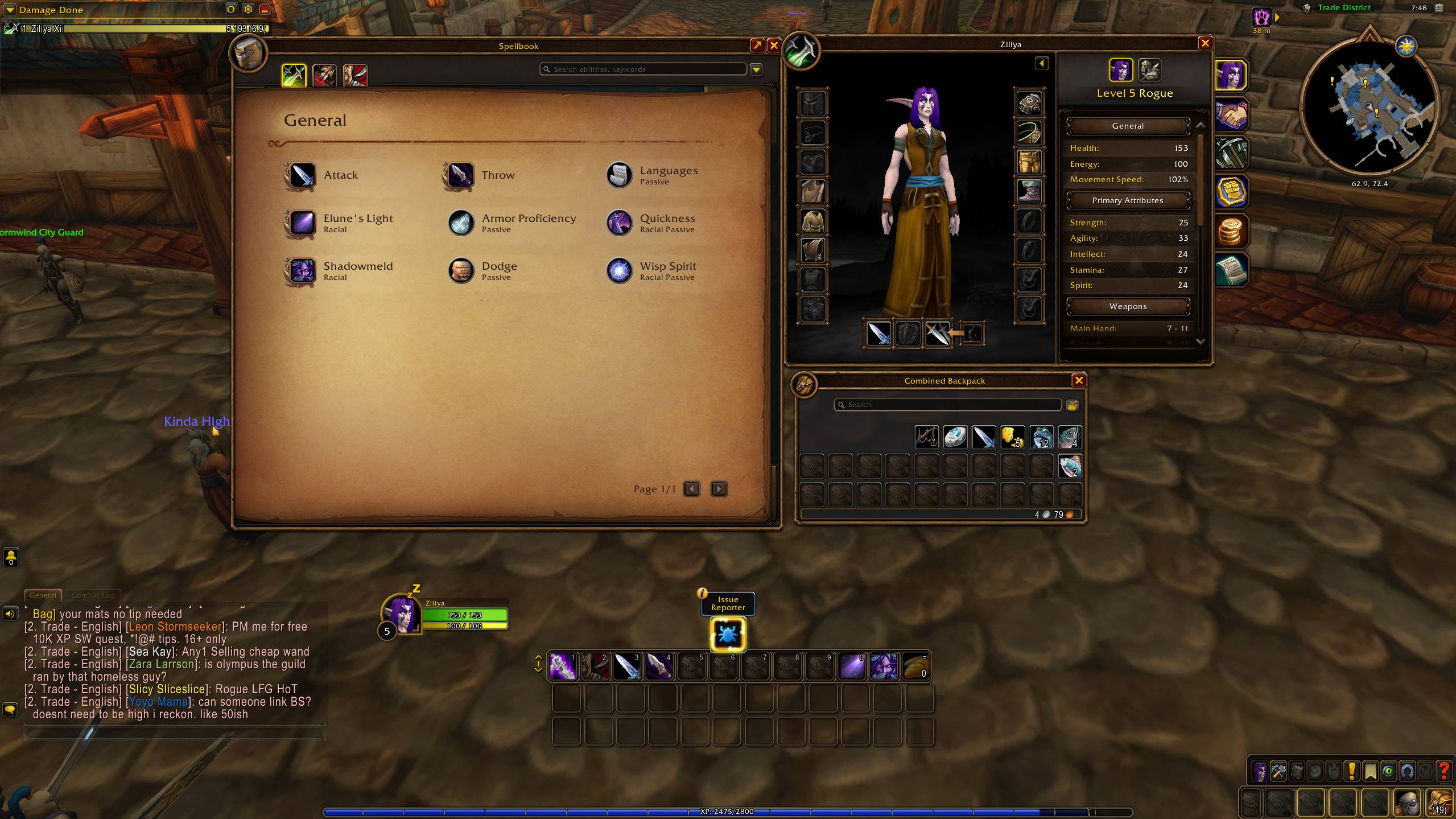
Type /frameshift to activate FrameShift Mode. Visible interface elements receive blue draggable areas, making them easy to place exactly where you want. Major Blizzard windows can also be dragged directly from their title bars.
Features
-
Move visible Blizzard interface elements
-
Drag major windows from their title bars
-
Move the Combined Backpack when it is open
-
Support for character, auction, vendor, bank, mail, profession, quest, guild, collection, settings, and other windows
-
Automatically detect windows loaded later
-
Save positions between sessions
-
Right-click a blue area to clear its saved position
-
Reset all saved positions with one command
-
Combat-safe handling for protected interface elements
Commands
-
/frameshift— Toggle FrameShift Mode -
/fs— Alternative command -
/frameshift refresh— Refresh available move areas -
/frameshift reset— Clear all saved positions and reload the interface
Some secure or temporary Blizzard elements cannot be repositioned during combat because of game restrictions.
FrameShift UI is not affiliated with or endorsed by any other addon project.
FrameShift UI Team

Owner