
Frame Maker
- By

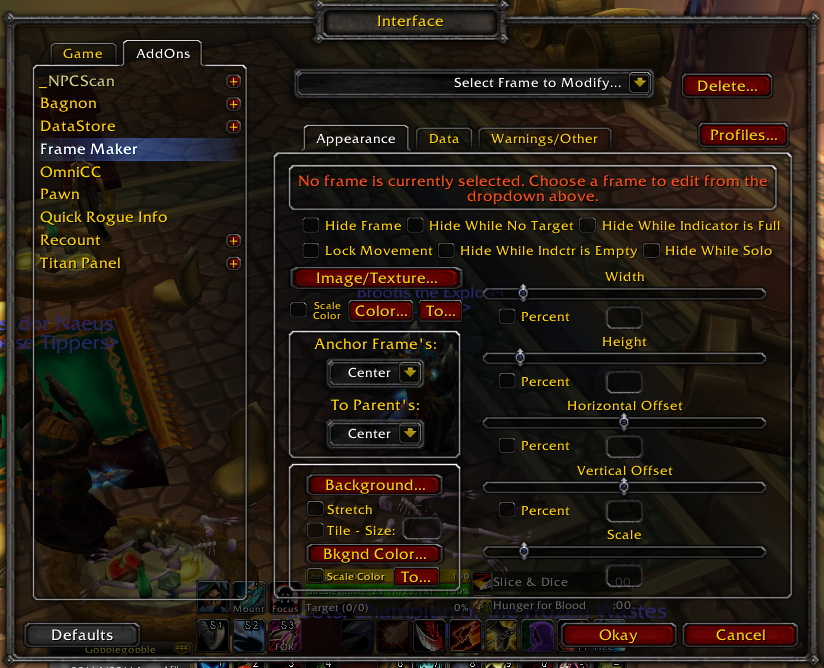
New frames are created in the interface-options. The first tab generally allows the alteration of the frame display. Colors, images, sizes, etc. are all fully customizable.
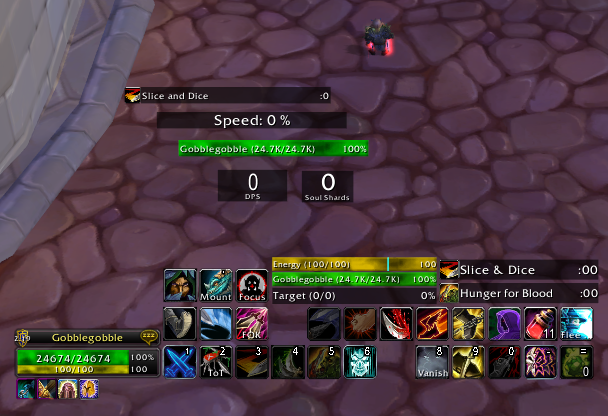
This image shows a few example frames that I quickly created. These are simple examples of a few of the thing that can be monitored. Near the top of the screen is a bar that monitors a self buff that rogues cast called Slice and Dice. Below that is a...
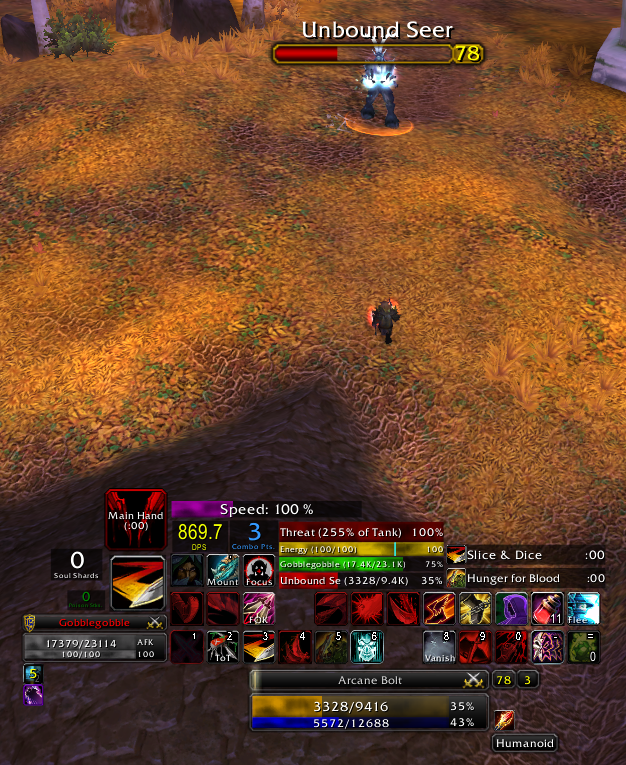
This image shows a few example frames that I quickly created. These are simple examples of a few of the thing that can be monitored. Near the top of the frames (starting with the indicator that says "Main Hand") is a reminder frame that reminds me th...
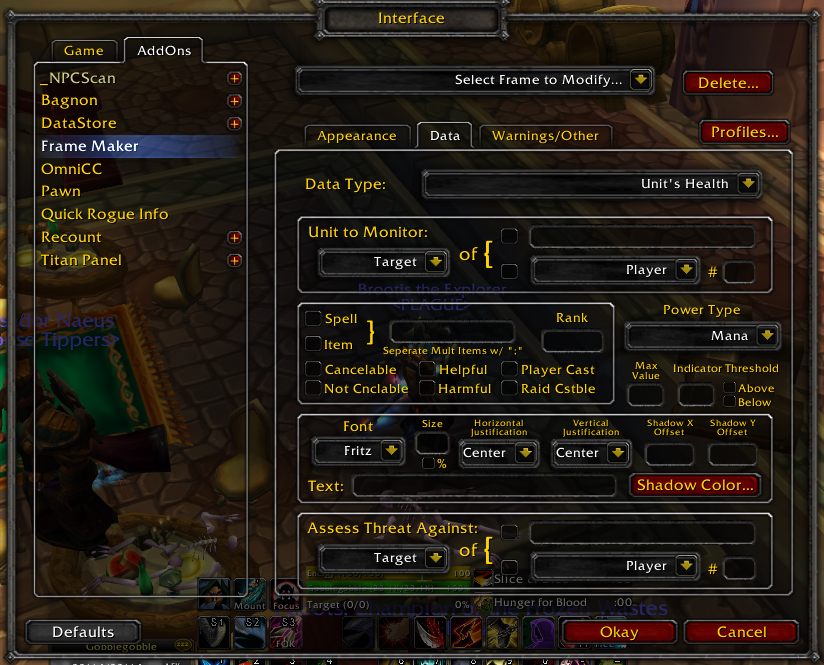
New Frames are created in the interface-options. The second option tab generally allows manipulation of the monitored data, how the monitored data is processed, etc.
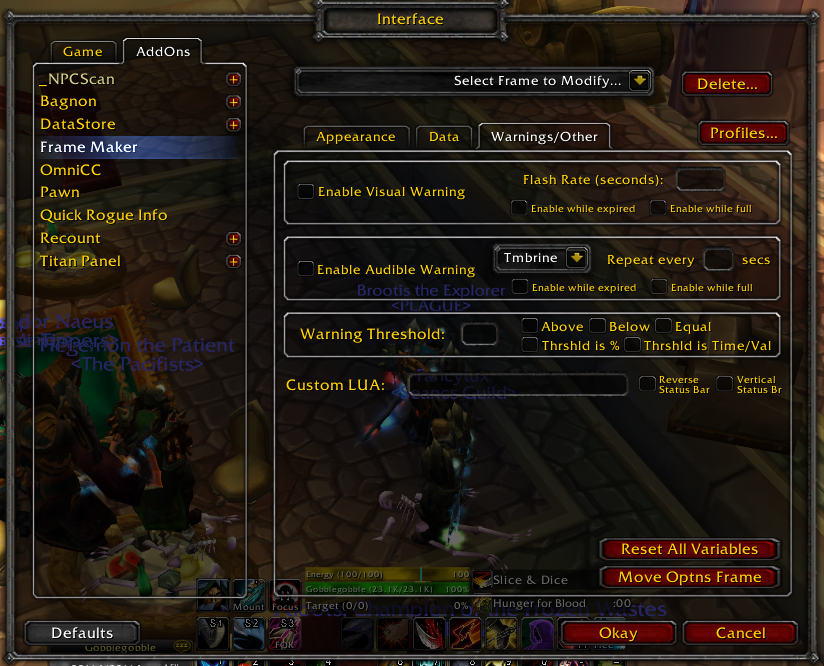
New frames are created in the interface-options. The third options tab allows creating custom warning events for each frame and has some other options as well.