
ForeverLayers
- By

Find addon helpers in your zone and request group invitations to test layer changes in WoW Forever, with optional AutoLayer compatibility.
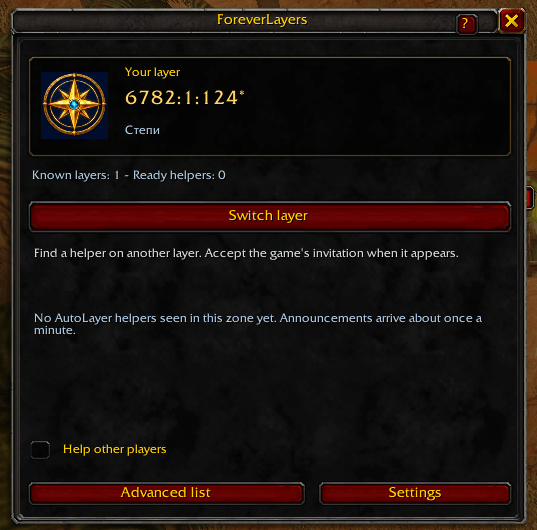
View your provisional copy code and click Switch layer to search for a helper.
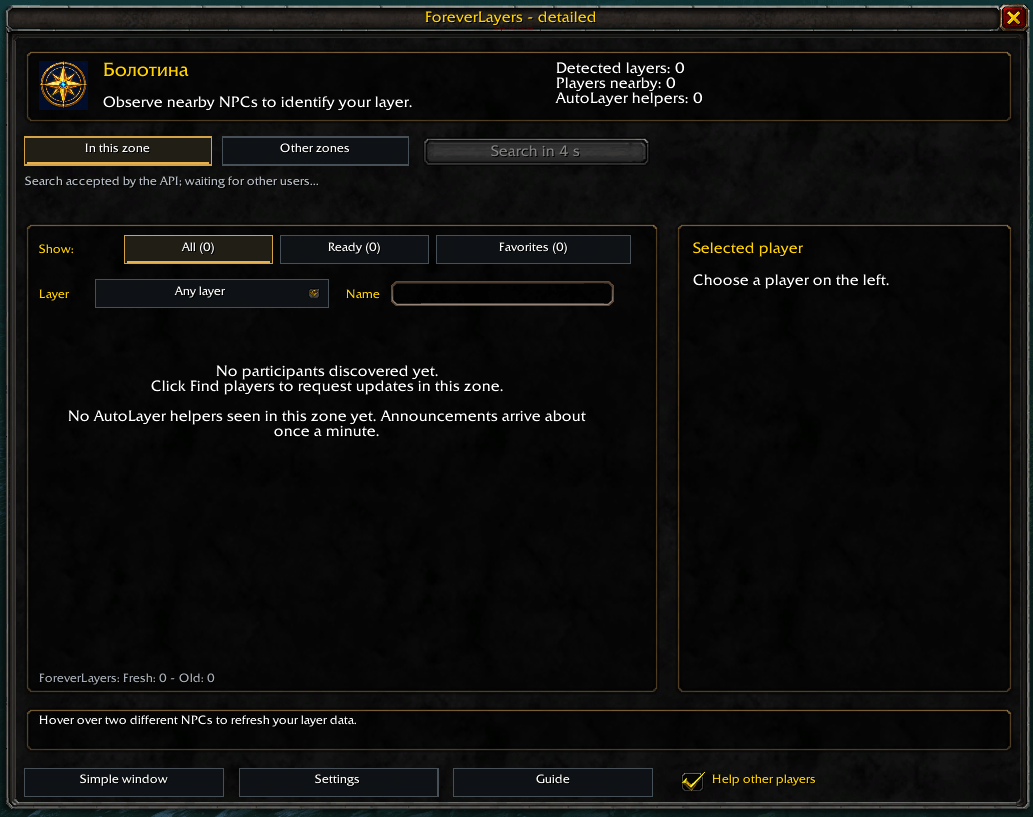
Find participants in your zone, filter by layer, name or readiness, and view player details before requesting a group invitation.
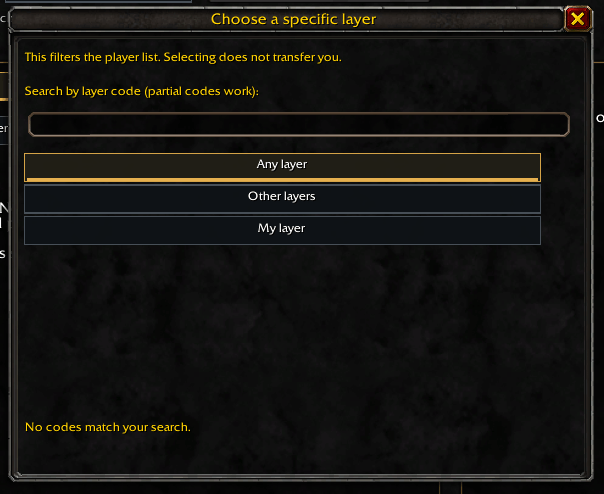
Filter discovered players by layer within your current zone, or search by full or partial copy code. Selecting a filter does not change your layer.
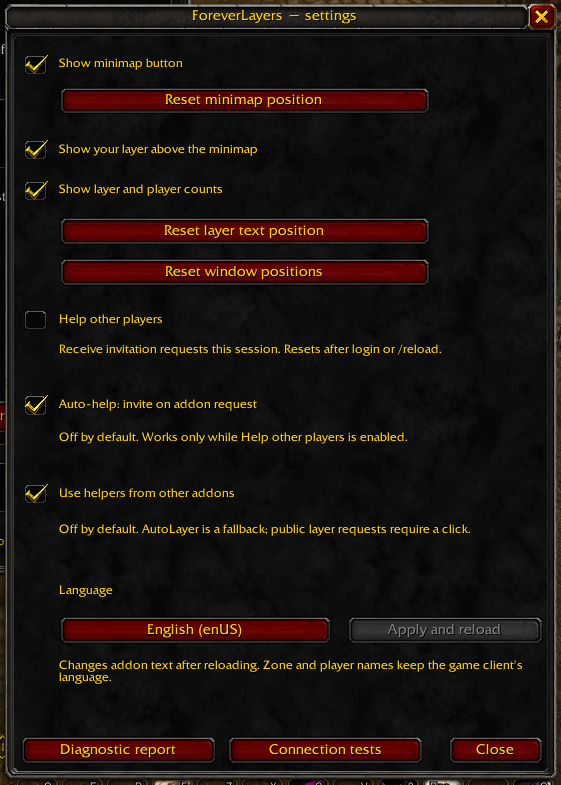
Customize minimap displays, helper options and the interface language.
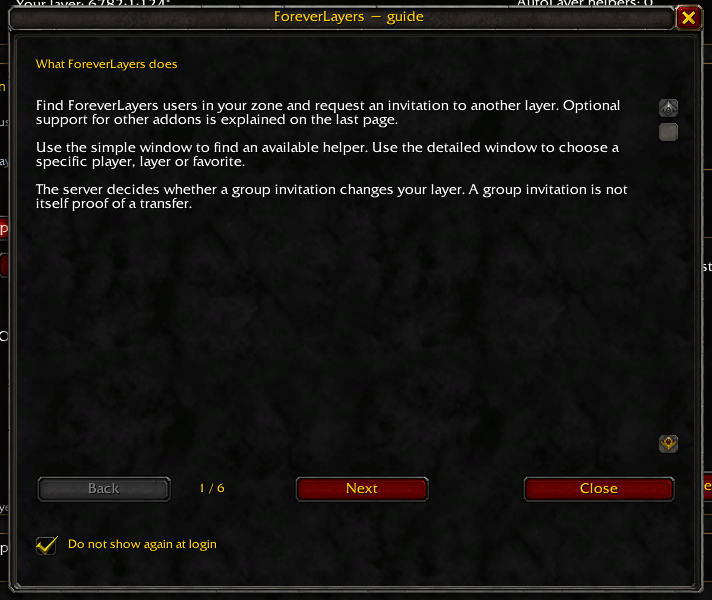
Learn how to identify your zone copy, find helpers and request an invitation.
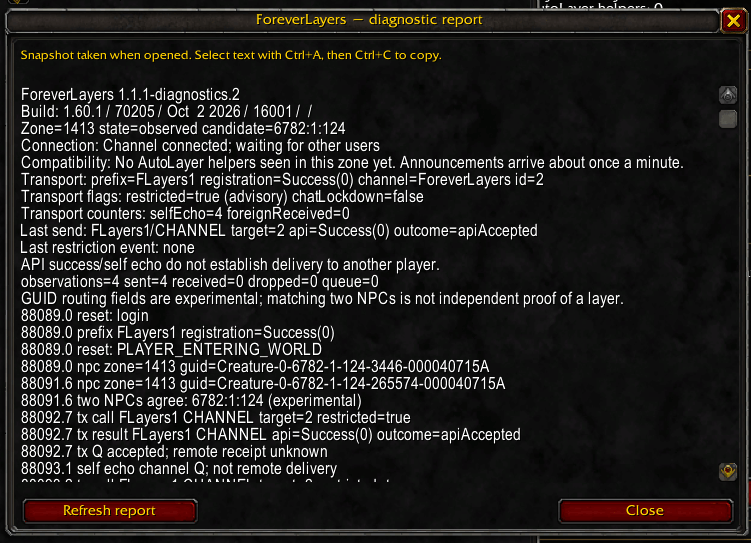
View connection status, NPC observations and message results in a copyable report.
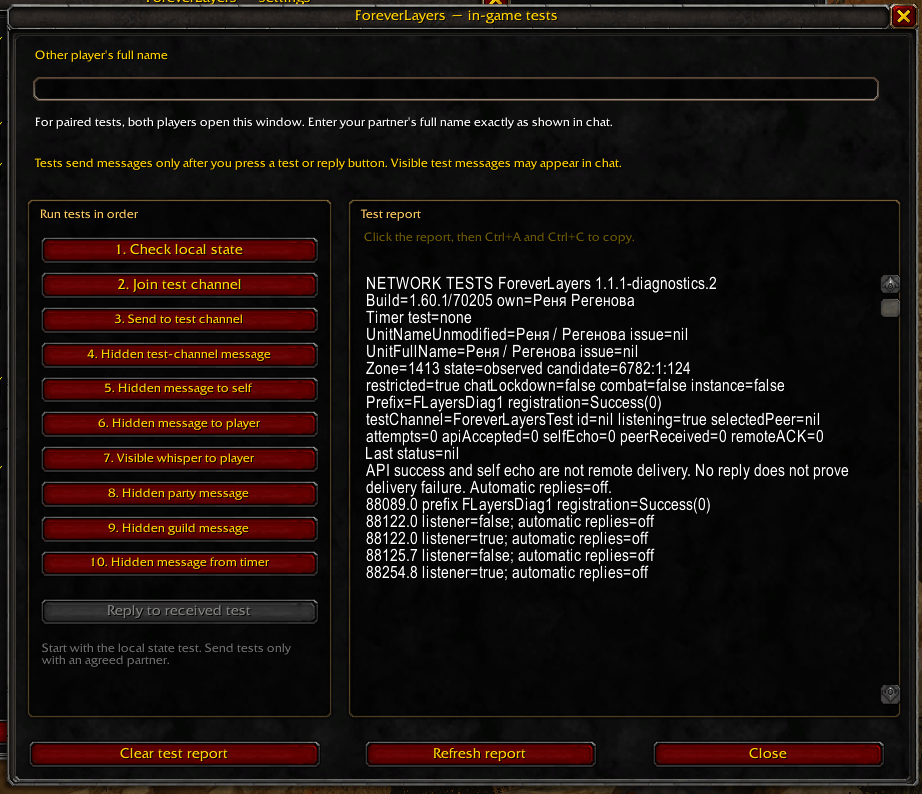
Run optional communication tests and copy the results for troubleshooting.