Forever Smart Graphics
- By
Smart graphics that adjust themselves: maximum fidelity at your target FPS, zone by zone.
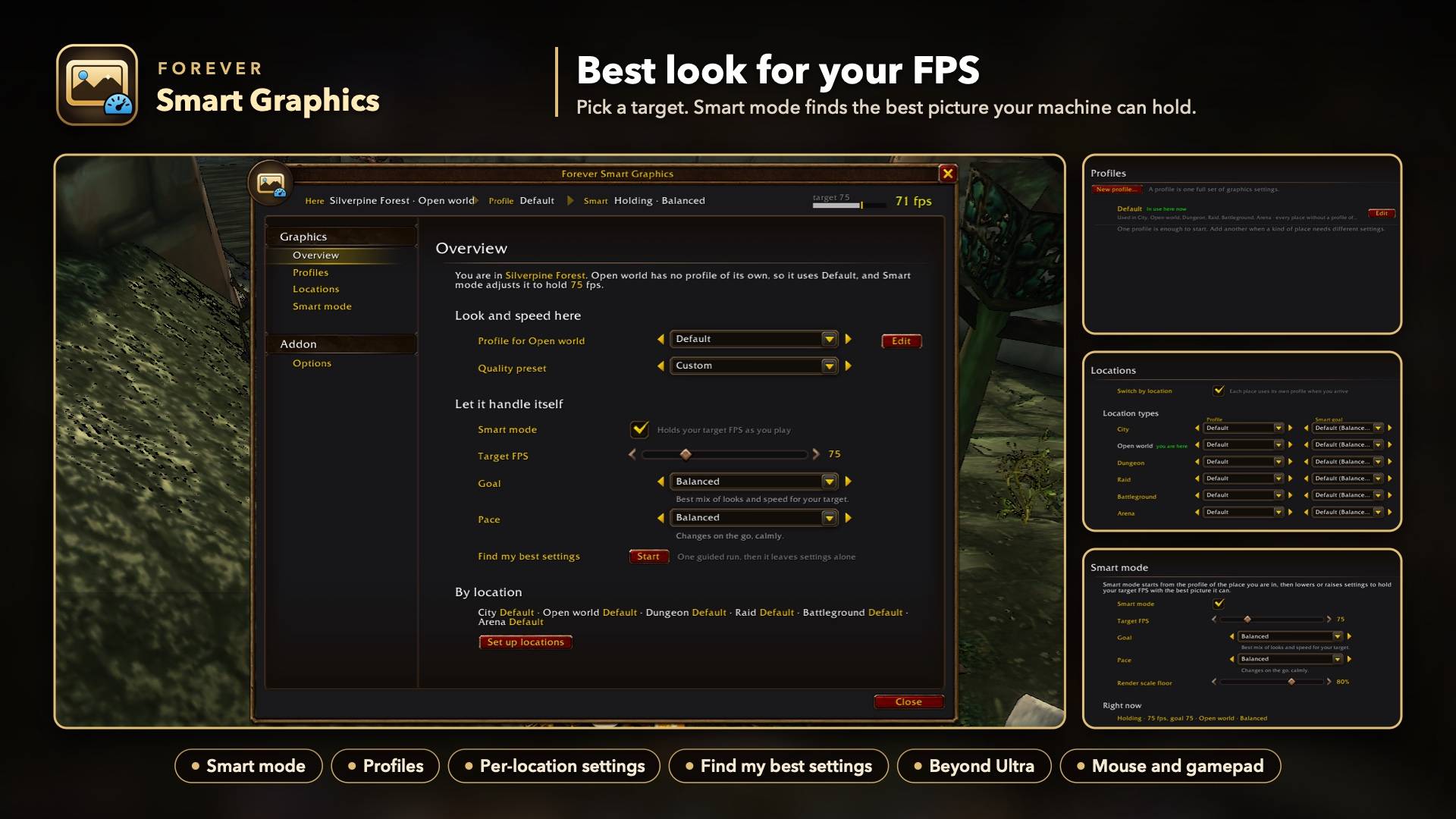
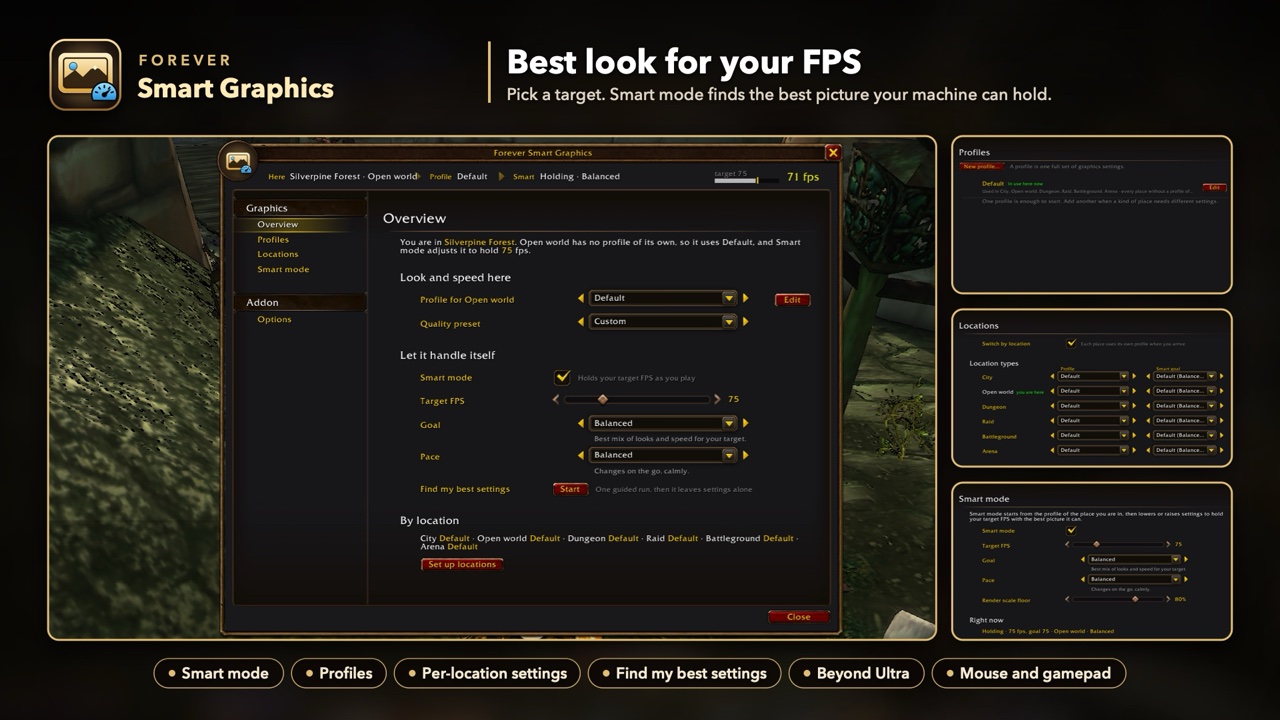
00-overview.jpg
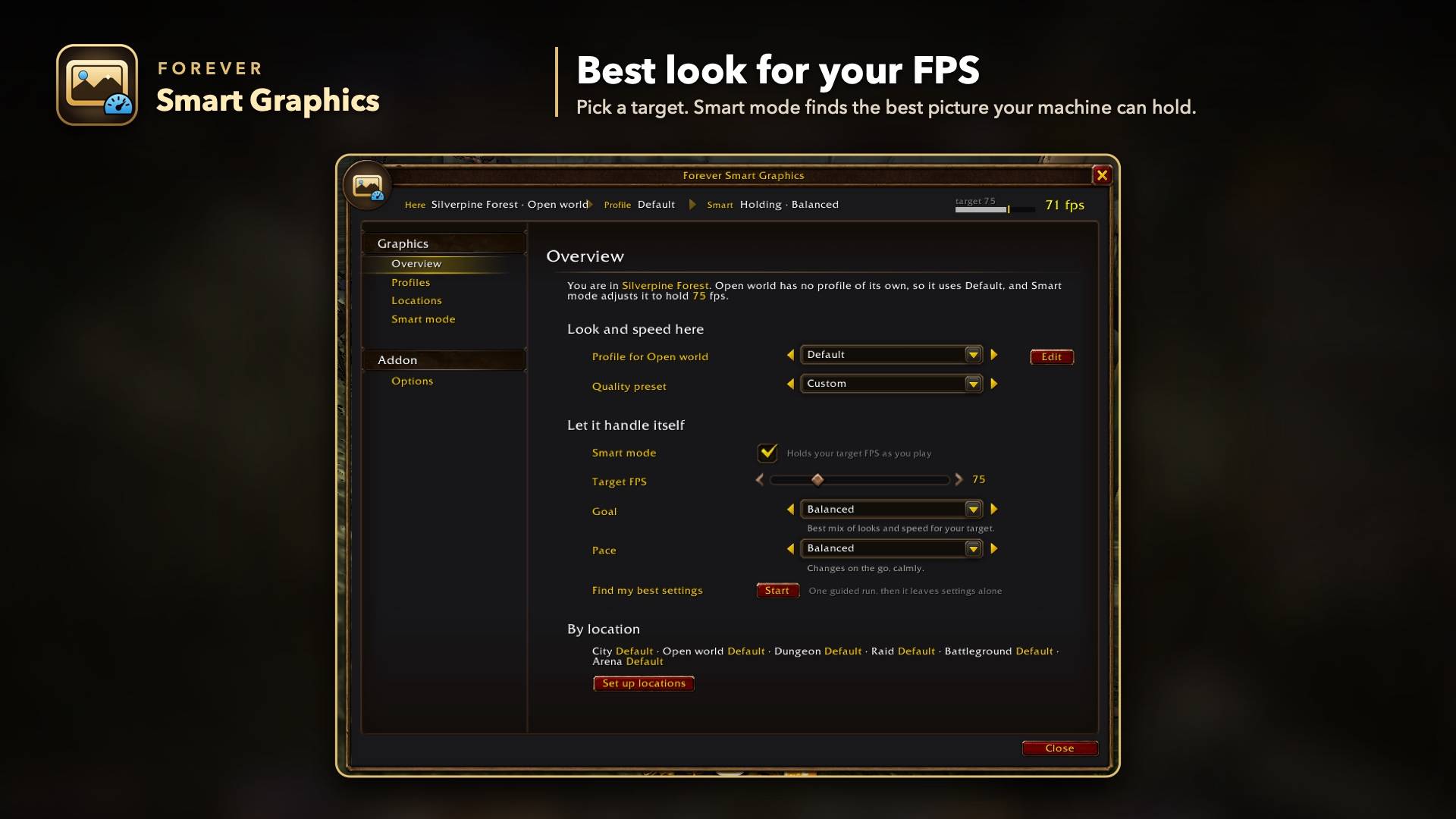
01-overview.jpg
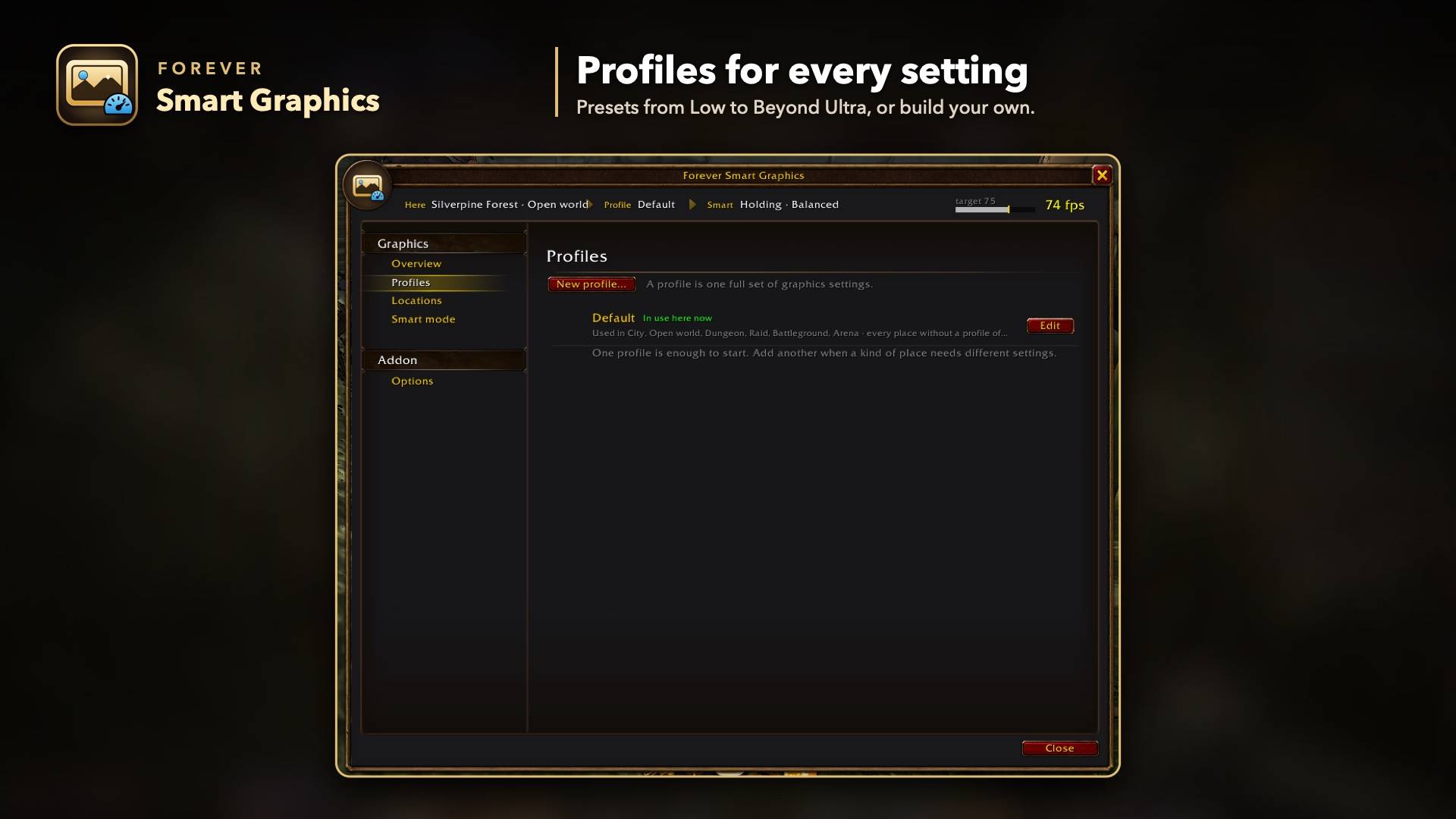
02-profiles.jpg
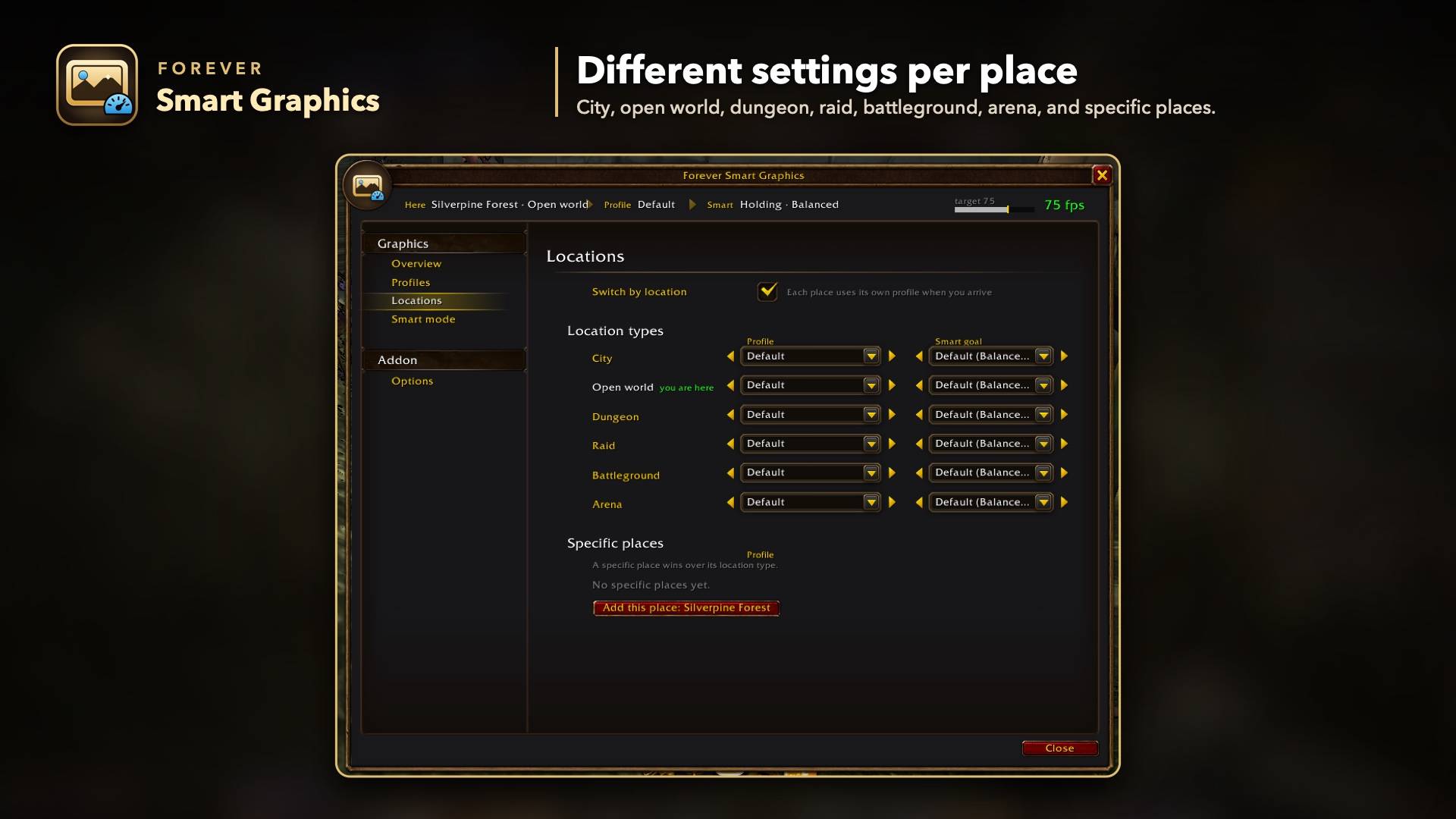
03-locations.jpg
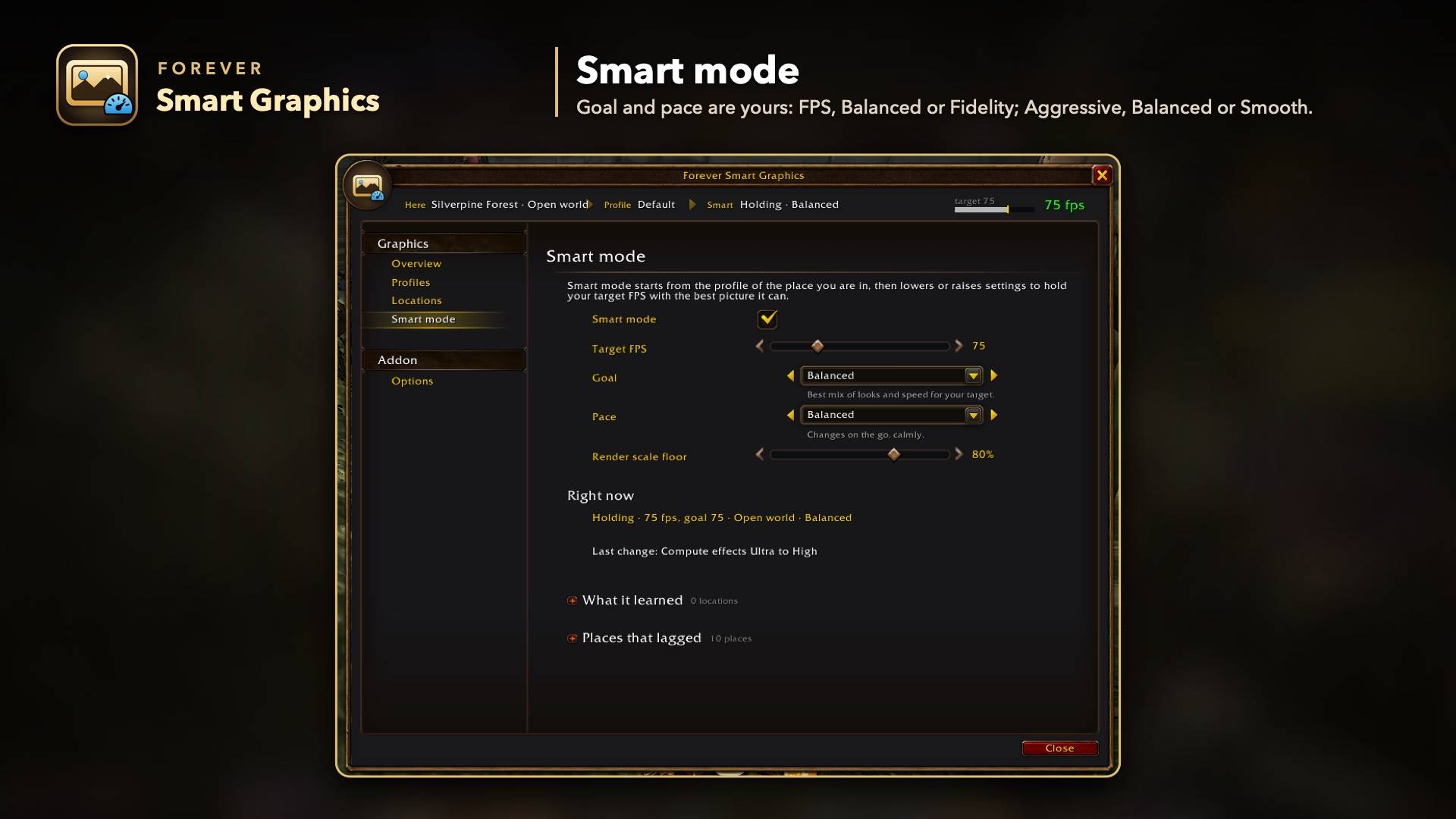
04-smart-mode.jpg
Description
Stop tweaking graphics settings. Tell Forever Smart Graphics the FPS you want, and it automatically tunes your game for the best picture your machine can hold. It gets sharper when there's room and lighter when things get heavy, and it never changes anything mid-fight.
Prefer full control? Build your own profiles and have them switch by themselves in cities, dungeons, raids and battlegrounds.
Beta: this is a test release. Please try it and report anything odd you see.
Smart mode
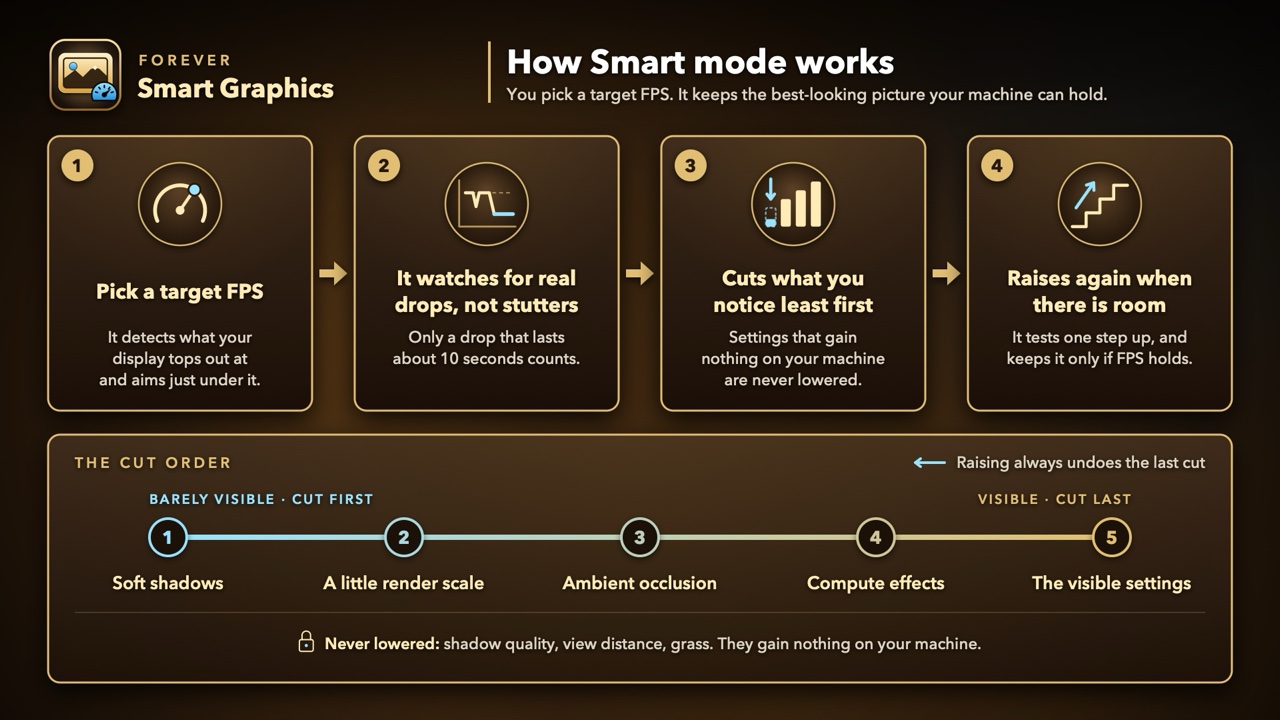
Pick a target FPS and leave it on.
- It lowers the settings you notice least first, and raises quality again when there is room.
- Settings that gain nothing on your machine are left alone.
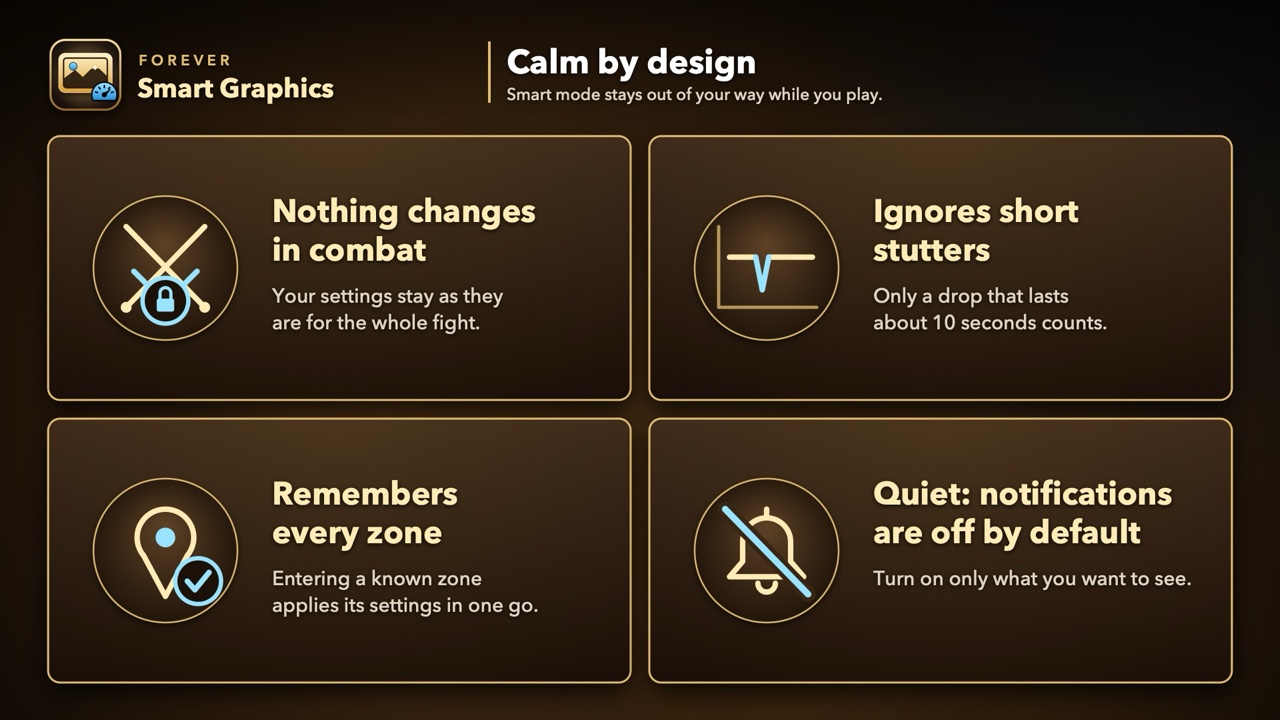
- It ignores short stutters. Only a real, lasting drop counts.
- It remembers every zone and applies its settings in one go when you enter.
- Nothing changes in combat.
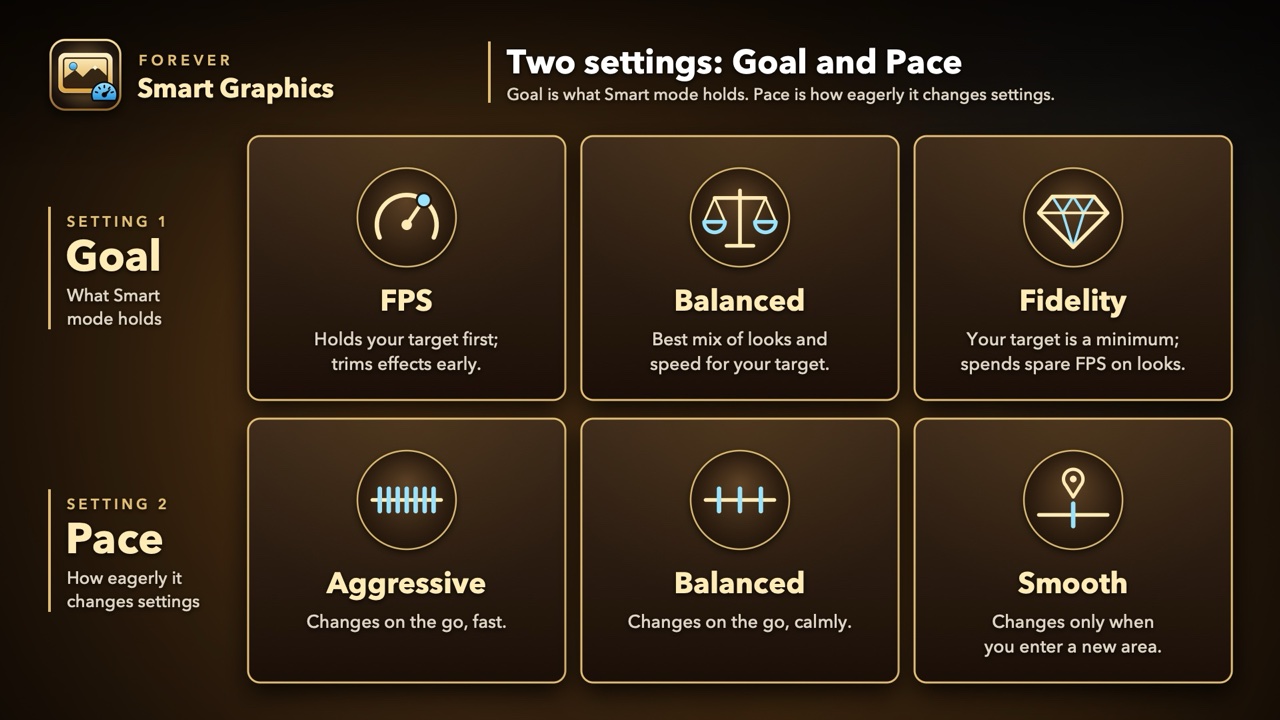
Two settings decide how it behaves:
- Goal: FPS, Balanced or Fidelity.
- Pace: Aggressive (changes on the go, fast), Balanced (changes on the go, calmly) or Smooth (changes only when you enter a new area).
Profiles
- Every graphics setting, including hidden engine settings the Options menu doesn't show.
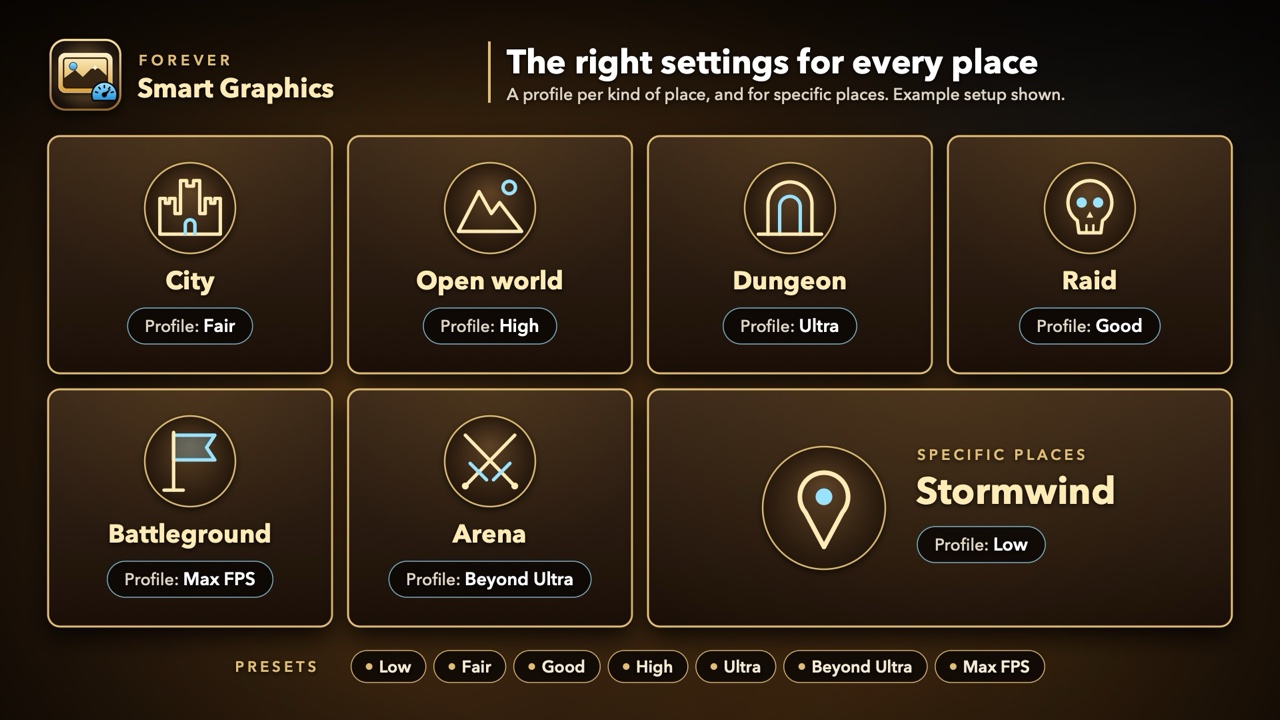
- Presets: Low, Fair, Good, High, Ultra, Beyond Ultra and Max FPS. Or start from your current settings.
- Each setting shows what it does and how much FPS it costs.
Settings per place
Use a different profile in a city, the open world, a dungeon, a raid, a battleground or an arena, and in specific places such as Stormwind.
Find my best settings
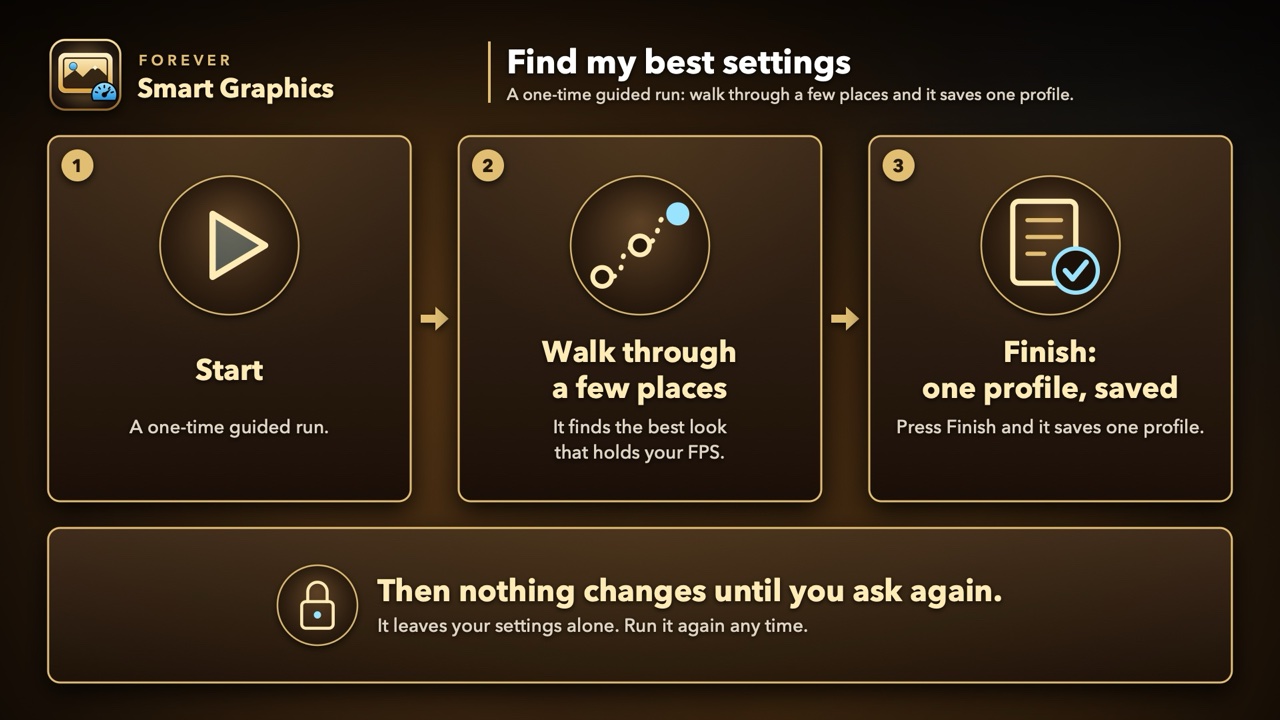
A one-time guided run: walk through a few places, press Finish, and it saves one profile. After that it leaves your settings alone.
Also
- An FPS readout on the minimap that pulses when the addon changes something.
- Quiet by default: every notification is off until you turn it on.
- Mouse, keyboard and gamepad.
- Restore puts back the exact settings you had before the addon, at any time.
How to open it
Type /fsg, or click the minimap button.
Feedback
Report bugs on GitHub. Please include the lines /fsg selftest and /fsg status print.
This addon was designed by HouseLegend and written with Claude Code, Anthropic's AI coding assistant.
Forever Smart Graphics Team