
Forever Quiver
- By


Hunter tools for WoW: Forever: Auto Shot timer, castbar, range indicator, Tranq announcer, ammo warning, spell menus on one key and a quest arrow for Questie. Modelled on Quiver from Turtle WoW.
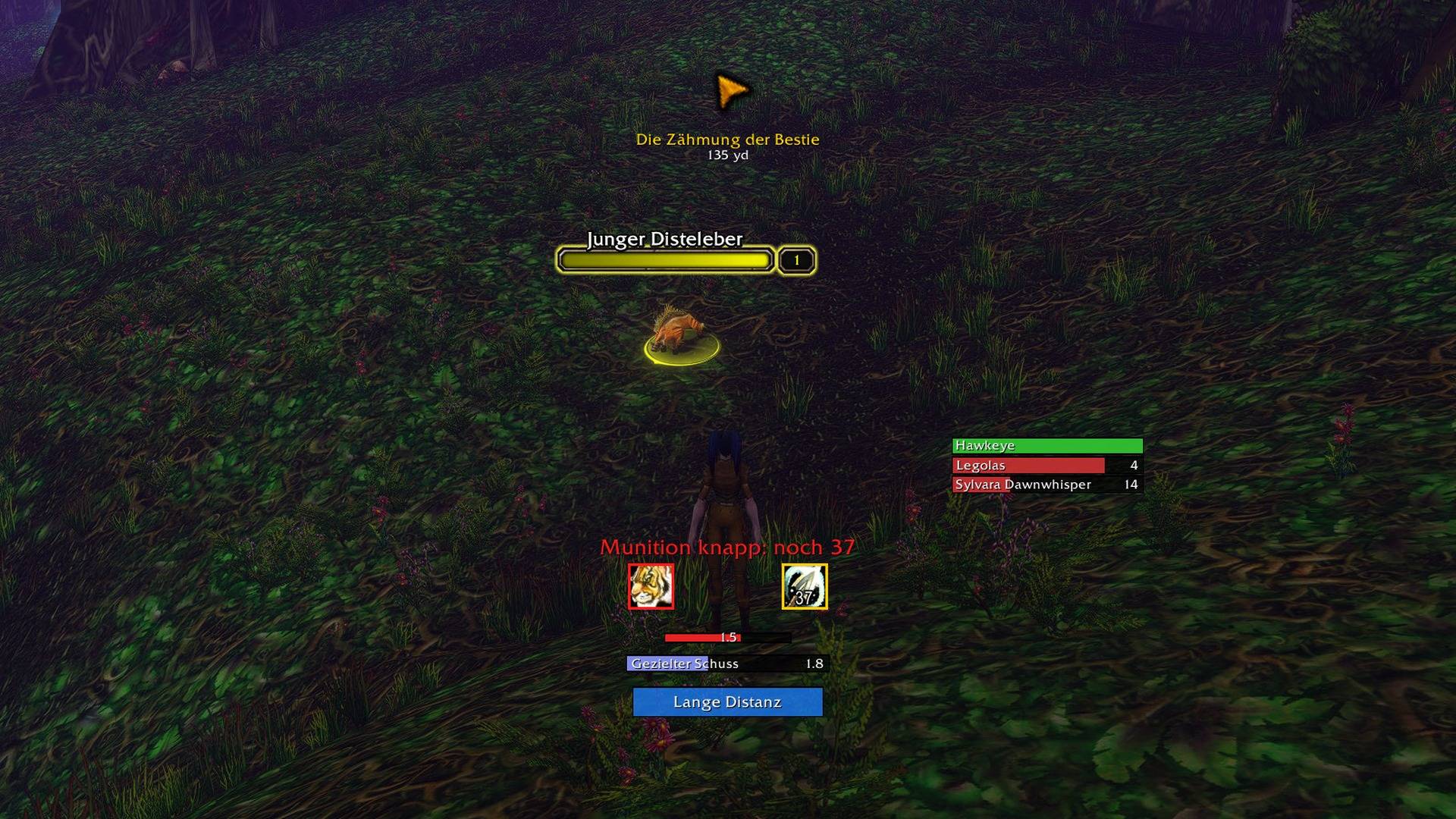
Every display at once: quest arrow, Tranq cooldowns, ammo warning, aspect and Trueshot icons, Auto Shot timer, castbar and range indicator. The rest of the interface is hidden.
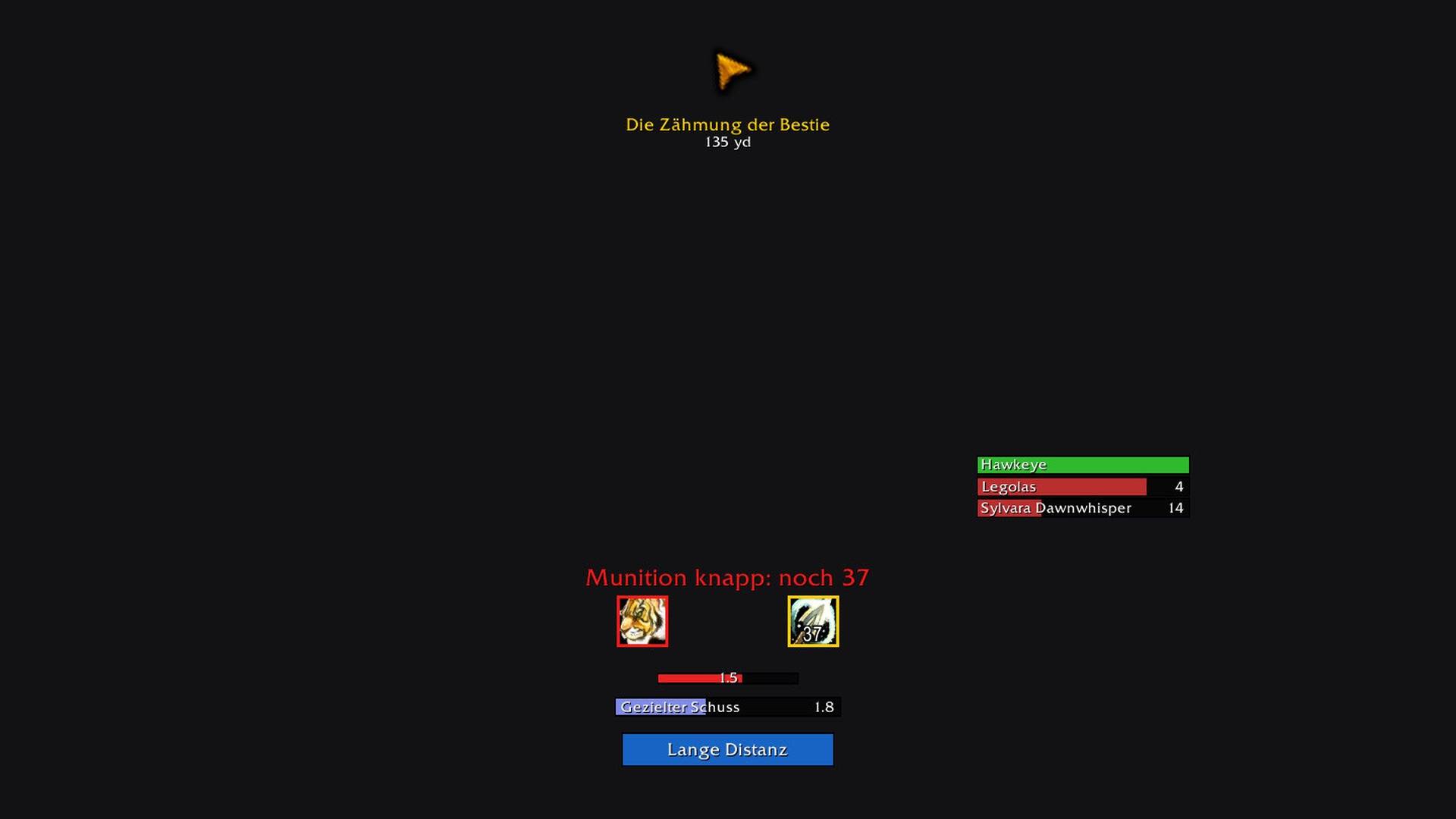
The same displays on their own. Each one can be moved, resized and switched off.
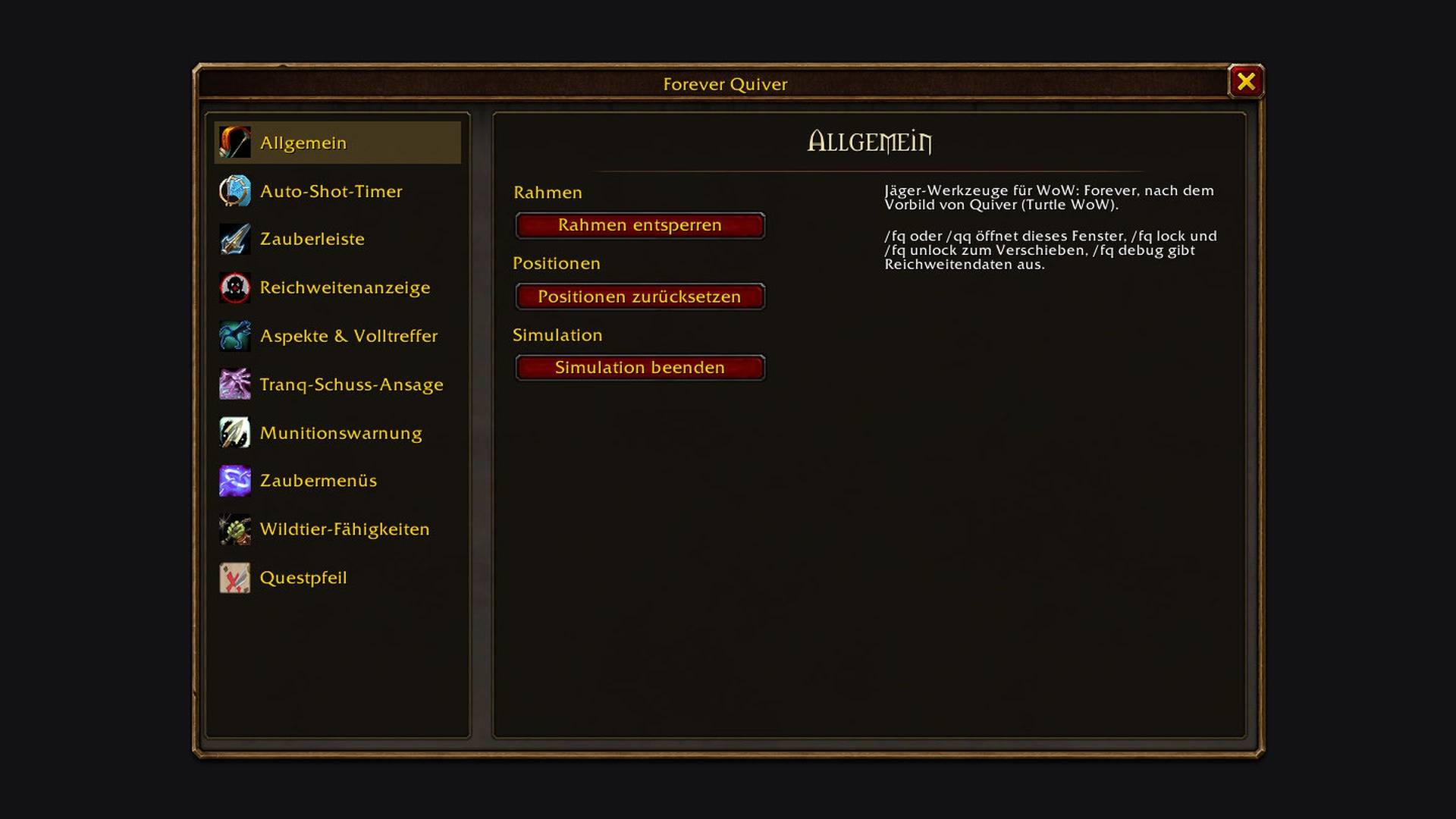
Unlock the frames to drag them, reset their positions, or start the simulation that shows every display with test data.
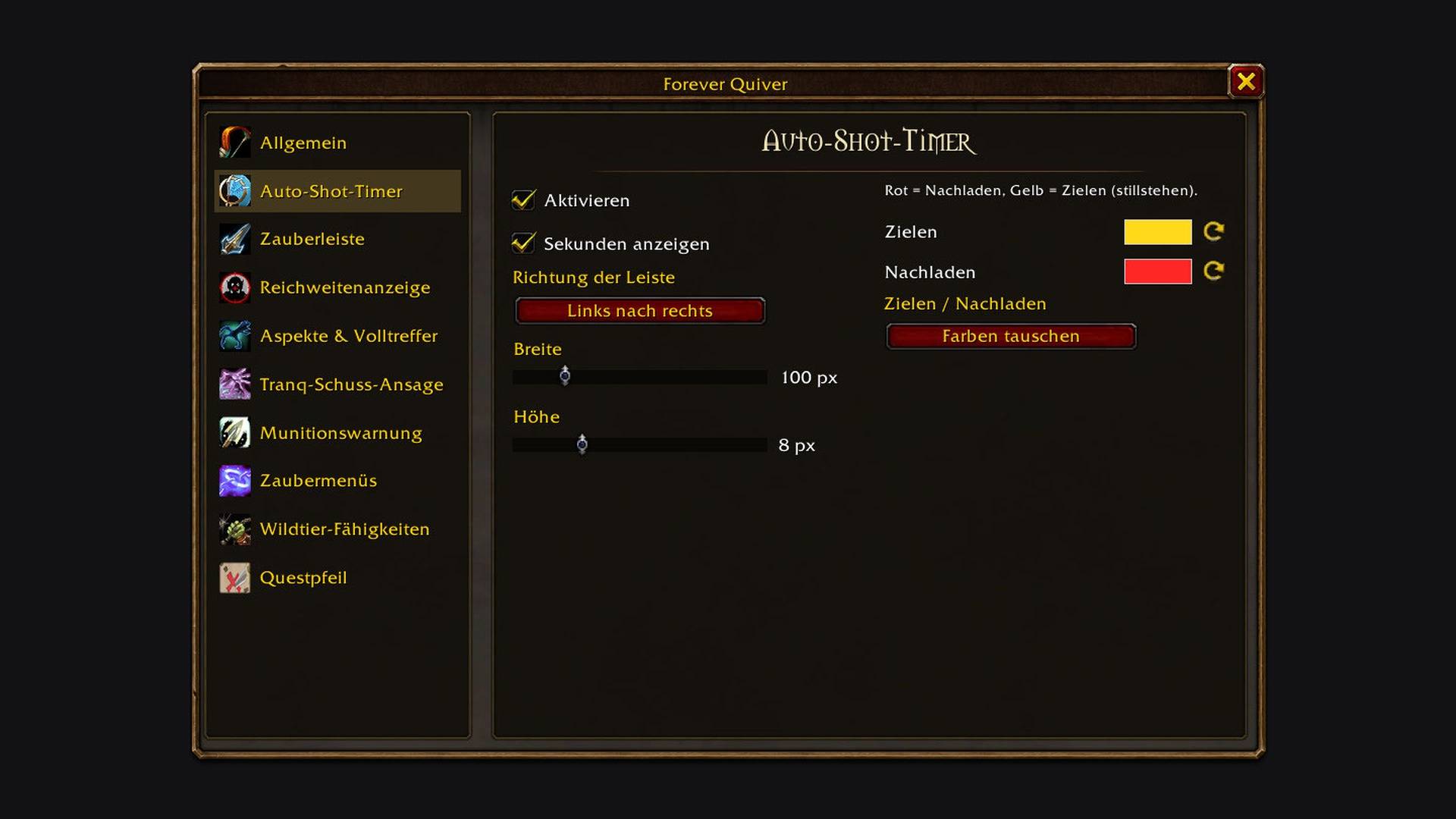
Bar direction, width and height, and the colours for aiming and reloading.
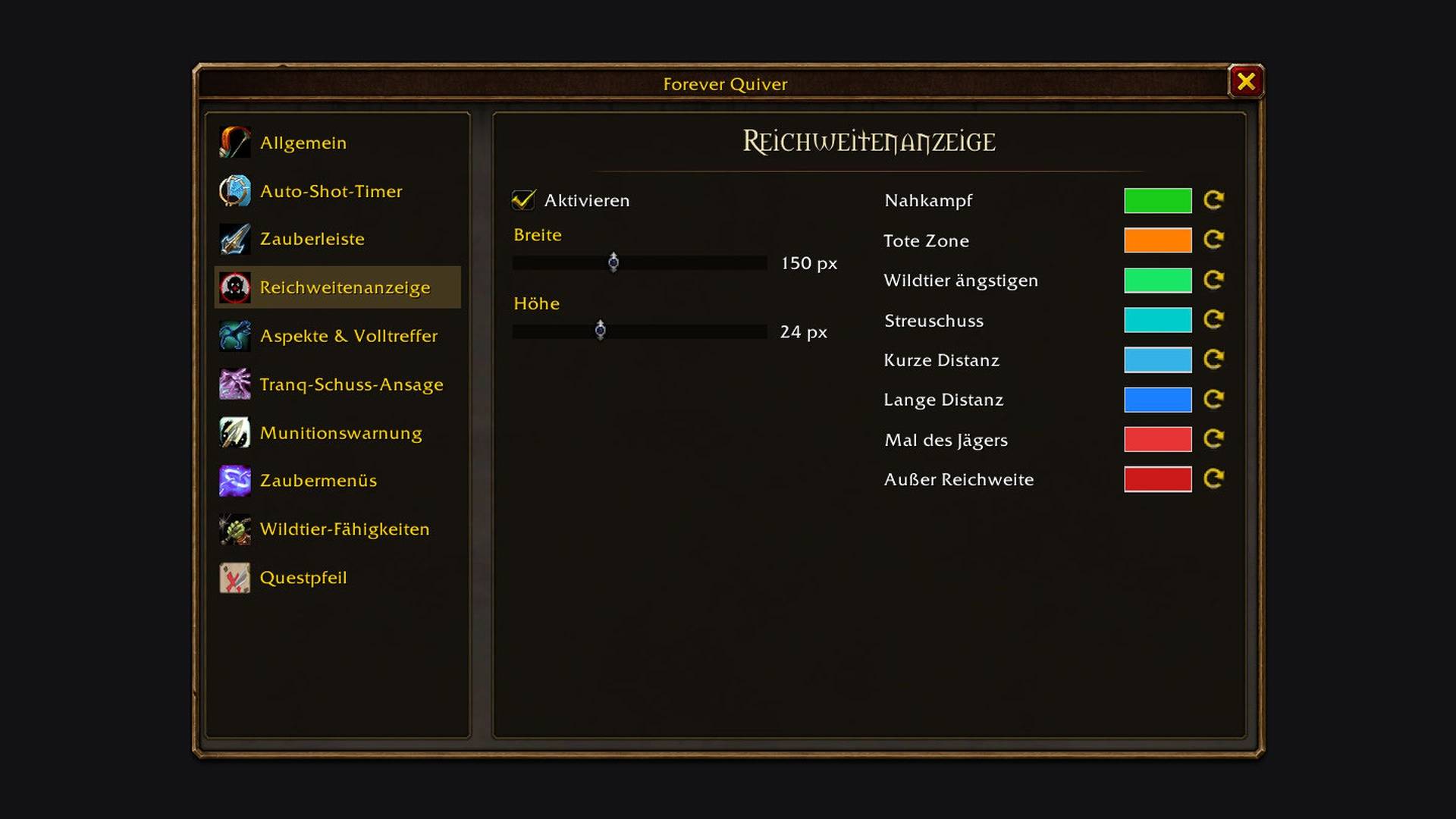
Size and a colour for every range bracket, from melee to out of range.