Forever: Proficon
- By
Extra Action bar which auto-discover learned proffesion with possibility to customize by any extra items/macros
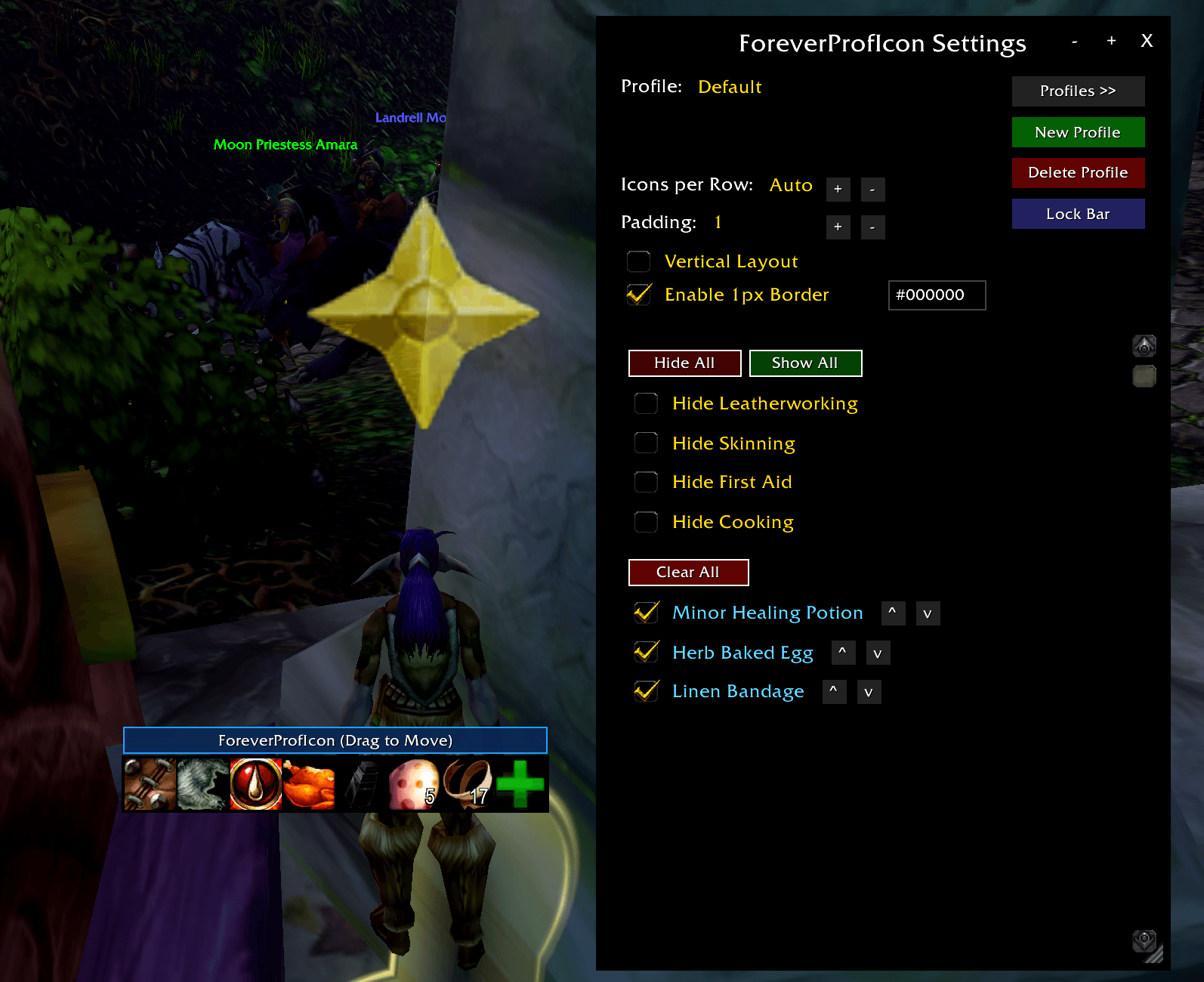
pi1.png
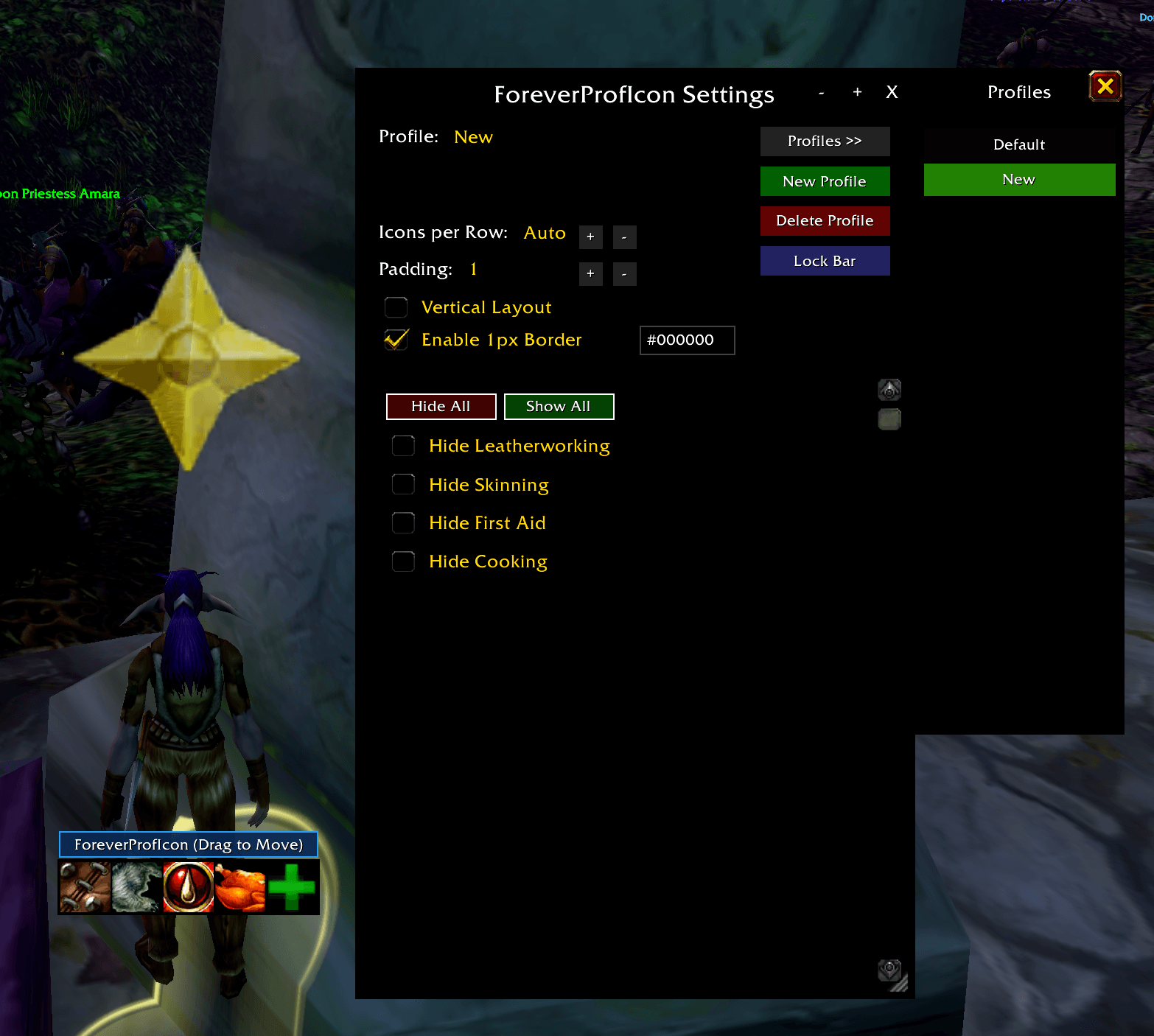
pi2.png
Description
ForeverProfIcon
Overview
A customizable profession and quick-access utility bar built for the World of Warcraft: Forever client. It provides one-click access to learned trade skills and custom drag-and-drop slots for items, spells, and macros.
Features
- Automatic Profession Detection: Dynamically populates buttons for your learned professions (Primary 1 & 2, Cooking, Fishing, and First Aid).
- Native Slash Execution: Invokes professions directly through
/cast <Name>, ensuring windows open across all character skill tiers. - Custom Slot Drag-and-Drop: When unlocked, an interactive
+slot lets you drag and drop items, spells, or macros directly onto the bar. - Live Action Tracking: Action buttons display real-time cooldown spirals (
CooldownFrameTemplate), item stack counts, and native tooltip information. - Interactive Drag Mover: Unlocking the bar reveals a top handle for repositioning with zero mouse interference over action buttons, with right-click quick-lock.
- Profile System: Character-specific or account-wide shared profiles with migration from legacy settings.
- Layout Controls: Configurable horizontal/vertical orientation, custom icons-per-row wrapping, button padding, UI scale, and 1px border coloring via color picker or hex input.
- Combat Lockdown Safe: Button attribute updates are strictly guarded against combat lockdown and queue safely until
PLAYER_REGEN_ENABLED.
Slash Commands
Base command: /fpi or /pi (also /foreverproficon, /foreverpi, /proficons)
| Command | Action |
|---|---|
/fpi |
Toggle bar lock/unlock state |
/fpi config / /fpi settings |
Open the Settings and Customization window |
/fpi profile |
Toggle the Profiles manager drawer |
/fpi show |
Force-show the profession bar |
/fpi hide |
Force-hide the profession bar |
/fpi reset |
Reset bar position to screen center |
/fpi debug |
Print detected character professions to chat |
/fpi help |
Display available command list |
Configuration & Usage
Once loaded, the bar automatically detects your character's learned professions. Type /fpi to unlock the bar to move it or drag items/spells onto the + button, then right-click the mover bar or type /fpi again to lock it in place. Open /fpi config to adjust layout, hide individual professions, or reorder custom icons.
Forever: Proficon Team