Description
Forever Notebook
Finally: notes on your Recent Allies. Made for World of Warcraft: Forever.
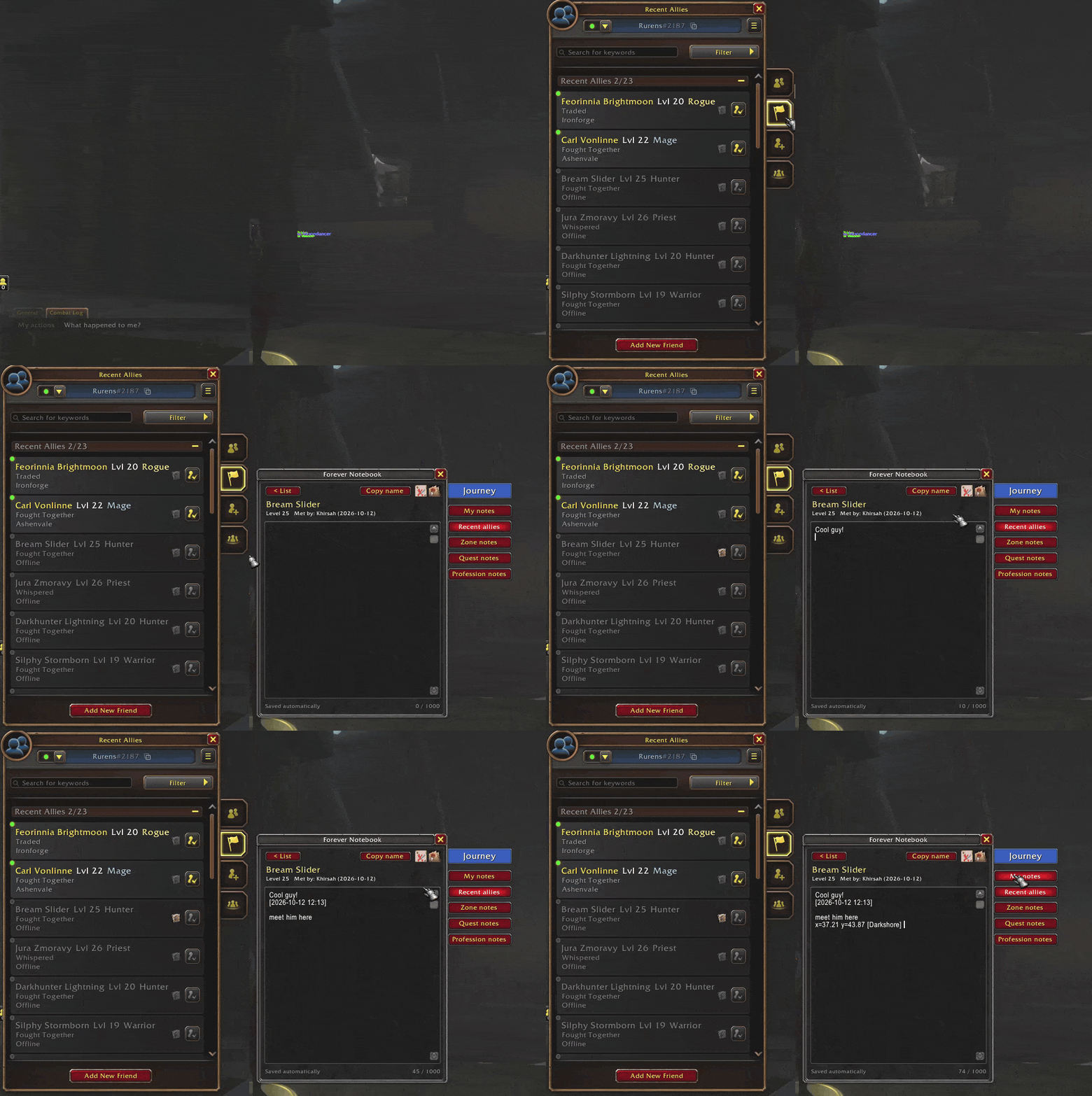
You grouped with a great tank in Ashenvale. A week later you can't remember who they were, or who that player was who ninja-looted your dungeon. Forever Notebook puts a notebook icon next to every player in your Recent Allies. Click it and write what you want to remember.
Notes on Recent Allies
- A notebook icon next to every player in Recent Allies. Click it to write a note.
- The icon lights up when you already have a note on that player.
- Hover a player anywhere in the game to see your note in their tooltip.
- Every note shows when you met them and on which character.
- Notes are shared by all your characters, so an alt still remembers the player your main met.
- Works with WoW: Forever's two-part names (e.g. Carl Vonlinne). Copy name puts the full name in one click.
- You can also add notes from chat names, your guild list or with
/fnb target.
Everything else in your notebook
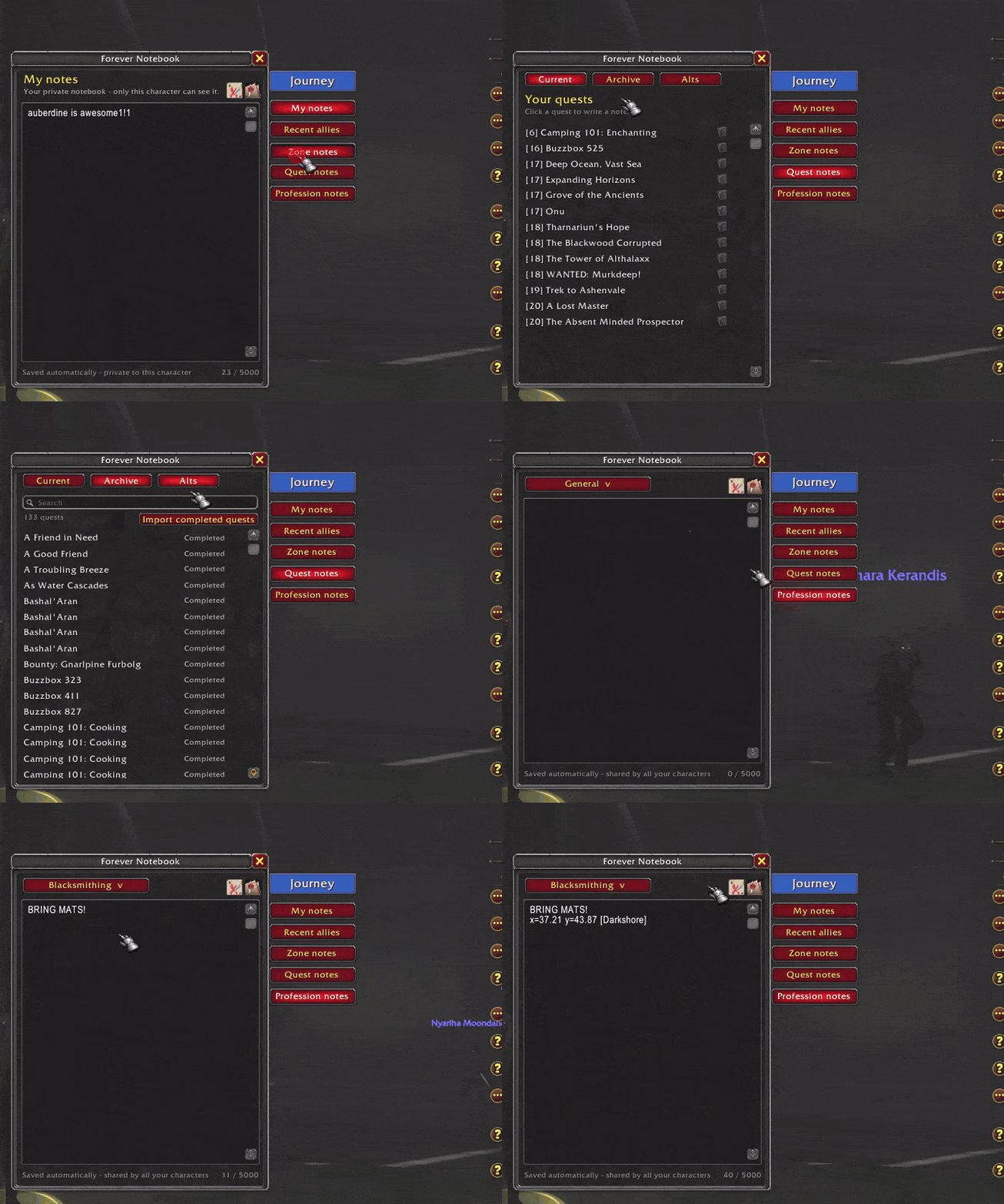
- My notes: a private notebook for each character.
- Zone notes: one note per zone, shared by all characters. Your current zone opens automatically.
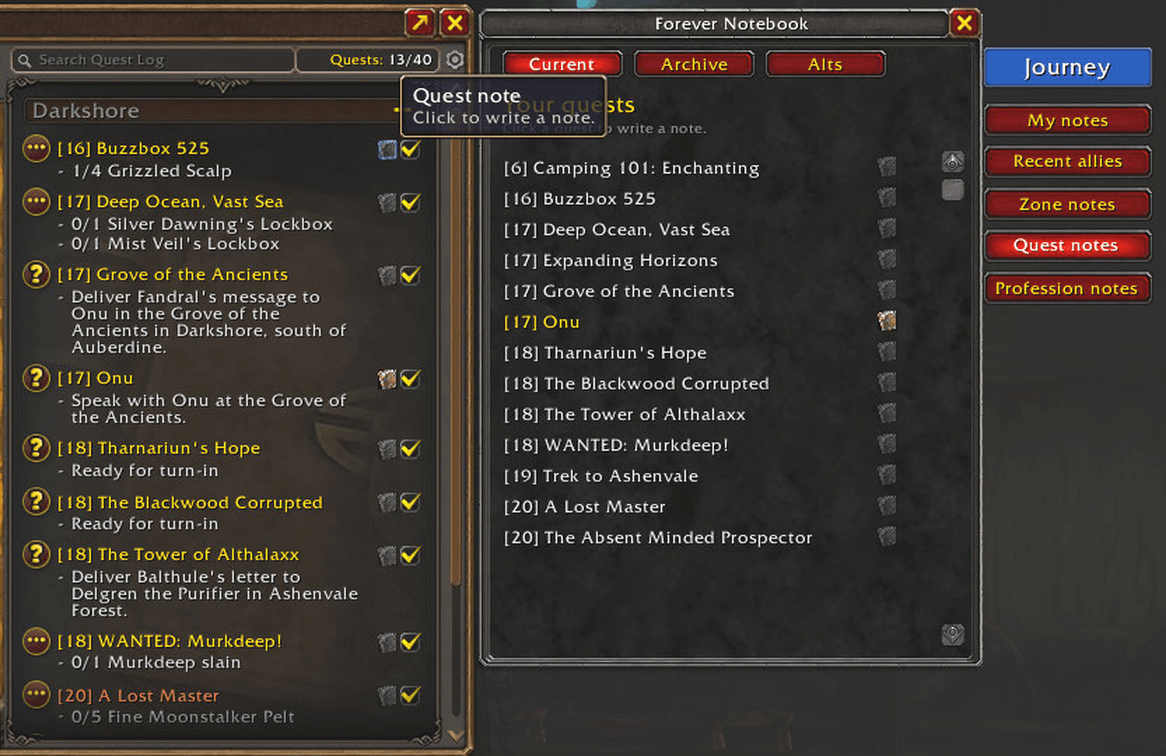
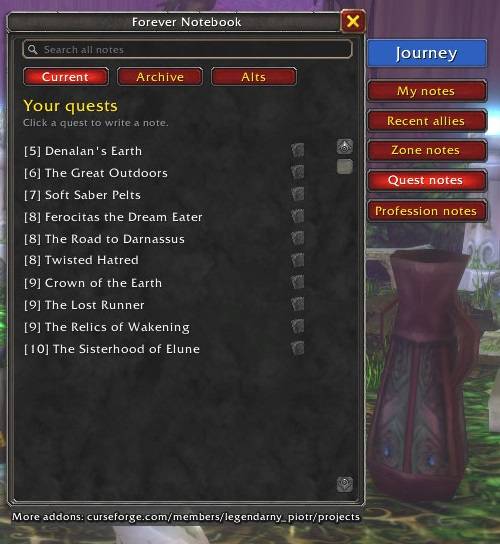
- Quest notes: a notebook icon next to every quest in the Quest Log. The Archive keeps completed and abandoned quests, and Alts shows which of your characters did which quest.
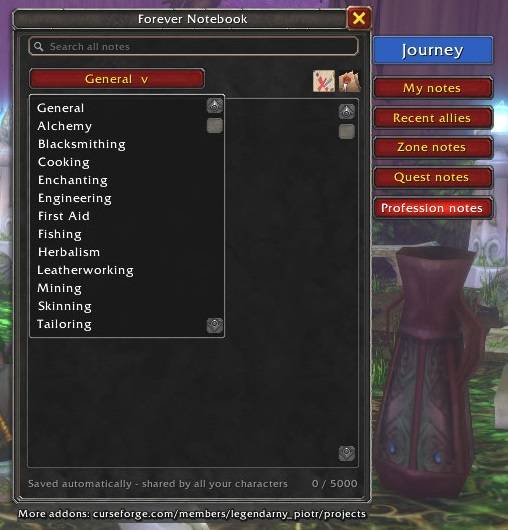
- Profession notes: one note per profession, for things like "Bring mats!"
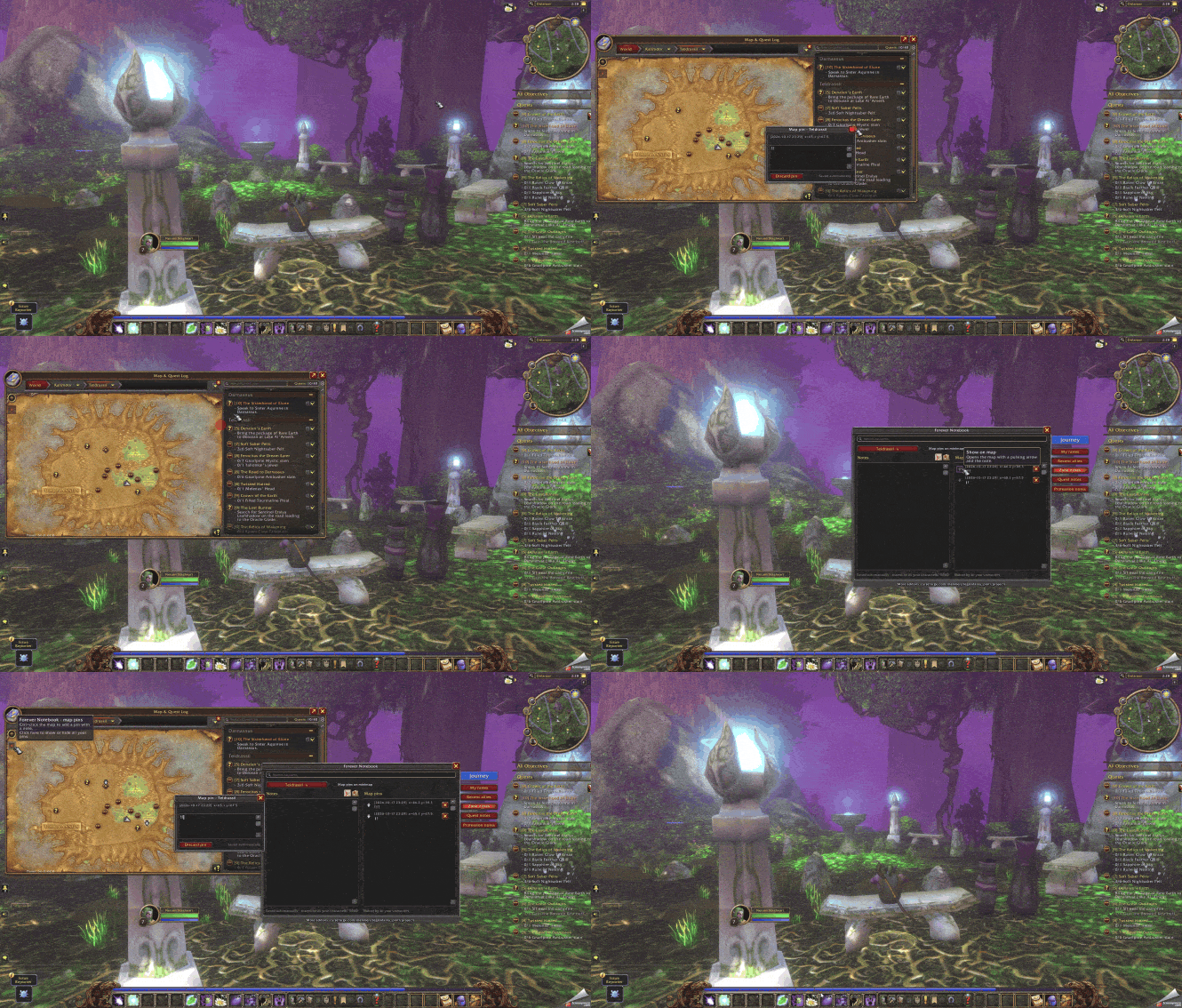
- Date stamp and location pin buttons in every note. The pin inserts your coordinates and zone, e.g.
x=37.21 y=43.87 [Darkshore].
Journey
Your character's story, written automatically:
- "On 11 October 2026 at 18:42, I began my journey as a Rogue."
- "…I reached level 23. It took me only 2h 14m."
- "…I reached 150 in Blacksmithing, using 40x Copper Bar, 20x Rough Stone."
- "…I found Raven Hill in Duskwood."
Light and simple
- No setup and no extra libraries. Notes save automatically.
- All data stays on your computer, in your own SavedVariables.
Commands
/fnb: open the notebook/fnb target: note for your current target/fnb minimap: reset the minimap button
Found a bug or have an idea? Leave a comment below.
☕ If Forever Notebook helps you remember the good (and the bad) players, you can support development here: Buy Me a Coffee
Forever Notebook Team