Forever MogIt
- By
Browse every transmog appearance of WoW Forever, the ones you are missing too: try them on, see where they drop and keep a wishlist.
catalogue.png
logo.png
outfit_list.png
weapons_tooltip.png
Description
Forever MogIt
Browse every transmog appearance of WoW Forever, including the ones you don't have yet. The game's own collection window only shows what you already own: Forever MogIt shows everything, lets you try it on and tells you where to get it.
Inspired by MogIt. This is not MogIt and is not made by or affiliated with its author: it was written from scratch for WoW Forever, with its own command (/fmog).
Features
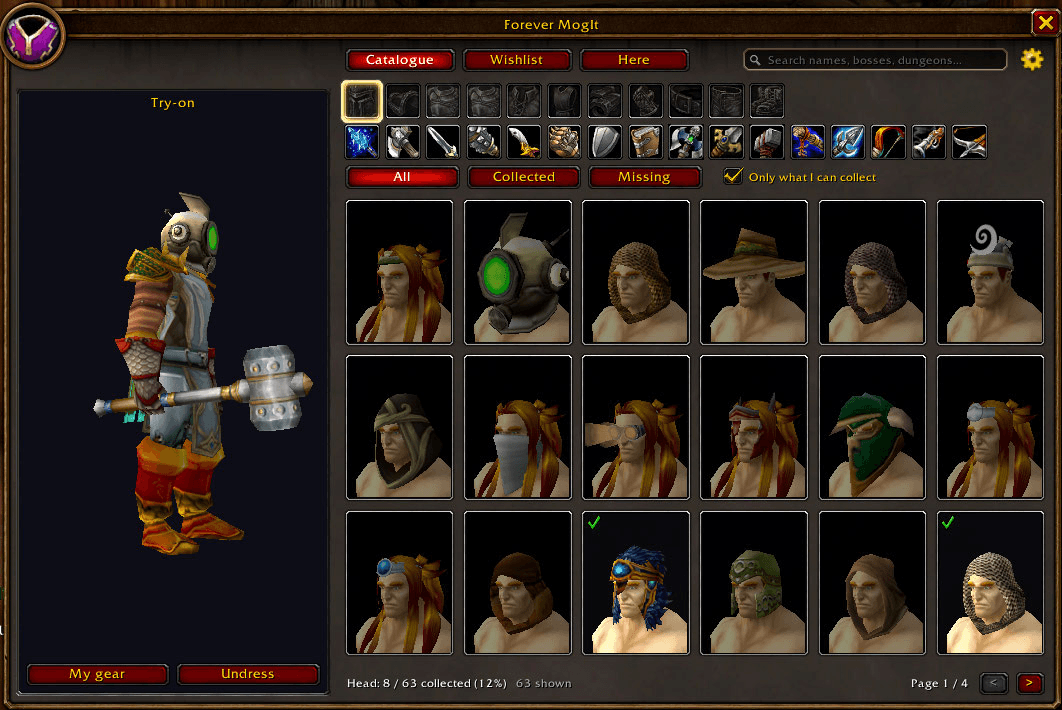
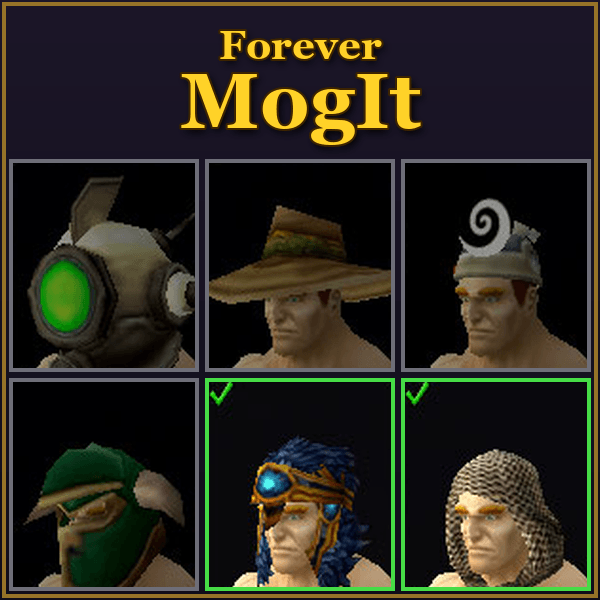
- Catalogue: every appearance of each armour slot and weapon type, collected or not, as a grid of models wearing it. Collected ones have a green border and a tick.
- Filters: All / Collected / Missing, and "Only what I can collect" (hides other armour types and weapons your class can't use). Collected / total for each slot.
- Search item names and where they come from: type "Deadmines" or "Arugal" to see everything that drops there.
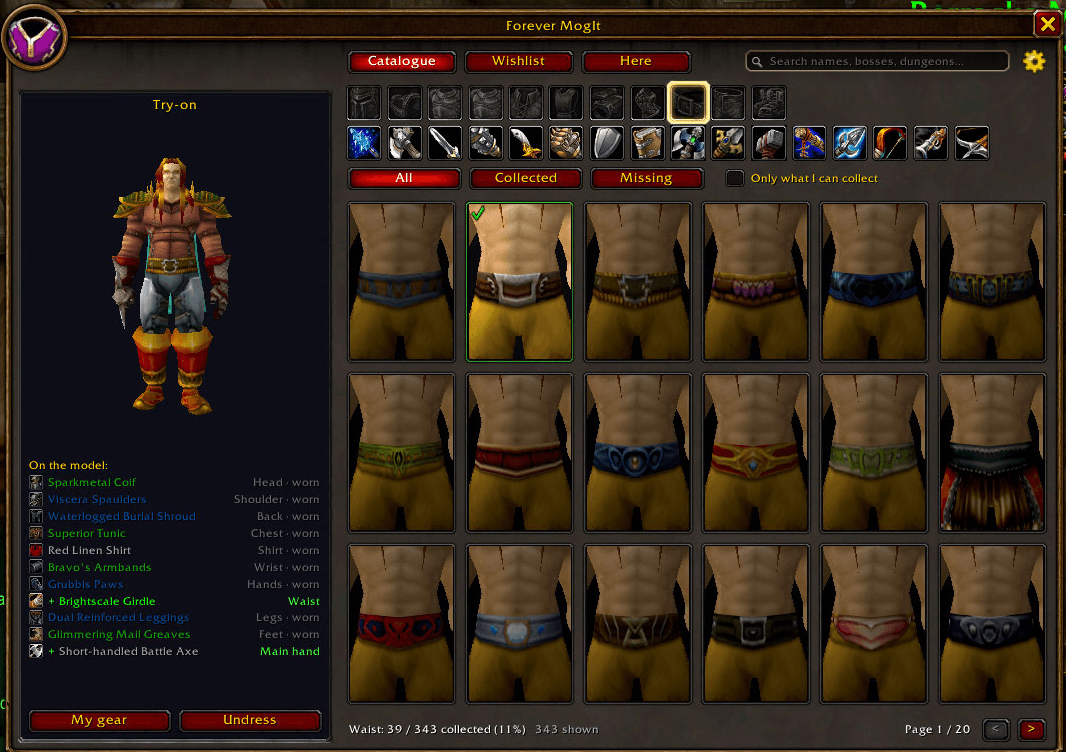
- Try-on: click an appearance and your character wears it. Build a whole outfit piece by piece ("Undress" / "My gear"), drag to turn, wheel to zoom.
- Under the try-on model, the list of what it wears: pieces you tried on have a green +, the gear you are wearing is marked "worn". Hover for the item and where to get it, Shift-click to link, right-click to take a piece off.
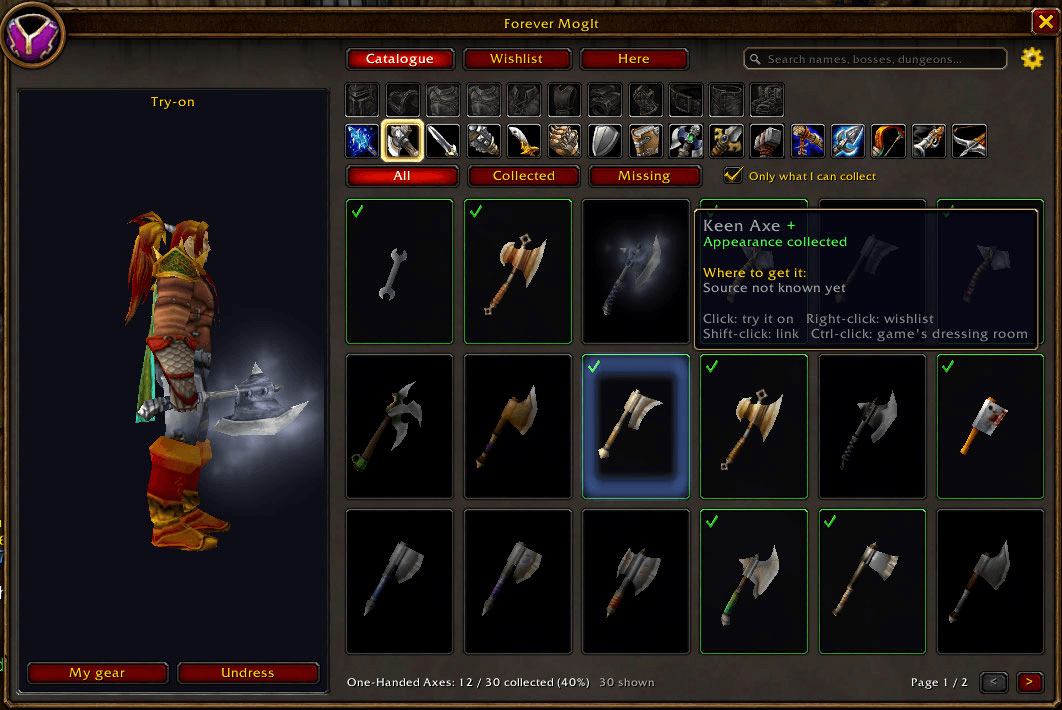
- Where to get it: the boss and dungeon, quest, vendor, profession or world drop of each item, something the game doesn't show in Forever.
- Learns while you play: what you loot from creatures and chests, and what vendors sell, is remembered and shown too.
- Wishlist: right-click to add an appearance. You get a message when you enter a dungeon or zone where a wished piece can be found, and a little celebration when you collect it.
- Here: everything you can collect in the dungeon or zone you are in.
- Item tooltips (bags, loot, links): "MogIt: appearance collected / not collected / on your wishlist".
- Shift-click to link an item, Ctrl-click to open it in the game's dressing room.
- Minimap button, AddOn compartment, English and Spanish.
Commands /fmog - open or close /fmog wish - wishlist /fmog here - what drops where you are /fmog learned - what was learned while playing /fmog minimap - show or hide the minimap button /fmog reset - put the window back in the middle
Source data: Dungeon Quest Guide, LevelingBiSAdvisor Forever and, for classic items, wow-classic-items by Nakroma (MIT, Wowhead Classic data).
Also by the same author: Forever Trinket Menu, Forever OmniCC, Dungeon Quest Guide.
Forever MogIt Team

Owner