Forever Cooldown Pulse
- By
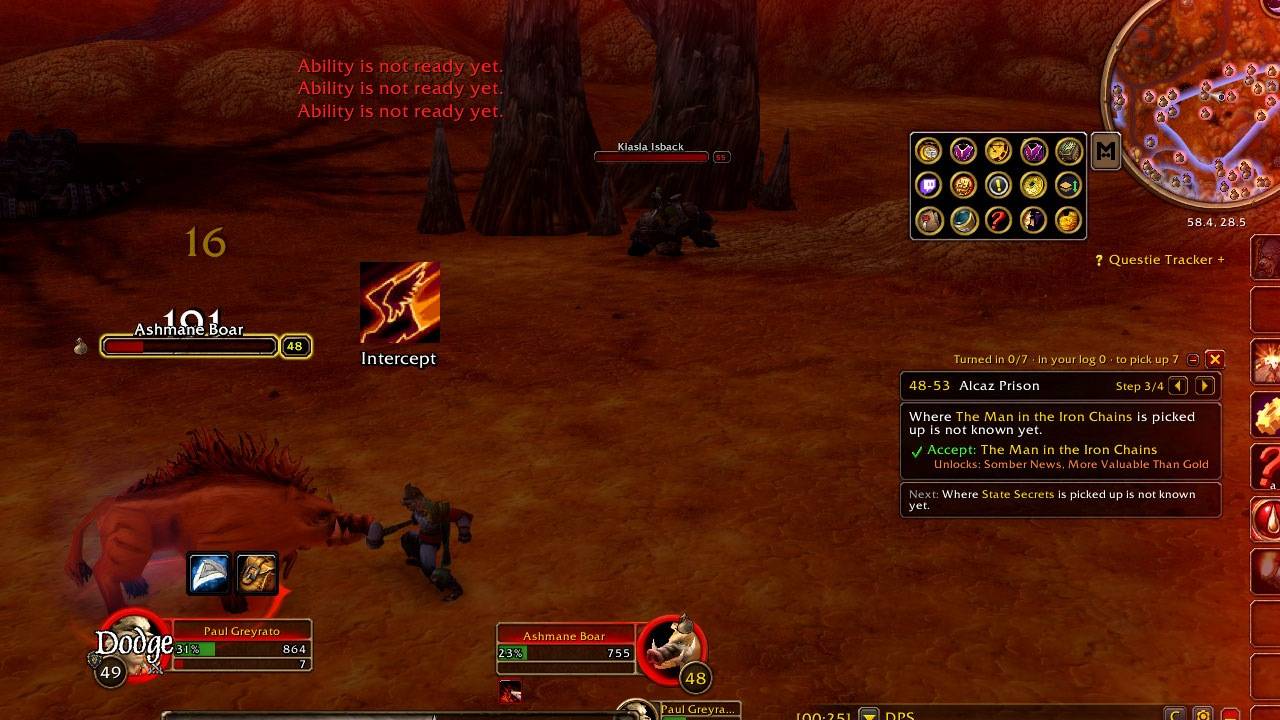
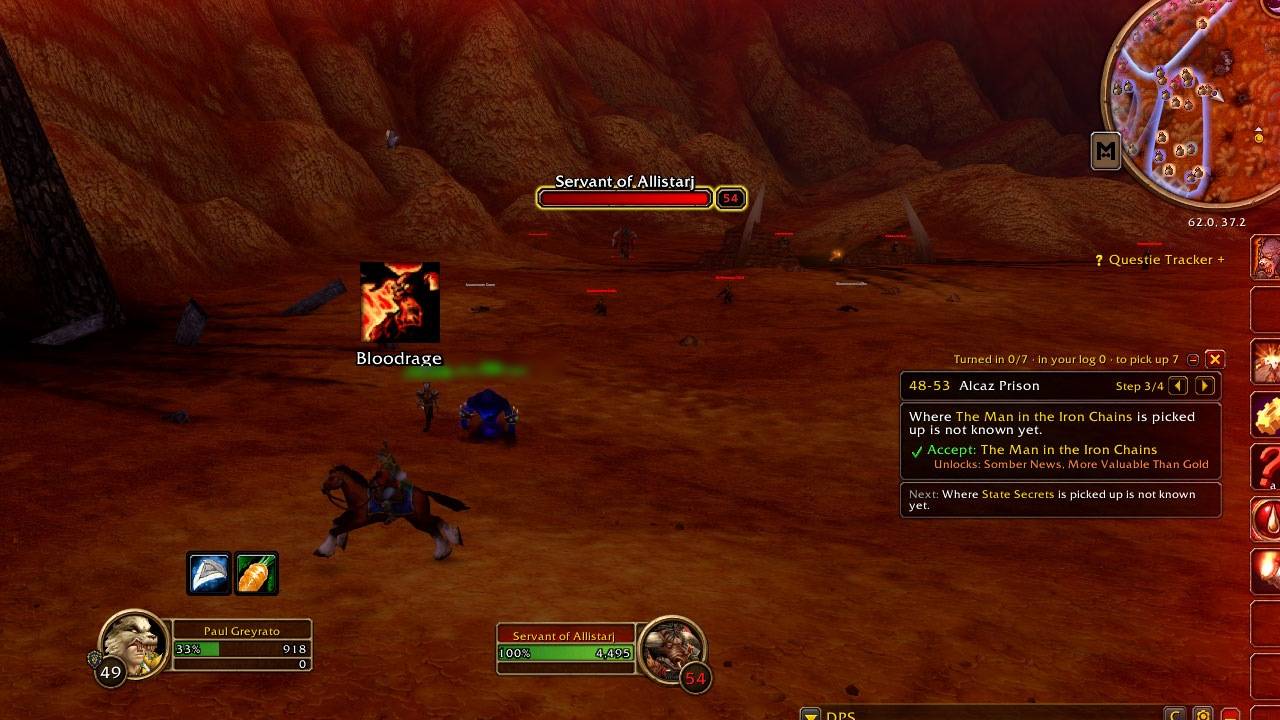
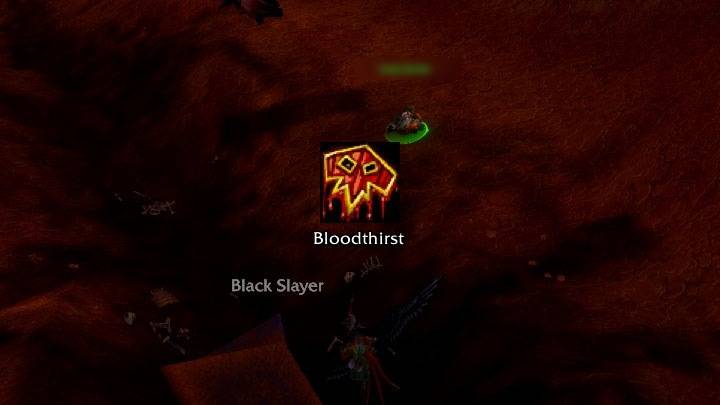
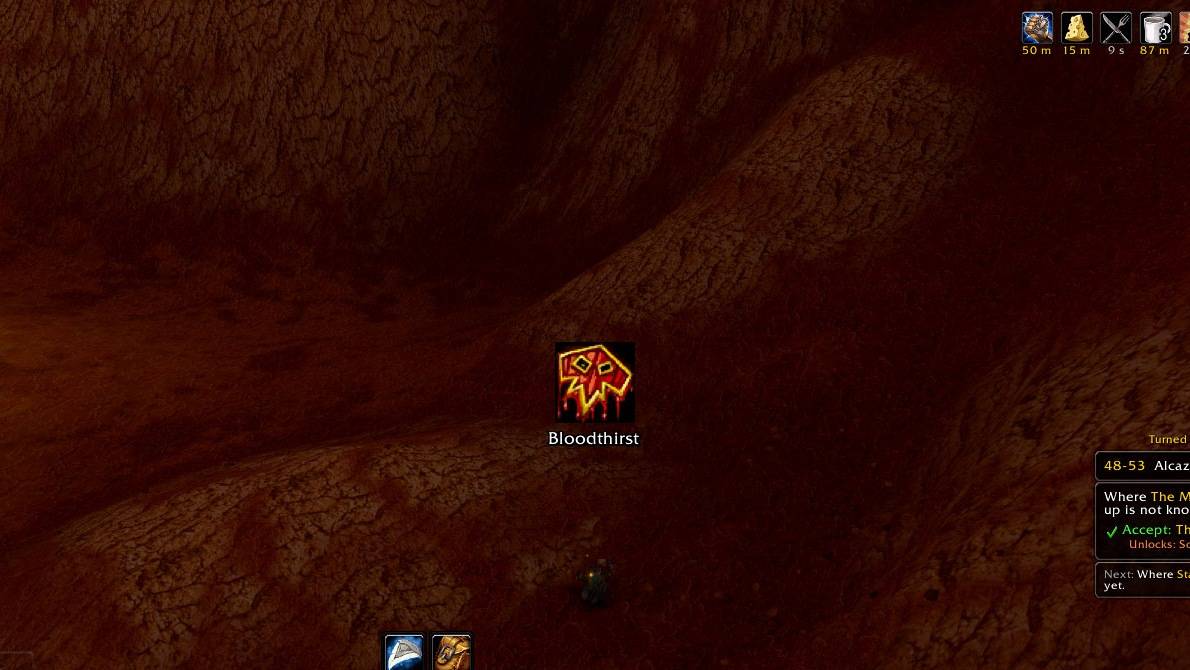
When a spell or item is ready again, its icon pulses in the middle of the screen. Works in combat on WoW Forever.
1_intercept_combate.jpg
2_bloodrage_montado.jpg
3_bloodthirst_cerca.jpg
4_opciones_general.jpg
5_bloodthirst_paisaje.jpg
Description
Forever Cooldown Pulse
When one of your spells or items is ready again, its icon pulses in the middle of the screen. Made for WoW Forever, and it works in combat.
The idea of the old Doom_CooldownPulse, written from scratch for WoW Forever, with more options. It is not Doom_CooldownPulse and uses none of its code.
Why a new one?
WoW Forever hides cooldown times from addons in combat, so the classic cooldown pulse addons stay silent exactly when you need them. Forever Cooldown Pulse does not rely on those times. It asks the game whether the cooldown is still running, which the game never hides. When the answer goes from yes to no, the icon pulses: in combat, in dungeons, in battlegrounds.
What it watches
- Your spells: everything on your action bars, also inside macros.
- Your items: the items on your bars (potions, healthstones...) and the gear you wear with a Use: effect (trinkets, engineering...).
- Your pet: the spells on your pet's action bar, tinted green so you can tell them apart (optional).
- Only real cooldowns: the global cooldown never pulses, and a shortest cooldown setting (5 s by default) keeps it from flashing all the time.
- Learns your cooldowns: Forever does not tell addons how long a cooldown is before it runs, so the addon learns each length the first time it sees it and remembers it.
- One after the other: several cooldowns ending together pulse in turn, quicker while others are waiting, instead of covering each other.
Options (/fcp)
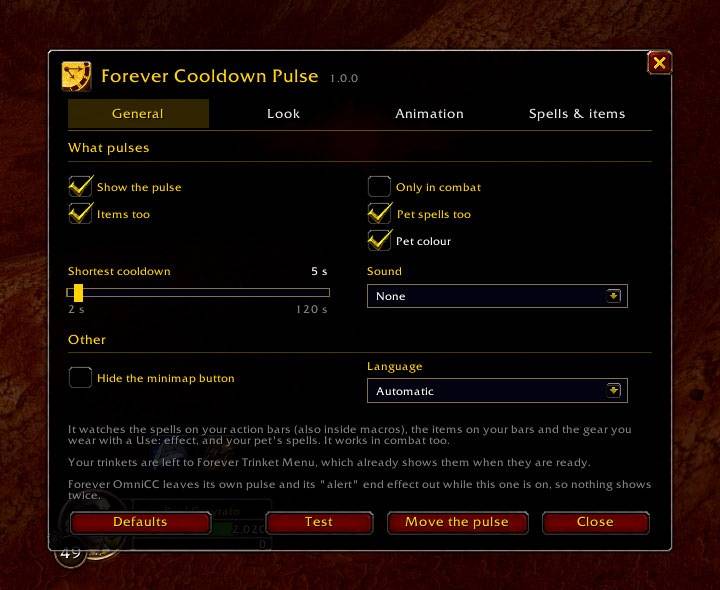
The options window has four tabs, and every change shows the pulse at once, so you see what you get.
- General: on or off, only in combat, items, pet spells and their colour, shortest cooldown, sound (the game's own), minimap button, language.
- Look:
- style: clean (the icon without its border), classic border, box (a dark rounded frame, like the old Doom_CooldownPulse) or glow (a golden glow behind it);
- size and opacity;
- the name under the icon or not, its size and its colour (white, gold or your class colour).
- Animation: fade in, time on screen, fade out, and how much it grows as it fades.
- Spells & items: every spell and item with a tick to switch it off (each class keeps its own list), with a search box.
- Buttons: Test, Move (drag it anywhere on the screen) and Defaults.
Works with my other addons
- Forever Trinket Menu: if its "ready" alert is on, your trinkets are left to it, so they do not show twice.
- Forever OmniCC: it has a pulse of its own (off by default). While Forever Cooldown Pulse is on, OmniCC leaves its pulse and its "alert" end effect out, so you never get two icons.
Commands
| Command | What it does |
|---|---|
/fcp |
options |
/fcp test |
show the pulse now |
/fcp move |
place it (again to lock it) |
/fcp on / /fcp off |
switch it on or off |
/fcp minimap |
show or hide the minimap button |
/fcp lang auto\|en\|es |
language (English and Spanish) |
Also in the minimap button (left-click: options, right-click: test), in Esc > Options > AddOns > Forever Cooldown Pulse and in the addons button of the minimap.
Bugs and ideas are welcome in the comments.
Forever Cooldown Pulse Team

Owner